Da fit watch Faces Tips guide
Category: Puzzle Date:2026-04-26
Rating: 4.2
Introduction
Da fit watch Faces Tips guide provides concise, practical instructions for selecting, installing, and customizing watch faces on Da Fit-compatible devices. The guide covers file formats, pairing steps, and common adjustments to help you change watch faces safely and efficiently.
Da fit watch Faces Tips guide — How it helps
Da fit watch Faces Tips guide focuses on compatibility checks, using the companion app, and simple customization options like color and widgets. It also outlines precautions for installing custom faces and steps to revert changes if needed.
Practical tips
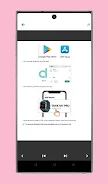
- Prepare your device: Update the Da Fit app, charge your watch, and confirm Bluetooth is active before transferring faces.
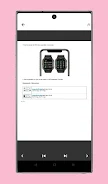
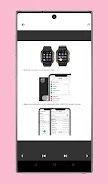
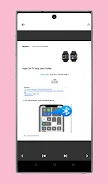
- Install step-by-step: In the companion app choose Watch Faces, select a supported face type, and follow the app sync instructions.
- Customize safely: Edit colors and widgets within the app, and avoid files from untrusted sources to reduce compatibility problems.
- Troubleshoot: If a face fails to apply, restart phone and watch, check app permissions, and retry synchronization or restore the previous face.
- No virus
- No advertising
- User protection
Information
- File size: 66.00 M
- Language: English
- Latest Version: 3
- Requirements: Android
- Votes: 135
- Package ID: com.da_fit_watch_faces.moussadev
- Developer: moussadev
Screenshots