Semafor
Category: Puzzle Date:2026-07-02
Rating: 4.4
Introduction
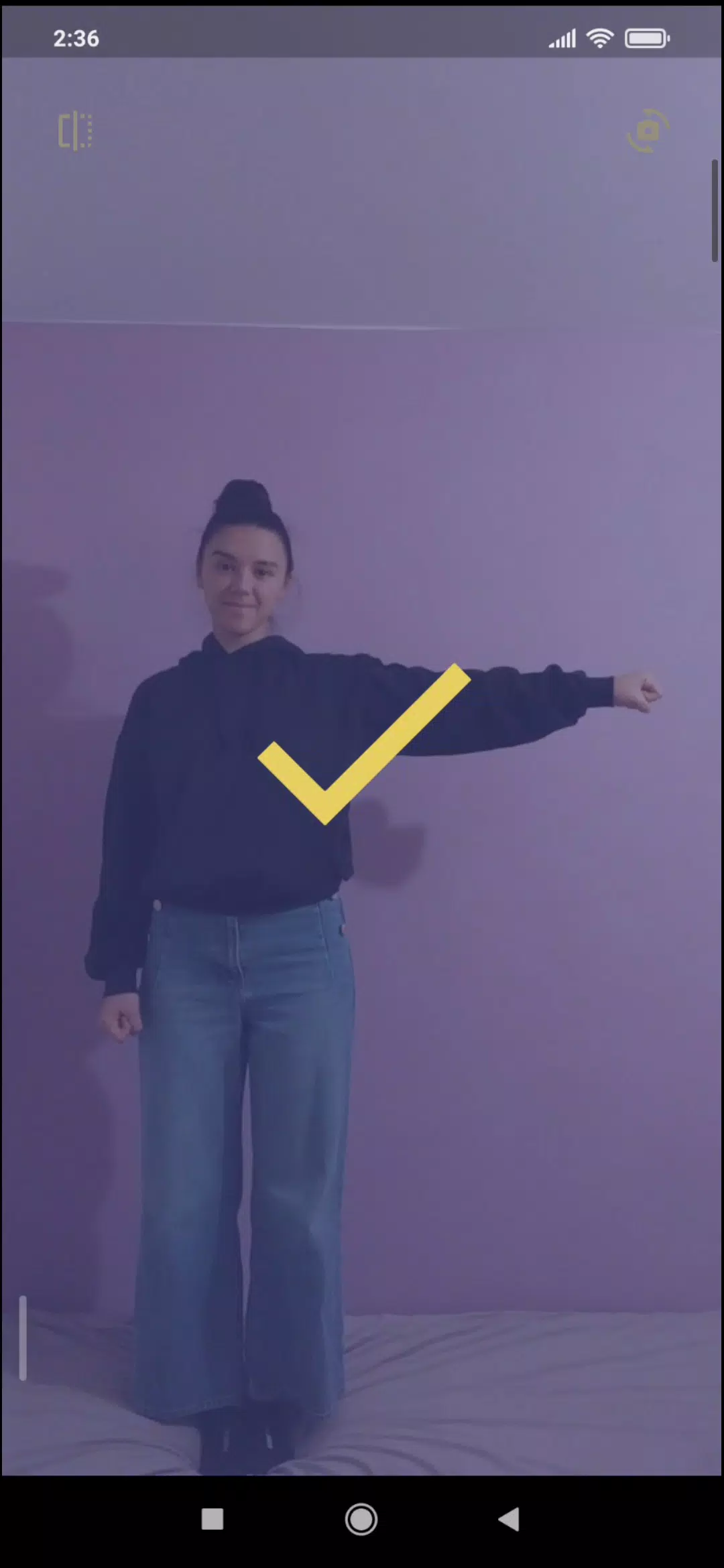
Semafor is a focused learning game that teaches semaphore flag signaling through interactive, practice-driven play, helping players learn to send and receive flag characters with gradual challenges and timed drills. The app introduces basic flag positions, then moves into recognition and production exercises so users can practice both reading signals and composing them under varying time pressures. Designed for learners who want a hands-on, drill-based approach, Semafor makes repetitive practice less tedious by turning it into short, measurable sessions that fit into everyday routines.
Key features
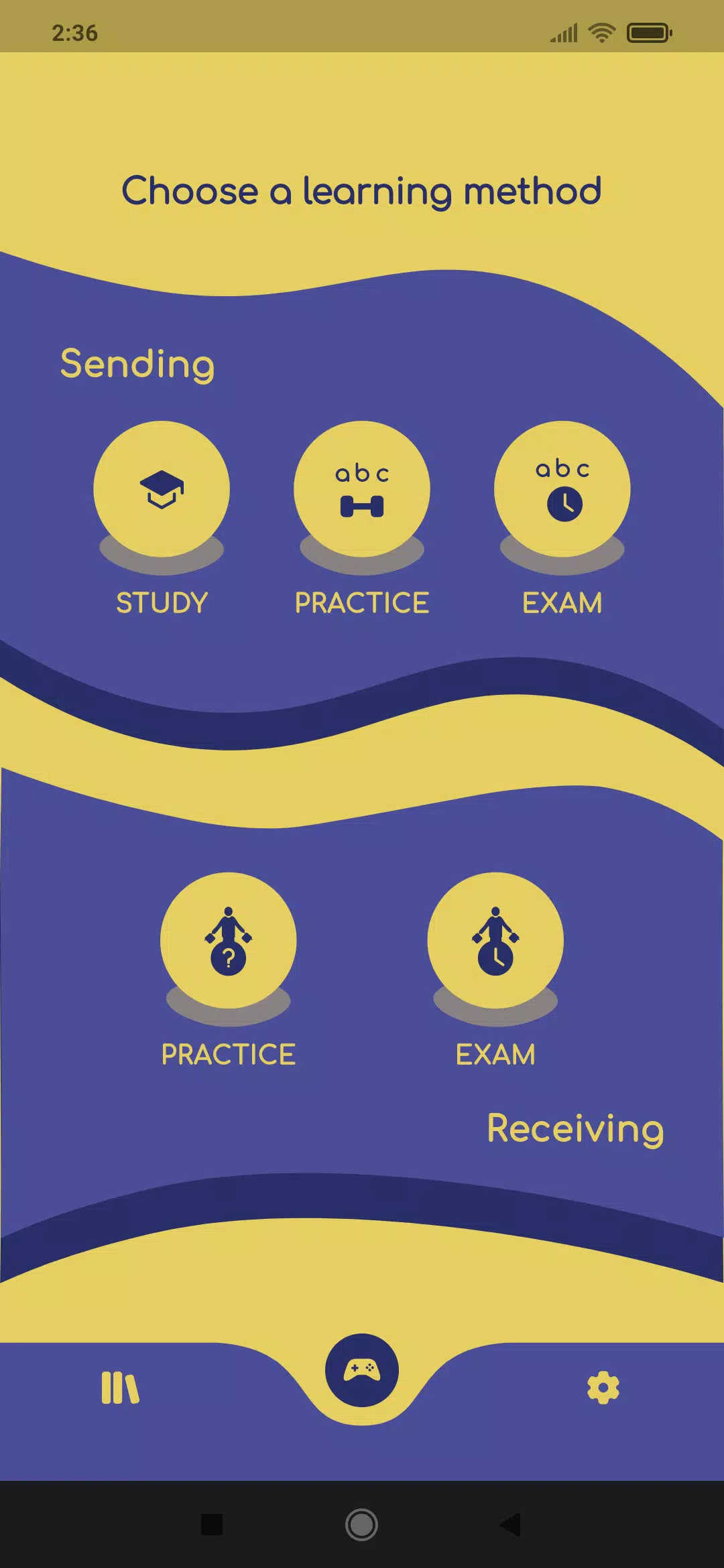
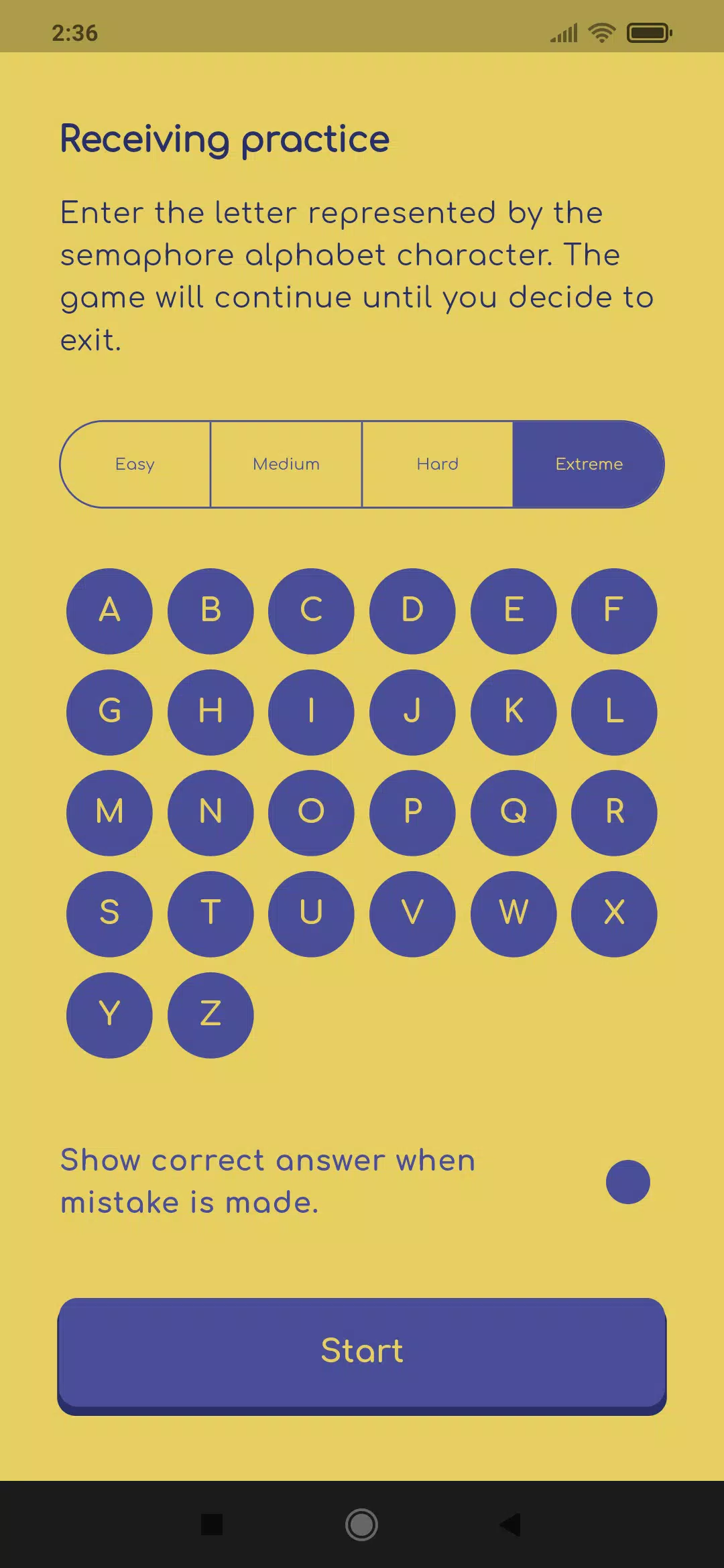
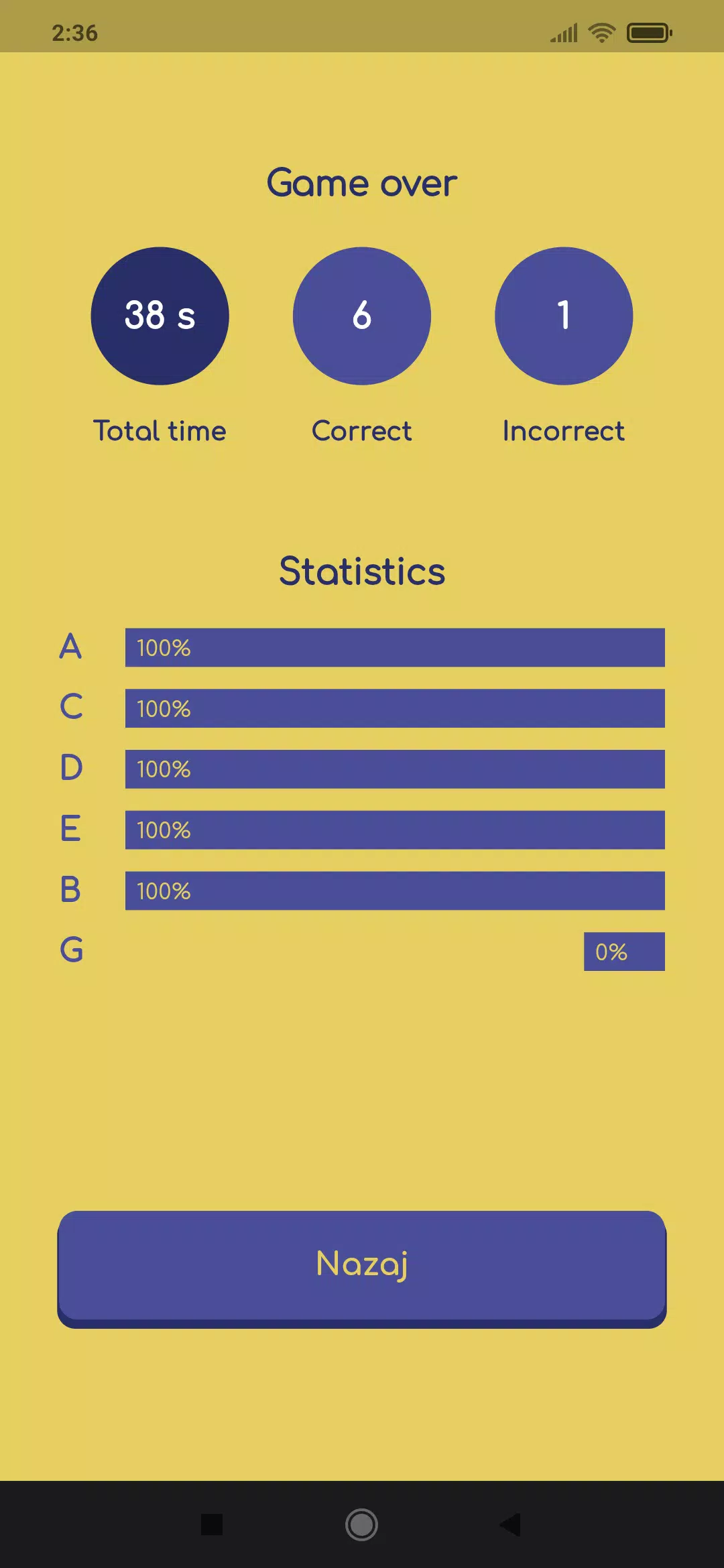
Semafor offers multiple learning modes tailored to different stages of skill development: guided tutorials for absolute beginners, memory-focused drills for retention, and timed sending and receiving exercises that build speed and accuracy. Each mode presents characters in randomized orders to reduce memorization by sequence and increase true recognition. Users can select different test formats that emphasize either recognition (seeing a flag and naming the character) or production (setting flag positions to match a target character), with adjustable speeds to scale difficulty. Session summaries include basic accuracy and average response time, giving a clear view of progress after each practice run.
Gameplay and controls
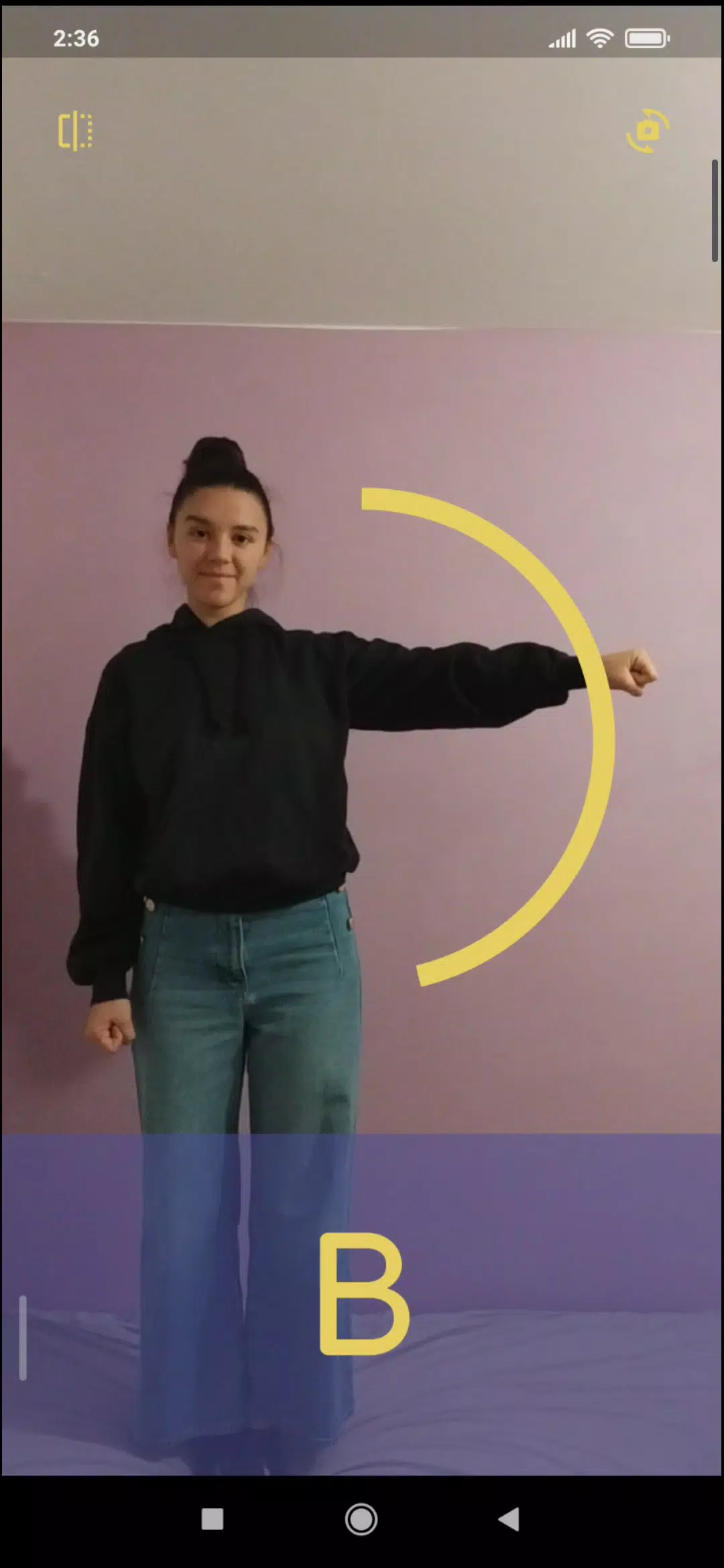
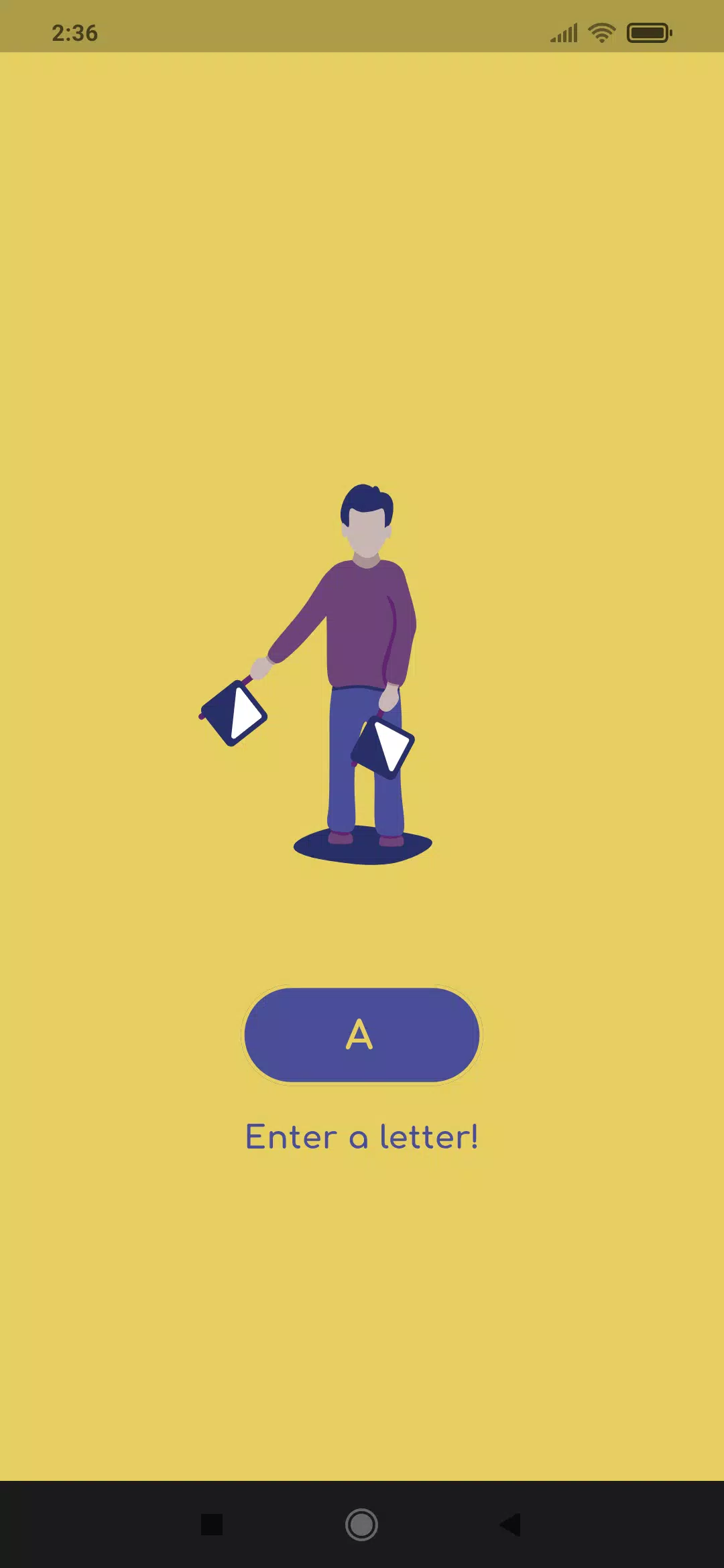
Gameplay centers on simple, touch-first controls that are easy to learn on phones and tablets. To practice sending, you touch or drag on-screen flag elements to position them, with a single tap confirming the composed character; to practice receiving, you tap the correct letter or gesture after observing an animated flag display. Optional hints can show intermediate positions or slow the animation during practice. The interface is intentionally minimal so new learners can focus on flag positions rather than complex menus, and input sensitivity is tuned to avoid accidental changes during quick drills.
Progression and level structure
Semafor structures learning as a sequence of short sessions that increase in difficulty. Early levels concentrate on a small set of characters, later expanding to the full alphabet as recognition stabilizes. As users demonstrate consistent accuracy at a given speed, the app automatically suggests slightly faster drills or mixed-character tests to encourage continued improvement. Progress is tracked locally on the device so you can review past sessions, compare accuracy trends over time, and return to earlier lessons for refreshers when needed.
Visual style and customization
The app uses clear flag icons and high-contrast visuals to make position recognition straightforward across screen sizes. Users can adjust the size of flag indicators and toggle between a standard and high-contrast color scheme to match personal preference or visibility needs. A compact display mode reduces on-screen elements for small devices, while a larger mode increases flag area for easier tapping. These simple customization options help learners tailor the visual presentation without adding complexity to the core practice mechanics.
Replay value and practice systems
Replay value in Semafor comes from the variety of drill types and the randomized order of practice items, which keeps repetition productive instead of monotonous. Timed challenges encourage short, focused sessions that can be repeated to beat previous response times, and memory drills rotate characters so learners revisit weaker items more frequently. Because exercises are brief and modular, the app is ideal for daily micro-practice, allowing steady gains through frequent short sessions rather than long study blocks.
Accessibility and offline play
Attention to accessibility includes adjustable contrast, larger touch targets, and optional textual labels for each character to support different learning preferences. Semafor is built to work entirely offline, so practice sessions and progress tracking do not require network access; this makes it useful in situations where connectivity is limited or when learners prefer uninterrupted drills. Settings are stored locally, and the app is designed to resume a paused session without losing progress.
Challenge systems and assessment
Challenge systems combine timed sending and receiving tests with memory rounds that emphasize accuracy under pressure. After each session, a concise assessment shows correct answers, response times, and suggested follow-up drills that target mistakes. Users can create custom sessions by selecting which characters to focus on and choosing a time limit, allowing targeted remediation for troublesome signals. The focus remains on individual improvement through repeated, measurable practice rather than competitive features.
Advantages and limitations
Semafor's approach transforms rote memorization into interactive practice, making learning more engaging and measurable through speed and accuracy metrics. Its focused feature set is ideal for anyone who wants to acquire semaphore skills without special equipment. Limitations include its narrow scope: the app concentrates on flag signaling and does not cover broader communication systems or the theoretical history of signaling. Progress depends on regular practice, so occasional use will yield slower improvement compared with consistent sessions.
- No virus
- No advertising
- User protection
Information
- File size: 35.60 M
- Language: English
- Latest Version: 0.4.1
- Requirements: Android
- Votes: 284
- Package ID: si.taborniki.semafor
- Developer: Zveza tabornikov Slovenije
Screenshots