
Introduction
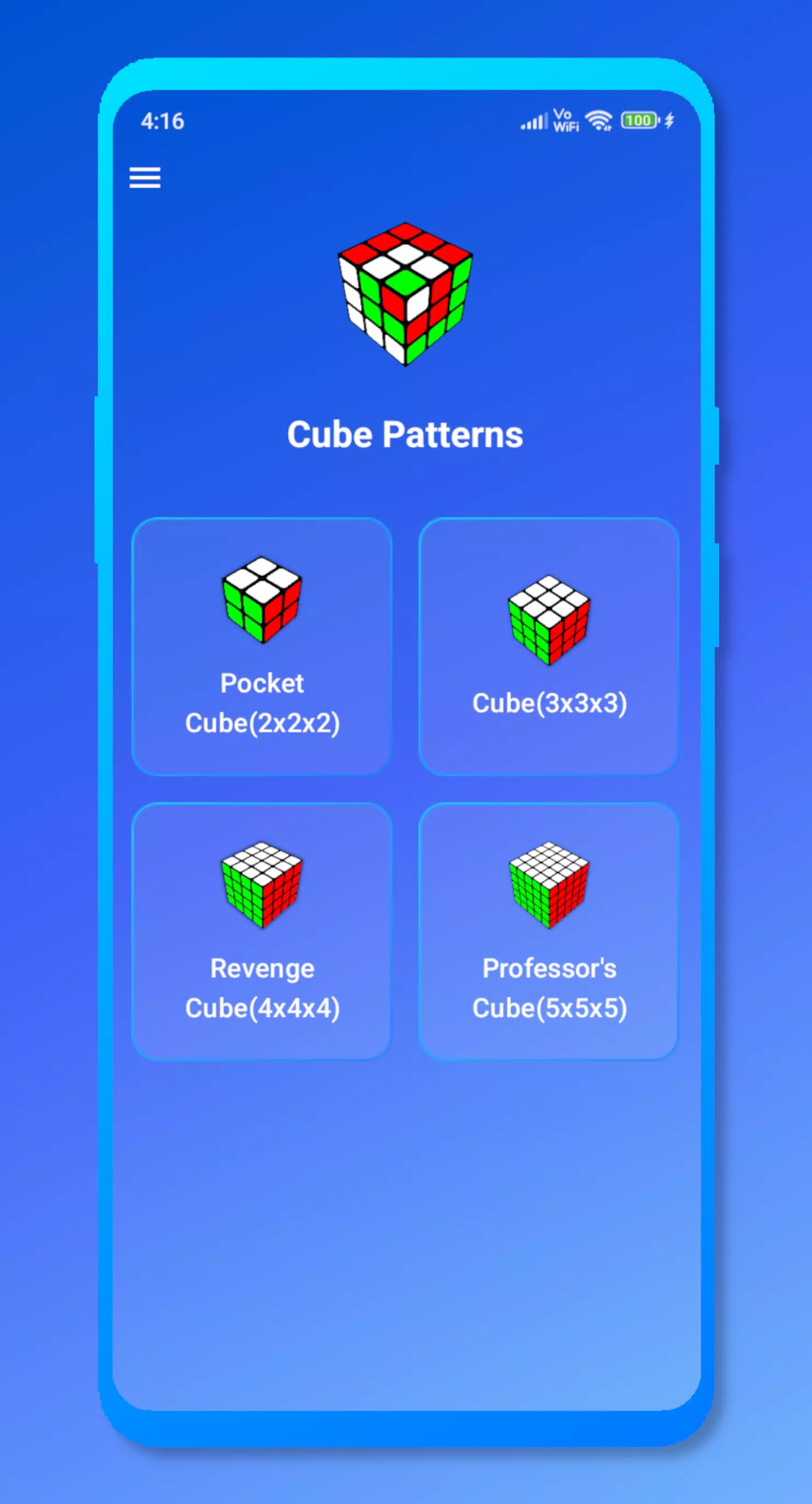
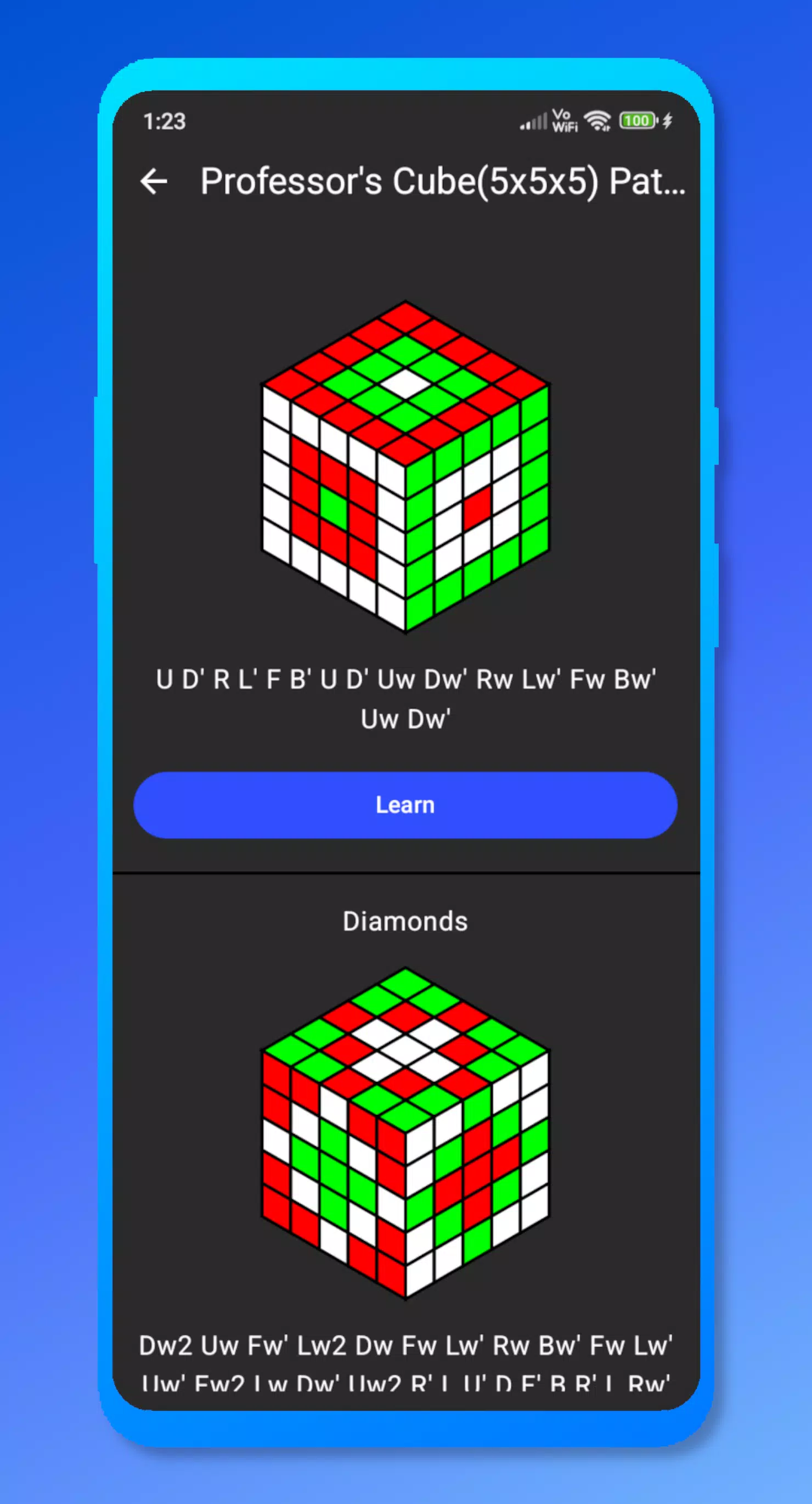
Cube Patterns is a practical puzzle app that brings cube-pattern solving to a visual, lesson-style simulator. With Cube Patterns you can explore classic and custom color arrangements on virtual cubes from 2x2 up to 5x5, study the move sequences that create each design, and practice at your own pace without a physical cube. The interface emphasizes clear move notation and an accurate 3D model so users can see every turn, inspect each face, and replay algorithms step by step while maintaining focus on learning and skill development.
Key features
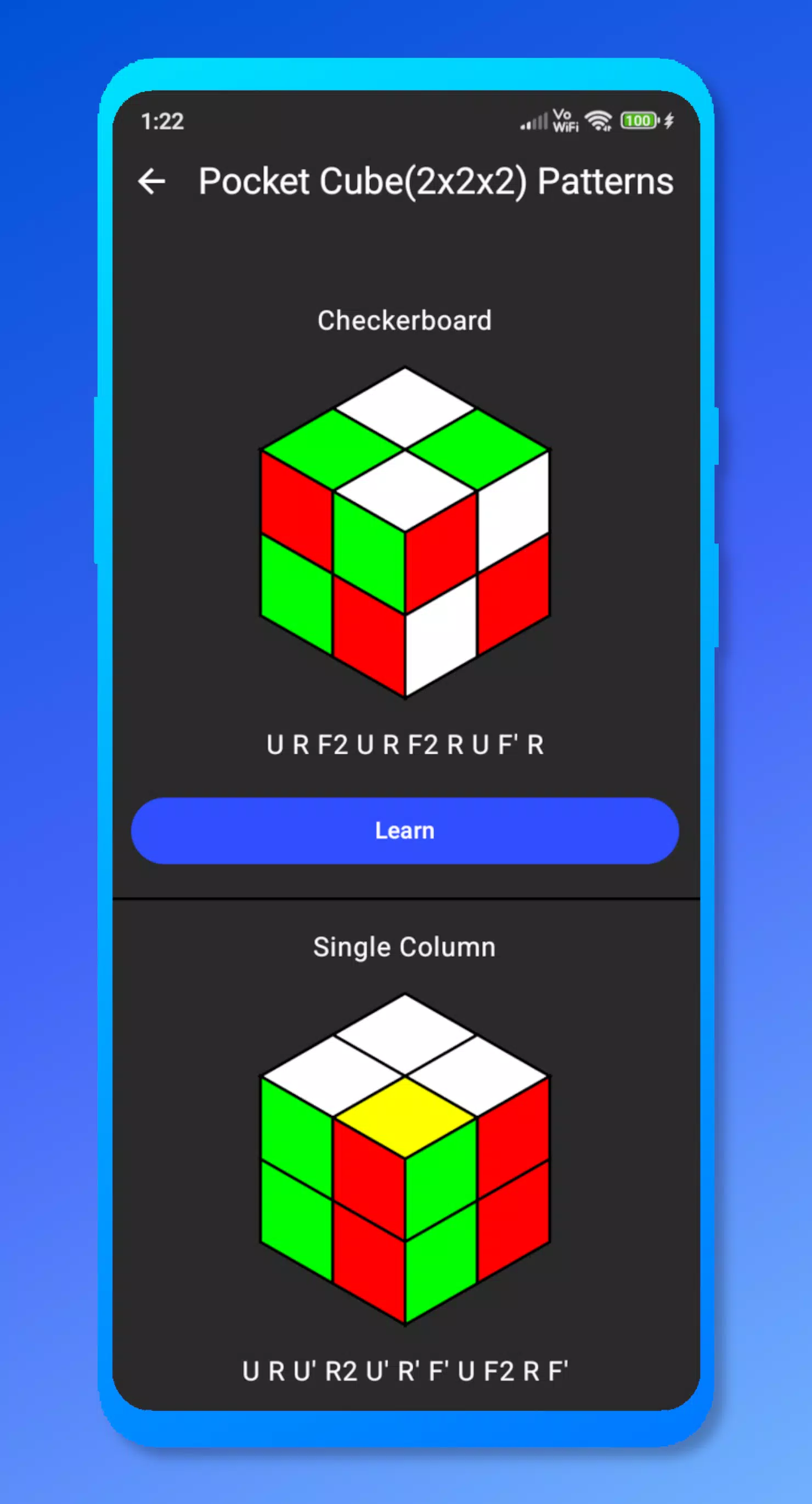
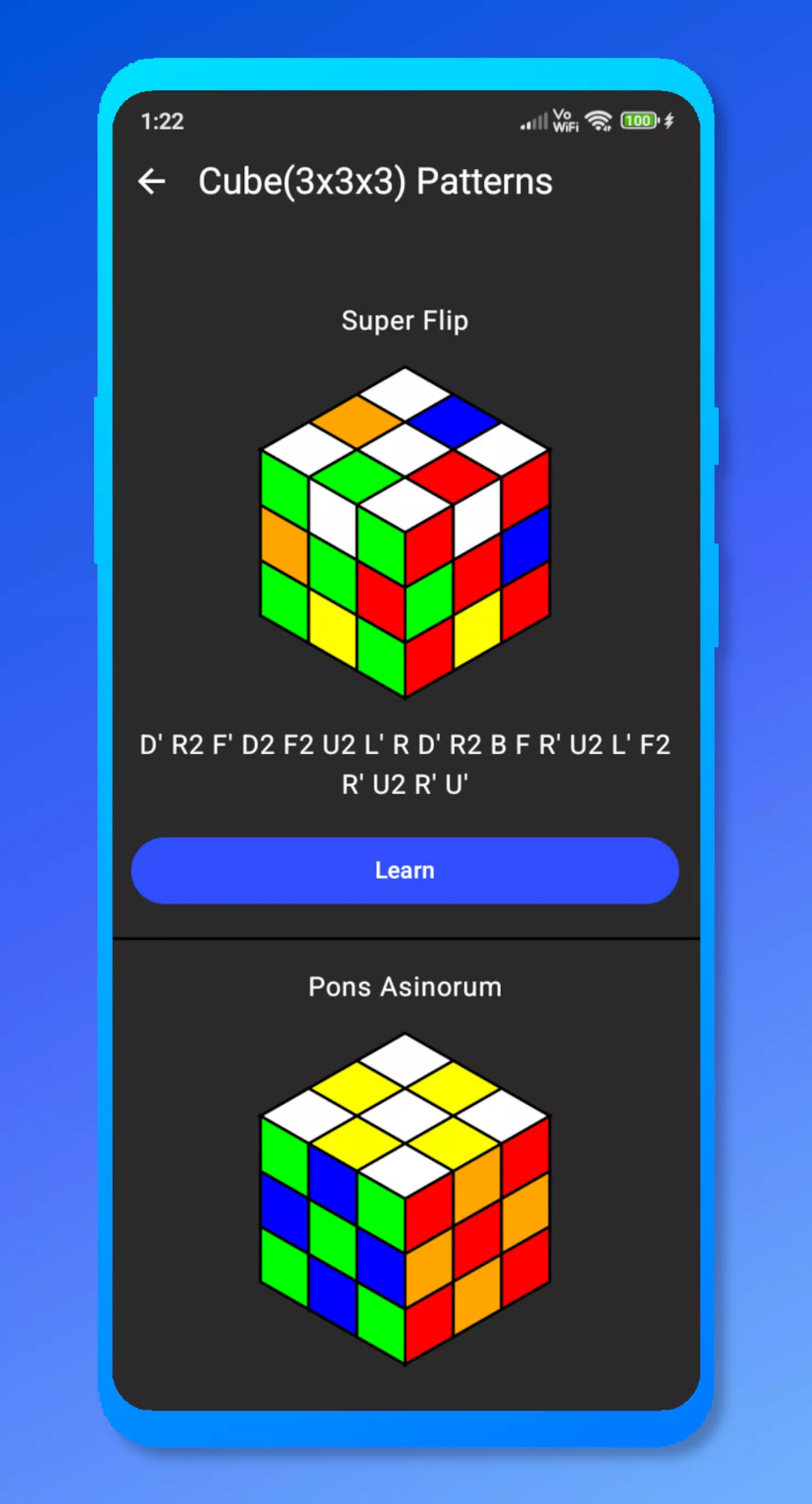
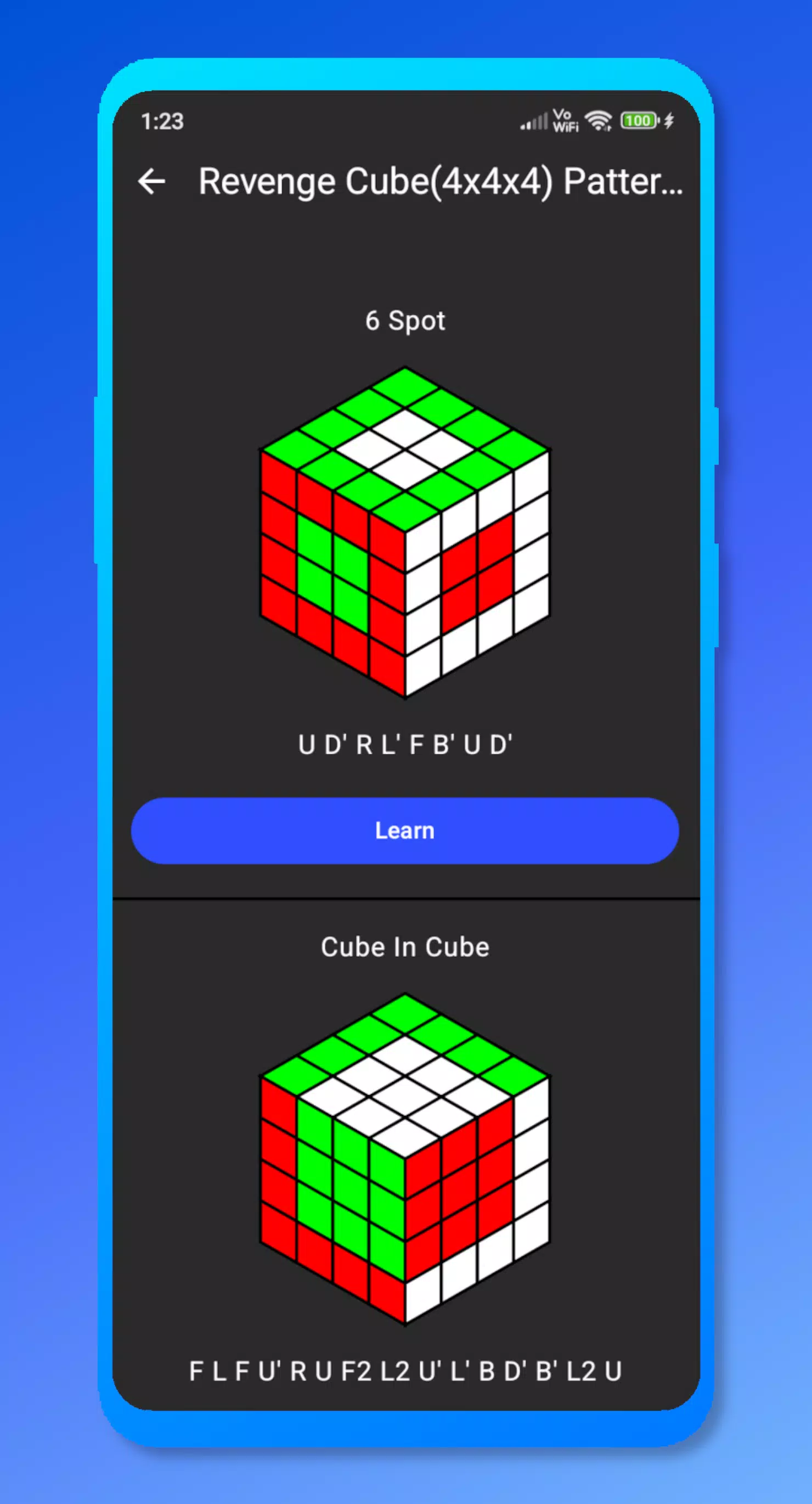
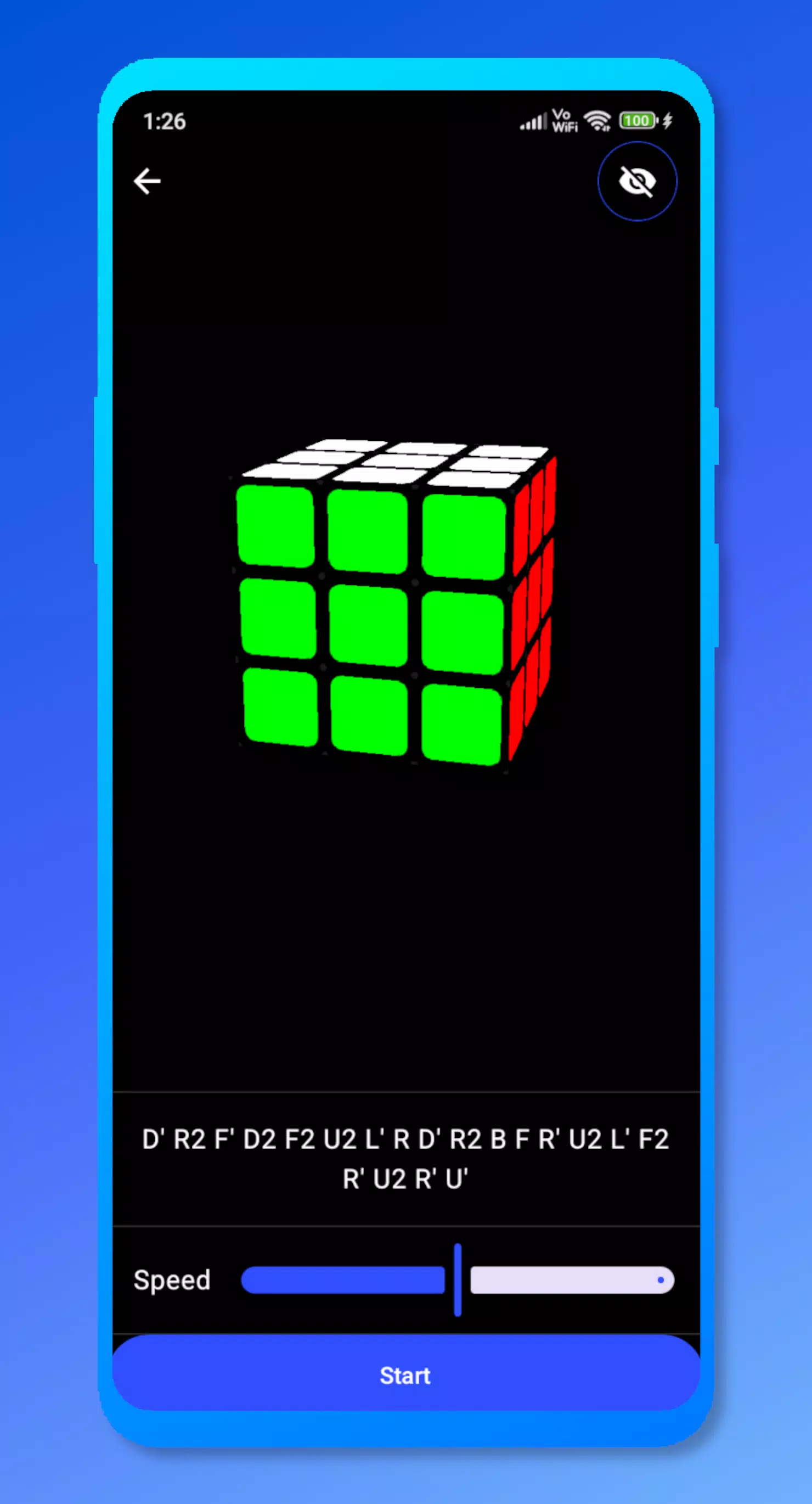
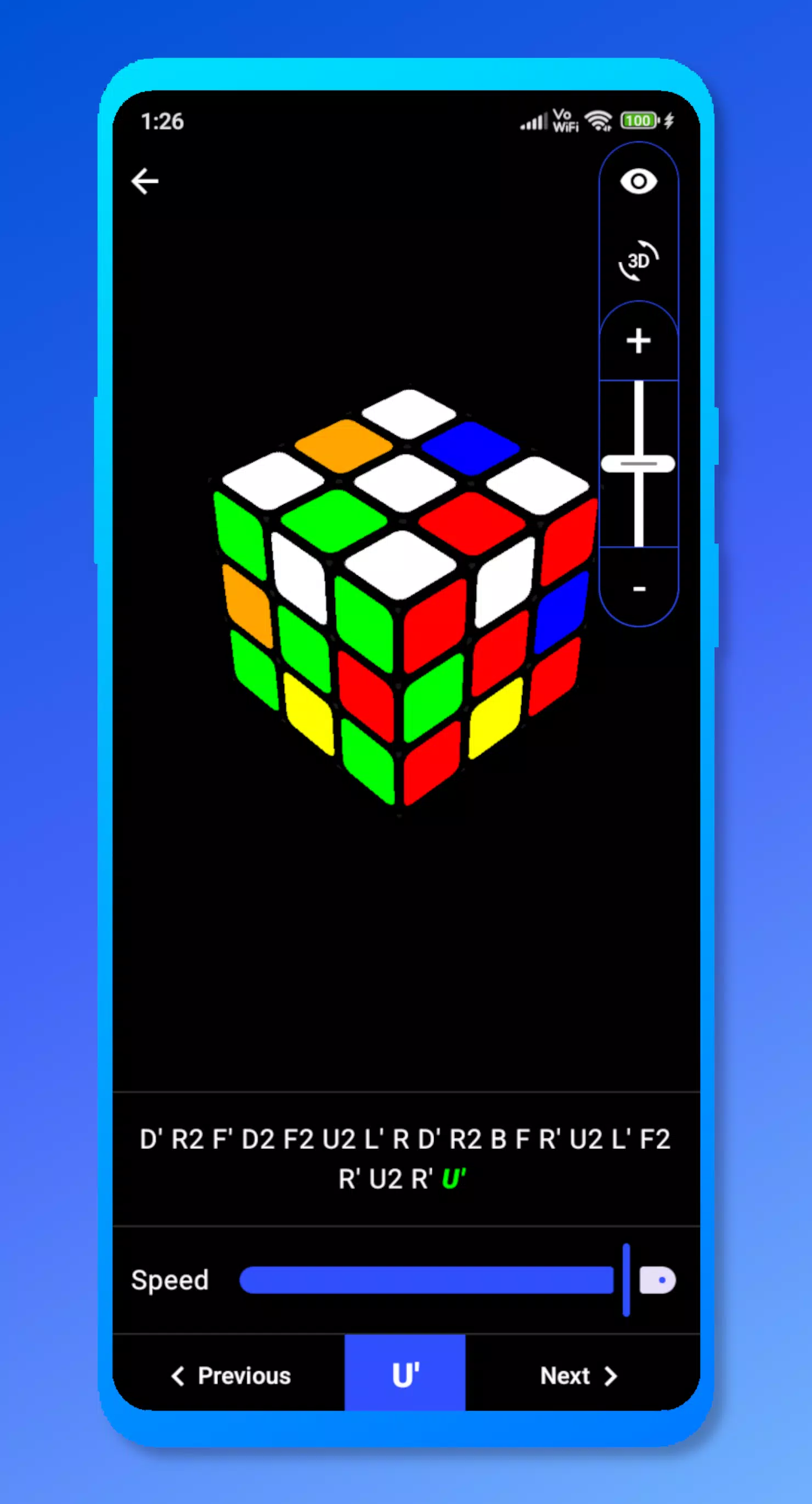
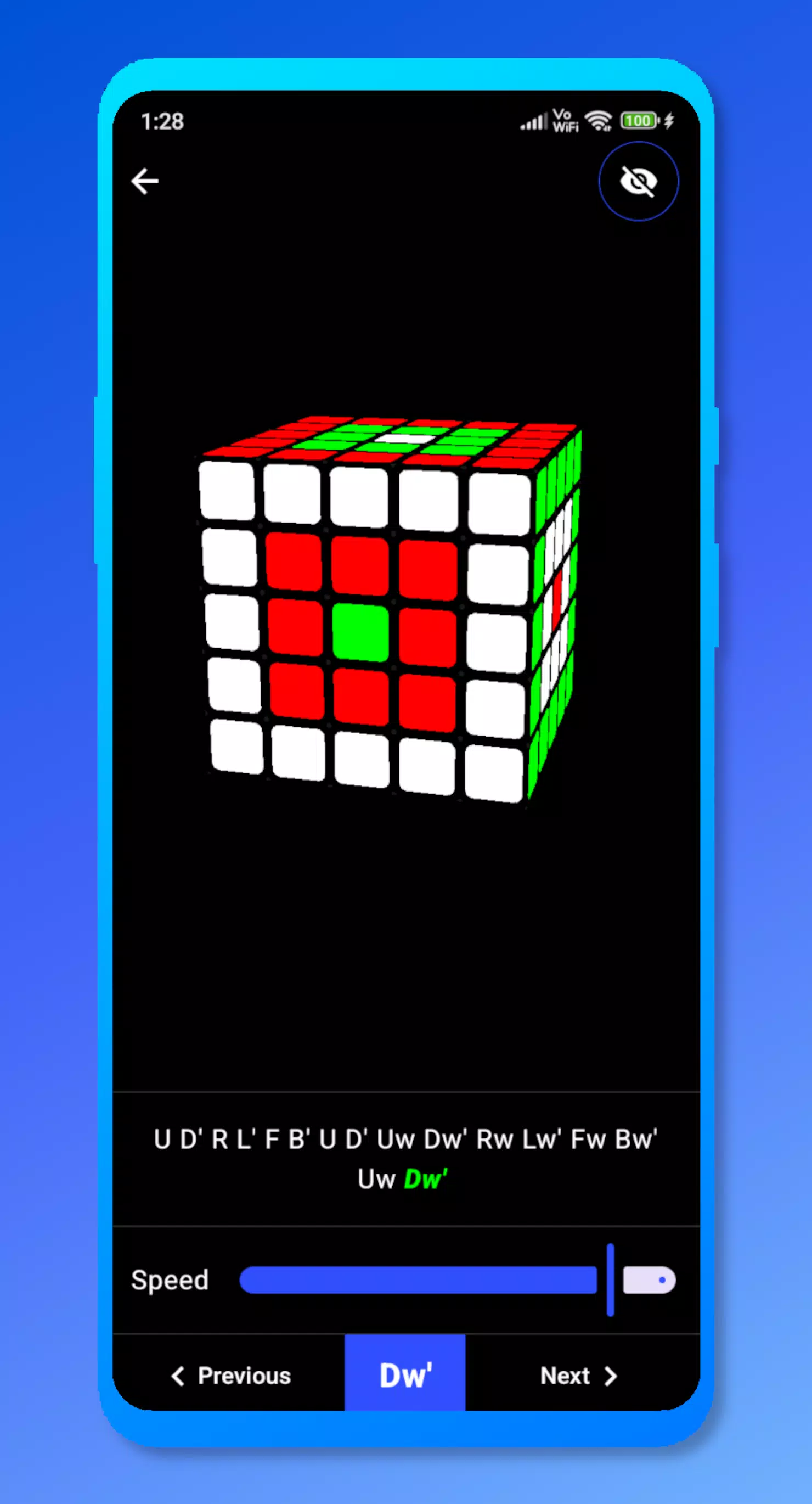
The app uses an interactive 3D simulator to visualize algorithms on realistic cube models, including smooth animations for each turn and high-quality shading so patterns are easy to read. Move-by-move notation accompanies every demonstration, and on-screen controls let you step forward or backward through a sequence. You can change simulator speed, control camera angles with swipe and pinch gestures, and choose between preset patterns or a library of custom designs. Templates cover common puzzle sizes from 2x2x2 to 5x5x5 and include clear templates that make it simple to load, practice, and save variations of any pattern.
Gameplay and controls
Controls are designed for touch-first use: rotate the cube with drag motions, pinch to zoom, and tap faces to highlight or apply moves in practice mode. When following an algorithm, the app displays notation and highlights the corresponding face and slice in the 3D view so beginners can connect symbols to motion. A slider adjusts playback speed for slow-motion study, and simple on-screen buttons allow precise step-through playback. The simulator keeps controls accessible and consistent so players can focus on patterns, sequencing, and hand-eye coordination in preparation for physical solving.
Progression and challenge systems
The learning structure is modular to support gradual progression: start with basic patterns and move sequences, then advance to more complex templates and larger cube sizes. Practice drills break patterns into smaller segments to help with memorization, and challenge exercises emphasize repetition and accuracy rather than competition. A practice history saves recent sessions so you can return to specific algorithms and measure improvement through repetition. There are optional timed drills for personal improvement goals, but all progress tracking is local to your device.
Customization and visual style
Customization focuses on practical study: choose color schemes and cube themes for better visual contrast, toggle grid and face labels, and save named pattern templates for later review. The visual style favors clarity over flash, using high-contrast stickers, subtle lighting, and a clean UI that keeps notation readable. The app also supports a custom-design mode where you can build a pattern from scratch on any supported cube size, preview the solving sequence, and save the design to your personal library for repeated practice.
Replay value and user experience
Replay value comes from the breadth of the pattern library, editable templates, and the ability to repeatedly step through algorithms at different speeds. Because the simulator removes the need for a physical cube, it is especially useful for focused practice sessions, algorithm memorization, and exploring creative designs. The interface is optimized for short practice bursts as well as longer study sessions, and local pattern storage means your favorite drills are available without internet access.
Accessibility and offline use
Cube Patterns includes accessibility options such as adjustable font sizes for move notation, high-contrast color modes, and simplified control mappings to make learning approachable for more users. The app runs fully offline after installation so you can practice anywhere, and saved templates remain on the device. Note that the simulator experience does not replicate tactile feedback from a physical cube, but it is designed to make visual learning and algorithm practice straightforward and repeatable.
- No virus
- No advertising
- User protection
Information
- File size: 7.70 M
- Language: English
- Latest Version: 1.0.1
- Requirements: Android
- Votes: 306
- Package ID: com.sparkappz.cp
- Developer: Sparkappz
Screenshots
















Explore More
Are you searching for an enjoyable method to strengthen your intellect? Our hottest logical puzzle is tailor-made to offer a stress-free pastime experience. With beautiful graphics and chill background music, you can immerse yourself in an engaging world of logic and critical thinking. Solve increasingly tricky levels at your own pace, with no time pressure or lives system.

Aimee's Terms

Kinfolk Key, Alabama

Another Side

火中遗物

Door Policy - New Update!

Bad Parenting 1: Mr. Red Face

QQRP v15.3

Flavor Comes in Sizes DEMO