Introduction
Typing Practice is a focused mobile app that helps people build faster and more accurate touchscreen typing skills on phones and tablets. The introduction immediately sets expectations: short, approachable exercises paired with simple emoji-like visuals, clear feedback after each round, and a built-in progress tracker so you can measure improvement without long sessions. Typing Practice is designed for everyday use, whether you want to type more confidently in messaging, take notes faster, or simply keep your finger-eye coordination sharp while on the go.
Gameplay and mechanics
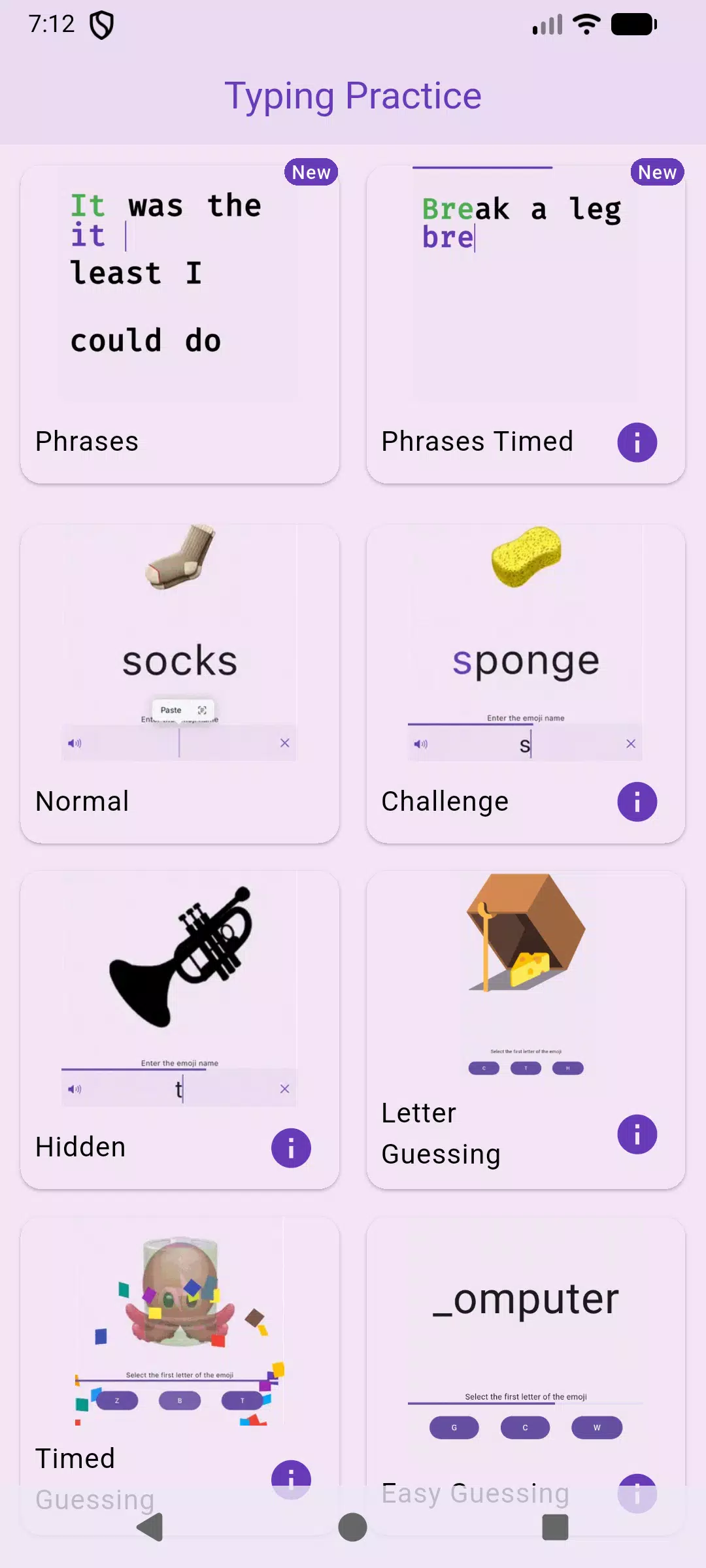
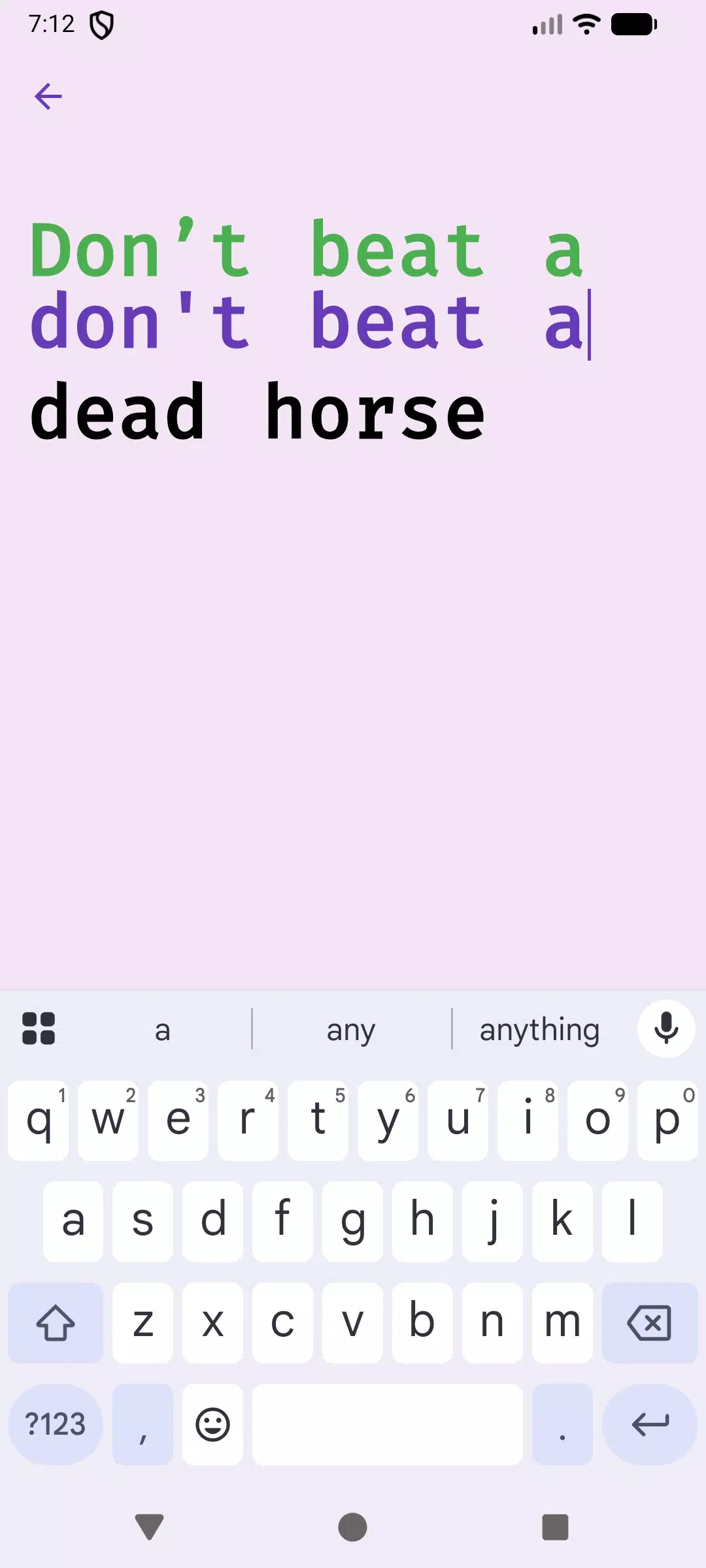
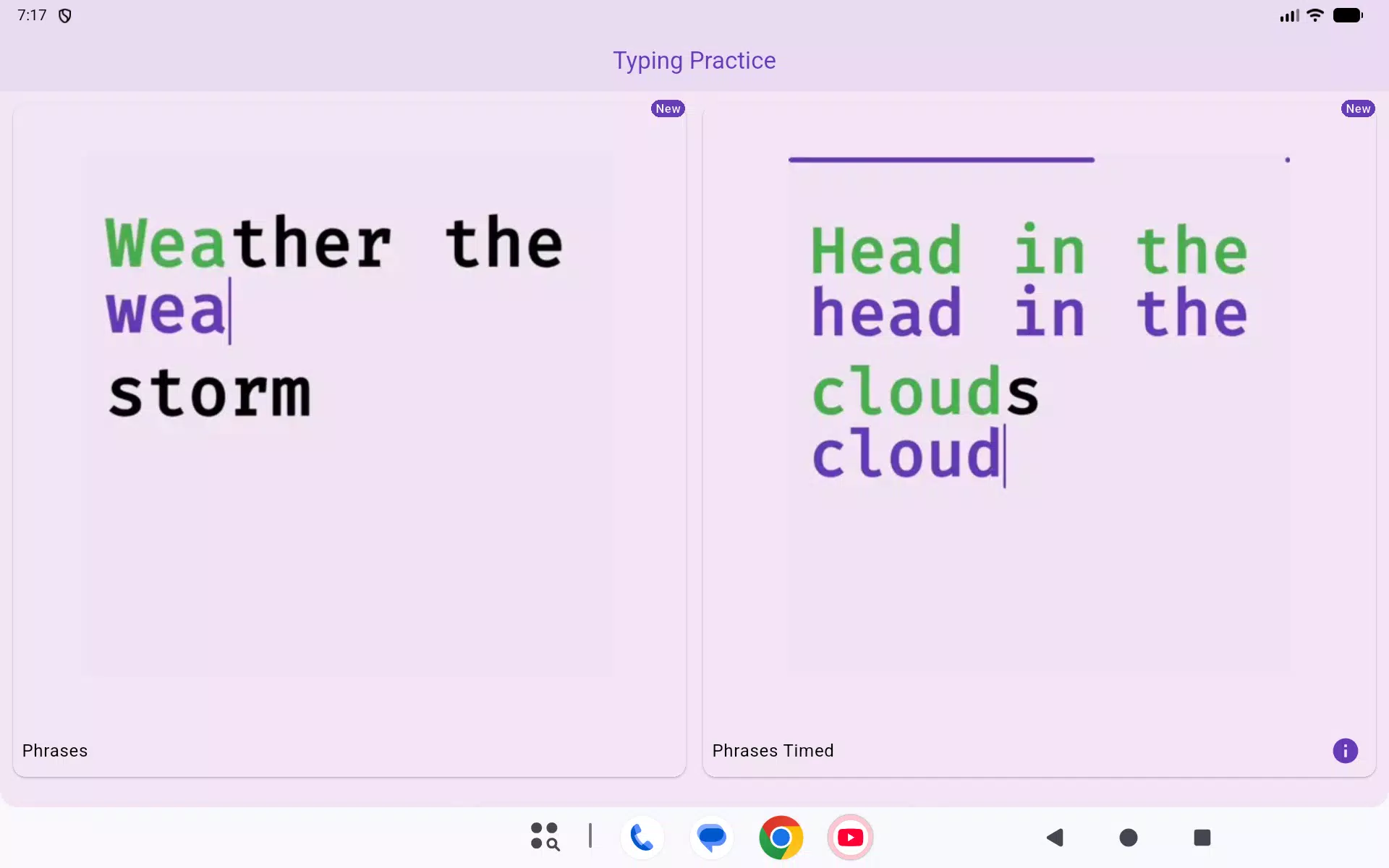
The core gameplay centers on compact drills that emphasize speed, precision, and pattern recognition. Each round presents a sequence of words, characters, or short phrases that must be typed on your device’s touchscreen keyboard. Sessions are intentionally brief, ranging from a few seconds to a couple of minutes, so you can complete meaningful practice between tasks. As you play, targets vary in tempo and length to avoid repetitiveness: timed sprints test raw speed, accuracy drills reward careful typing, and mixed rounds combine both elements to simulate real-world messaging pace.
Controls and input
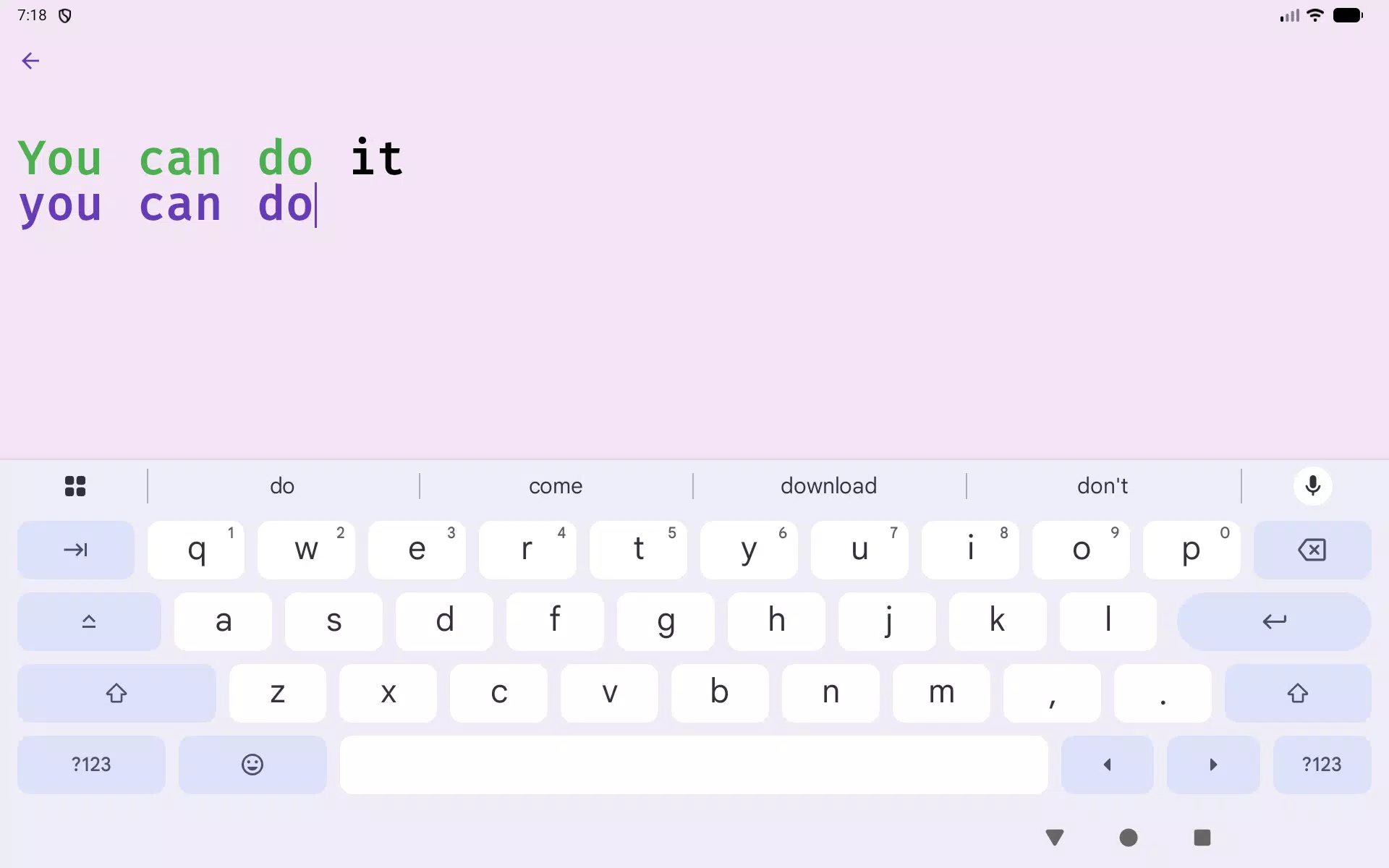
Controls are straightforward and built to feel natural on phones and tablets. You use your device’s standard on-screen keyboard to enter characters, and the app accepts familiar gestures and system keyboard settings so there is no learning curve. Settings allow you to toggle optional features such as haptic feedback, subtle visual aids for missed keys, and a simplified input mode that reduces distractions. Because the app relies on the native keyboard interface, it adapts to your preferred input language and keyboard layout where supported by your device.
Progression and statistics
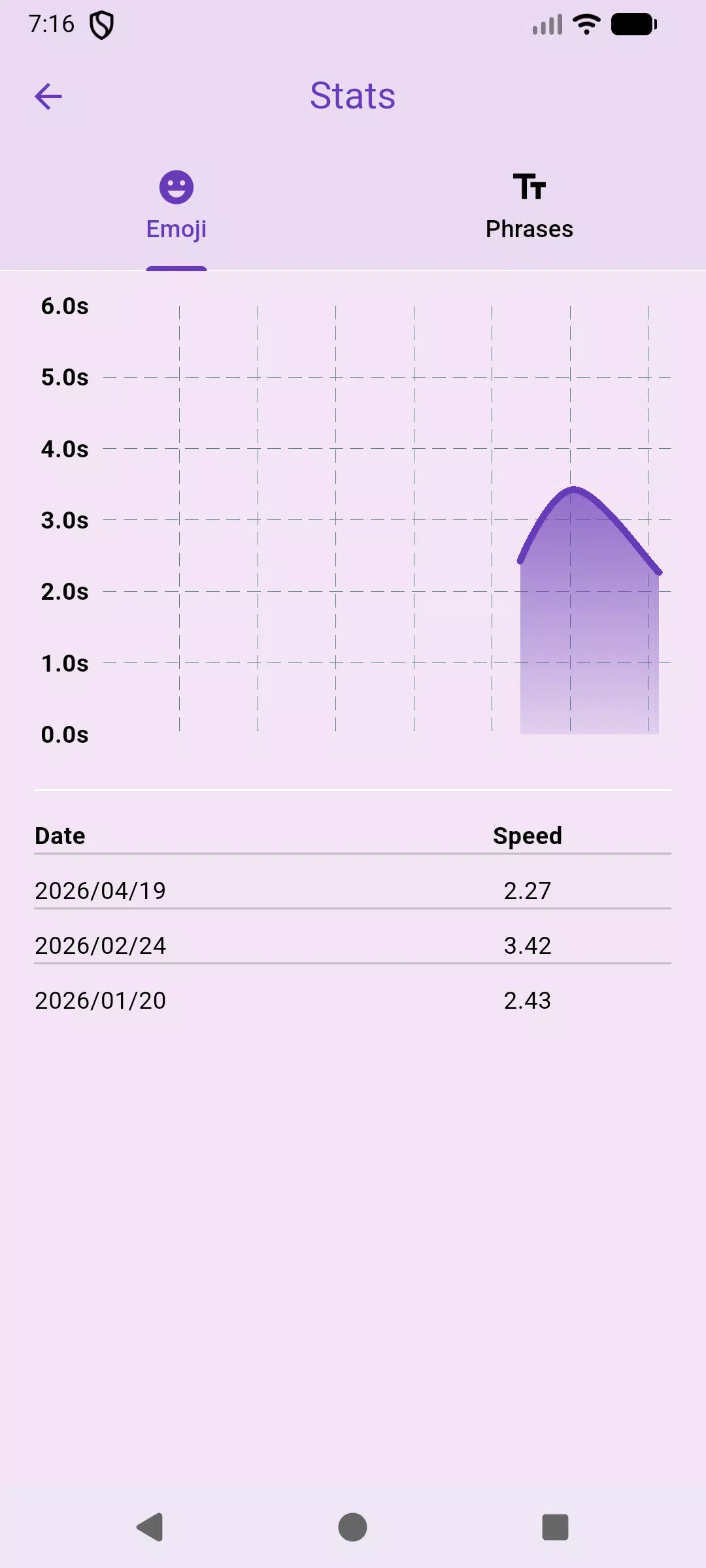
Progression in the app is built around measurable daily practice. A comprehensive stats view records metrics like average words per minute, accuracy percentage, and trends across days, enabling you to see gradual gains rather than one-off results. The progression system unlocks increasingly challenging practice presets as you demonstrate consistent improvement, and customizable goals let you aim for a target speed or accuracy value. This structure encourages short, repeatable sessions that add up over time without requiring long commitments.
Visual style and level structure
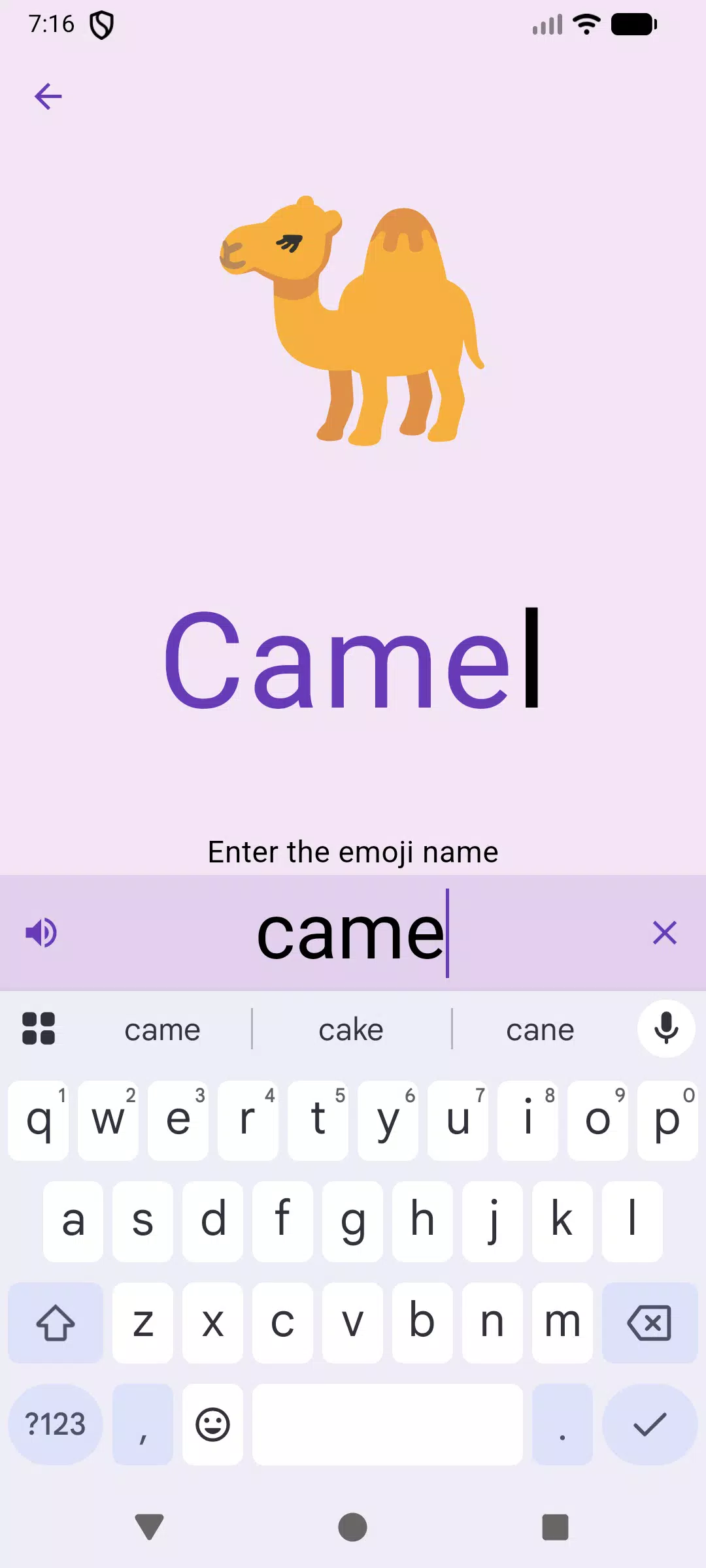
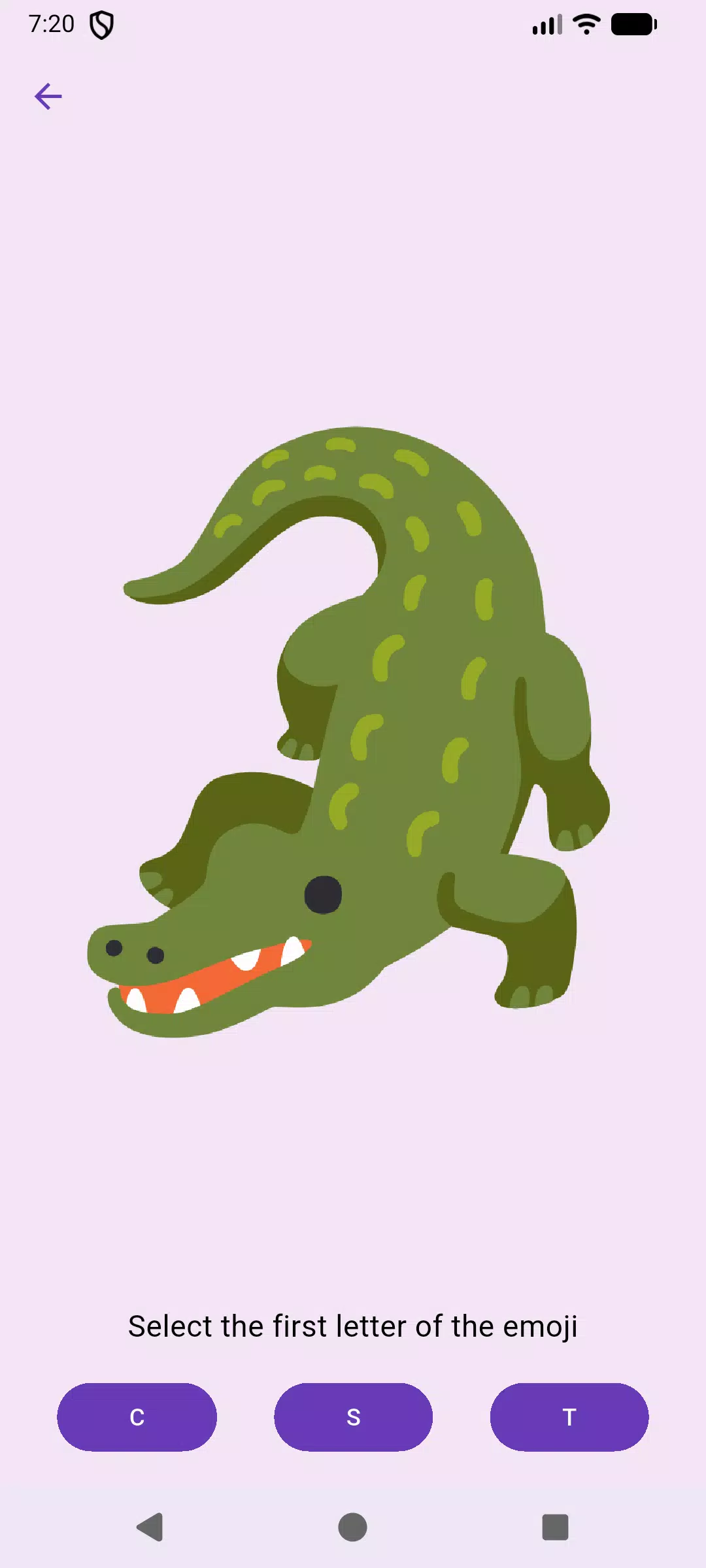
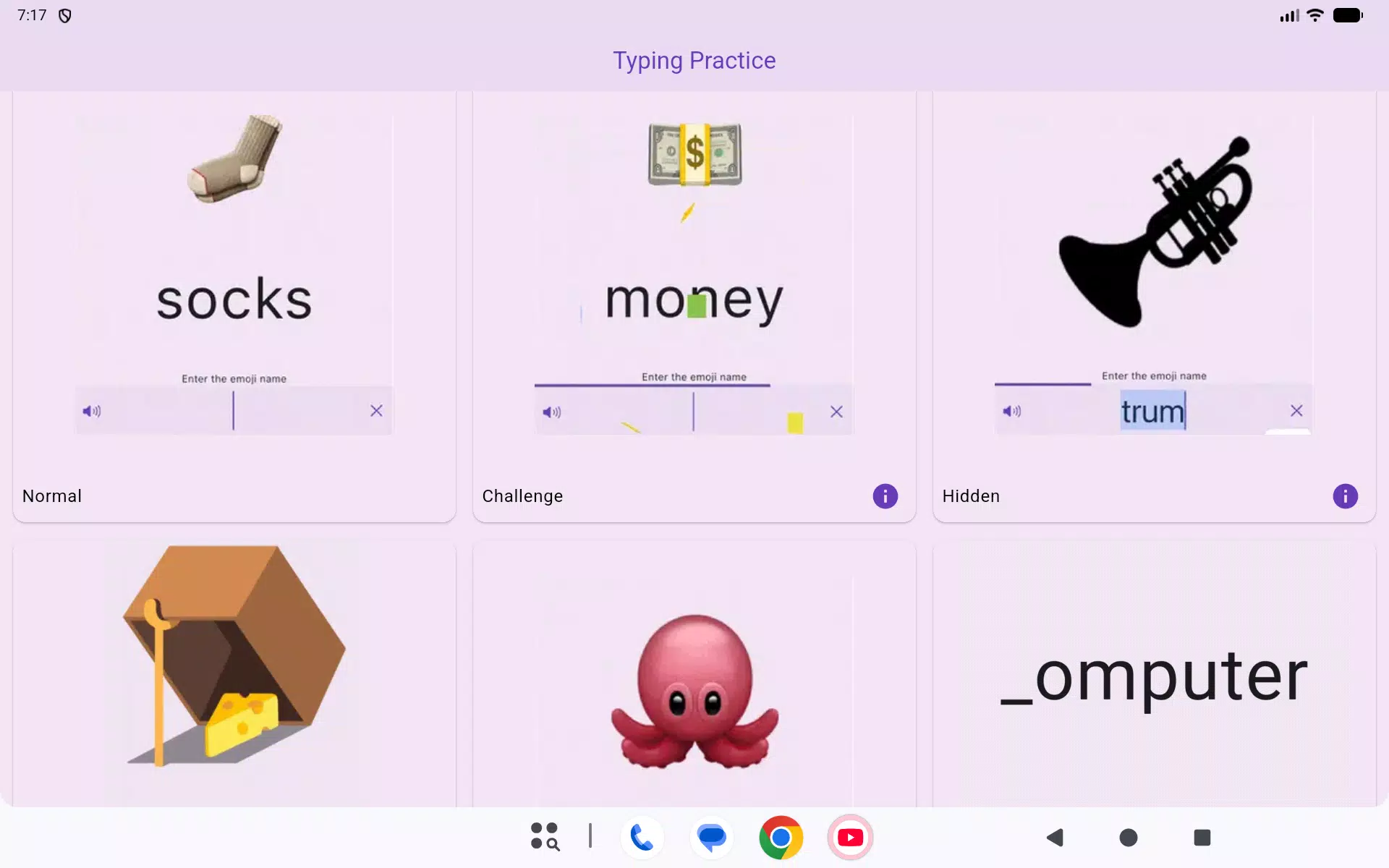
The visual presentation favors clarity and accessibility: compact emoji-style graphics communicate targets and feedback without cluttering the screen, while high-contrast text and adjustable font sizes keep prompts legible at a glance. Levels are organized into bite-sized stages that escalate in difficulty by increasing text length, reducing allowed time, or tightening accuracy thresholds. Each stage is intentionally short so players can repeat a specific drill until they feel comfortable, then progress to a slightly tougher challenge.
Customization and accessibility
Customization options help the app fit a wide range of needs. You can adjust session length, choose between speed-focused or accuracy-focused drills, and change visual contrast or font size for readability. Accessibility-minded design choices minimize reliance on small UI elements and offer clear audio and tactile cues for actions like completing a round. These settings make the app useful for learners at different skill levels and for players with varied visual or motor preferences.
Replay value and challenge systems
Replay value comes from the variety of modes and the incremental challenge curve. Daily drills, performance-based presets, timed sprints, and precision tests all provide different reasons to return. The app encourages short habit-building sessions through gentle reminders and visible progress indicators without requiring online connectivity. Challenge systems focus on personal improvement — hitting a new accuracy milestone or shaving milliseconds off previous bests — rather than external competition, keeping the experience low-pressure and self-directed.
User experience and offline play
The interface emphasizes quick load times, minimal menus, and immediate feedback so you can jump into practice with one tap. Typing Practice works fully offline for core practice and tracking, which is useful when you want focused training without an internet connection. Feedback after each round includes corrective hints and concise tips that highlight common error patterns and practical ways to improve, supporting continuous learning within short sessions.
Who this app is for
This app is ideal for casual users who want to improve everyday typing on touchscreens, students who need to build speed for note-taking, and anyone who prefers short, measurable practice over long tutorials. With its straightforward controls, accessible visuals, and progress-driven structure, Typing Practice provides a practical, low-friction way to build reliable typing skills on mobile devices.
- No virus
- No advertising
- User protection
Information
- File size: 33.10 M
- Language: English
- Latest Version: 1.9.3
- Requirements: Android
- Votes: 370
- Package ID: com.hasankadhemdev.typing_practice
- Developer: Hasan Kadhem
Screenshots
















Explore More
Looking for some quick gaming fun? Our new super-casual game is perfect for entertaining bursts in your busy day. With simple, intuitive gameplay crossed with challenges that engage your brain, you'll keep coming back again and again. No complex controls or tutorials - just open and play anywhere, anytime. Vibrant art style and upbeat music create a lighthearted experience.

456Win v6.6.12

Beat Drum

Beat Roller

Trucker and Trucks Simulator

Glory of Generals 3

Real Piano Master

Hide Online: Prop Hunt

Boxing Hero