
Introduction
Gacha Story delivers a visual-novel and scene-building toolkit that puts character-driven storytelling in your hands. Gacha Story combines an accessible editor with layered customization, letting creators assemble scenes, craft branching dialogue and export polished episodes without writing code. Whether you want to sketch a short comic-style vignette or build a multi-scene chapter, Gacha Story makes visual storytelling approachable for beginners and deep enough for experienced makers.
Key features
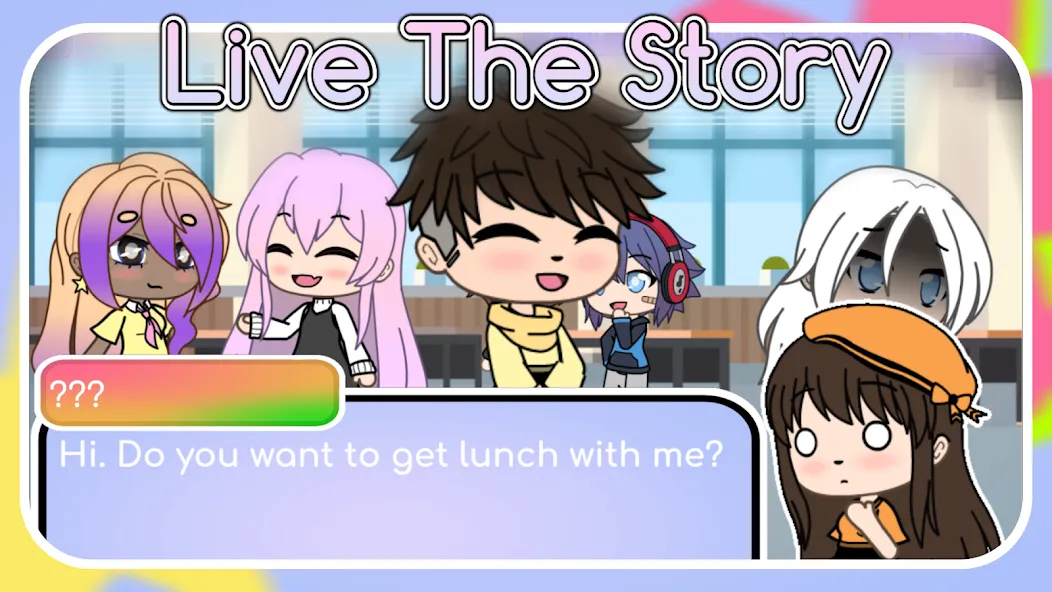
The app includes a robust scene editor with drag-and-drop placement, scale and rotation controls, and a lightweight timeline for sequencing dialogue and events. Gacha Story ships with a library of preloaded backgrounds, poses and outfits but also supports importing your own images and audio so you can match a particular visual style or soundtrack. Characters support up to six distinct emotional expressions, layered name tags and custom fonts, and each scene can be enhanced with atmospheric effects such as rain, snow, blur and lighting overlays for better mood control.
Gameplay mechanics and scene structure
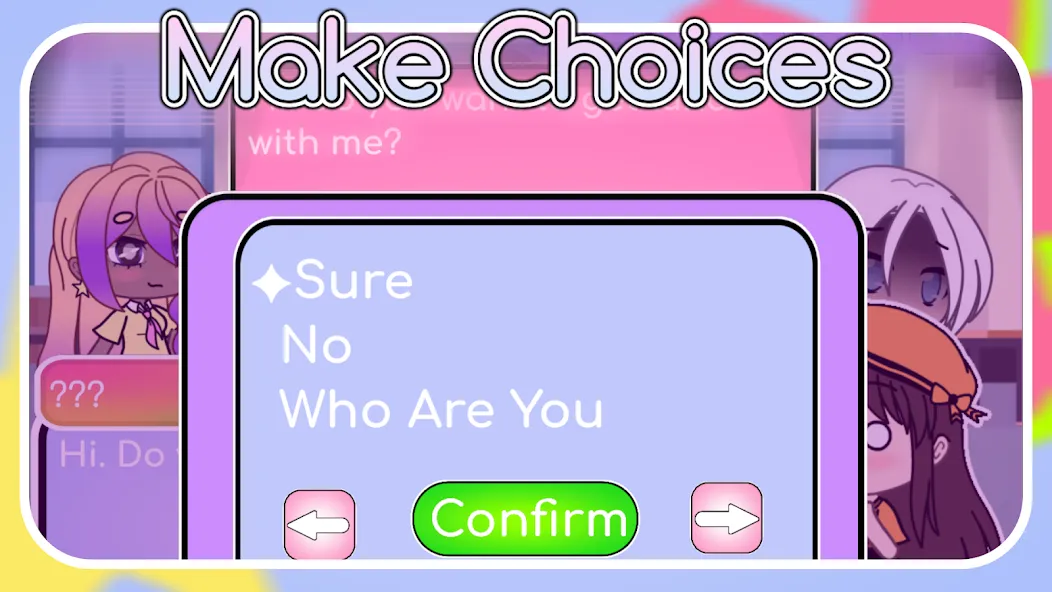
At its core the creator experience is based on scenes and branches: you compose individual moments and link them into paths that represent player choices or narrative branches. Scenes can contain timed events, conditional jumps based on simple variables, and multiple endings to encourage replay. There is no combat or level grinding; the challenge is narrative design and pacing—arrange character emotions, camera positions and dialogue to achieve the beat you want across acts and episodes.
Controls and editor workflow
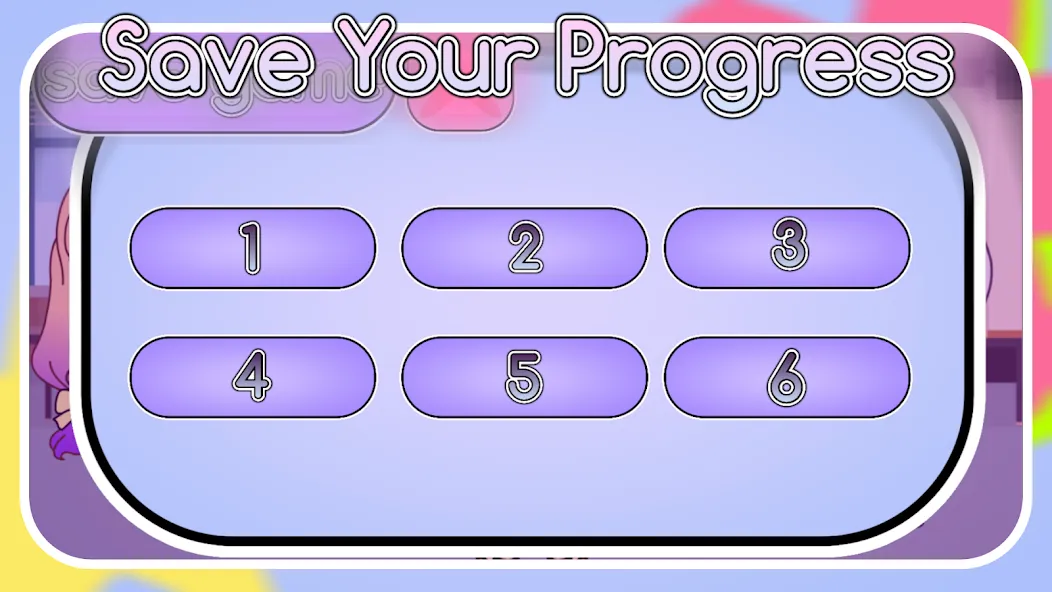
The editor is designed for touch and stylus input with familiar gestures: tap to select, drag to move, pinch to zoom and two-finger rotate for fine adjustments. On larger screens you can use sliders and numeric inputs for exact positioning, and an undo/redo history lets you experiment safely. Text entry supports name fields, line-by-line dialogue, and basic formatting options so you can control timing and tone. Quick save and project autosave keep work secure while you iterate.
Progression, project management and replay value
Progression in Gacha Story is project-based rather than level-based: you build scenes into episodes and maintain a project library to manage versions. Templates and starter scenes help new users learn structure quickly, while manual organization through folders and export bundles supports larger projects. Replay value comes from branching narratives and re-editable assets—modify choices, swap character expressions or change music to create alternate paths and endings without rebuilding from scratch.
Customization, assets and audio
Customization is a central focus: change hairstyles, outfits, facial features and accessories, or upload your own PNGs for truly original character designs. The app includes built-in music and sound effects but allows importing MP3/WAV files so you can craft unique soundscapes. Export options let you save scenes or full episode packages for sharing with friends or archiving projects; assets are portable via standard file formats to use in other tools.
User experience, accessibility and offline use
The interface emphasizes clarity with labeled controls, contextual hints and an in-app tutorial that guides you through your first scene. Accessibility options include adjustable font sizes, contrast-aware interface themes and the ability to enable captions or visible timers for dialogue. Gacha Story works offline for editing and local exports, so you can create without a persistent network connection; importing assets from your device is supported while remaining fully local to protect your files.
Challenge systems and creative growth
Challenges are self-directed: the app encourages creators to set constraints such as limited character sets, short scene timers or branching-choices limits to practice pacing and visual composition. Built-in starter templates and example projects illustrate narrative techniques like foreshadowing, parallel scenes and character arcs, helping users develop storytelling skills over time. Save states and version history let you review earlier drafts and learn from revisions.
Advantages and limitations
Gacha Story excels at delivering creative freedom with a gentle learning curve, an intuitive editor and portable export options that keep your work accessible. It supports rich presentation through custom fonts, background music and effects while remaining lightweight enough for phones and tablets. Limitations include a six-expression cap per character that can constrain extreme emotional variety and the fact that truly unique visuals often require importing or crafting your own assets, which adds steps for creators seeking a wholly original look.
- No virus
- No advertising
- User protection
Information
- File size: 87.46 M
- Language: English
- Latest Version: 2.90.Abcia2
- Requirements: Android
- Votes: 289
- Package ID: com.Abcia2.LifeInGachaLife
- Developer: Abcia2
Screenshots


















Explore More
Conquer games faster and unlock their full potential with our comprehensive guides and walkthroughs. Created by expert gamers, they contain tips, strategies and secrets for mastering both new releases and all-time classics across platforms. Packed with detailed maps, collectible locations, boss tactics, hidden areas and more, you'll have everything needed to finish games 100%.

Trial of Legends

Demon Academia

Sexecution
KOLORS n' BLOOD

Touch Him Ver0.1.4

Vera Vascorra

The Gooner

Escape Fat Todd(a Breaking Bad Game )