


Introduction
Dicast is a versatile mobile tool designed to simplify media streaming, file sharing and remote casting across devices, combining a clean interface with fast connectivity and cross-platform support. It targets users who need reliable screen mirroring, quick media transfers, and intuitive controls without a steep learning curve.
What Dicast Does
At its core, Dicast turns a smartphone into a hub for sending video, audio and files to nearby displays or compatible smart TVs. Rather than a single-purpose player, it integrates device discovery, format handling and adaptive streaming so media plays smoothly across different network conditions. The app builds on standard casting protocols while hiding complexity behind straightforward menus.
Main Functionality
- Screen casting: Mirror your phone screen in real time to supported displays with minimal lag.
- Media streaming: Stream local or cloud-hosted videos and music, with transcoding when necessary.
- File transfer: Move photos, videos or documents between devices without cables.
- Device discovery: Automatically finds compatible receivers on the same Wi-Fi network.
User Interface and Workflow
Dicast presents an uncluttered home screen organized around recent activity and connected devices. A persistent quick-cast button accelerates common tasks. Device lists update dynamically and offer one-tap connection, while playback controls remain visible during casting sessions for easy pausing, seeking and volume adjustment. Menus use clear icons and concise labels, reducing friction for first-time users.
Navigation Tips
- Use the search bar to locate media across local storage and linked cloud services.
- Pin frequently used devices for instant access from the home screen.
- Swipe on a casting session to reveal audio and subtitle controls without interrupting playback.
Performance and Compatibility
Performance is a strong suit for Dicast: adaptive bitrate streaming maintains smooth playback under variable bandwidth, and hardware acceleration reduces battery drain during long sessions. The app supports a wide range of formats and codecs, and it negotiates the best combination of resolution and frame rate for each connection. Compatibility extends to most modern smart TVs, Chromecast-compatible devices and DLNA receivers.
Network Considerations
For the best experience, Dicast recommends connecting both sender and receiver to the same high-speed network. It can fall back to lower resolutions on constrained networks to prevent stuttering. Advanced users can set preferred codecs and limit maximum bandwidth per session.
Customization and Advanced Settings
Power users will appreciate the customization options in Dicast. The settings panel lets you prioritize latency or quality, enable automatic subtitle downloads, and set default audio tracks. Profiles can be created for different environments—one for home theaters and another for mobile hotspots—so the app remembers preferences for each scenario.
Personalization Examples
- Create a profile that forces 1080p playback on your living room TV.
- Enable battery-saving mode for longer road trips when streaming via a mobile hotspot.
- Configure a default subtitle language for streamed foreign-language content.
Security and Privacy
Dicast takes basic security measures seriously. Device pairing requires user confirmation on the receiving device, and temporary session tokens prevent unauthorized reconnections. File transfers can be encrypted during transit, and the app provides clear options to remove cached media or unlink cloud accounts when privacy is a concern.
Who Will Benefit Most
Dicast serves a wide audience: casual viewers who want to cast family photos to a TV, professionals who need to present slides from a phone, and enthusiasts who want flexible control over streaming quality. Its balance of simplicity and configuration makes it suitable for both beginners and technical users.
Practical Use Cases
- Play a video stored in cloud storage on a large screen without downloading it first.
- Share a live app demo with colleagues during a meeting using screen mirroring.
- Quickly move a batch of photos to a tablet for offline editing.
Getting Started
Installation is quick: download Dicast from your app store, grant the few required permissions for network access and storage, then follow the guided setup to detect nearby devices. A short walkthrough introduces key controls, after which most users can start casting within minutes.
Regular updates expand device support and add performance improvements. If you need dependable media casting with sensible defaults and room for customization, Dicast is a practical choice that focuses on reliability and ease of use.
- No virus
- No advertising
- User protection
Information
- File size: 92.60 M
- Language: English
- Latest Version: 7.7.0
- Requirements: Android
- Votes: 277
- Package ID: com.bss.game.DicastRoc
- Developer: Bss Company
Screenshots

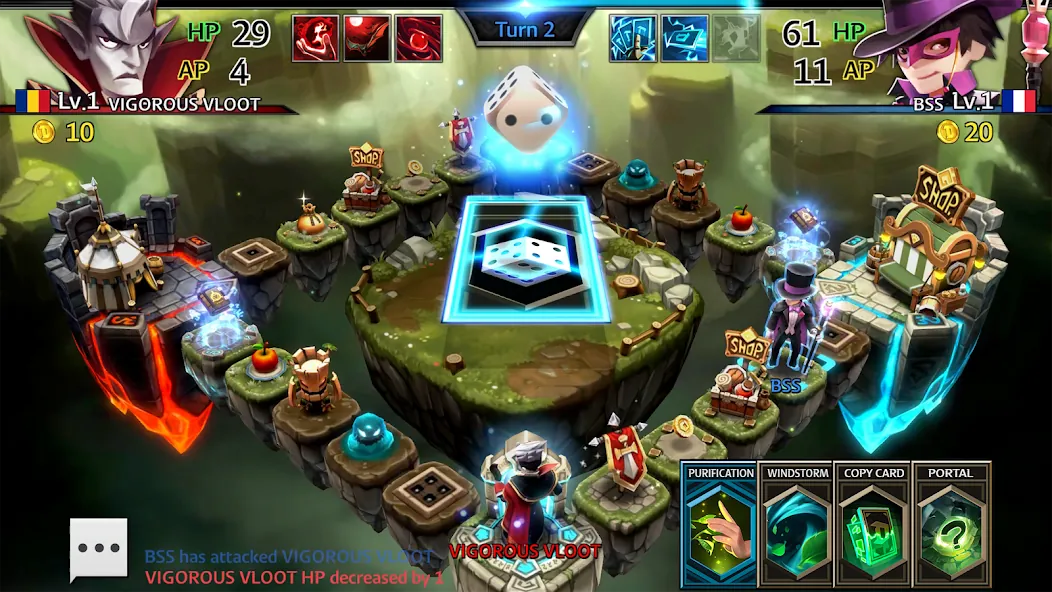
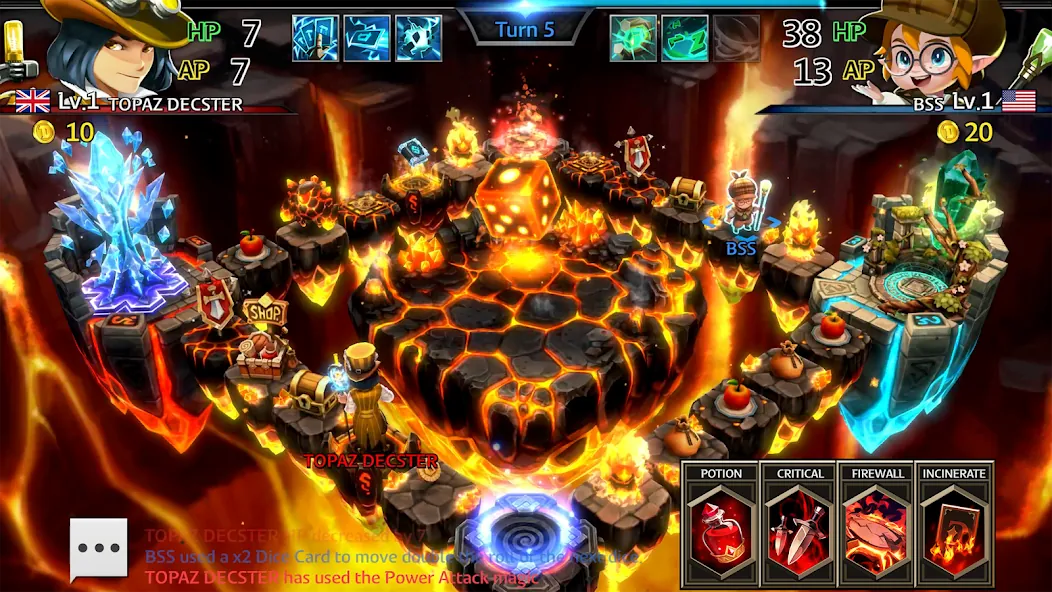
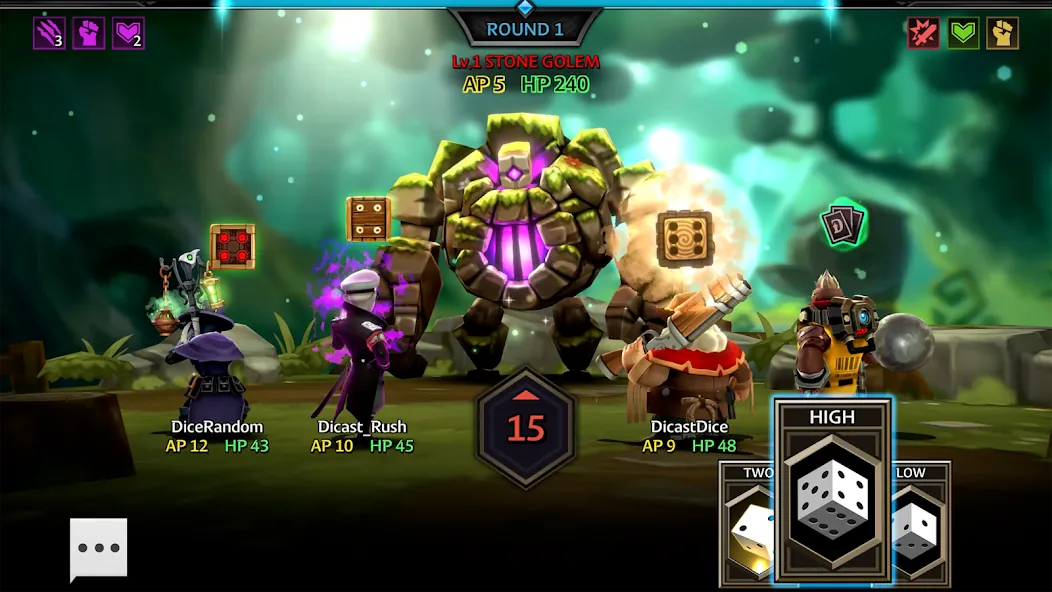
















Explore More
Looking for some quick gaming fun? Our new super-casual game is perfect for entertaining bursts in your busy day. With simple, intuitive gameplay crossed with challenges that engage your brain, you'll keep coming back again and again. No complex controls or tutorials - just open and play anywhere, anytime. Vibrant art style and upbeat music create a lighthearted experience.

st789 v9.0

Dana Game v1.1.1

MC777 v1.1.3

NA777 v1.1.3

Idle Lumber Empire: Tycoon Inc

Dark Riddle 2

Evil Defenders

ZK6 v9.8





