Introduction
Mandala Color is a mindful coloring app that blends intricate mandala designs with intuitive touch controls for calming, creative sessions. In about ten minutes you can paint detailed patterns, experiment with palettes, and save compositions for later—perfect for unwinding, focus work, or creating shareable digital art.
What this app offers
Mandala Color packs a focused set of tools tailored to creating symmetrical, meditative artwork. It strikes a balance between simplicity and depth: beginners get guided color fills and undo options, while advanced users have control over brush dynamics, layer visibility, and export quality.
Core features at a glance
- Sophisticated symmetry engine that mirrors strokes across multiple axes for authentic mandala shapes.
- Extensive color palettes including gradients, custom swatches, and palette save/load options.
- Precision tools like zoom, fine brush control, and an accurate fill algorithm.
- Project management with save slots, thumbnails, and cloud backup support.
How the workflow feels
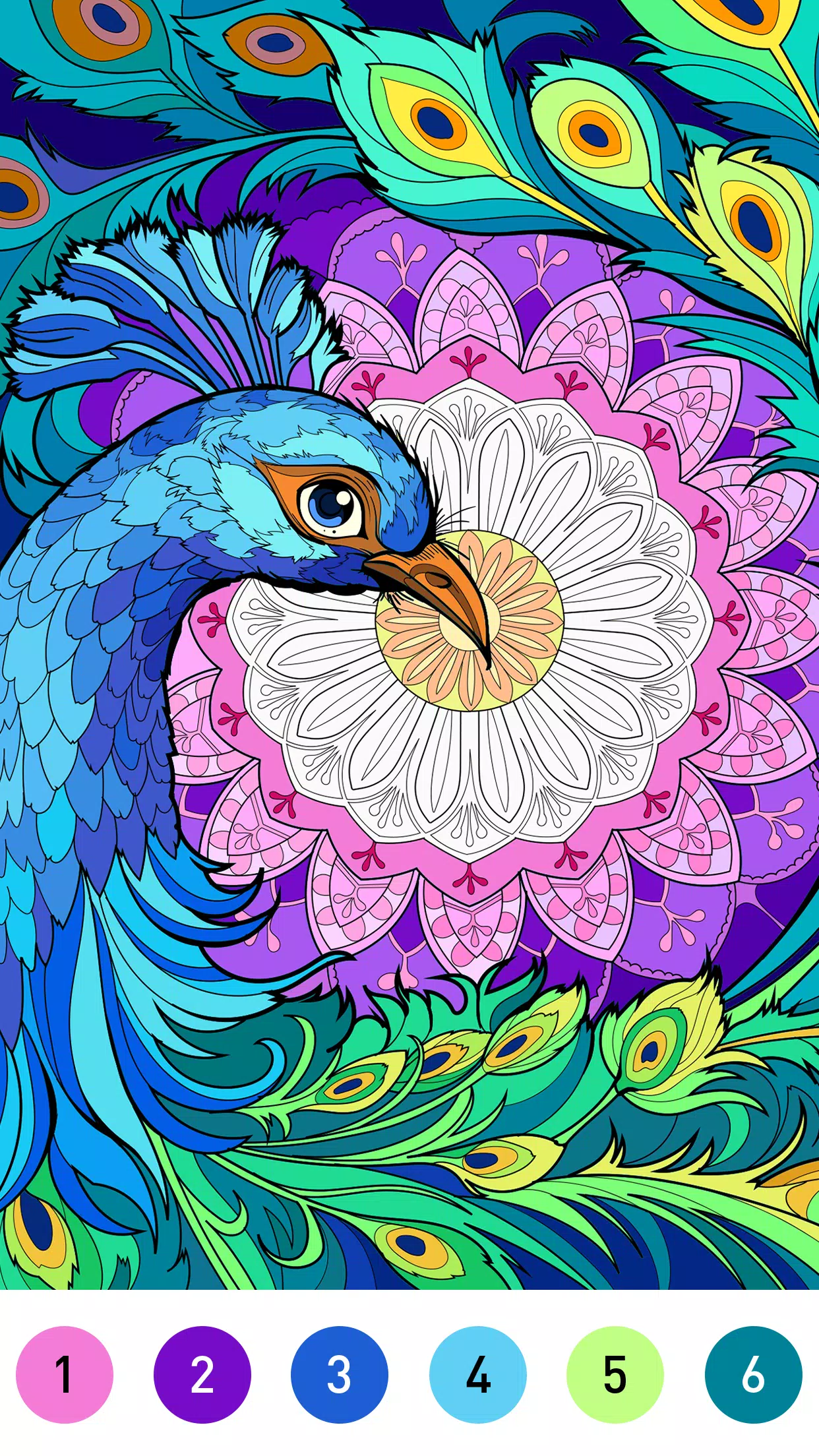
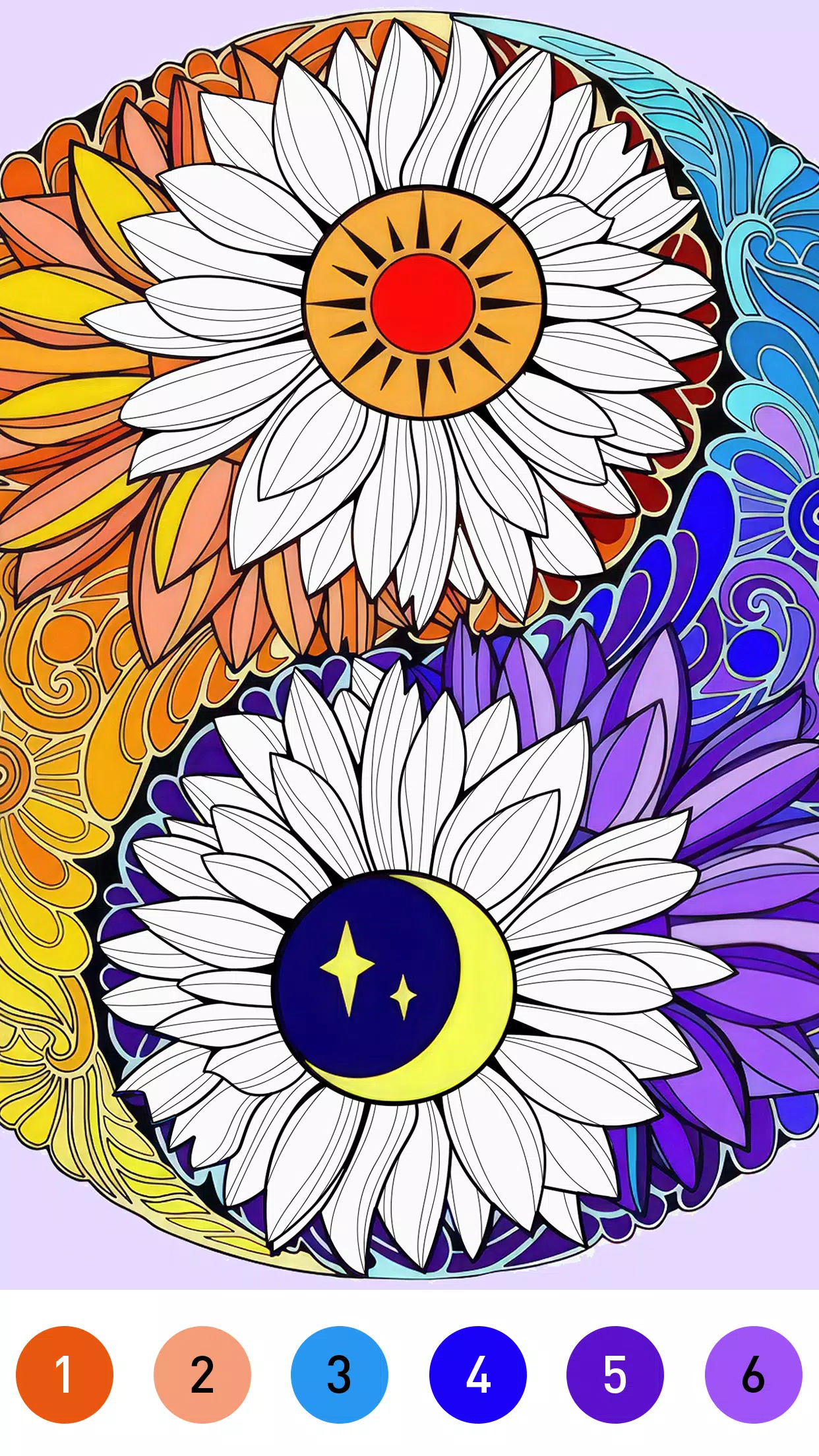
Starting a new piece is straightforward: choose a base template or generate a random mandala, pick a palette, and begin filling. The app responds quickly to taps and drags, making it possible to outline, shade, and add highlights in a few gestures. Undo and redo keep experiments risk-free, while a grid overlay helps maintain consistent spacing.
Tools and controls explained
The toolbar groups common actions—brush size, opacity, symmetry segments, and layer controls—so adjustments stay within reach. Brushes are optimized for crisp edges when filling small segments and soft blending for larger areas. Layers are lightweight and can be toggled on or off, enabling non-destructive edits and easy color swaps without redrawing entire sections.
Customization and personalization
Mandala Color shines when you want to make every piece unique. Create and save custom palettes, import images to sample colors, and tweak symmetry settings from simple radial repeats to complex multi-axis reflections. Templates range from beginner-friendly shapes to intricate professional patterns, giving a wide creative range.
Exporting and sharing
Finished pieces can be exported in common image formats with options for transparent backgrounds and high-resolution outputs suited for printing. The app also includes quick-share buttons for social networks and messaging platforms so you can send a completed mandala directly from within the interface.
Performance and interface design
The interface keeps distractions minimal: muted tones, clear icons, and a compact settings panel. On modern devices performance is smooth; rendering remains fluid even with multiple layers and high-resolution canvases. Battery usage is reasonable, and autosave protects work if the app is interrupted.
Accessibility and settings
Built-in accessibility options include larger UI scaling, high-contrast palettes, and a tutorial overlay that explains each tool. Sensitivity settings let you calibrate touch input to match stylus or finger painting styles for improved accuracy.
Practical tips for better results
- Start with a simple palette of three complementary colors to establish balance before adding accents.
- Use layers to separate background fills from foreground details; it speeds up color changes.
- Work at higher resolution if you plan to print; downscaling preserves edge crispness.
- Experiment with symmetry segment counts to discover unexpected patterns.
Why people turn to Mandala Color
Users praise the app for its calming effect and intuitive tools that make complex designs approachable. Whether you want a brief creative break or a longer focused session, the app supports both quick color therapy and meticulous digital artworks. Regular updates add new templates and palette packs, keeping the experience fresh.
Getting started
Installation is quick and the onboarding walkthrough covers core functions in three steps. If you’re new to digital coloring, start with the guided template mode and graduate to freehand symmetry once you’re comfortable. Mandala Color rewards experimentation, so save often and try different palettes to find your signature look.
- No virus
- No advertising
- User protection
Information
- File size: 72.60 M
- Language: English
- Latest Version: 2.1.3
- Requirements: Android
- Votes: 487
- Package ID: com.mandala.pattern.happy.paint.by.number.coloring
- Developer: LoveColoring Game
Screenshots
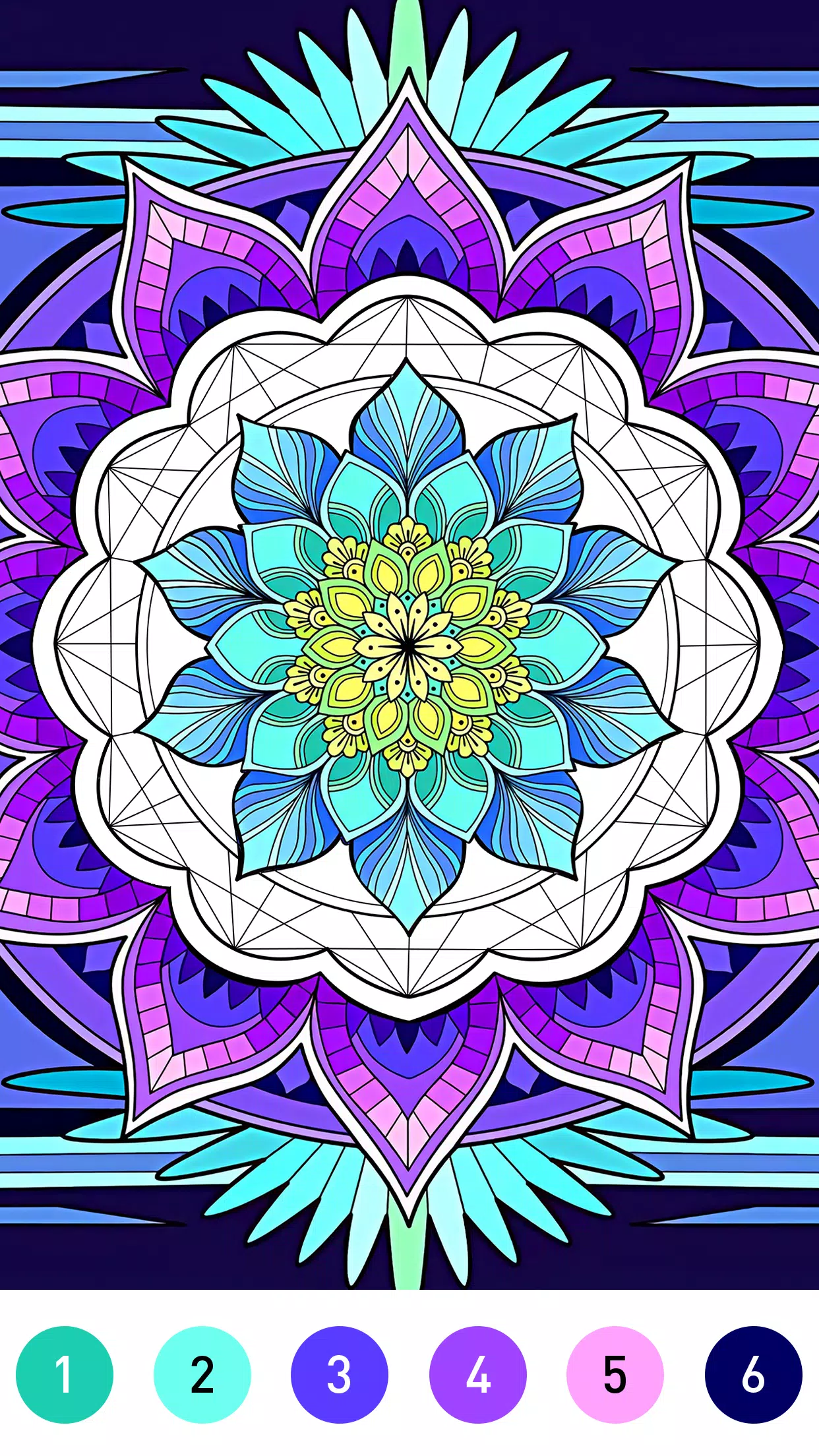
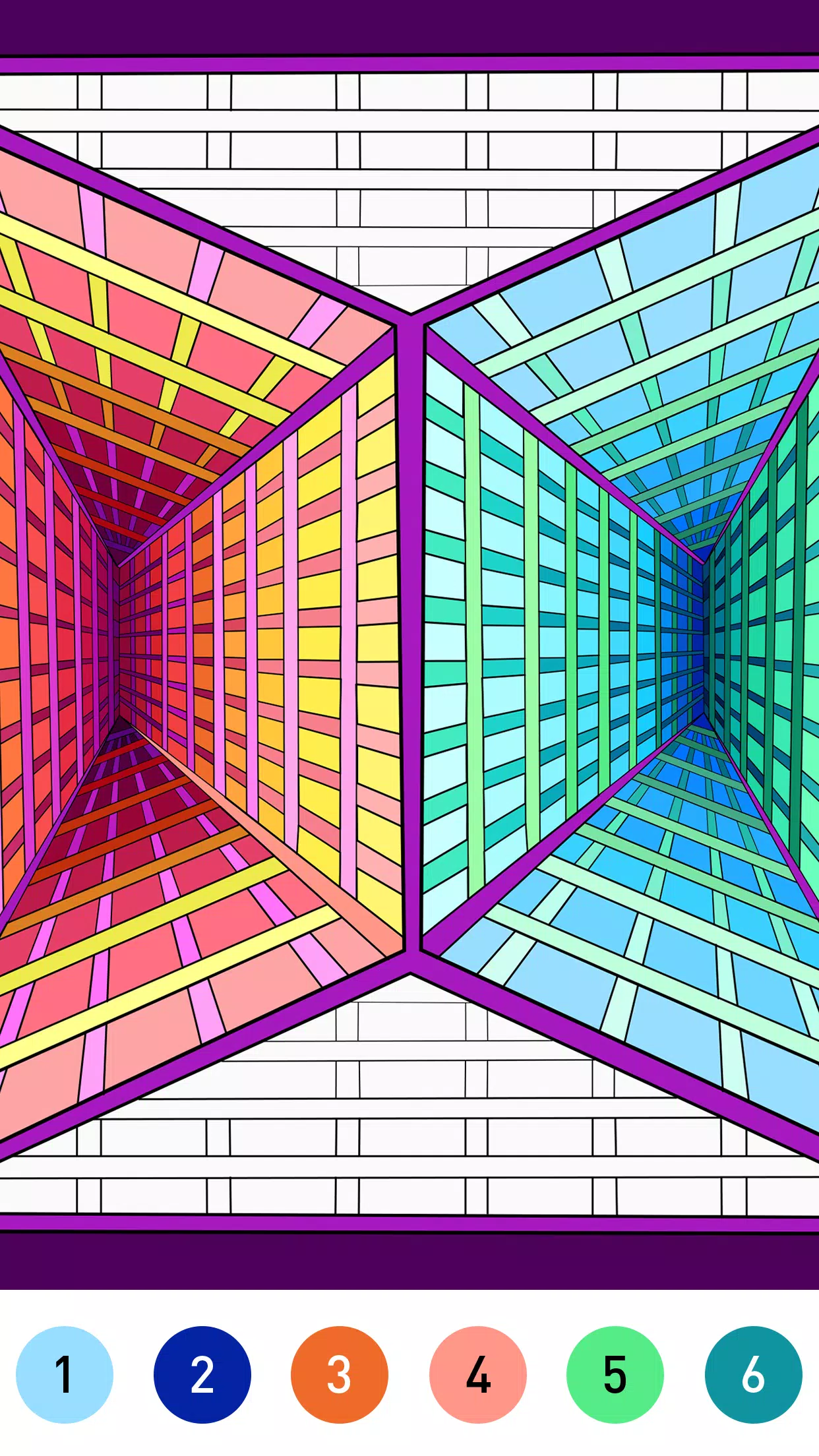
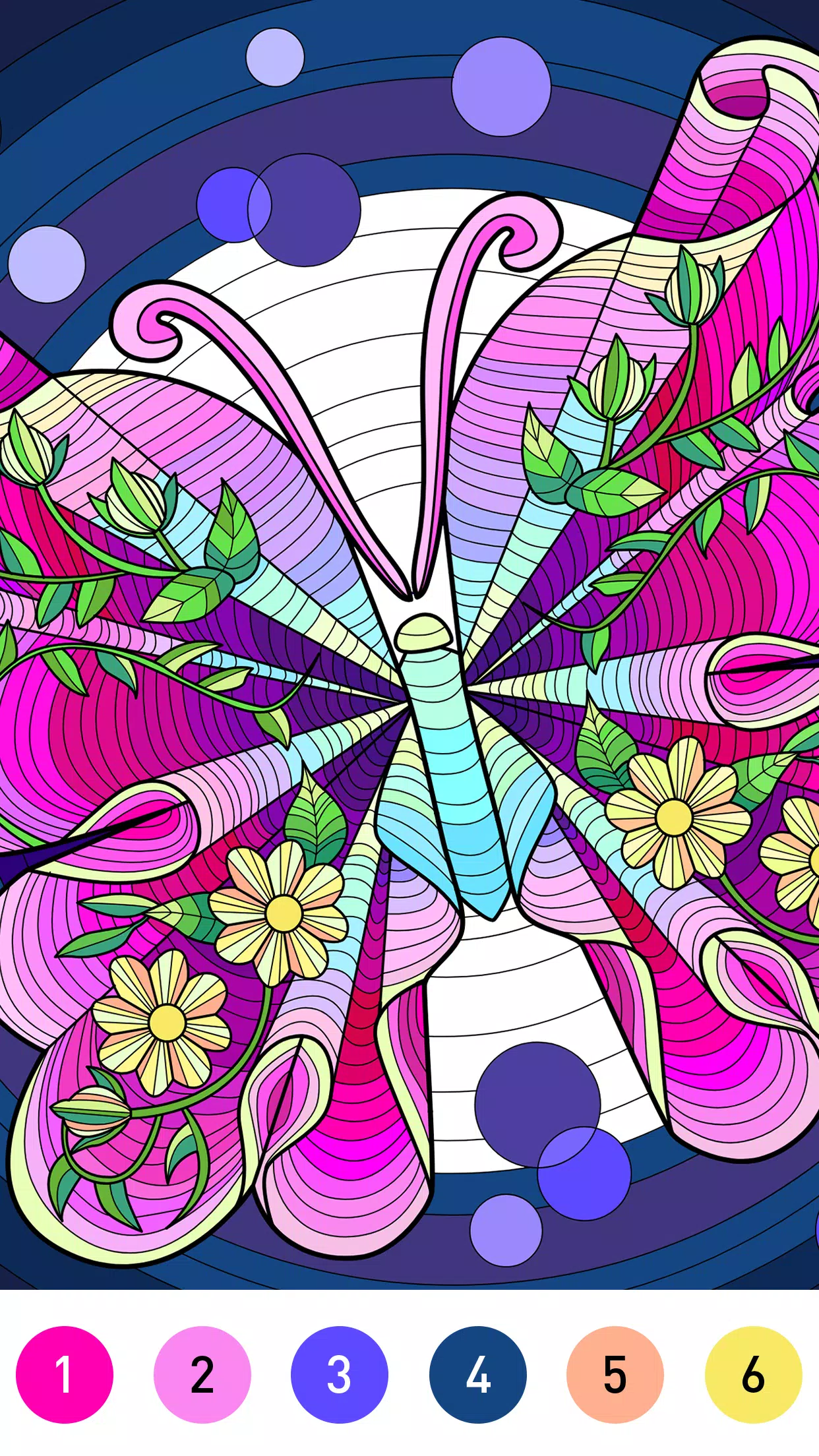
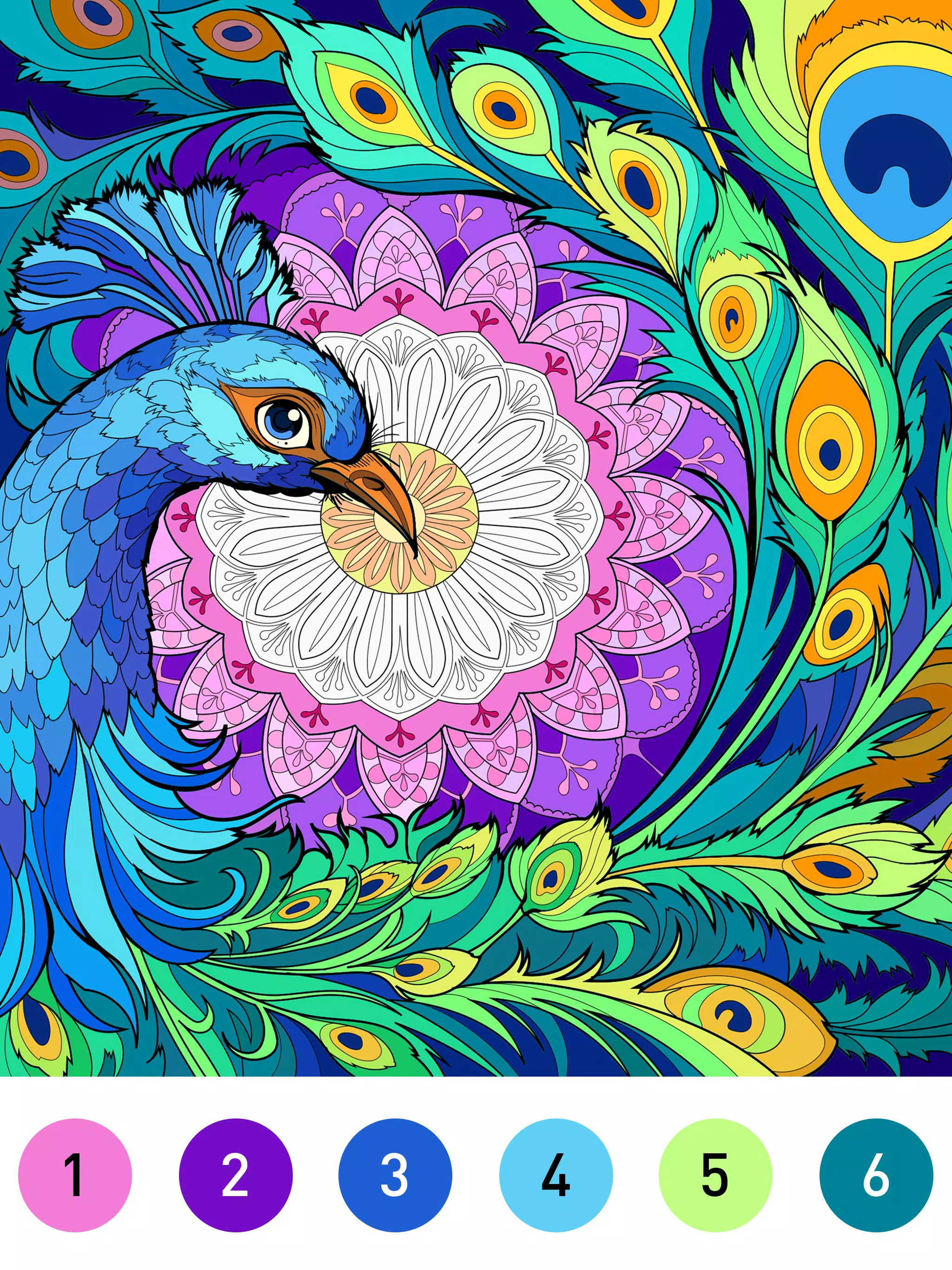
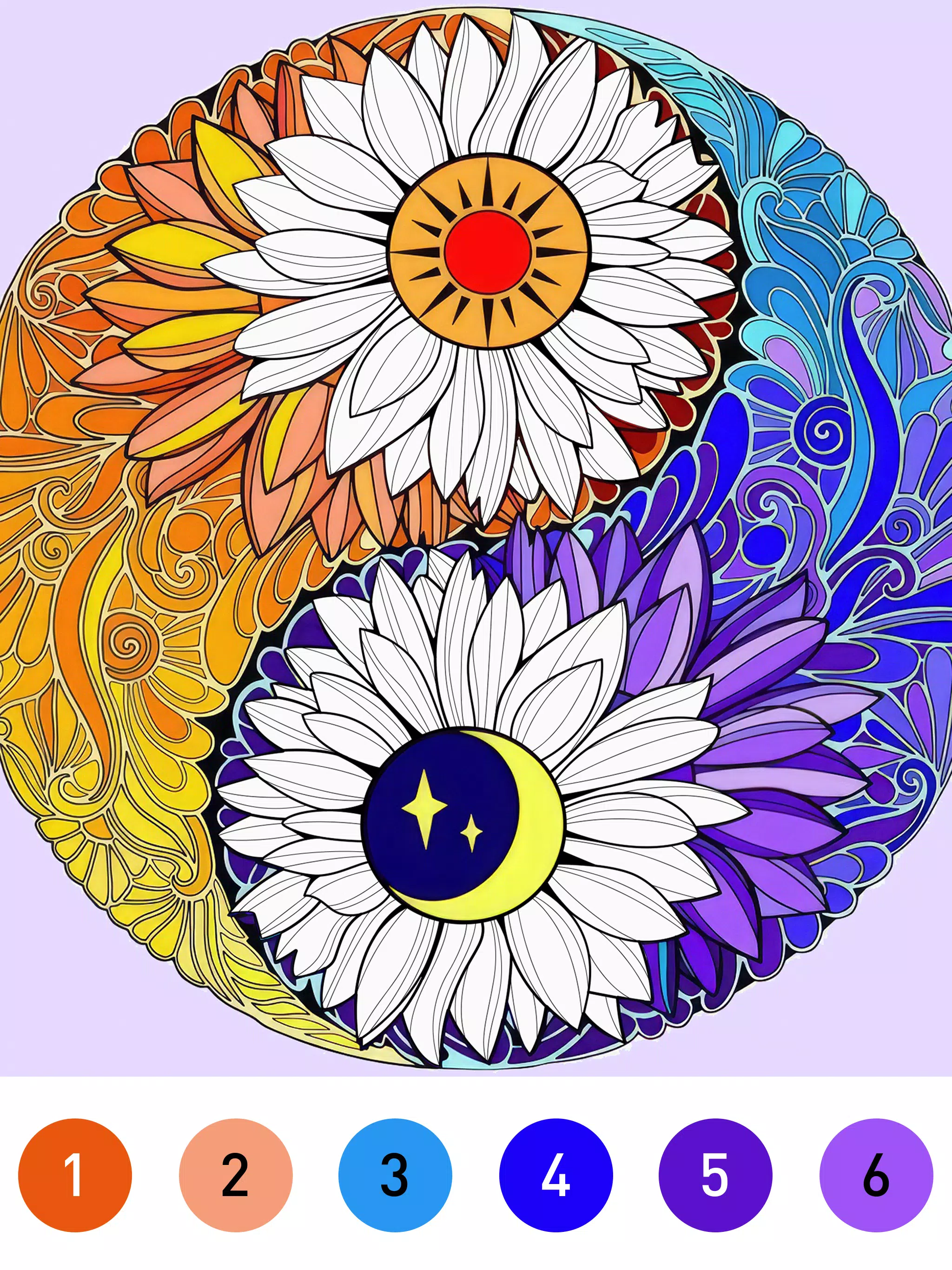
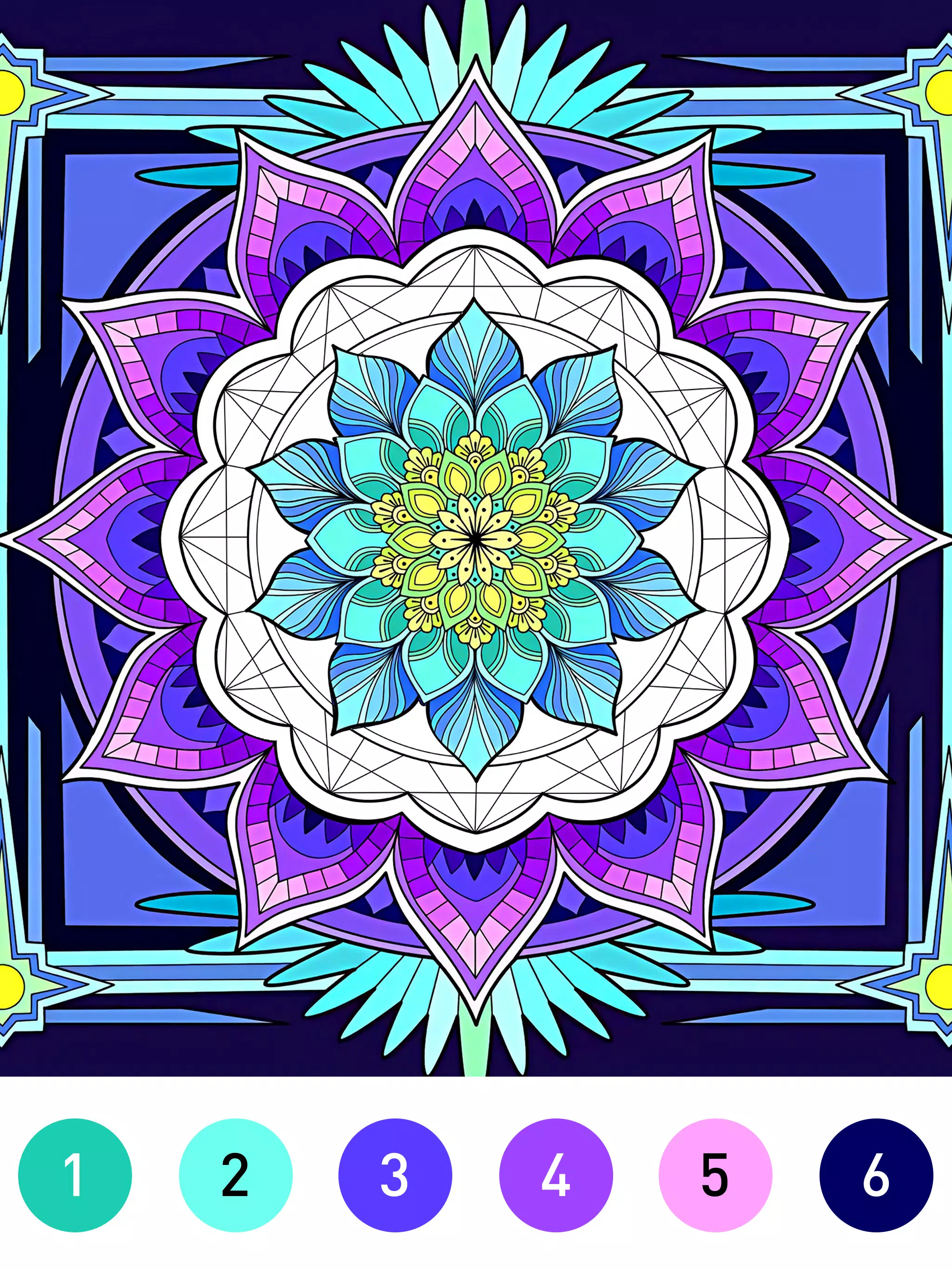
















Explore More
Gather around for game night anytime, anywhere with our new mobile board game. Play digital versions of classics like chess, checkers, backgammon and more against friends or AI opponents. With smooth online multiplayer, you can challenge players worldwide or create private games. Customizable boards, pieces, and house rules allow you to tailor the experience. Compete in daily tournaments or just play for fun.

Mimic Party

Johnny Trigger: Action

Trick or Ahri

C8VIP v9.8

INA777 v9.8

Top Cars Driving

Knödel TD

Zyon RhythmGame