
Introduction
Hilo Professional is a streamlined productivity app built for users who need fast, reliable tools for content organization and workflow automation. It combines a clean interface with task-specific modules to help professionals manage projects, sync data across devices, and customize routines without steep learning curves.
What Hilo Professional does
Hilo Professional presents a modular toolkit aimed at simplifying everyday work. Rather than a single-purpose utility, it offers an assortment of features—task tracking, lightweight automation, and cloud synchronization—that let users tailor the app to their preferred workflow. It's designed to be both approachable for newcomers and flexible enough for power users.
Core components and capabilities
- Task Manager: Create and organize tasks with tags, deadlines, and priorities. Tasks can be nested and filtered to keep complex projects tidy.
- Automation Rules: Set simple triggers and actions to eliminate repetitive steps, such as moving items between lists or sending notifications when due dates change.
- Cloud Sync: Keep your data consistent across multiple devices with encrypted synchronization and conflict resolution tools.
- Quick Capture: Capture notes, images, or voice snippets on the fly to preserve ideas and action items.
User interface and performance
The interface balances minimalism and functionality. Hilo Professional uses clear typography, compact icons, and adaptive layouts that work well on phones and tablets. Animations are subtle, maintaining responsiveness even on mid-range devices. Loads are quick and common actions—adding tasks, switching projects, or applying filters—feel instantaneous.
Navigation and accessibility
Navigation relies on a bottom bar and contextual panels that expand when needed. This reduces screen clutter and keeps primary controls within thumb reach. The app also supports system-level accessibility settings, adjustable font sizes, and high-contrast mode for improved readability.
Customization and integrations
Customization is a standout: users can design board views, create color-coded lists, and define automation sequences that match their routines. Hilo Professional integrates with popular calendar services and cloud storage providers, allowing events and attachments to flow between apps without manual export. Third-party connector support makes it possible to plug Hilo into existing productivity ecosystems.
Workflow examples
- Freelancers can convert client emails into tasks, automatically tag deliverables, and track billing milestones.
- Small teams can use shared boards to visualize sprint progress, assign owners, and generate status snapshots for meetings.
- Individuals can set personal routines—like a morning review checklist—that run each weekday with minimal input.
Security and data handling
Security is treated as a priority. Hilo Professional employs end-to-end encryption for synced items and allows users to manage authentication methods, including passcodes and biometric locks. Data export and import options are available for backup or migration, and conflict handling is transparent so users can resolve discrepancies manually.
Onboarding and learning curve
Getting started is straightforward. The app offers guided tours and context-sensitive help that introduce core concepts without overwhelming the user. Templates cover common setups—project management, daily planning, and content production—so new users can hit the ground running and then refine templates to suit specific needs.
Tips to get the most from Hilo Professional
- Begin with a single project and add automation selectively to avoid complexity.
- Use tags consistently to keep filtering effective across boards.
- Leverage quick capture features to reduce cognitive load during busy days.
- Schedule regular cleanups to archive completed tasks and maintain performance.
Why professionals choose it
Hilo Professional appeals to people who want control without micromanagement. Its strength lies in blending lightweight automation with an uncluttered interface that adapts to different work styles. Whether you manage multiple clients, run a small team, or just want a reliable daily planner, the app gives practical tools that scale with your needs.
Installation and compatibility
Installation is typical for Android apps: download, sign in or create an account, and import data if needed. The app is optimized for current Android versions and supports offline access so basic tasks remain available when a network connection is intermittent. Regular updates add refinements rather than disruptive redesigns, making Hilo Professional a stable choice for long-term use.
- No virus
- No advertising
- User protection
Information
- File size: 27.50 M
- Language: English
- Latest Version: 1.4.7
- Requirements: Android
- Votes: 340
- Package ID: com.khonkaengame.hiloprofessional
- Developer: KhonKaen Game
Screenshots
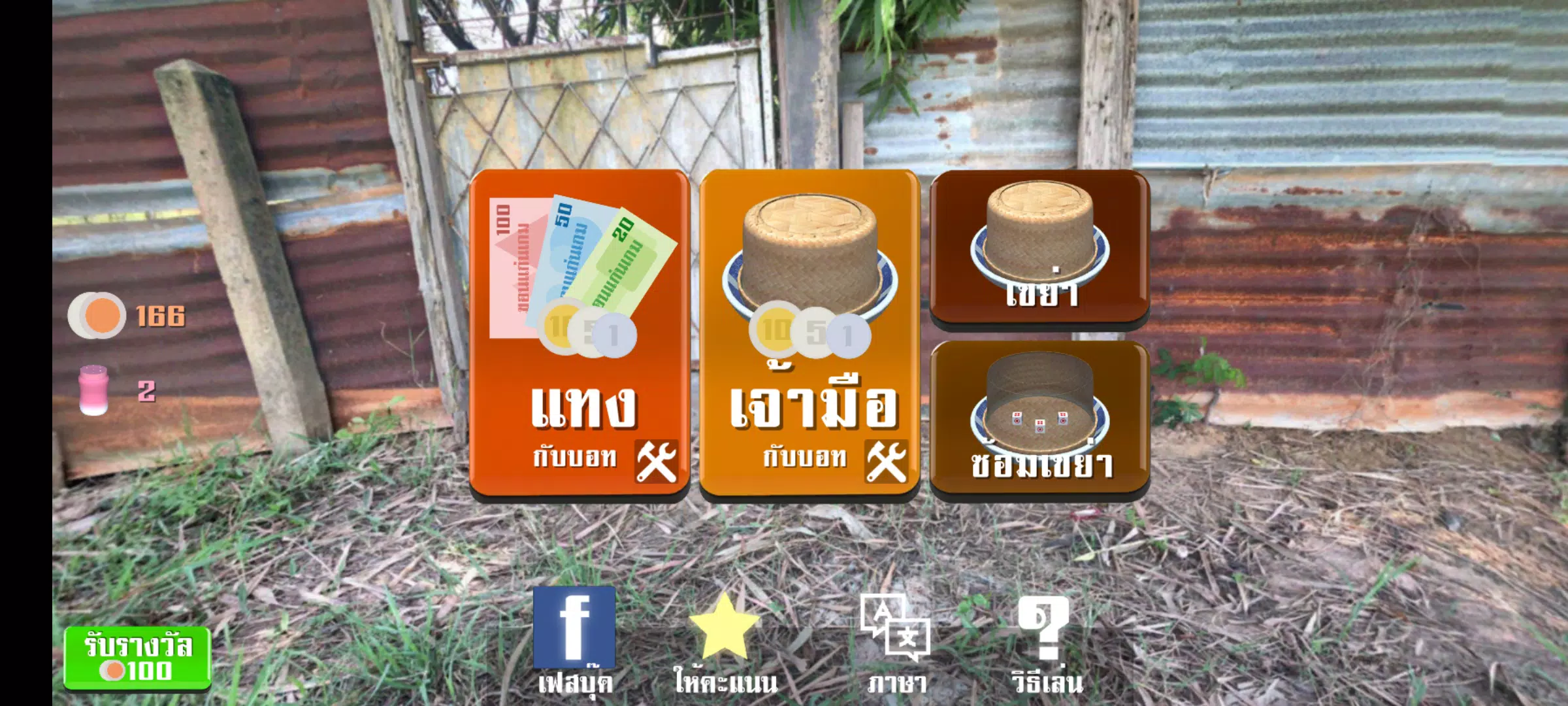
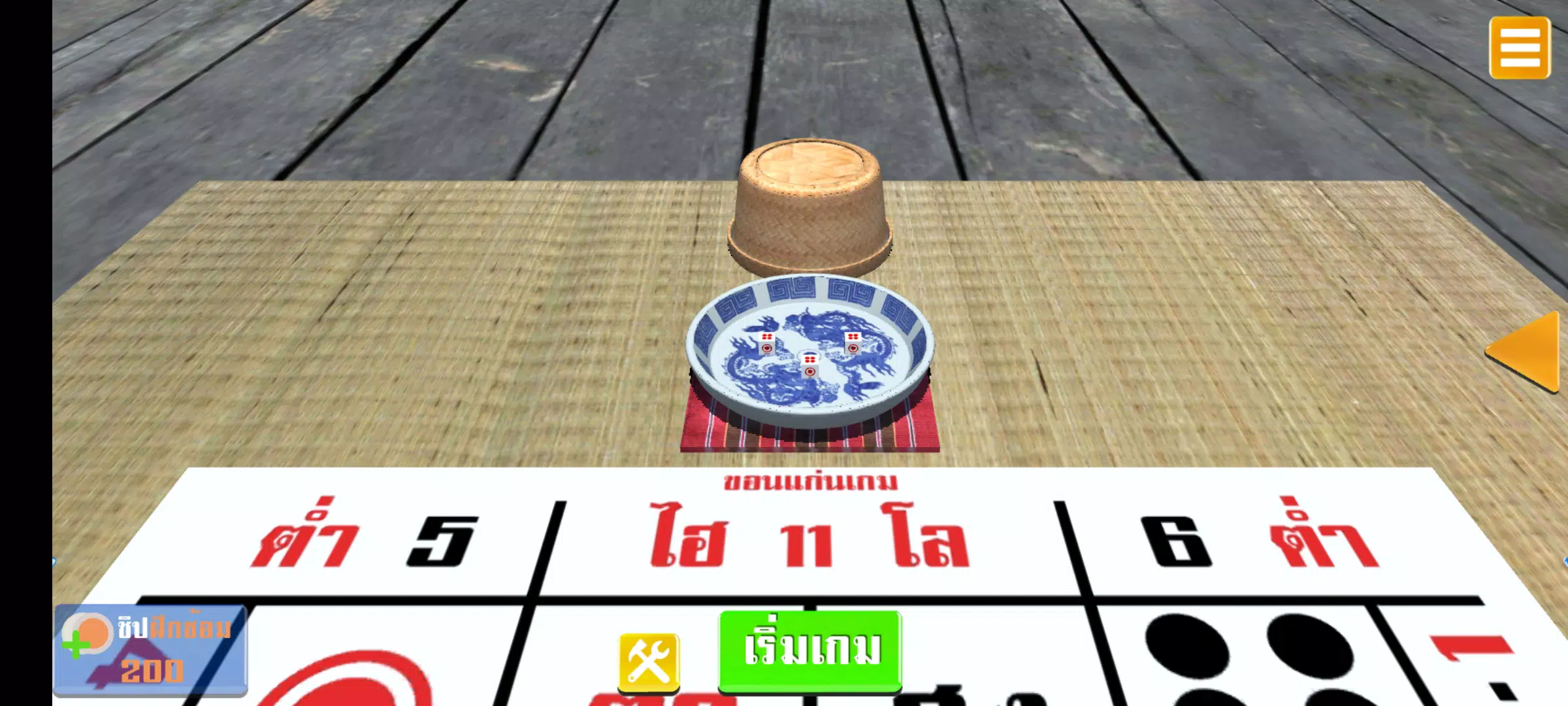
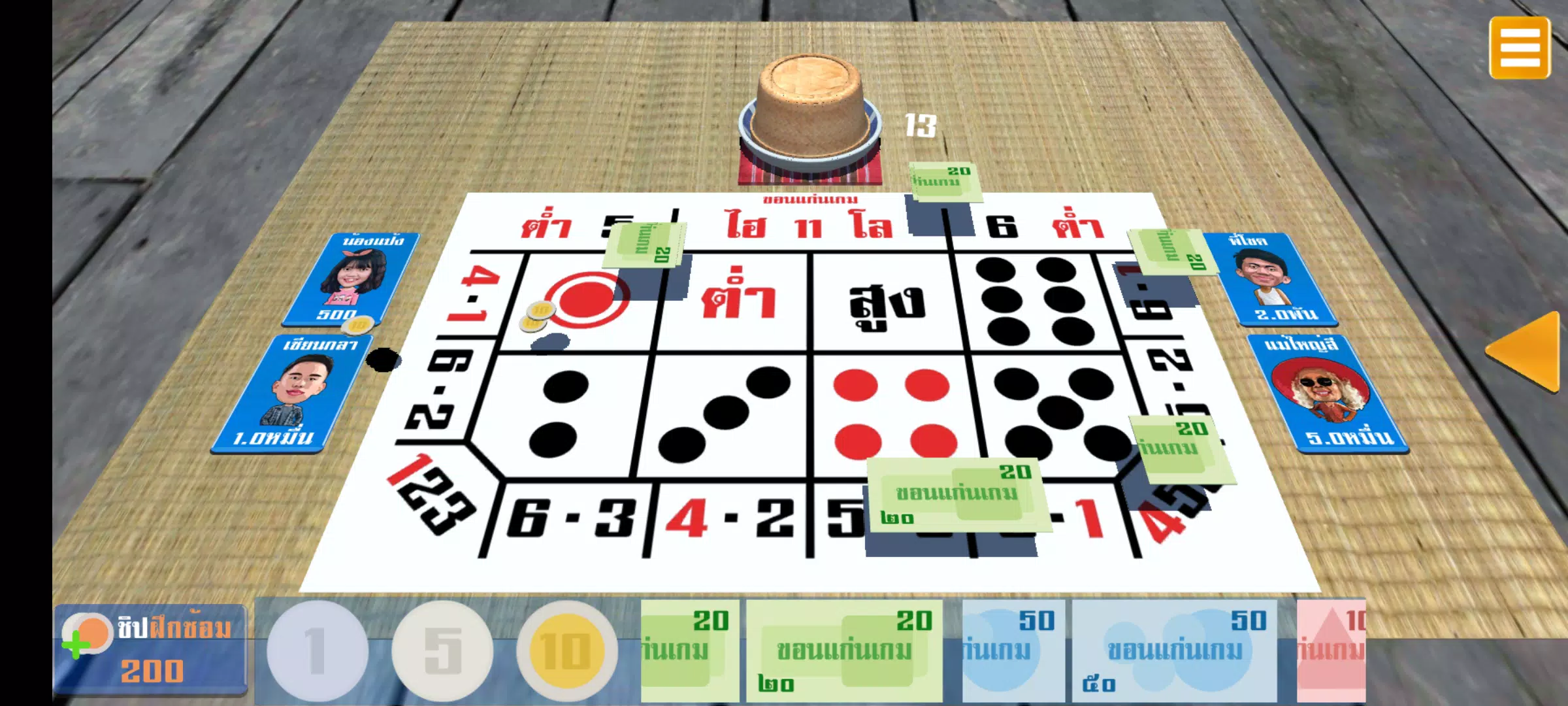
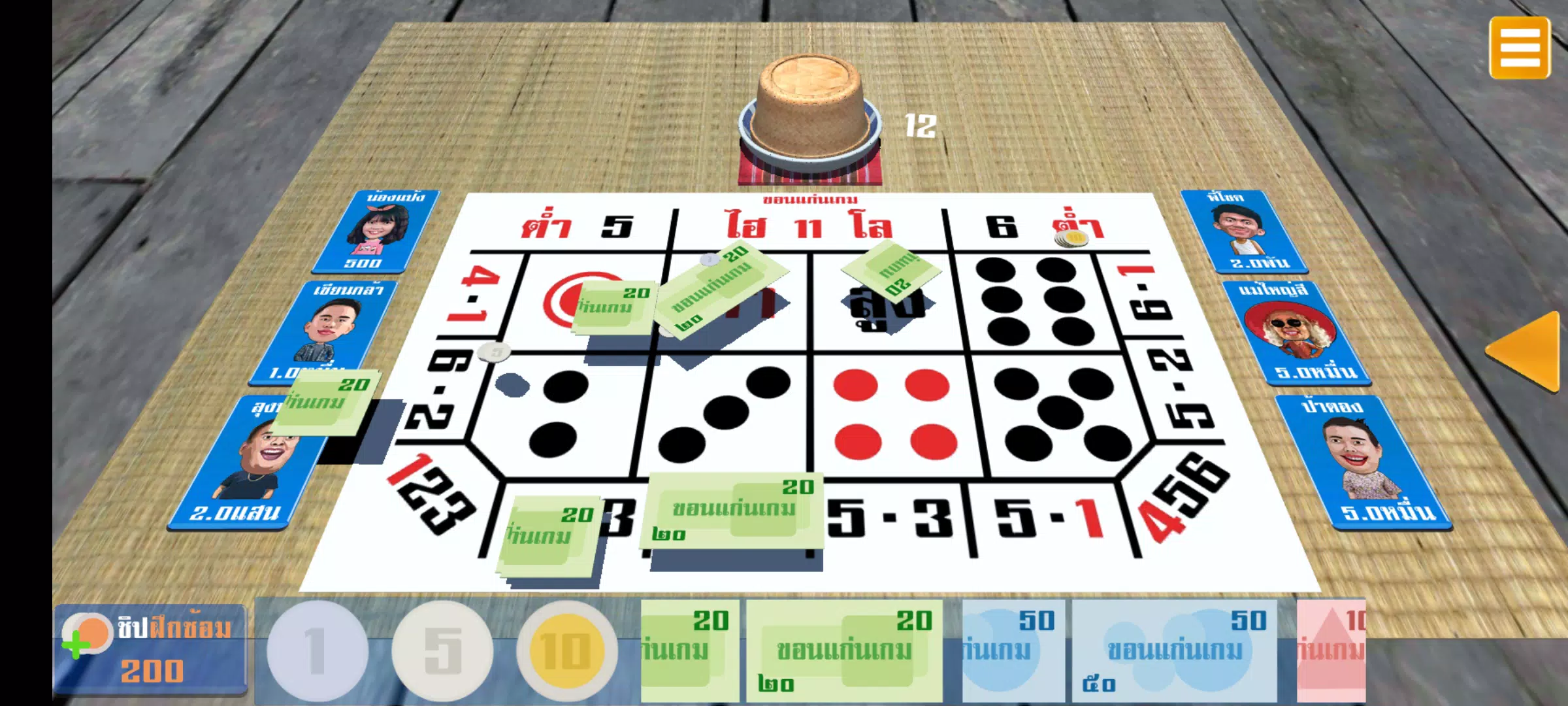
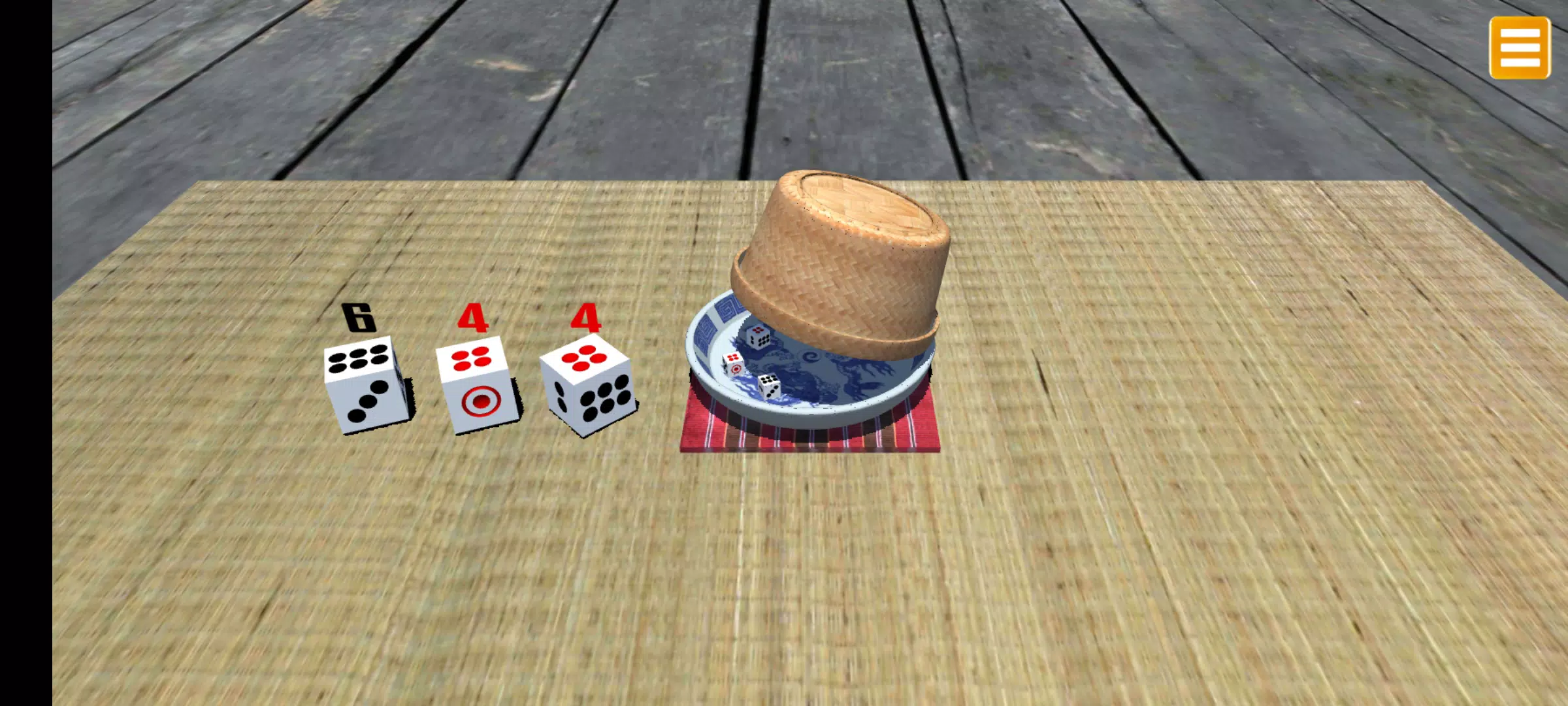
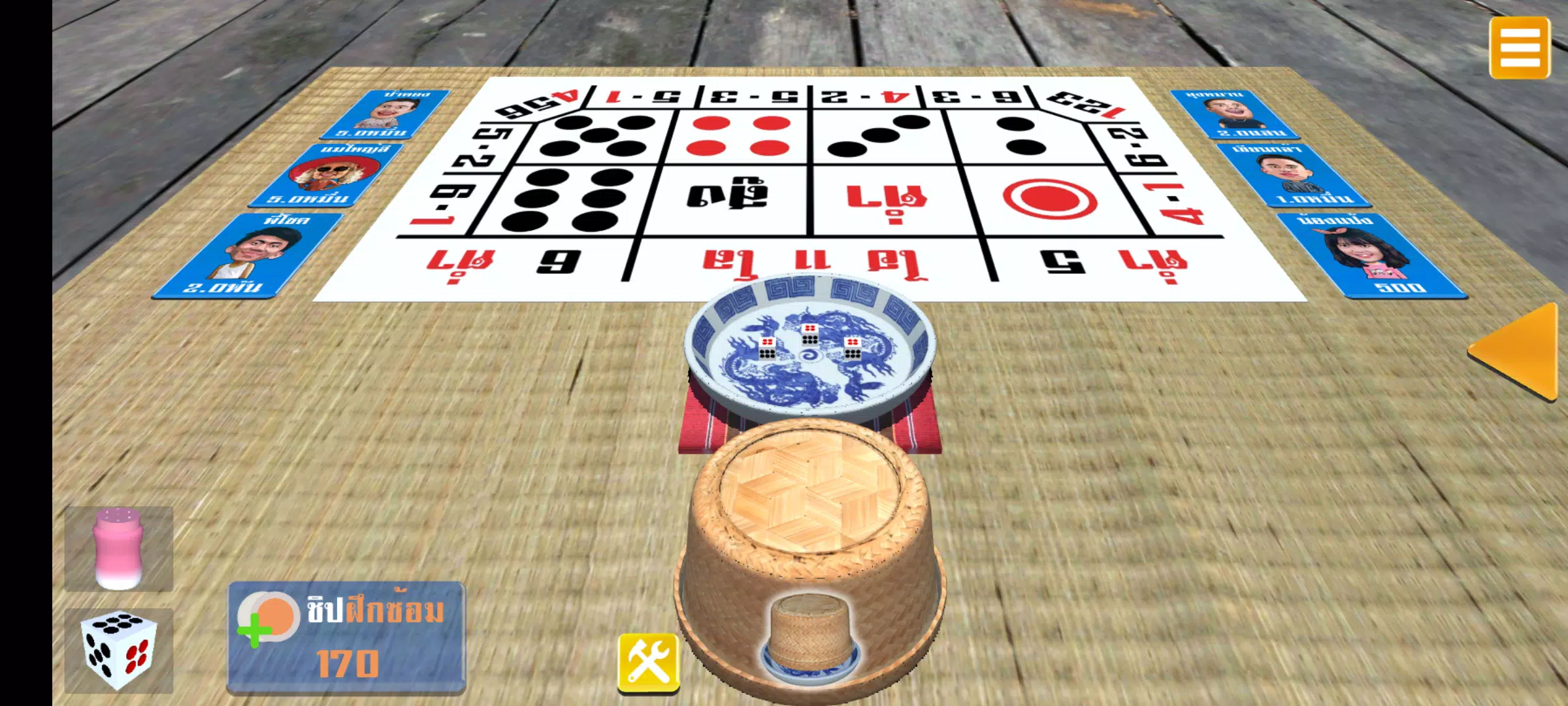

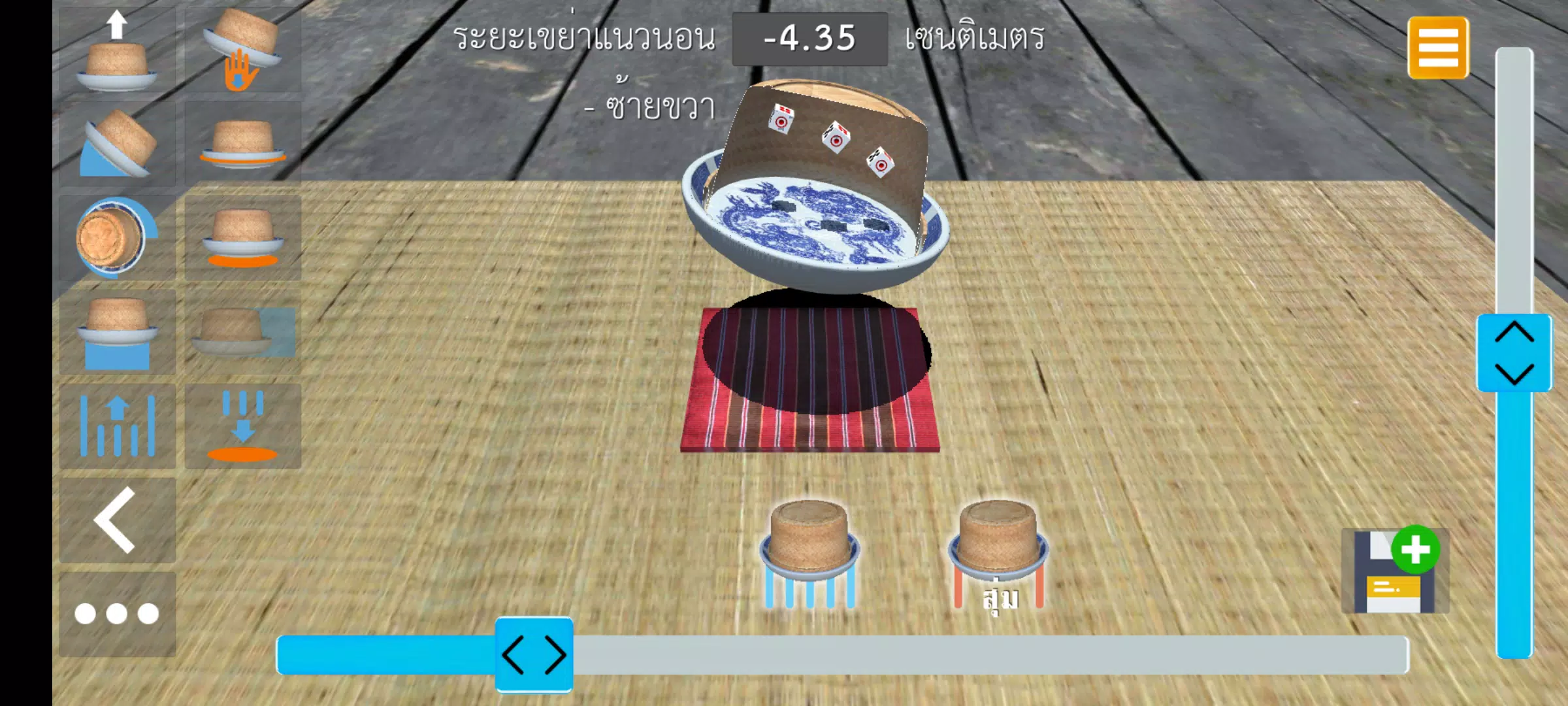
















Explore More
Gather around for game night anytime, anywhere with our new mobile board game. Play digital versions of classics like chess, checkers, backgammon and more against friends or AI opponents. With smooth online multiplayer, you can challenge players worldwide or create private games. Customizable boards, pieces, and house rules allow you to tailor the experience. Compete in daily tournaments or just play for fun.

Club Penguin Sled Racer

Mimic Party

Johnny Trigger: Action

Merge Design: Home Makeover

Trick or Ahri

C8VIP v9.8

My Dream Store

INA777 v9.8