Introduction
Seat Away is a practical mobile app that helps users locate, reserve, and maintain comfortable distance from others in shared spaces. It combines real-time seat availability, simple booking tools, and customizable alerts so finding the right spot at work, in cafés, or at events becomes fast, predictable, and private.
What Seat Away Does
At its core, Seat Away maps seating layouts and shows occupancy in real time. Whether you need a quiet desk, a family-friendly table, or a socially distanced spot in transit hubs, the app displays current options, lets you hold a seat for a short period, and notifies you when conditions change. It’s built to reduce guesswork and make seat selection effortless.
Key Features
- Live availability: View which seats are free, reserved, or occupied across venues with up-to-the-minute updates.
- Quick reservations: Hold a seat for minutes or hours from the map interface without creating friction at arrival.
- Distance filters: Set how much space you prefer between occupied seats and filter results accordingly.
- Notifications and alerts: Receive push messages when your reserved seat is about to expire or when a preferred seat becomes available.
- Calendar and itinerary sync: Integrate bookings with your calendar so your seat reservations align with meetings or transit plans.
- Privacy controls: Choose what location and usage data to share; anonymized analytics help venues manage capacity without exposing personal information.
How It Fits Into Daily Life
Seat Away is designed for commuters, co-working members, busy parents, and event attendees. If you arrive at a café without wanting to roam searching for a table, open the app and claim a seat. For flexible office workers, it becomes the quickest way to secure a desk before a meeting. Event organizers can also publish seating maps so attendees reserve spots in advance, reducing queues and congestion.
Design and Interface
The interface prioritizes clarity: color-coded seats, concise legends, and a responsive map make it easy to scan options at a glance. Controls are thumb-friendly and actions — reserve, cancel, extend — complete in two taps. Visual accessibility options, including high-contrast modes and large icons, ensure the app remains usable in bright outdoor conditions or for users with vision needs.
Workflow and Integration
Using Seat Away follows a straightforward three-step flow: discover, reserve, arrive. Search nearby venues or select from favorites, apply distance and duration filters, then reserve a seat. Integrations streamline this process: Bluetooth beacons or QR check-ins confirm arrivals automatically, and calendar links create reminders so reservations align with your schedule.
Performance and Compatibility
Optimized for modern Android devices, Seat Away minimizes battery drain by using location services efficiently and polling venue updates only when necessary. It supports a broad range of screen sizes and works well on both phones and tablets. The app is built to function with spotty networks: cached seating layouts and queued reservations let you operate even with intermittent connectivity.
Venue Tools and Management
Venues benefit from an admin interface that configures seating maps, sets capacity rules, and views anonymized occupancy trends. This helps restaurants, libraries, and transit operators optimize layouts and schedule cleaning cycles. The system can enforce staggered entry or block out seats to maintain desired spacing automatically.
Getting Started
Download Seat Away, create a basic profile, and allow location permissions for nearby venue suggestions. Add favorite locations and set preferred distance and booking durations to tailor results. For frequent users, enable calendar sync and push notifications to receive timely reminders and keep reservations coordinated with plans.
Why Choose Seat Away
Seat Away reduces the friction of finding a suitable seat in crowded environments and offers venue-aware controls that respect privacy and efficiency. Whether you want certainty before you walk in or a hands-off check-in experience, the app provides practical tools to make shared spaces easier to navigate and manage.
- No virus
- No advertising
- User protection
Information
- File size: 134.50 M
- Language: English
- Latest Version: 0.63.2
- Requirements: Android
- Votes: 441
- Package ID: com.ozn.busqueuee
- Developer: Rollic Games
Screenshots
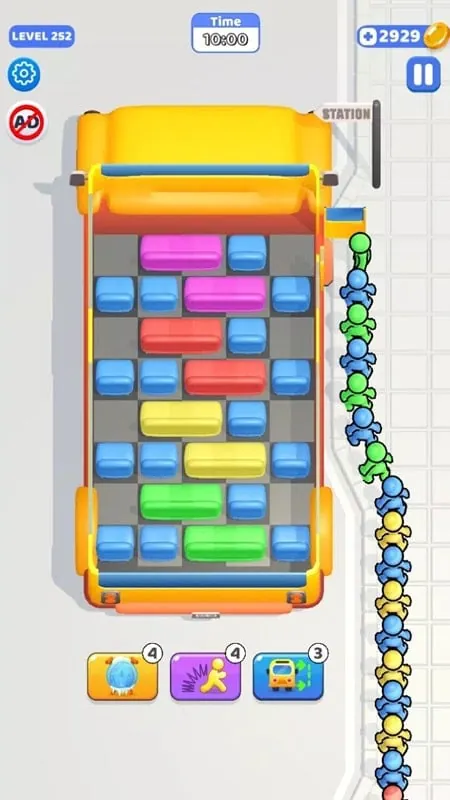
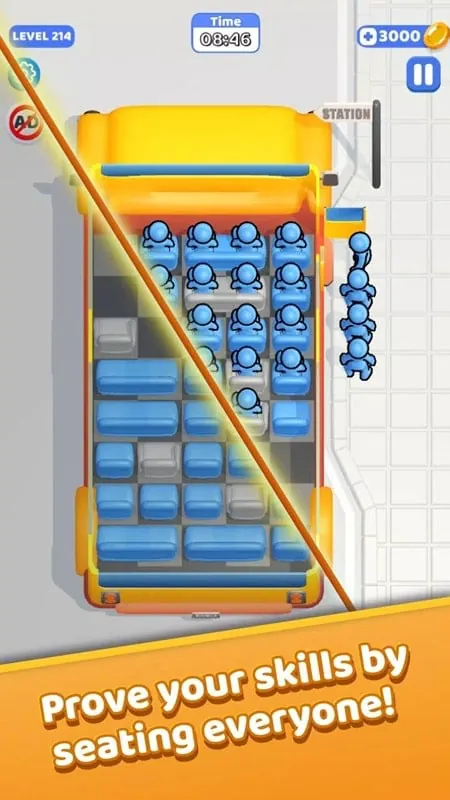
















Explore More
Experience nonstop thrills with our newest edge-of-your-seat action game! With console-quality graphics and intuitive touchscreen controls, you'll be drawn into high-octane combat and stunt-driven gameplay. Choose from an arsenal of upgradable weapons and vehicles to blaze through enemy bases, post-apocalyptic cities, and more. Physics-based action packed with explosions and destructible environments make every level more intense than the last.

ATHENA:Blood Twins

Hokigame v1.0.2

Trick or Ahri

C8VIP v9.8

Grandpa Horror Game

INA777 v9.8

Top Cars Driving

Zyon RhythmGame