Introduction
Best Piano is a mobile keyboard app that turns your Android device into a responsive piano with realistic sound and simple learning tools. It offers multi-touch support, a variety of voices, and practice modes designed to help beginners and hobbyists build skills quickly and enjoy playing on the go.
Overview of the app
Best Piano focuses on accessibility and realistic keyboard behavior for users who want to play without carrying an instrument. The app blends sampled piano tones with lightweight features so it runs smoothly on a wide range of devices. Whether you want to practice scales, try songs, or compose short melodies, Best Piano provides a compact toolkit with straightforward controls.
Core features that matter
- Realistic sound engine: High-quality piano samples and adjustable reverb create a natural tone that responds well to quick and slow passages.
- Multi-touch keyboard: Play chords and complex patterns using up to several simultaneous touches for accurate performance.
- Learning modes: Integrated tutorials, note highlights, and guided songs help new players follow along and improve timing.
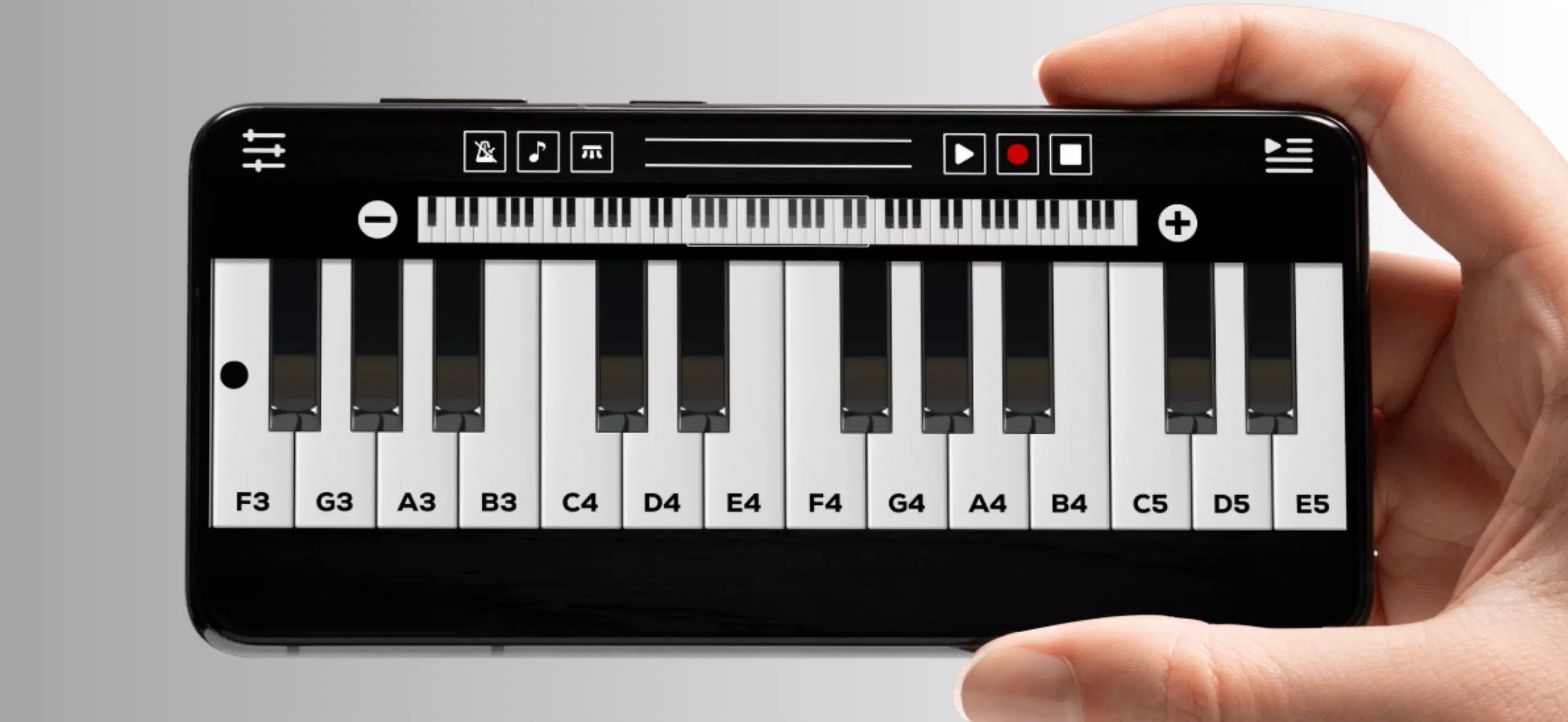
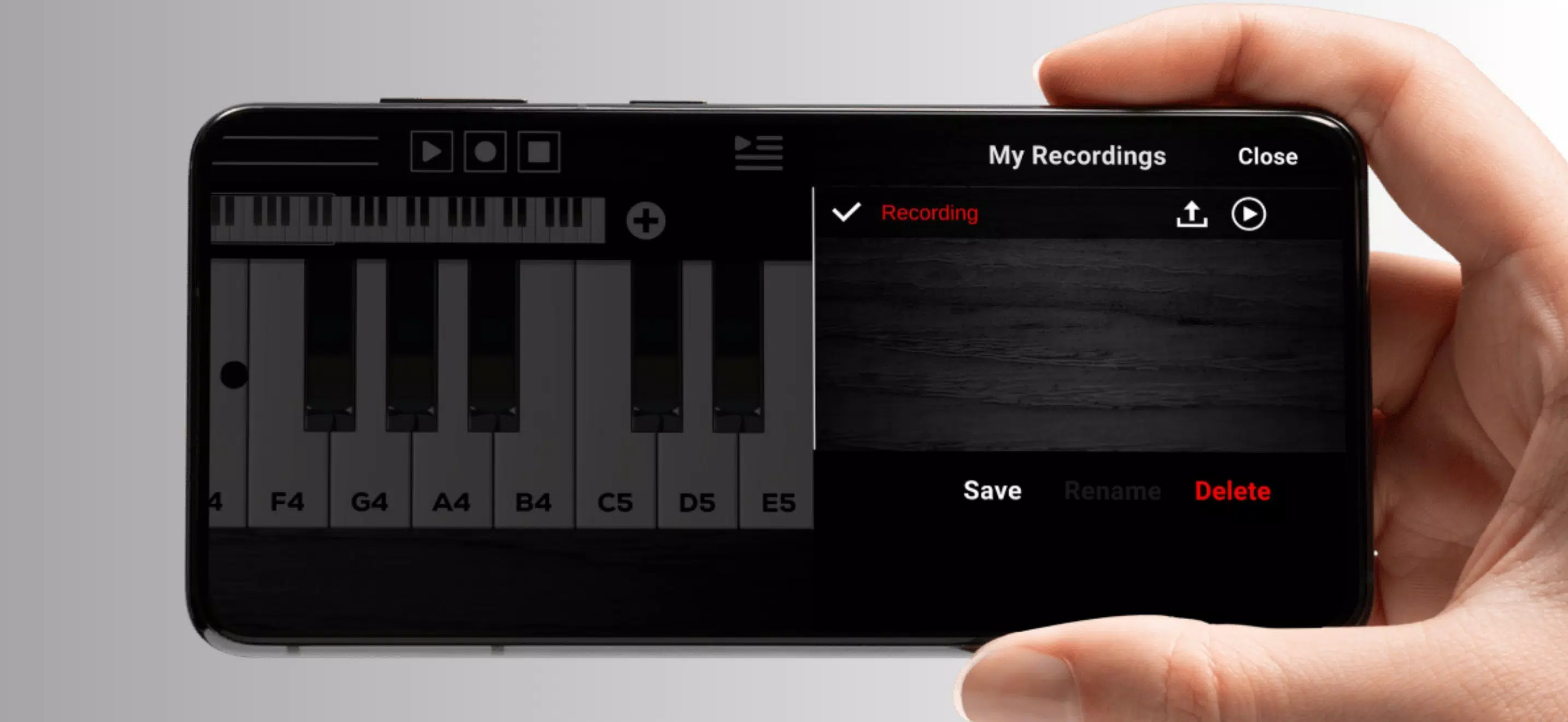
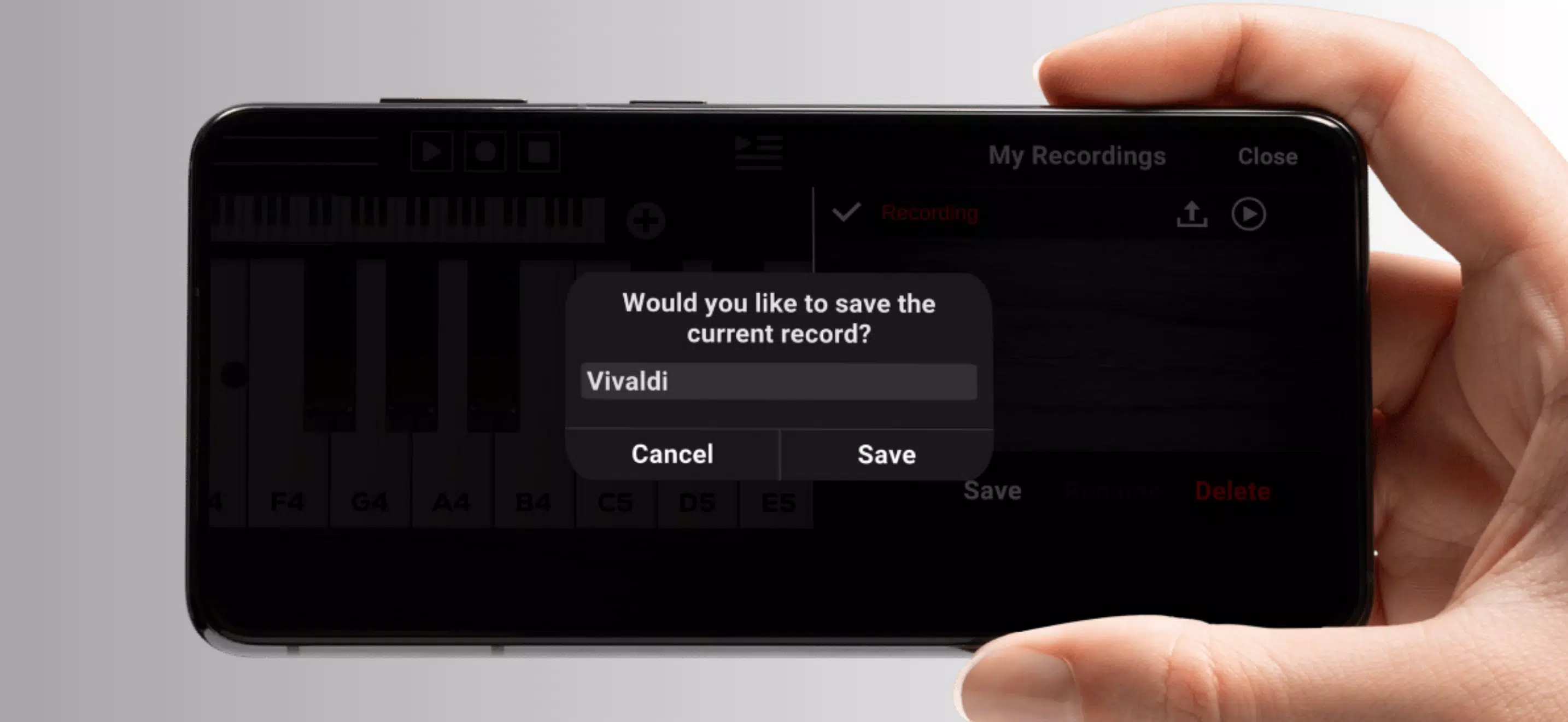
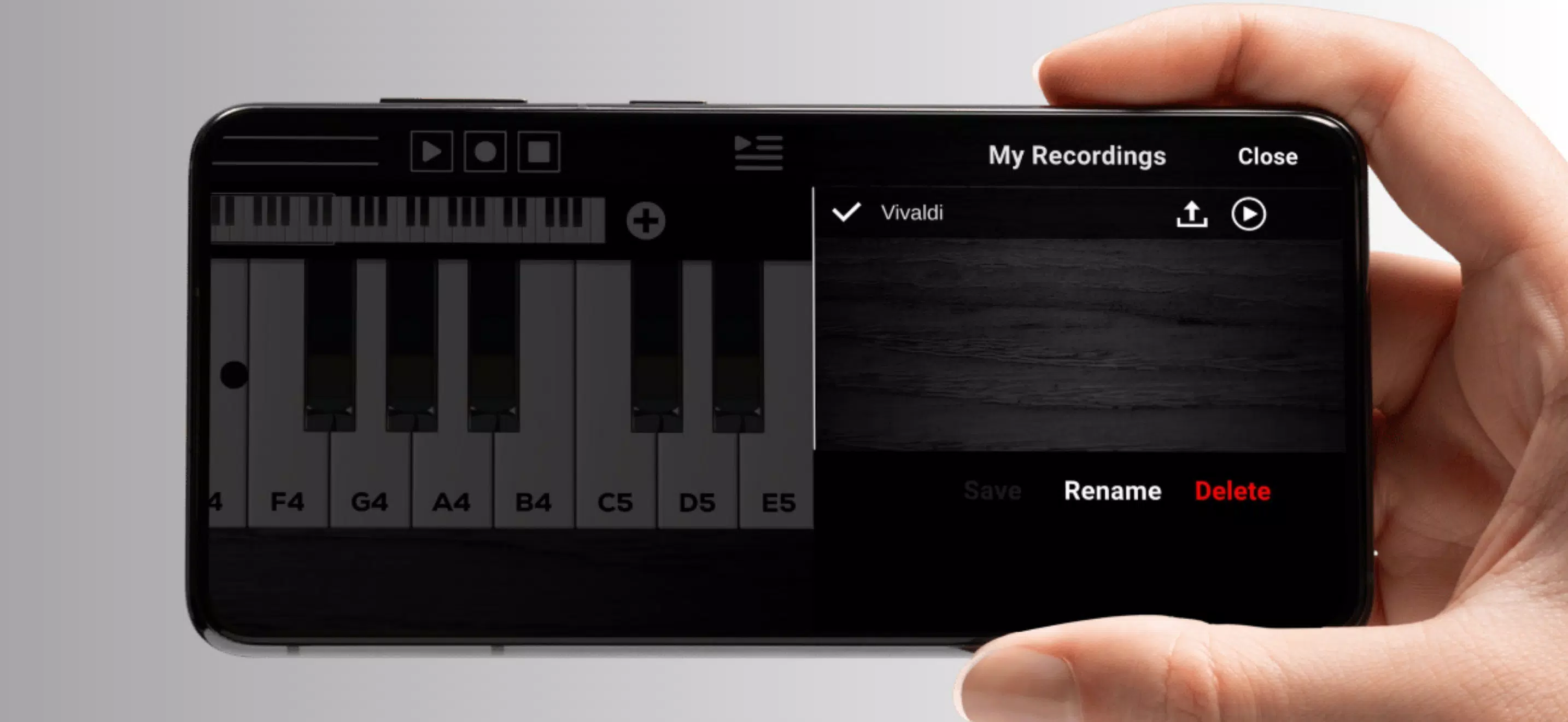
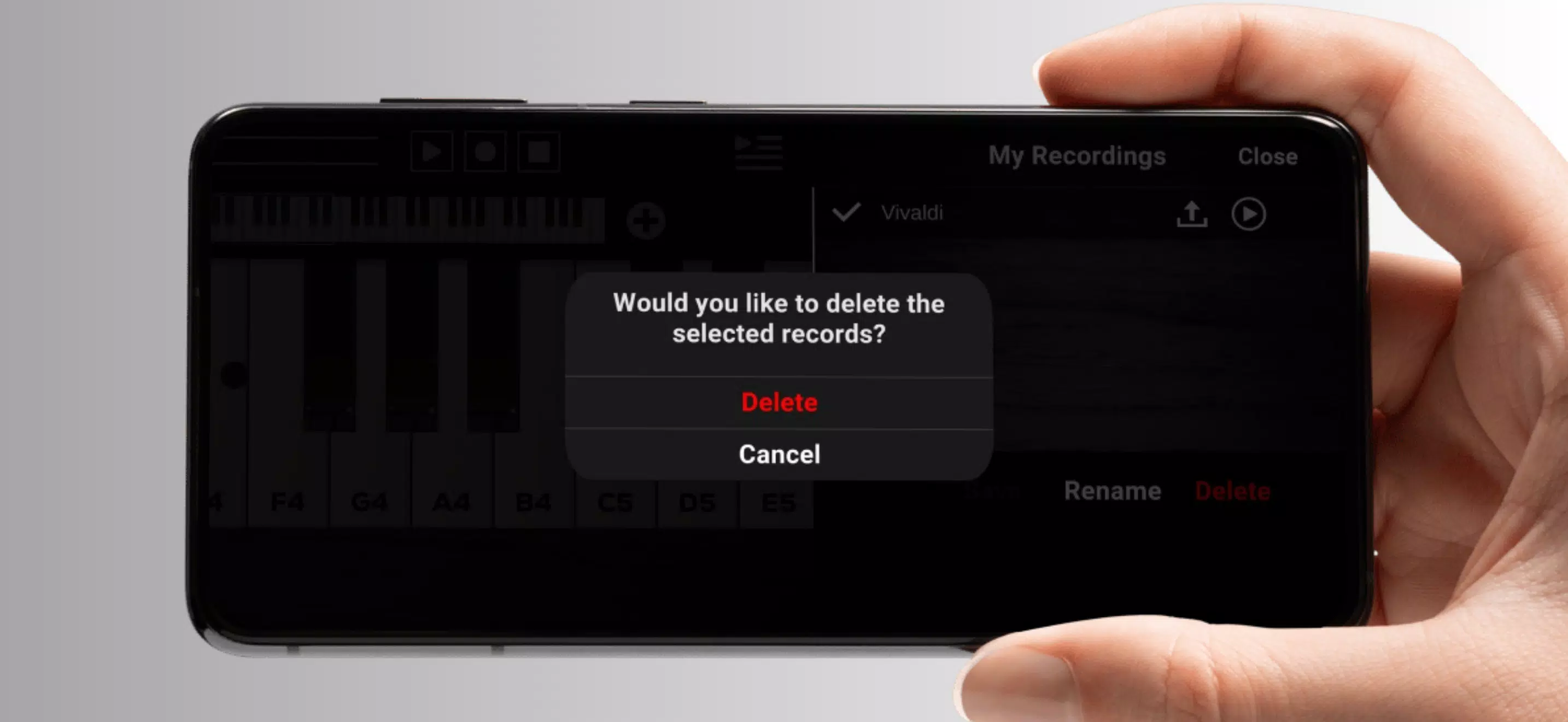
- Recording and playback: Record sessions for review, loop sections for practice, and export files to share or edit externally.
- Voice and instrument options: Swap to harpsichord, electric piano, or synth presets to experiment with different textures.
How the app works in practice
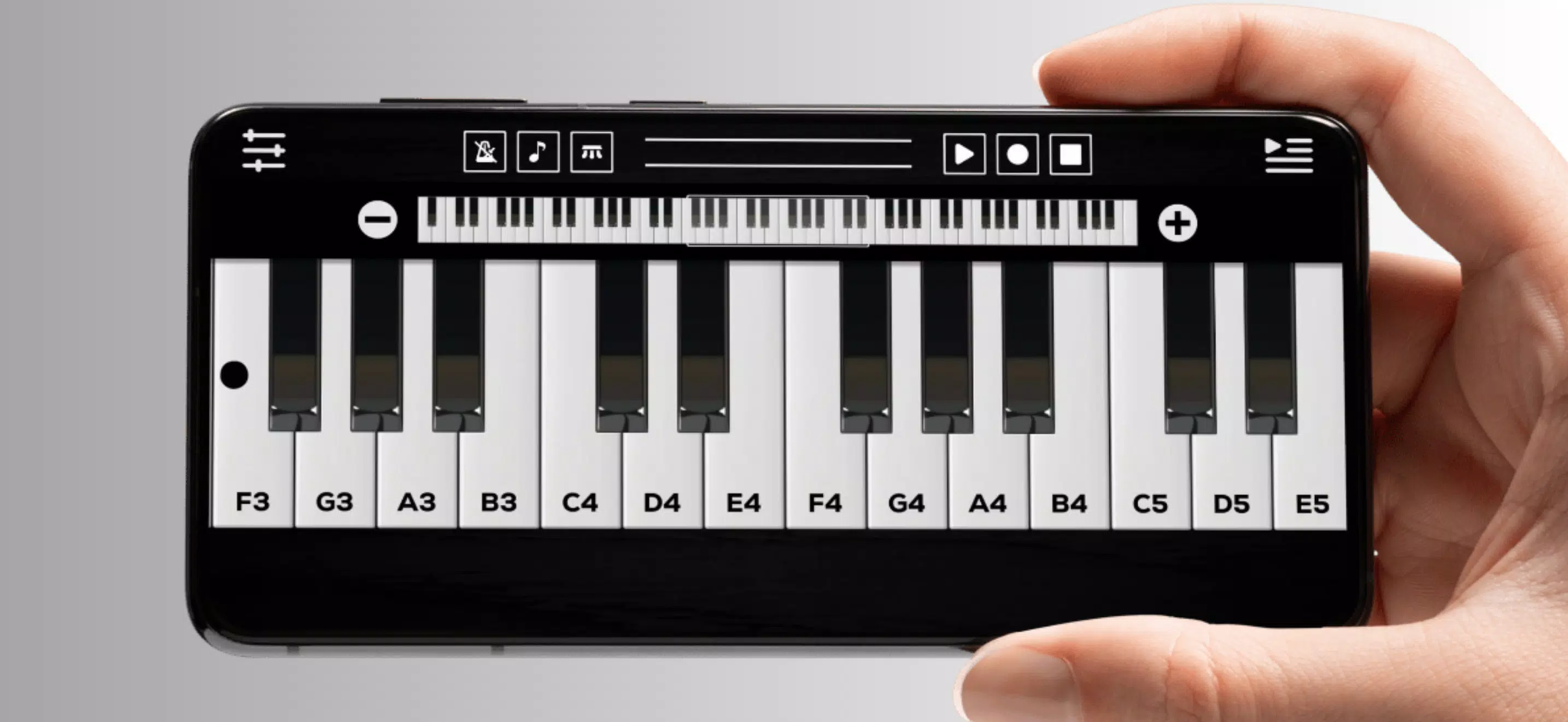
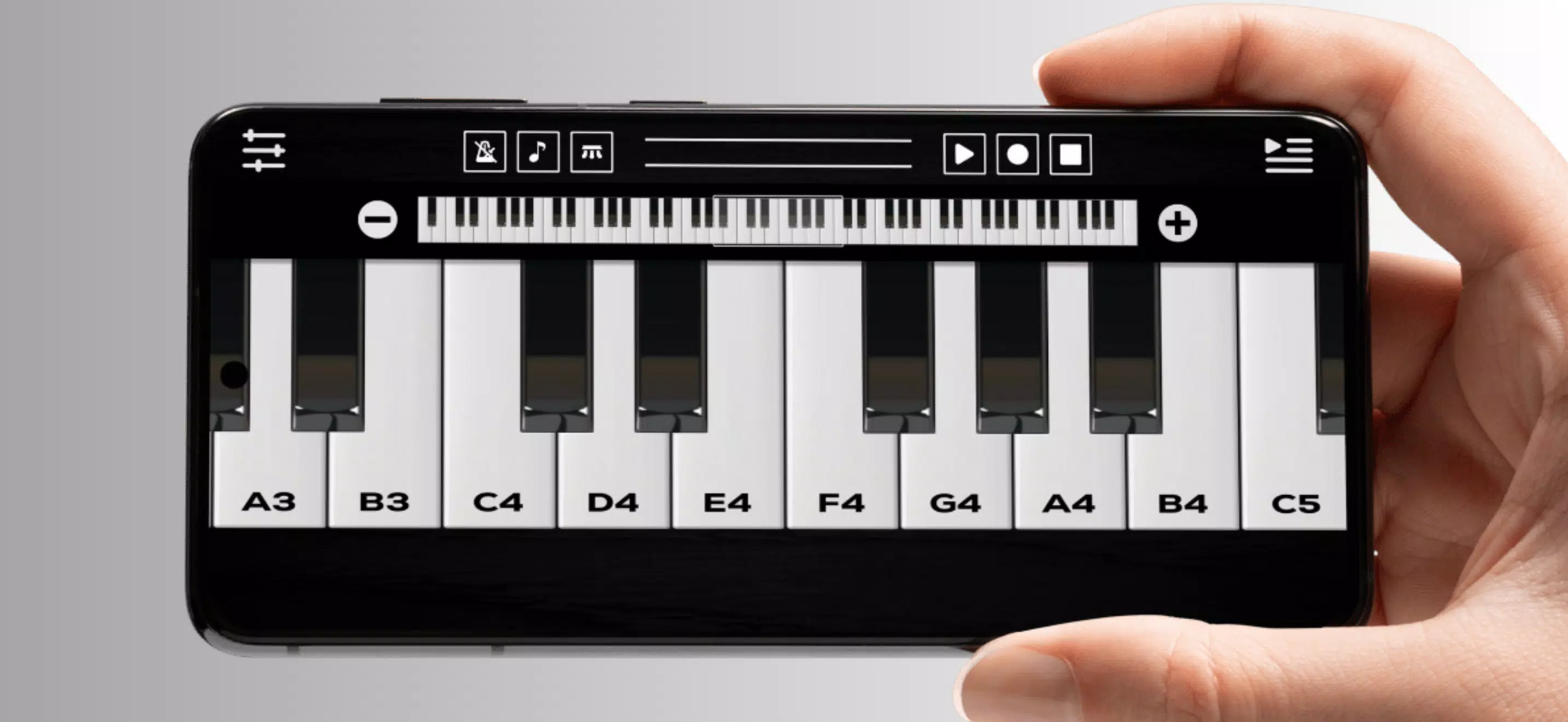
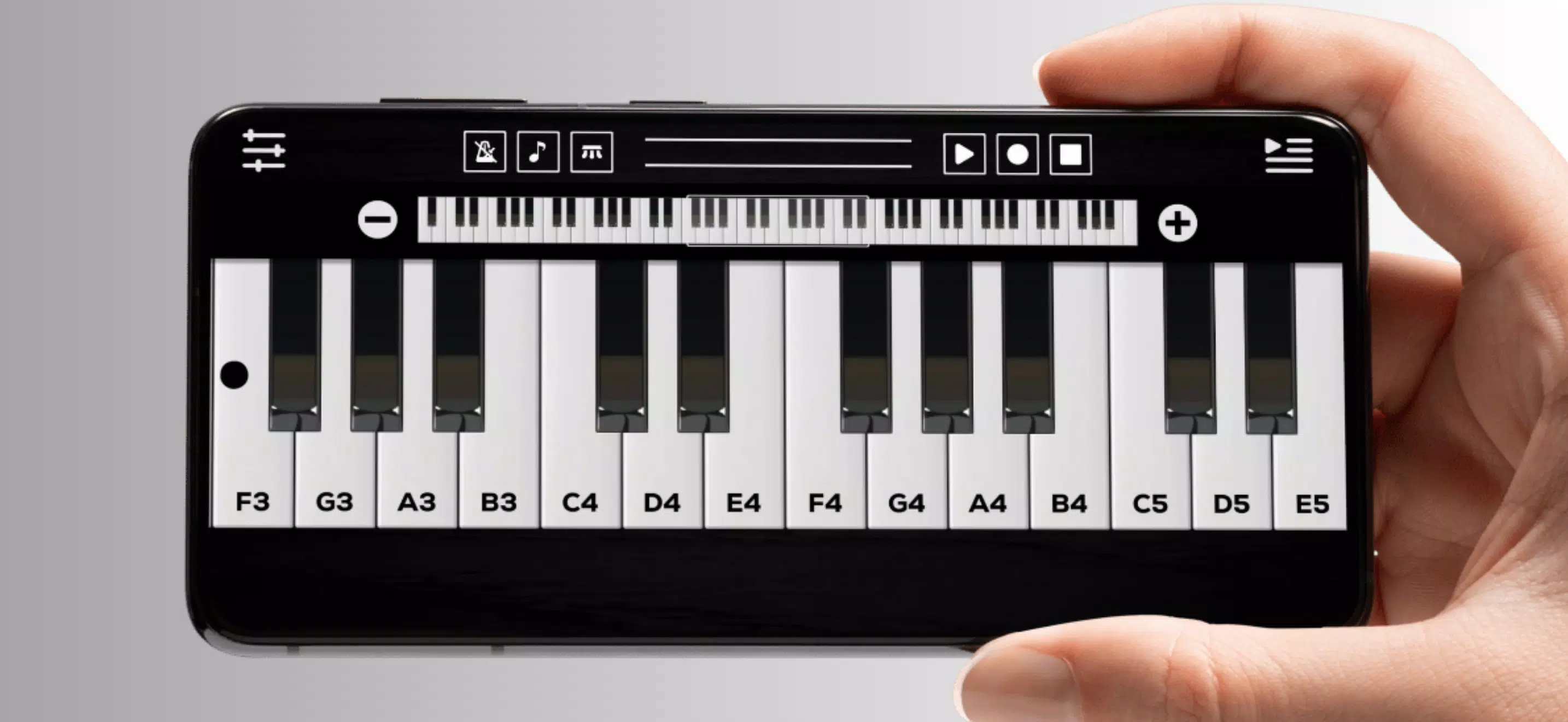
Load Best Piano and choose a keyboard size to match your screen. The responsive layout scales keys while maintaining playability; sliding gestures let you move across octaves. Tap keys to hear notes instantly. Use the metronome and tempo controls to train rhythm, and activate the sustain function for longer phrases. Sessions can be saved as projects, making it easy to return to practice or editing.
Interface and performance
The interface is intentionally uncluttered: a main keyboard view, a compact controls bar, and quick access to song lists. Graphical elements prioritize contrast and legibility so players can focus on playing rather than menu navigation. Performance is optimized for low latency; even on modest hardware, Best Piano maintains consistent responsiveness with minimal audio lag.
Customization options
Customization is lightweight but practical. Choose between keyboard widths and change the visual theme for better visibility in different lighting. Sound settings allow you to tweak reverb and polyphony limits to balance realism with battery life. For advanced users, the app supports velocity curves to alter how touch pressure affects volume, giving a more expressive feel.
Practical tools for learning and composing
Beyond basic play, Best Piano includes notation hints and an on-screen chord guide to speed up learning. The recording feature doubles as a sketchpad for ideas: record short loops, overdub layers, and compare takes. Export options simplify moving audio into a DAW or sharing with friends, turning mobile practice into productive output.
Tips for new players
- Start with smaller keyboard settings to master finger placement before expanding to more keys.
- Use the metronome at slow tempos and gradually increase speed as accuracy improves.
- Record practice segments frequently; listening back highlights timing and dynamics issues.
- Experiment with different voices to maintain engagement and discover sounds that suit your music style.
Best Piano is designed to be useful for casual learners and focused enough for hobbyists who want a reliable practice tool. It offers a mix of usability, useful learning aids, and essential production features without overwhelming menus or steep learning curves.
Getting started
Install the app, grant the minimal permissions requested, and try a few guided songs to get oriented. Adjust the keyboard size and sound settings to your preference, then create a practice routine that fits short daily sessions. Consistent practice and the app's built-in guidance can accelerate skill gains while keeping sessions enjoyable.
For anyone looking to turn a phone or tablet into a practical piano workstation, Best Piano is a compact, flexible option. It balances sound quality, playability, and learning support in a package that’s easy to pick up and reliable over time.
- No virus
- No advertising
- User protection
Information
- File size: 0.00 M
- Language: English
- Latest Version: 4.0.1
- Requirements: Android
- Votes: 473
- Package ID: com.mustafademir.bestpiano
- Developer: Demix Apps
Screenshots
















Explore More
Looking for some quick gaming fun? Our new super-casual game is perfect for entertaining bursts in your busy day. With simple, intuitive gameplay crossed with challenges that engage your brain, you'll keep coming back again and again. No complex controls or tutorials - just open and play anywhere, anytime. Vibrant art style and upbeat music create a lighthearted experience.

Speed Moto Dash:Real Simulator

World War: Army Battle FPS 3D

Fire Squad Battleground FF 3D

1945 Air Force: Plane

FlashScore Plus

My Secret Summer Vacation 2 New

Merge Monsters - Earn Bitcoin

Merge Manor : Sunny House