Introduction
My New Canvas is a mobile painting and illustration app for Android that puts a lightweight, responsive studio on your device. My New Canvas opens with a project wizard and sample content so you can choose custom dimensions, orientation, and starter layers right away; whether you sketch ideas, develop concepts, or complete illustrations, the interface is designed to keep tools available without crowding the workspace.
Focused interface and workflow
The app favors a clear, distraction-minimizing layout where contextual toolbars appear only when needed and common operations are reachable through gestures and on-screen shortcuts. This approach reduces interruptions during brushwork and keeps the canvas central to the experience. Tool placement and visibility are adjustable so you can set up a compact sketch surface for quick studies or expand controls for longer sessions and detailed work.
Brush engine and control mechanics
The brush system in My New Canvas provides fine-grained control over size, opacity, flow, and dynamics such as scatter and blending. Pressure and tilt from compatible styluses influence stroke behavior, while an eyedropper, draggable palettes, and persistent color swatches speed up color selection. Saved brush presets let you recall complex setups and iterate quickly, and sensitivity curves can be adjusted to suit different pens and drawing habits.
Layer workflow and non-destructive editing
Layer management emphasizes non-destructive techniques so you can experiment without losing earlier work: create groups, lock or hide layers, apply editable masks, and use adjustment layers to tweak color and tone. Thumbnails and naming options keep larger projects organized, and stateful autosave plus local project history let you revert to previous versions when an exploratory edit needs to be undone.
Progression, templates, and practice challenges
Rather than a game-like progression, the app supports creative progression through templates, starter projects, and optional practice exercises that guide skill development. Project templates include common aspect ratios, initial guide layers, and sample layer structures for web assets, print, or social posts. Built-in practice challenges and sample projects encourage repetition and improvement while saving presets and templates speeds up repeatable workflows for series work or client deliverables.
Visual style, rendering, and level structure
Rendering is tuned to make strokes feel immediate: GPU acceleration reduces latency and textures or blending modes can be selected to produce painterly, textured results or clean, graphic lines. Editable vector layers coexist with raster options to handle precise shapes and logos, and perspective guides plus a curves editor provide tools for architectural layout and color refinement. The app supports a studio-style level structure of stages—sketch, block-in, refine, finalize—that helps organize work from rough concept to polished output.
Export, compatibility, and offline use
Export options include layered PSD for handoff to desktop editors as well as PNG and JPEG for web and social sharing; named export presets make it easier to target print resolutions or specific screen sizes. Most features work offline so you can create without a network connection, while optional cloud sync and shareable export links provide a way to back up projects and move files between devices when online access is available.
Learning resources and accessibility
Integrated tutorials and contextual hints introduce core techniques and reduce the learning curve for both new and experienced artists. Accessibility settings include adjustable interface scale, high-contrast palettes, larger touch targets, and simplified tool layouts to accommodate diverse vision and mobility needs. Sample projects and gesture hints let users explore advanced features at their own pace while practicing common workflows.
Performance, customization, and replay value
Memory management adapts to device capabilities to keep brushes responsive even on multi-layer compositions. Advanced customization includes custom workspaces, batch export tools, and template libraries that accelerate repeatable tasks. Over time, as you build a library of presets and templates, the app becomes a personal studio with real replay value—revisiting old projects, iterating on series, and refining techniques without rebuilding settings from scratch.
Getting started
To begin, use the project wizard to set up canvas dimensions and choose a starter template or blank sheet, then explore sample brushes and the autosave-protected project list. My New Canvas remembers your workspace preferences and keeps common actions reachable, so returning to previous sessions is efficient and predictable. The app aims to support steady creative progress rather than abrupt training curves, helping you focus on making rather than managing tools.
- No virus
- No advertising
- User protection
Information
- File size: 219.73 M
- Language: English
- Latest Version: 0.0.1
- Requirements: Android
- Votes: 120
- Package ID: com.ao_project.my_new_canvas
- Developer: AO Project
Screenshots
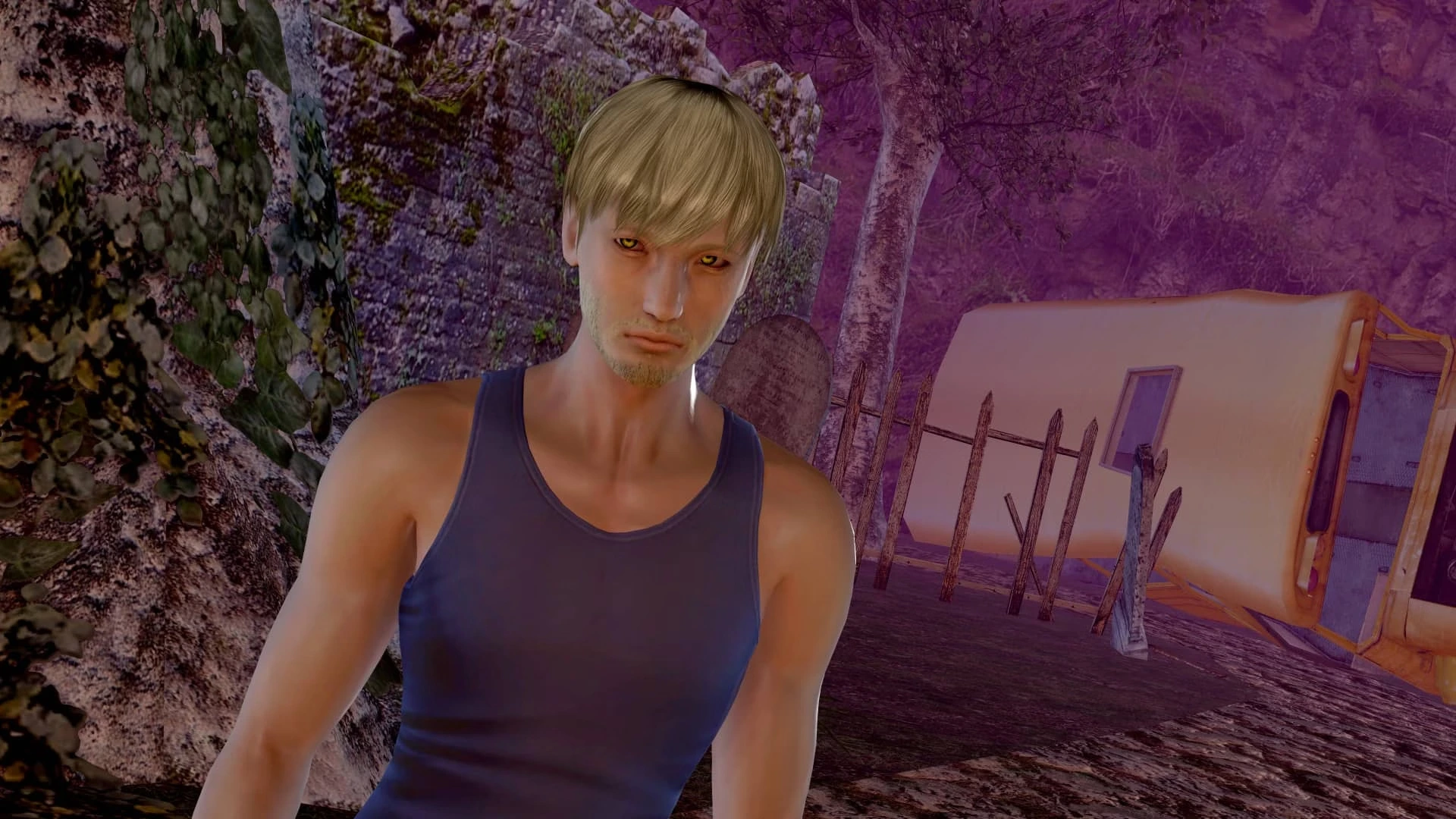

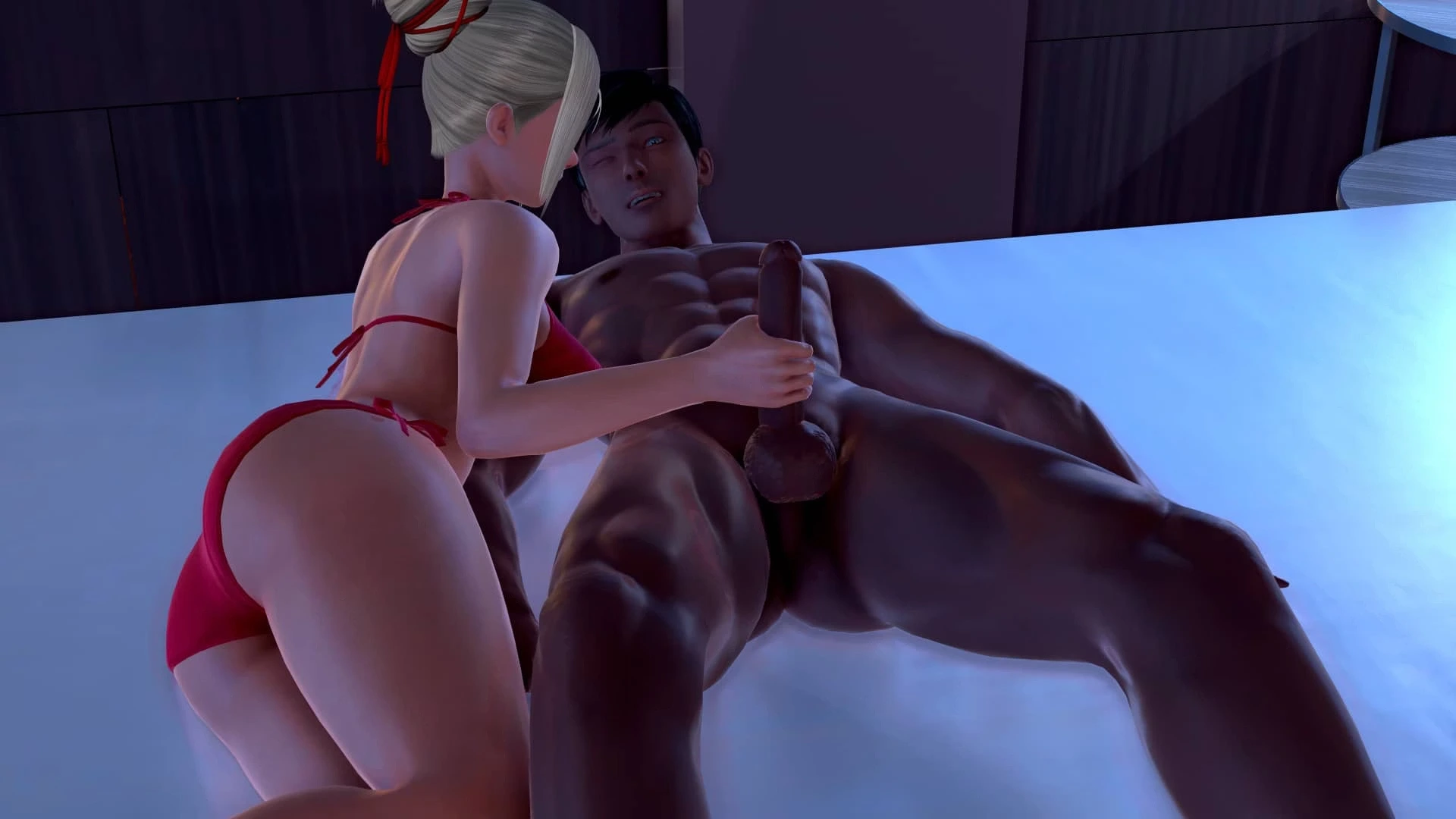

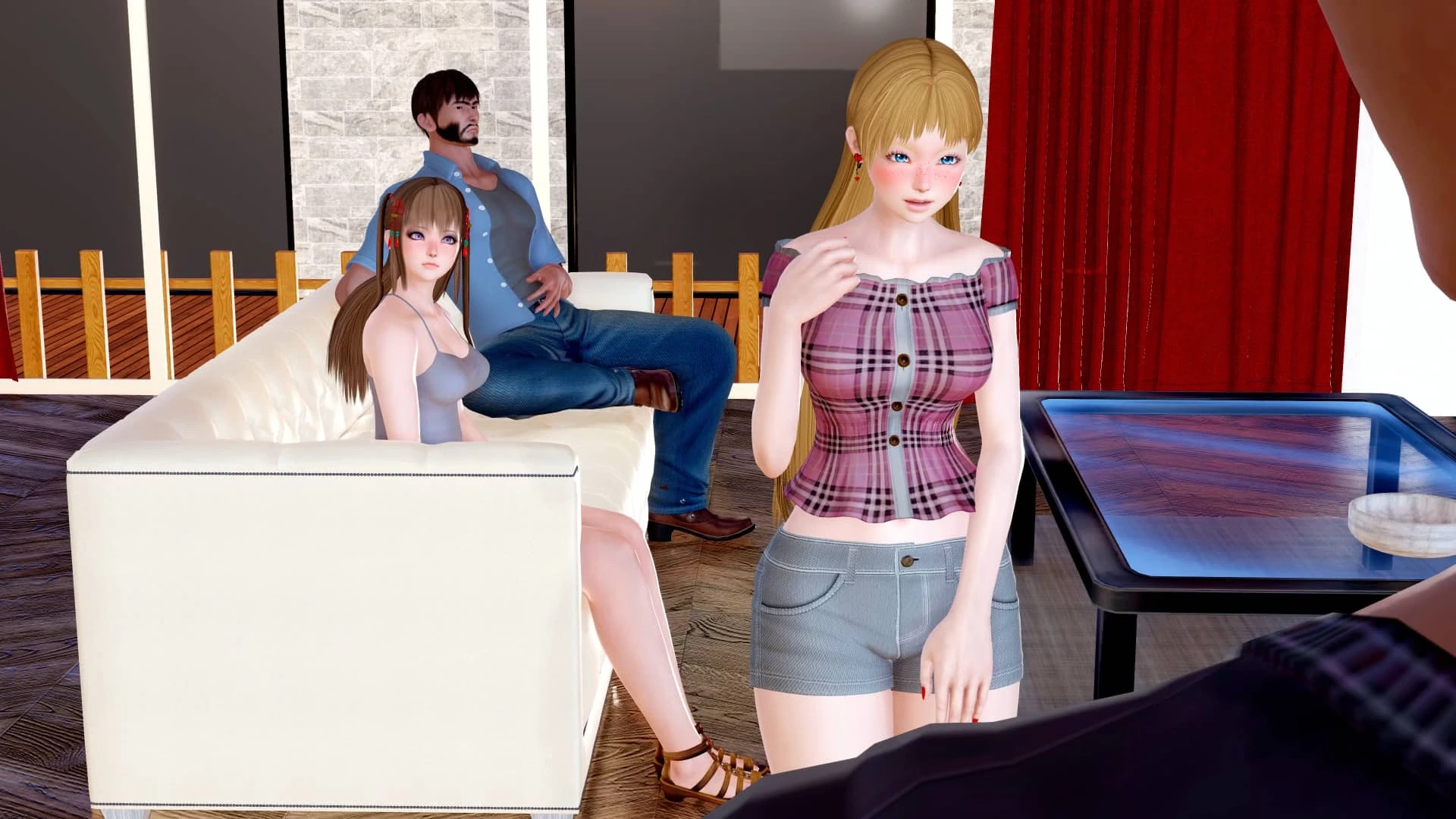
















Explore More
Conquer games faster and unlock their full potential with our comprehensive guides and walkthroughs. Created by expert gamers, they contain tips, strategies and secrets for mastering both new releases and all-time classics across platforms. Packed with detailed maps, collectible locations, boss tactics, hidden areas and more, you'll have everything needed to finish games 100%.

AnimA ARPG

Jaya Slot v1.1.1

SL999 v12.3

JKTWin v1.0.5

The Death Of Harsh Noise

LustJackpot
MalO Interactive! (Demo)

The Kin of Jörmungandr