Introduction
Khelonew Logo is a compact design and branding utility that helps users create, edit, and export custom logos quickly. It balances simple templates with advanced vector-editing tools so small businesses, freelancers, and hobbyists can produce professional marks without steep learning curves or expensive design software.
What Khelonew Logo Does
Khelonew Logo positions itself as a bridge between casual logo makers and full-featured design suites. The app provides guided workflows for fast results alongside modular tools for more precise control. Users can pick a template, adjust shapes and colors, add text, then export a scalable file for web or print use.
Core Features at a Glance
- Template Library: A broad selection of starter logos grouped by industry and style to speed up ideation.
- Vector Editing: Shape tools and bezier controls that preserve resolution at any size.
- Typography Tools: Adjustable kerning, weight, and path text options for custom wordmarks.
- Export Formats: PNG, SVG, and PDF outputs with transparent background support.
- Asset Management: Save and organize projects, colors, and icon packs for repeat use.
How the Workflow Feels
Starting a new logo is straightforward. Choose a template or begin with a blank canvas. The interface arranges tools in a logical left-to-right progression: shapes, color, typography, and final touches. Non-destructive editing means you can experiment without losing earlier versions. A history panel and undo stack are helpful when iterating quickly.
Design Tools and Controls
The toolset combines simplicity with depth. Basic users will appreciate drag-and-drop icons and preset color palettes. For experienced creators, path editing, boolean operations, and layer blending provide finer control. Export presets for social, print, and favicon sizes reduce manual setup for different platforms.
Customization and Brand Consistency
Khelonew Logo emphasizes repeatability. Create a brand kit with primary and secondary colors, logo variations, and font pairings. The kit syncs across projects so your visual system remains consistent. Small businesses will find this feature useful for creating coherent identity assets like letterheads and social banners.
Interface and Performance Notes
The interface is intentionally uncluttered: icons are labeled, and contextual tooltips guide unfamiliar tasks. Performance varies with device capability; on modern mid-range phones the app runs smoothly, while older devices may experience slight lag with complex vector shapes. File export is reliable and generally fast, especially when using optimized SVG output.
User Experience and Learning Curve
The learning curve is moderate. Beginners can produce good-looking logos within minutes using templates. Intermediate users will appreciate the advanced controls that are discoverable but not intrusive. The app includes short tutorials and sample projects that demonstrate workflow patterns and best practices.
Who Benefits Most
- Freelancers creating identity packs for clients.
- Startups and small businesses building a quick brand presence.
- Content creators making thumbnails and channel art.
Design students and hobbyists also gain value from the balance between guided templates and editable vector tools.
Tips for Getting Better Results
Start with a clear brief: define target audience and tone before sketching. Use the grid and snap features to maintain alignment. Limit colors to two or three in most logos for clarity at small sizes. Export an SVG for logos that need scaling and a PNG with transparency for immediate web use.
Installation and First Steps
Installation is standard through the Android package installer. Allow storage permissions for project backups and exports. Launch the app, complete the onboarding steps, and open a sample project to explore the toolset. Save a brand kit early to streamline future work.
Khelonew Logo strikes a useful middle ground between quick template-driven workflows and the flexibility of vector editing. It’s a practical choice for people who need professionally-presented logos without investing in complex desktop software or hiring an external designer.
- No virus
- No advertising
- User protection
Information
- File size: 5.20 M
- Language: English
- Latest Version: 1.0
- Requirements: Android
- Votes: 285
- Package ID: com.club.dev2957
- Developer: Pooya Cheraghi
Screenshots
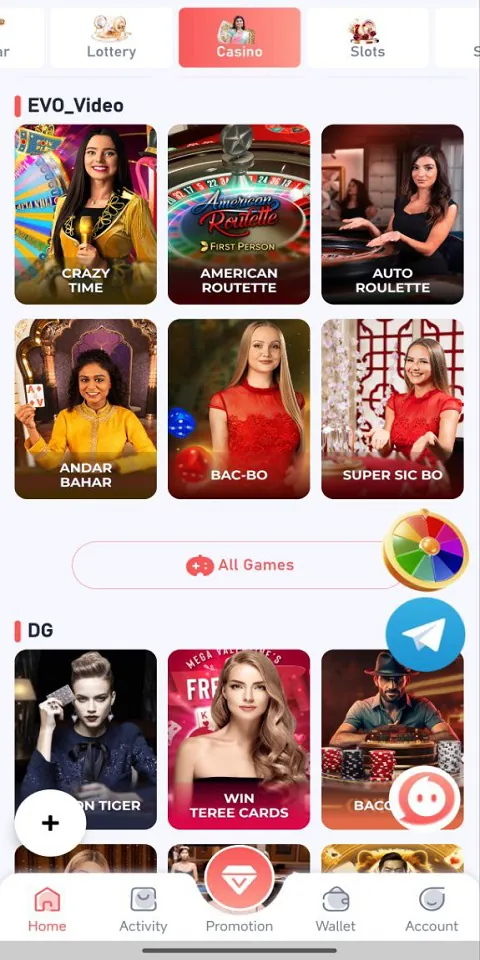
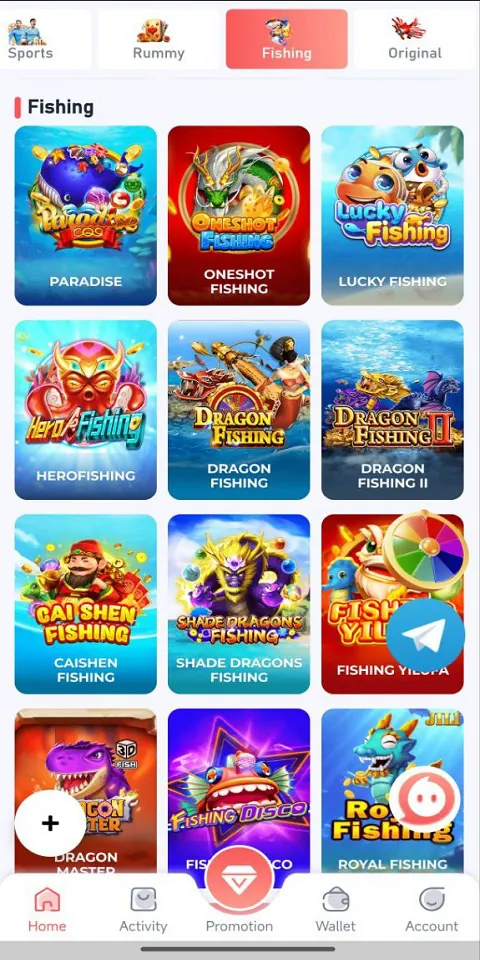

















Explore More
Looking for some quick gaming fun? Our new super-casual game is perfect for entertaining bursts in your busy day. With simple, intuitive gameplay crossed with challenges that engage your brain, you'll keep coming back again and again. No complex controls or tutorials - just open and play anywhere, anytime. Vibrant art style and upbeat music create a lighthearted experience.

JOYit Mod

Shogun's Empire: Hex Commander

MC777 v1.1.3

NA777 v1.1.3

Idle Lumber Empire: Tycoon Inc

Dark Riddle 2

Evil Defenders

ZK6 v9.8