
Introduction
buillding City Wallpapers offers a curated collection of high-resolution urban images focused on architectural details, skylines, and street-level scenes. This Android app makes it simple to browse, download, and apply city and building backgrounds with quick tools for cropping, scaling, and organizing favorites for home and lock screens.
Features and Tools
The app centers on delivering vivid building and city photography optimized for mobile displays. buillding City Wallpapers includes categorized galleries—skyscrapers, bridges, historic facades, nightscapes, aerial shots—and supports multiple resolutions to match modern phones and tablets. A search engine with tags and filters helps you find specific styles, colors, or perspectives in seconds.
- High-resolution downloads: Choose full-size images or smaller variants to save storage.
- Favorites and collections: Save curated sets for quick access and offline use.
- Daily wallpaper: Automatically rotate wallpapers from a chosen category.
- One-tap apply: Set wallpapers for home screen, lock screen, or both with a single action.
- Batch download: Queue multiple images for offline viewing and backing up.
Interface and Workflow
Navigation emphasizes simplicity: large thumbnails, a preview pane, and straightforward controls make selecting the right background fast. Each image preview shows resolution, photographer credit, and recommended crop areas. You can preview how a wallpaper looks on different device layouts before applying it. The workflow is designed so users can browse, crop, and apply a wallpaper in three or fewer taps.
Customization Options
buillding City Wallpapers offers built-in editing tools to tailor imagery to your screen. Crop and scale controls maintain aspect ratios while allowing precise framing of a skyline or architectural detail. Light adjustments and subtle color filters help match wallpapers to your theme without over-processing. Advanced options include parallax-like motion on supported devices and scheduled swaps so your background changes by time of day.
- Crop & align: Pinpoint the focal point of a building or horizon line.
- Color tone filters: Apply muted or vibrant looks to suit your interface.
- Auto-apply rules: Switch wallpapers by time, battery level, or Wi-Fi state.
- Backup & sync: Optional cloud sync keeps favorites across devices while respecting privacy settings.
Performance and Compatibility
Designed for Android devices of all generations, the app balances image quality and performance. Images are preprocessed into multiple sizes so the app serves an appropriately sized file to reduce memory pressure and minimize load times. Caching lets you return to recently used wallpapers instantly, while a storage management tool clears caches when you need space.
Battery-conscious features prevent unnecessary background activity: daily changes and downloads only run on Wi-Fi when allowed, and heavy effects are disabled on low-power mode. The app supports Android adaptive icons, landscape and portrait orientations, and offers an option to save wallpapers to external storage on compatible devices.
Practical Tips and Best Practices
To get the most from buillding City Wallpapers choose images at or above your screen resolution to avoid upscaling. For AMOLED displays, darker nightscapes save battery and create striking contrast. Use the crop tools to center important architectural elements and preview on both home and lock screens to confirm readability of widgets and text. Enable the daily wallpaper feature to keep your device fresh without manual effort.
Privacy and file handling are straightforward: downloads are stored locally unless you opt into cloud sync, and the app requests only necessary permissions for saving and applying wallpapers. Regular updates add new city collections and optimize performance for emerging devices.
By combining a focused library of building and urban photography with practical editing and management tools, buillding City Wallpapers makes it easy to customize your Android device with striking architectural visuals while keeping storage, battery, and compatibility in mind.
- No virus
- No advertising
- User protection
Information
- File size: 6.90 M
- Language: English
- Latest Version: 3.7
- Requirements: Android
- Votes: 336
- Package ID: miniTiger.Super.AutoCross
- Developer: Prokids Studio
Screenshots

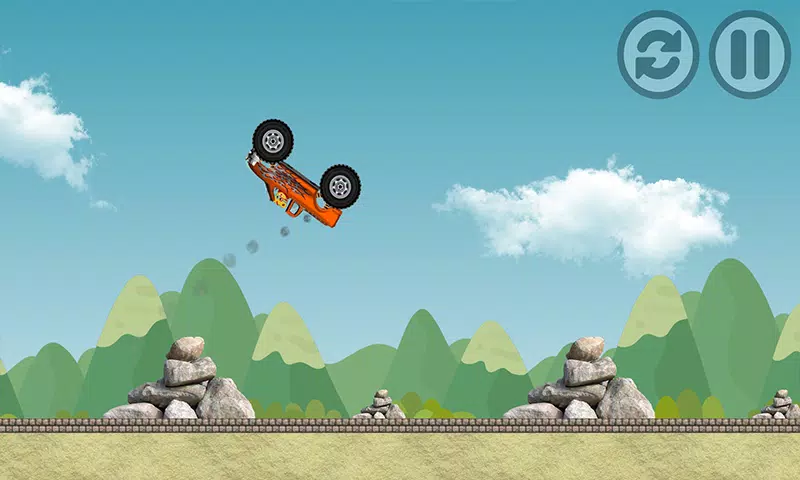

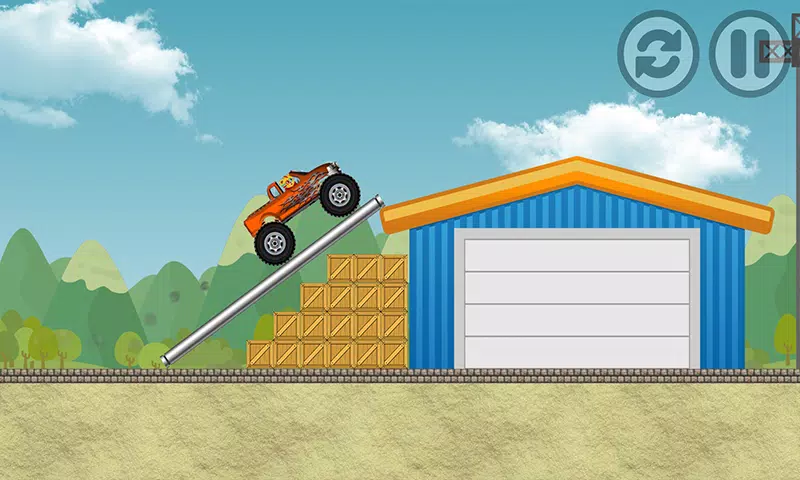
















Explore More
Experience nonstop thrills with our newest edge-of-your-seat action game! With console-quality graphics and intuitive touchscreen controls, you'll be drawn into high-octane combat and stunt-driven gameplay. Choose from an arsenal of upgradable weapons and vehicles to blaze through enemy bases, post-apocalyptic cities, and more. Physics-based action packed with explosions and destructible environments make every level more intense than the last.

Ragdoll Playground

Echoes Of You
One Finger Death Punch

Beat Drum

Farm Town: Merge Cozy Village

Moonvale
Mega888 v1.2

Dead Trigger: Survival