Spectrum Music Visualizer VR
Category: Music Date:2026-10-14
Rating: 4.1
Introduction
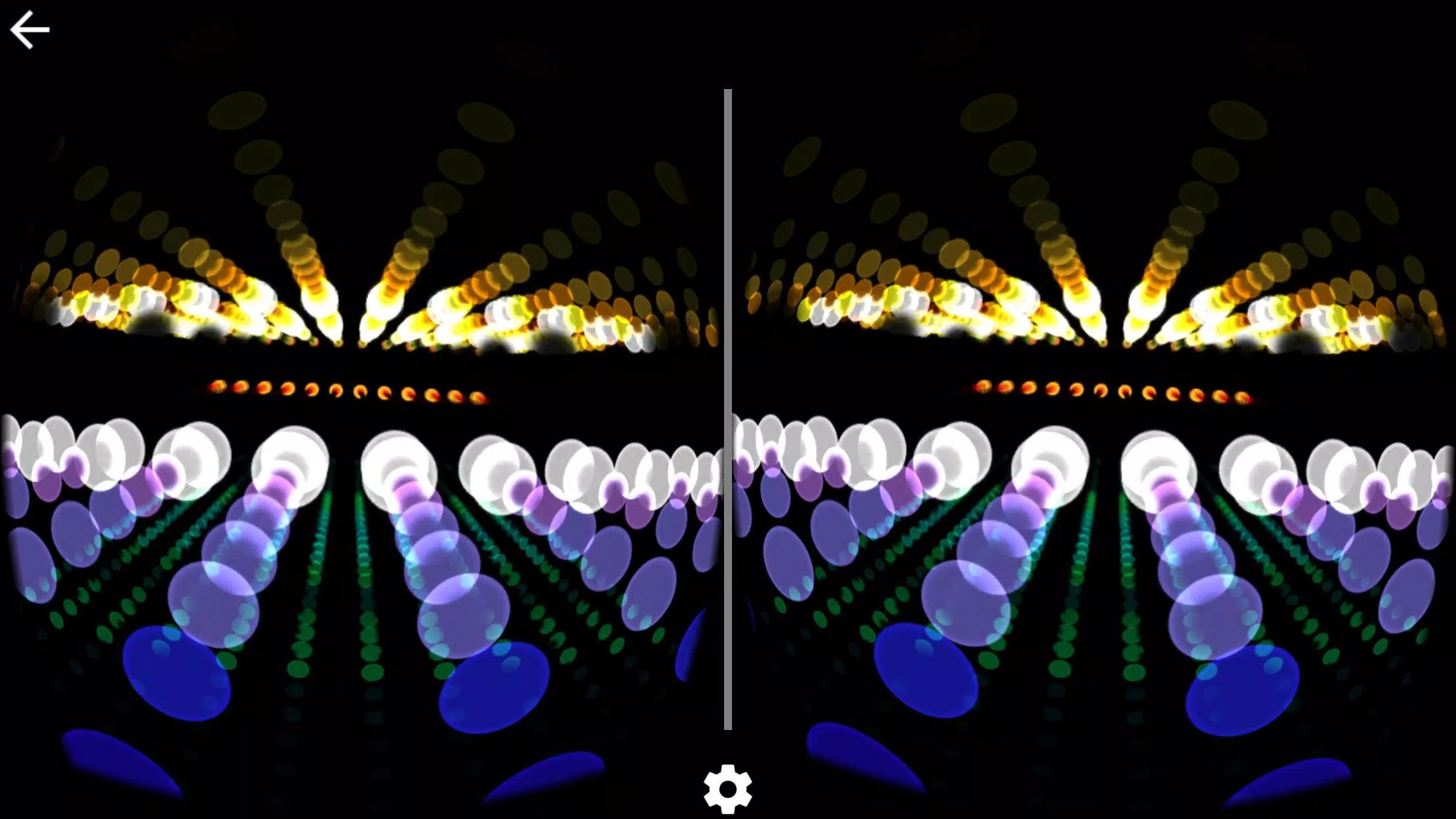
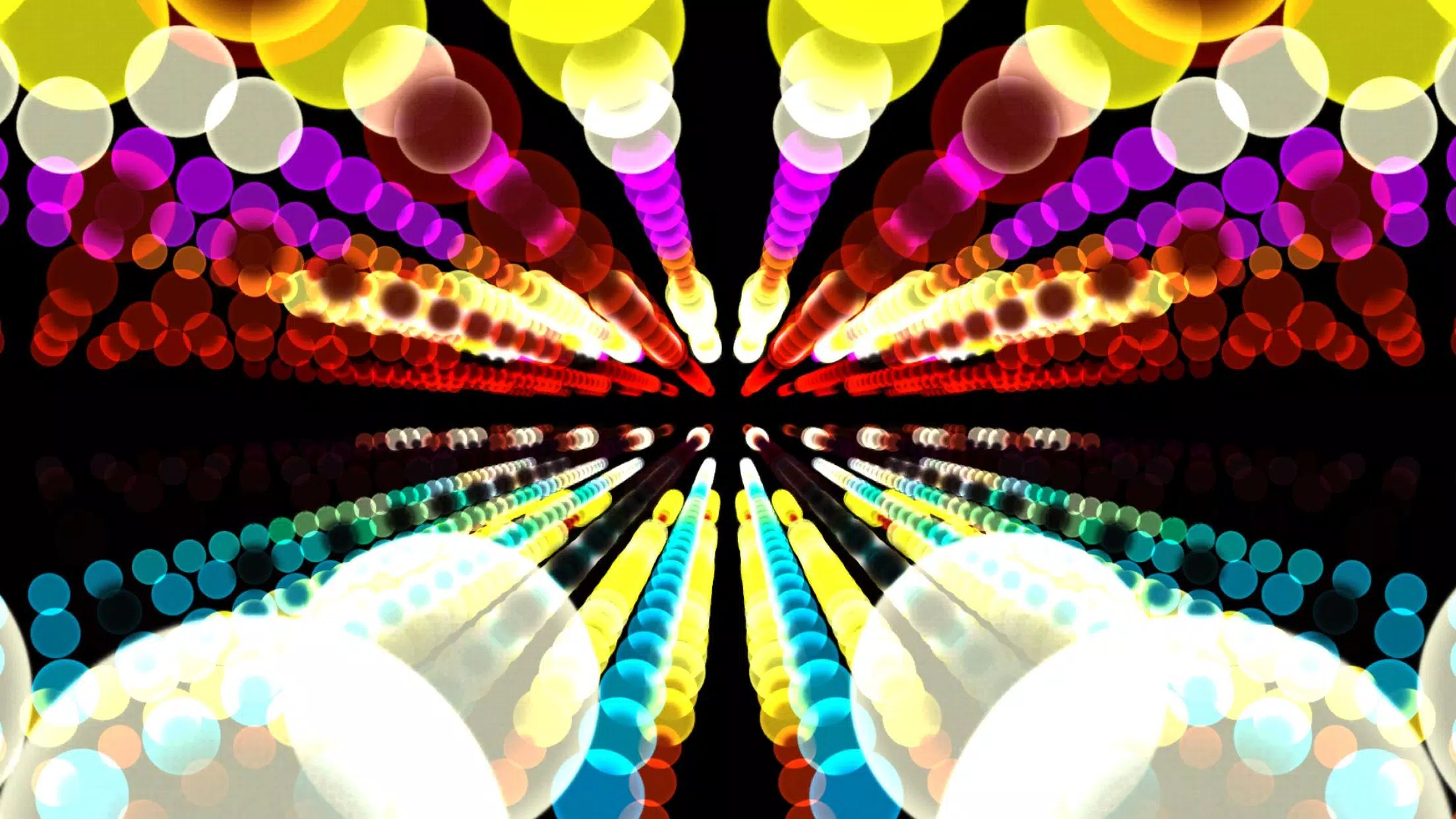
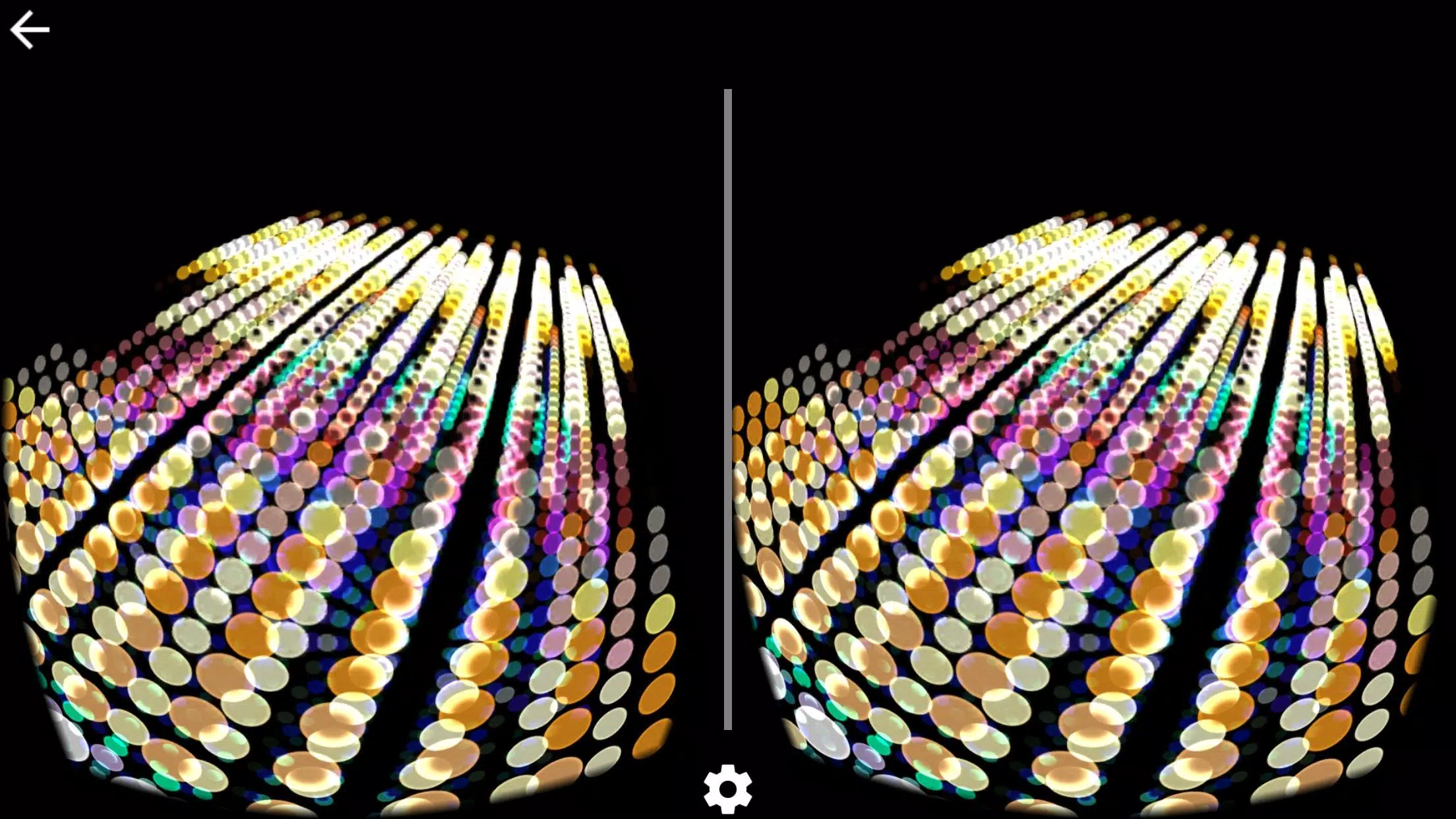
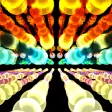
Spectrum Music Visualizer VR brings immersive, real-time audio visualization to virtual reality headsets, transforming songs into vibrant 3D lightscapes and reactive particles. The app syncs with local files and streaming audio, offering intuitive controls for tempo, color schemes, and spatial effects to enhance listening sessions in VR.
Core Features
Spectrum Music Visualizer VR is built around a handful of powerful tools that let users shape sound into visuals. Reactive spectrums, beat-detection, and frequency isolators produce distinct visual responses for bass, mids, and treble. Multiple render modes include waveform tunnels, particle clouds, and geometric shards that react to amplitude and pitch.
Real-time audio capture supports microphone input, system audio routing, and local file playback. An adaptive tempo engine analyzes audio and aligns motion and particle bursts to the beat, while an FFT-based analyzer extracts frequency bands for detailed mapping.
Interface and Controls
The interface prioritizes clarity inside VR: a floating control panel places sliders and toggles within reach so you can adjust scenes without leaving immersion. Intuitive gestures and controller bindings let you change presets, tweak sensitivity, and reposition visual anchors in 3D space.
- Slider controls for brightness, particle density, and motion blur
- Color wheel and gradient editor for palette selection
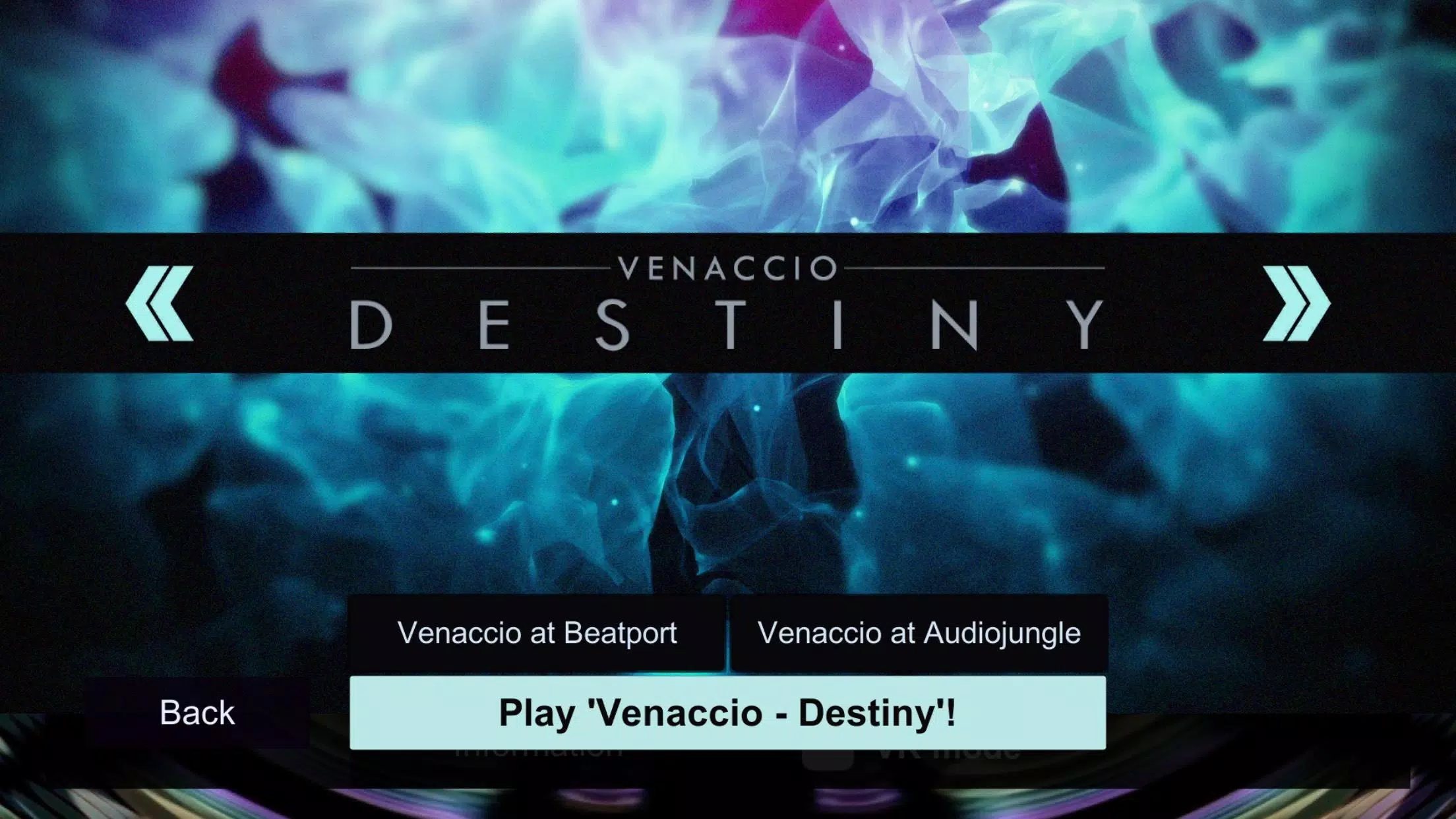
- Preset browser with thumbnails and preview playback
- Scene lock and magnet tools to anchor visuals to room corners or the headset
Customization and Presets
Customization is a highlight. Users can craft layered scenes combining multiple visualization modules and save them as presets. The gradient editor allows nuanced color transitions tied to frequency bands, while per-module blend modes and opacity controls enable subtle or dramatic looks.
Spectrum Music Visualizer VR ships with a selection of curated presets spanning ambient, club, and cinematic styles. Each preset is fully editable so you can refine timing, color response, and spatial spread before saving your own collection.
Performance and Compatibility
Performance considerations are addressed through scalable quality settings that trade off visual fidelity for smoother framerates on lower-end headsets. The renderer uses level-of-detail adjustments and particle culling to keep CPU and GPU load manageable without sacrificing responsiveness.
Compatibility covers major Android-based VR platforms and standalone headsets. The app supports common audio formats and integrates with popular streaming apps when system audio access is available. Low-latency mode reduces input lag for DJ setups and live performances.
Workflow for Creators
Producers and VJs will find workflow features tailored to live use: MIDI mapping assigns hardware knobs to visual parameters, and beat-synced markers let you queue scene transitions. An export function records visual sessions to video files for sharing or post-production use.
For collaborative environments, the app supports session presets that can be shared between devices. Teams can prepare a sequence of scenes and hand off controls during shows with minimal configuration.
Practical Use Cases
Spectrum Music Visualizer VR works well for personal listening, VR parties, and creative performances. Use it to add atmosphere to workouts, enhance meditation with synchronized visuals, or create dynamic backdrops for streams and live sets. Educators can also leverage the visualizer to demonstrate sound concepts like frequency, amplitude, and harmonic content in an engaging 3D format.
Tips for Best Results
- Start with a preset close to your desired mood, then fine-tune color and sensitivity.
- Use low-latency audio routing for DJing and live mixing to keep visuals tightly synced.
- Reduce particle density and motion blur on older hardware to maintain smooth playback.
- Experiment with spatial anchors to make visuals feel anchored to room geometry.
Getting started is straightforward: install the app, grant audio permissions, and choose a sample preset to explore interactive controls. With a short calibration step you can align beat detection and frequency bands to your audio source. Spectrum Music Visualizer VR offers a flexible platform for anyone who wants to experience music as an immersive visual environment.
- No virus
- No advertising
- User protection
Information
- File size: 0.00 M
- Language: English
- Latest Version: 1.2
- Requirements: Android
- Votes: 440
- Package ID: com.BenjaminOutram.SpectrumVR
- Developer: Benjamin Outram
Screenshots