
Introduction
ITsMagic Engine - Create games is a compact game development suite that brings visual tools, rapid prototyping and cross-platform export into a single app for Android creators. It streamlines scene building, logic design and testing so designers can produce playable prototypes and mobile-ready titles without deep coding experience.
Key Tools and Interface
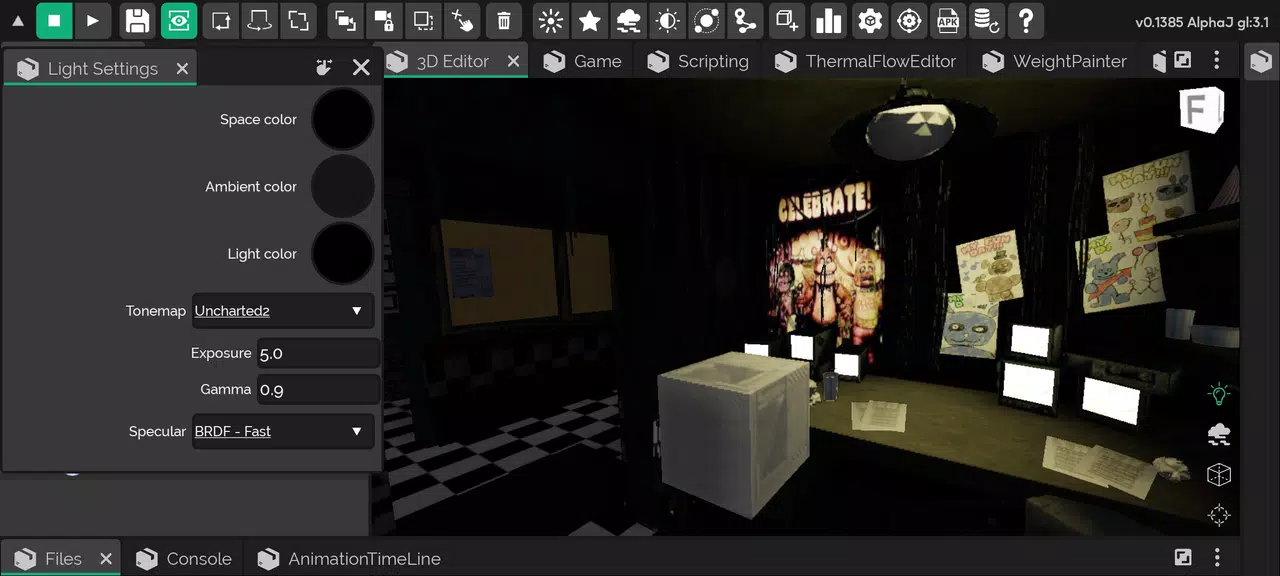
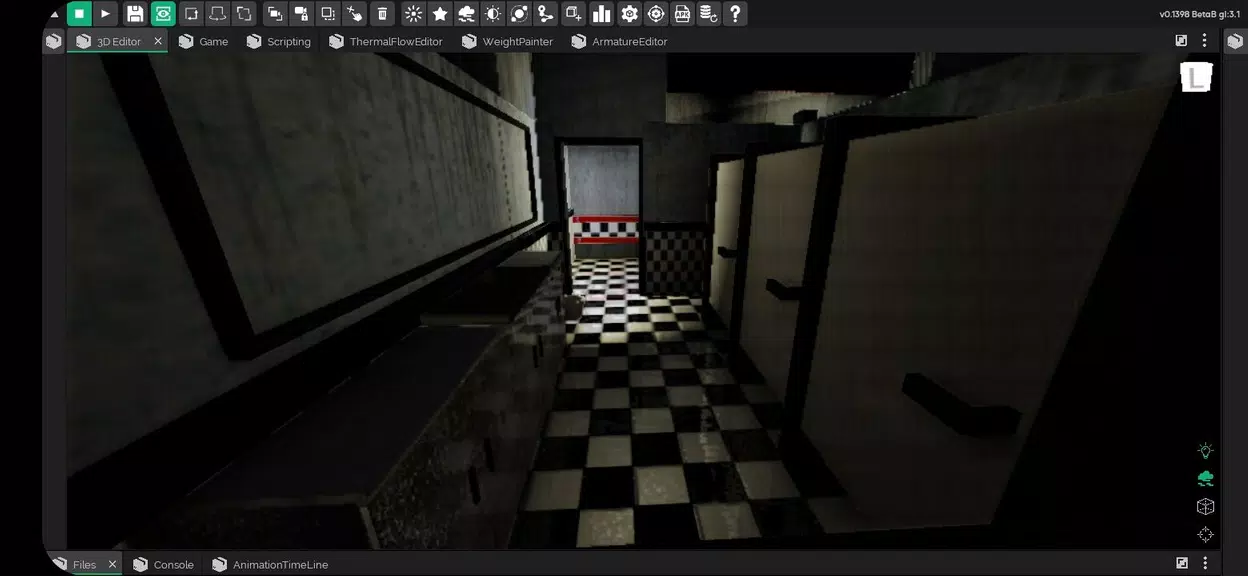
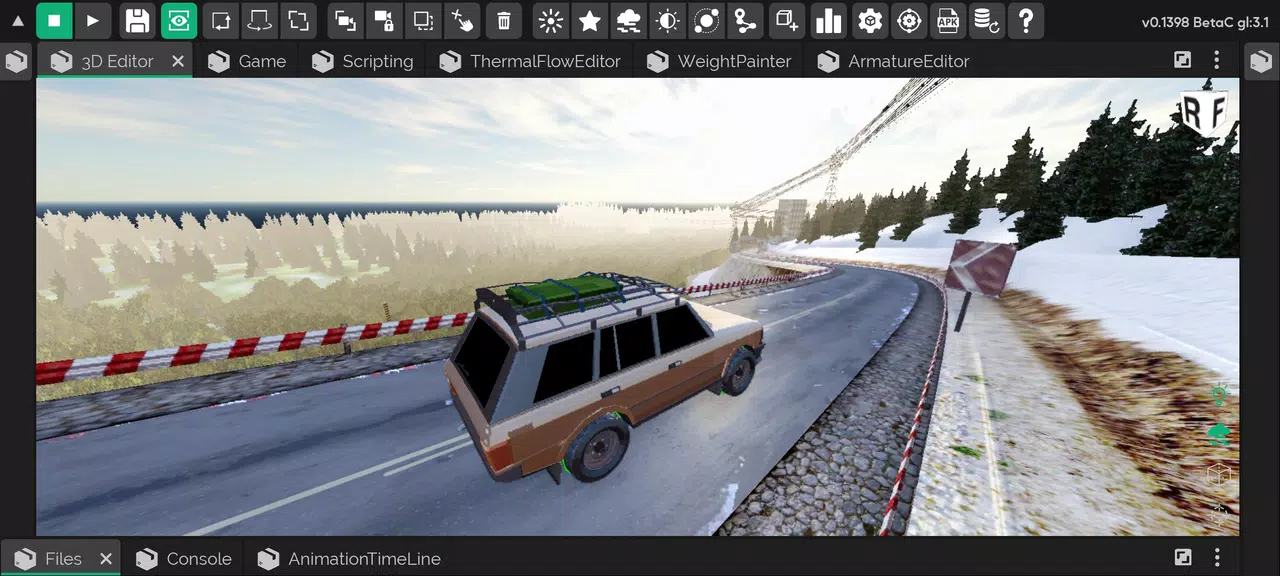
The interface in ITsMagic Engine - Create games centers on a modular workspace that keeps commonly used editors within reach. A scene view, object inspector and timeline sit side by side with an asset browser so you can drag assets into a scene, adjust properties and preview behavior instantly. The layout is adaptable: dock or collapse panels to tailor the workspace to tablet or phone screens.
Visual Scripting and Advanced Logic
Visual scripting is a major strength. Nodes represent actions, variables and events, enabling designers to link behavior without writing boilerplate code. For teams that require more control, the engine supports text-based scripting with common languages and exposes APIs for animation, physics and input. This hybrid approach lets makers start quickly and extend systems as projects grow.
Built-in Systems and Tools
ITsMagic Engine - Create games includes a collection of production-ready systems that reduce repetitive work. Use the integrated UI editor to craft responsive menus and HUDs, the particle editor to create effects, and a tilemap tool for fast level construction. Navigation, audio management and a simple state machine are included so core gameplay loops can be assembled in hours rather than days.
Templates, Assets and Content Pipeline
The app ships with templates for genres like platformers, top-down shooters and puzzle games, plus a starter library of sprites, sounds and shaders. Importing external assets is straightforward: common image, audio and model formats are supported, and the asset pipeline converts resources for best runtime performance. A tagging system keeps large libraries organized and searchable.
Export Targets and Monetization
Export is designed for creators who want to reach players quickly. Build options include Android APKs, desktop executables and web builds. Integrated monetization tools simplify adding in-app purchases, rewarded ads and analytics hooks so developers can test monetization strategies during soft launches. The export process includes signing and packaging helpers to simplify app store submission.
Performance, Optimization and Profiling
Performance tools help you identify bottlenecks before they reach users. Frame profiling, draw-call counters and memory snapshots are available inside the editor so you can optimize scenes and assets. The engine supports hardware-accelerated rendering and provides guidelines for texture atlases, audio compression and script optimization to maintain smooth framerates on mid-range devices.
Collaboration and Project Management
ITsMagic Engine - Create games supports a simple project versioning workflow that integrates with common source control systems. Teams can lock scenes, merge changes and manage shared asset libraries. The editor also includes exportable project manifests for continuous integration and automated builds, helping teams move from prototype to release with fewer manual steps.
Learning Resources and Support
The learning curve is eased by step-by-step tutorials, sample projects and an internal help viewer that demonstrates common tasks. Community-contributed templates and a tips section speed up learning for newcomers. Documentation covers engine architecture, API references and best practices for mobile performance and battery usage.
Getting Started
Begin by creating a new project from a template, import or select assets, then assemble a playable scene using the visual tools. Test frequently with the built-in simulator or on-device preview and iterate using the editor’s live-reload feature. When ready, use the export menu to generate an APK or other build target and follow the packaging checklist to prepare your release.
Why Choose It
For hobbyists and small teams focused on mobile game production, ITsMagic Engine - Create games offers a compact but capable toolkit that balances ease of use with extendable power. Rapid prototyping, a visual workflow and practical export options help reduce friction between an idea and a playable product, making the app a productive choice for creators aiming to ship fast.
- No virus
- No advertising
- User protection
Information
- File size: 75.83 M
- Language: English
- Latest Version: 1.0
- Requirements: Android
- Votes: 191
- Package ID: com.itsmagic.enginestable
- Developer: ITsMagic
Screenshots
















Explore More
Are you searching for an enjoyable method to strengthen your intellect? Our hottest logical puzzle is tailor-made to offer a stress-free pastime experience. With beautiful graphics and chill background music, you can immerse yourself in an engaging world of logic and critical thinking. Solve increasingly tricky levels at your own pace, with no time pressure or lives system.
Shadowborn

Merge Design: Home Makeover

Train Taxi

Grandpa Horror Game

Axis Word

567Luck v1.0.3

QT777 v2.1.6

Deus Ex GO