
Introduction
ESMO is a streamlined productivity app that centralizes task management, calendar events, and secure notes into a single, intuitive interface. Designed for professionals and students, ESMO merges scheduling, reminders, and collaboration features to help users organize projects, share updates, and maintain focus across devices.
Core features that boost productivity
At its heart, ESMO focuses on making everyday workflows faster and clearer. Create task lists with priorities, add subtasks, assign due dates, and attach files or images. Smart reminders support time-based and location-based alerts, while repeating tasks and templates reduce repetitive setup for common routines.
- Task and project boards: organize work by status, tag, or deadline.
- Calendar sync: two-way integration with Google Calendar and Outlook keeps events and tasks aligned.
- Notes and attachments: rich-text notes, PDFs, photos and voice memos attach directly to items.
Interface and streamlined workflow
ESMO’s interface balances simplicity with depth. The main dashboard surfaces today’s priorities while nested views allow deep focus on individual projects. Swipe gestures and contextual menus reduce friction, and quick-add actions let you capture ideas without interrupting your flow.
Customizable filters and saved views make it easy to switch between personal tasks, team assignments, and long-term roadmaps. A unified search finds tasks, notes, and attachments in seconds, cutting down time spent hunting for information.
Collaboration and team tools
Collaboration in ESMO is designed to be clear and accountable. Invite teammates to projects, set roles and permissions, and use commenting to keep conversations tied to specific tasks. Activity feeds and change logs provide a transparent history so everyone knows what changed and why.
- Shared projects: assign work, monitor progress, and receive status updates.
- Mentions and comments: bring teammates into a thread without losing context.
- Export and share: easily export project snapshots or share public read-only links for stakeholders.
Security, sync and offline access
Data protection and reliability are core concerns for many users. ESMO includes end-to-end encryption for notes and sensitive fields, optional two-factor authentication, and device-level passcodes. Automatic cloud sync keeps data consistent across phones, tablets, and the web, while an offline mode ensures you can continue working without a connection.
Backups can be scheduled or performed on demand, and import/export options support CSV and JSON formats for migration or archiving.
Performance, compatibility and battery impact
ESMO is optimized for responsiveness on a wide range of Android devices. The app uses efficient background sync to minimize battery drain and keeps APK size modest to conserve storage. Support for recent Android releases plus backward compatibility with older versions ensures a broad device footprint.
Animations and transitions remain smooth on mid-range hardware, and custom widget support lets you surface tasks or calendar items on your home screen for instant access.
Customization and advanced settings
Tailor ESMO to match your habits. Choose light or dark themes, set default reminder lead times, and create reusable templates for projects that recur monthly or quarterly. Labels, color tags, and nested folders help you build a system that scales from individual use to enterprise needs.
- Automation rules: auto-assign tasks, move items between lists, or trigger reminders based on conditions.
- Keyboard shortcuts and gestures: speed up power-user workflows.
- Integrations: connect with cloud storage providers, communication tools, and productivity suites.
Getting started and practical tips
Getting started with ESMO is straightforward: sign up, connect a calendar, and import an existing task list to begin. A short onboarding walkthrough highlights key actions, and templates accelerate setup for common use cases like weekly planning or sprint management.
For best results, set a weekly review to clean up old tasks, use tags to track context, and enable notifications for high-priority items. With a few simple adjustments, ESMO becomes a reliable hub for managing work and life responsibilities.
- No virus
- No advertising
- User protection
Information
- File size: 23.10 M
- Language: English
- Latest Version: 0.20.1
- Requirements: Android
- Votes: 314
- Package ID: gg.esmo
Screenshots
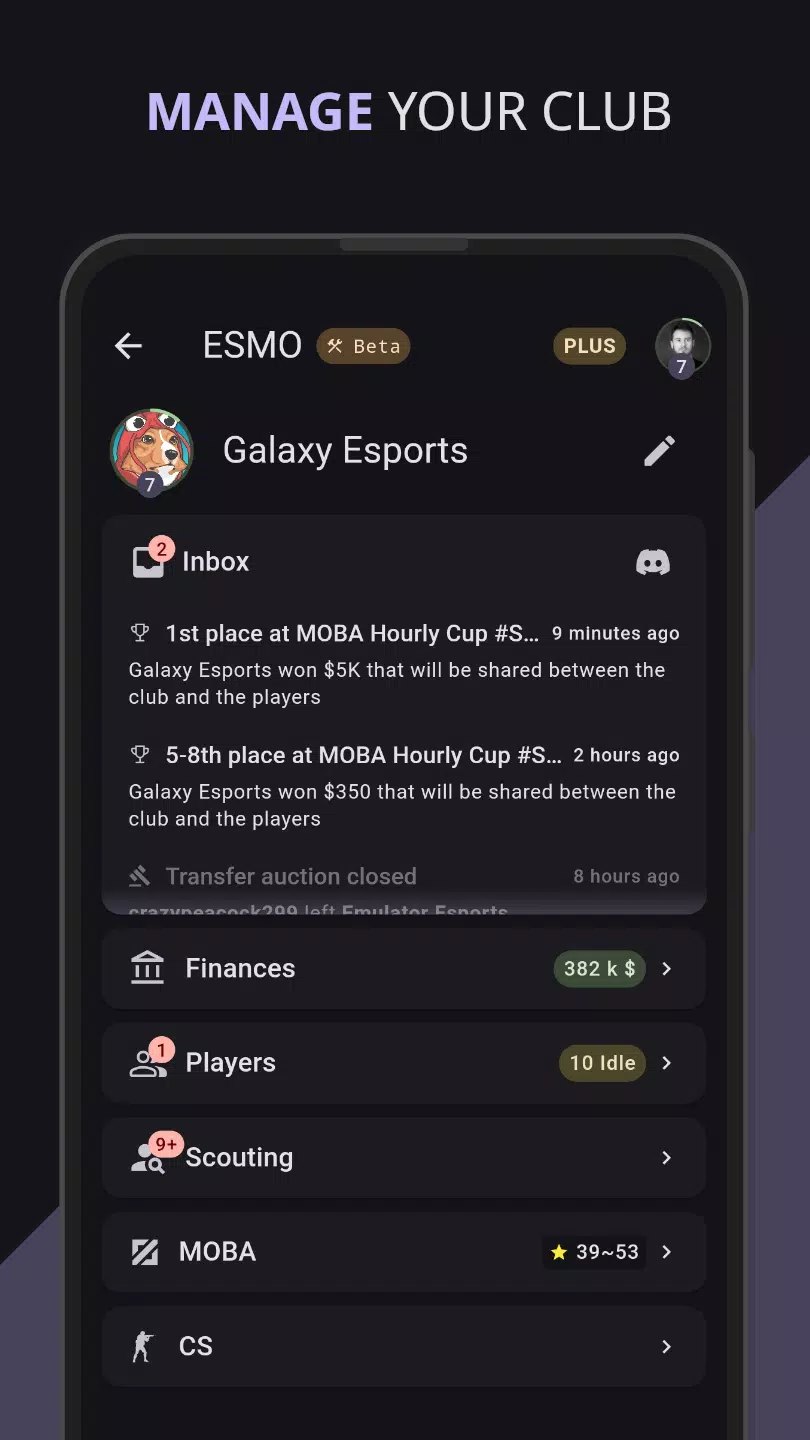
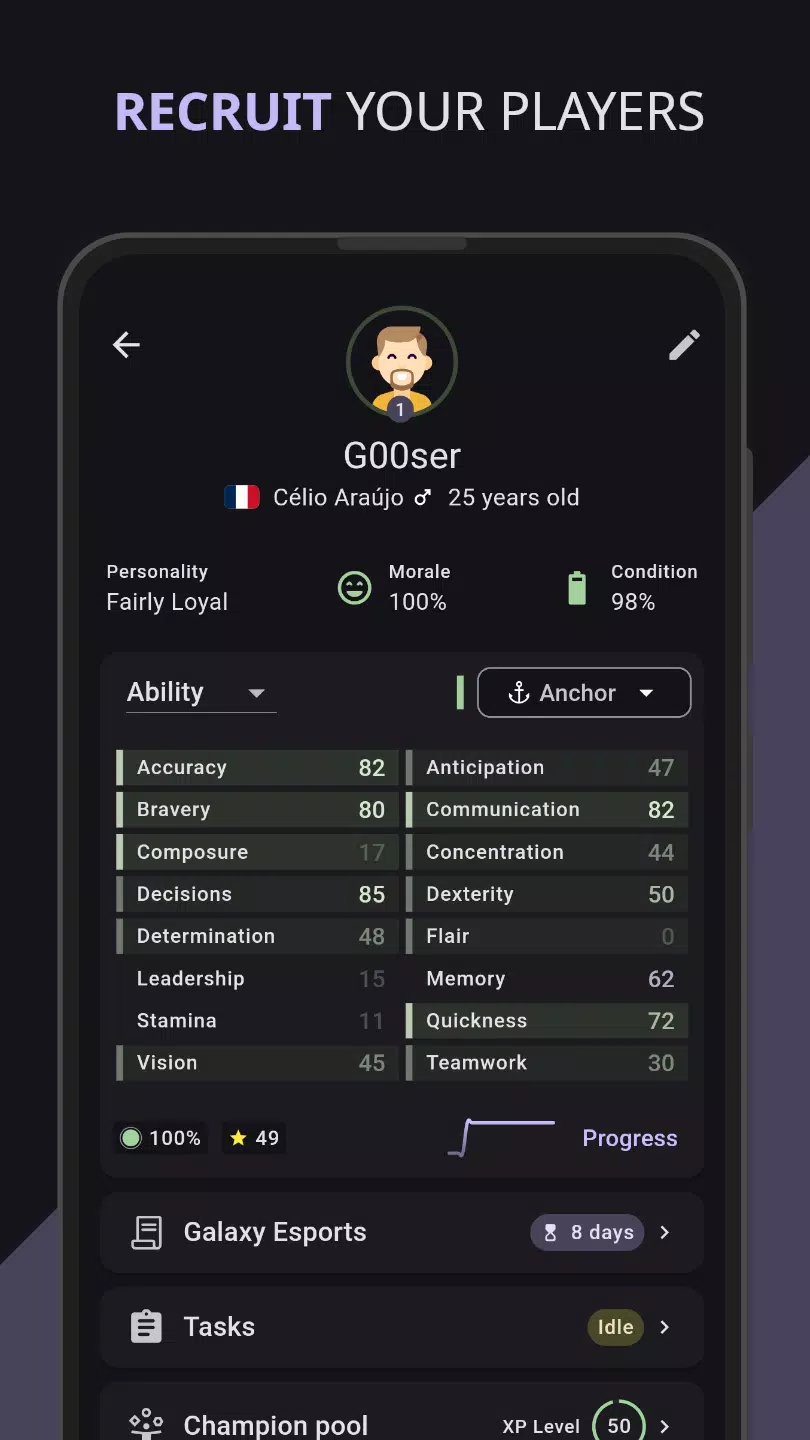
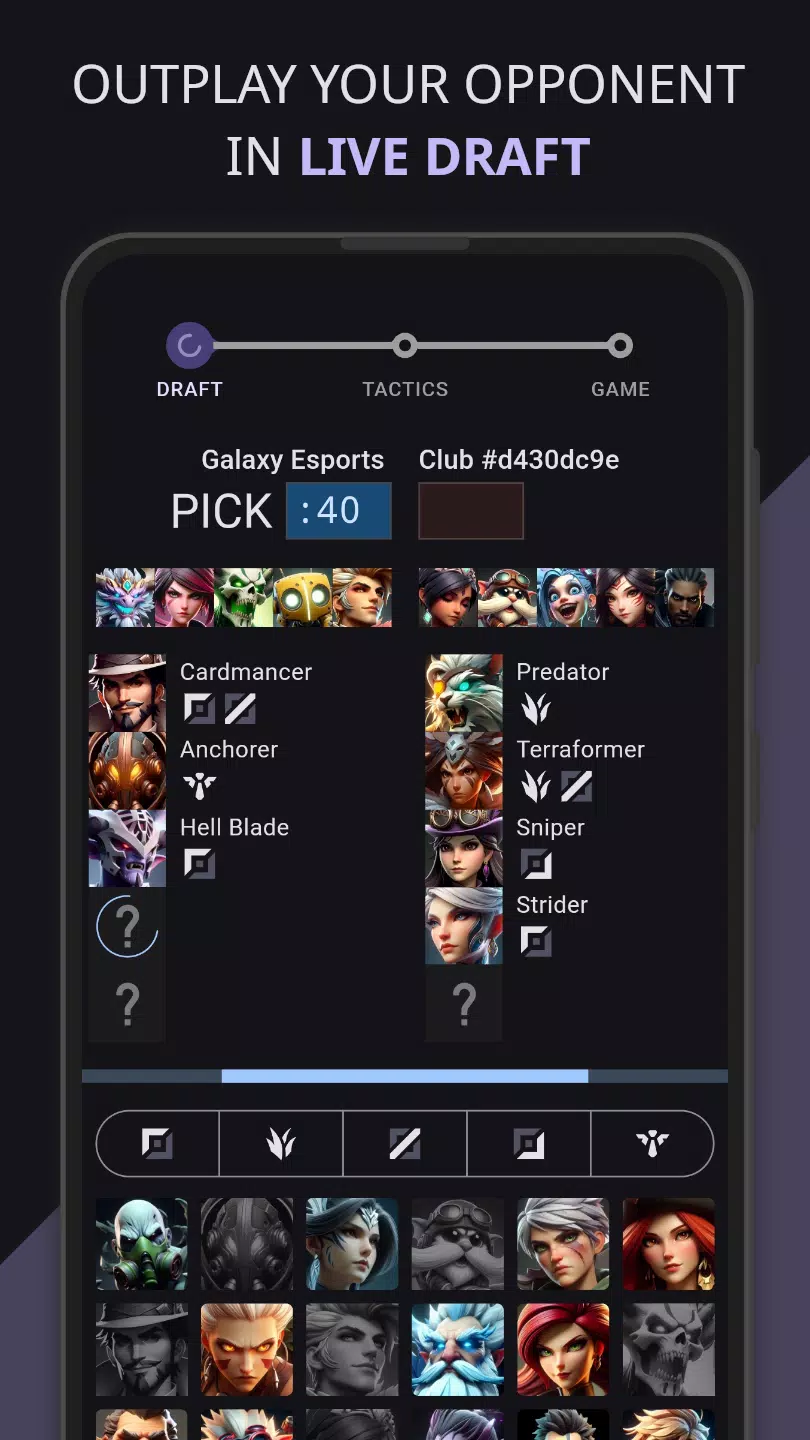
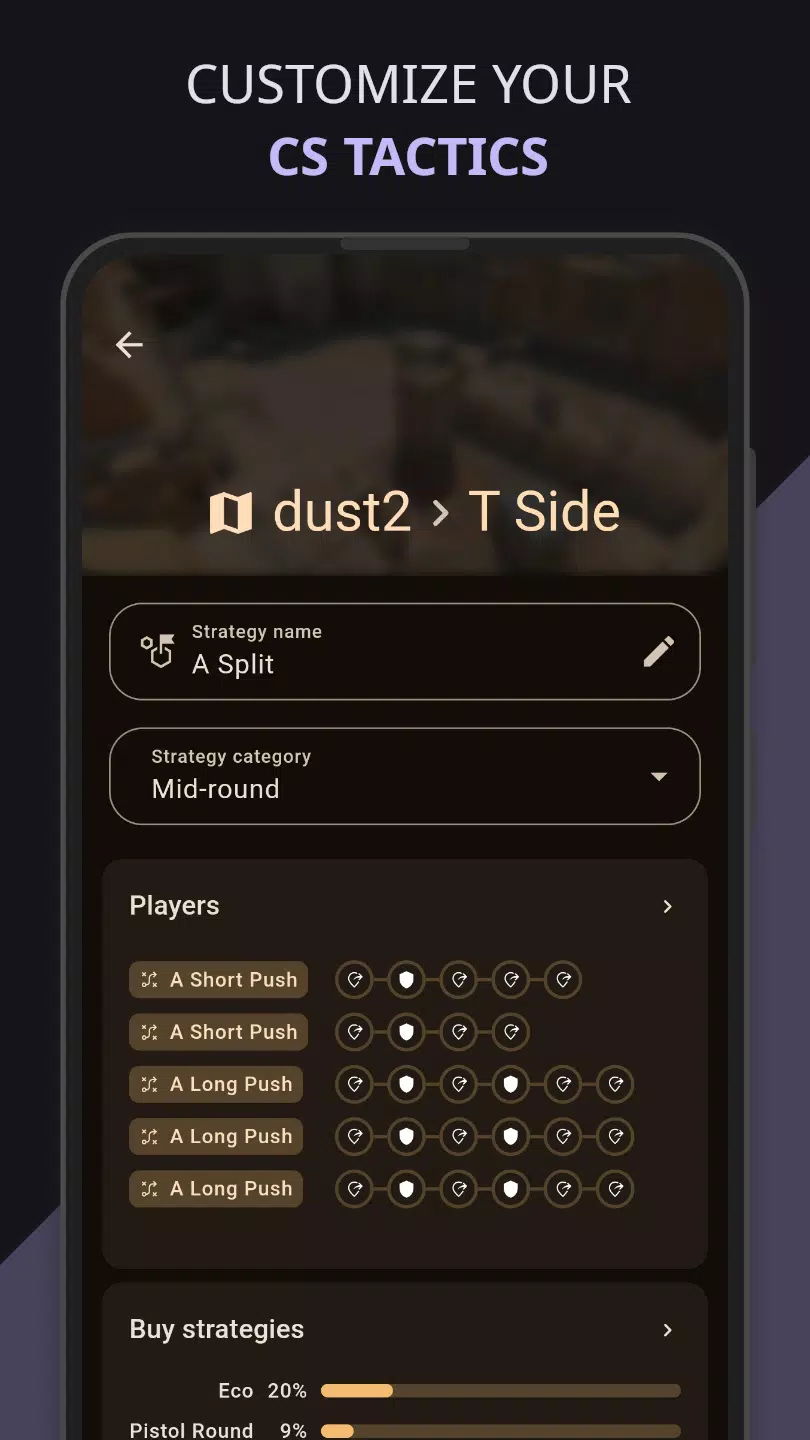

















Explore More
Gather around for game night anytime, anywhere with our new mobile board game. Play digital versions of classics like chess, checkers, backgammon and more against friends or AI opponents. With smooth online multiplayer, you can challenge players worldwide or create private games. Customizable boards, pieces, and house rules allow you to tailor the experience. Compete in daily tournaments or just play for fun.

GOGO REJEKI v1.0.4

6svip v6.0

CUANKUY v12.5

JOYit Mod

MC777 v1.1.3

Idle Lumber Empire: Tycoon Inc

Bomba Patch

OKIDR v2.0