Introduction
Super8Plus delivers retro Super 8 film aesthetics on Android with a streamlined camera and editor that recreates grain, color drift, and analog light leaks. Mobile filmmakers can shoot authentic vintage-style clips, tweak color and frame rate, and export high-resolution videos ready for social sharing and further editing.
What the app does
At its core, Super8Plus is a creative camera and video editor that aims to reproduce the look and feel of classic Super 8 film while keeping modern performance and usability. It merges live capture tools with post-capture filters, offering both a quick one-tap cinematic mode and a more detailed timeline for fine adjustments.
Standout features
- Film simulation presets: Multiple emulations model different film stocks, adjusting contrast, saturation, and color cast to match period-accurate tones.
- Adjustable grain & noise: Control the intensity and pattern of film grain to move from subtle texture to heavy, nostalgic graininess.
- Light leaks & vignettes: Layer authentic-looking light flare and edge darkening for an organic, imperfect look.
- Frame rate options: Select frame rates typical of film, including 18 fps and 24 fps, to change motion cadence and playback feel.
- Modern formats: Export in common codecs and sizes with presets for social platforms and other workflows.
How the workflow works
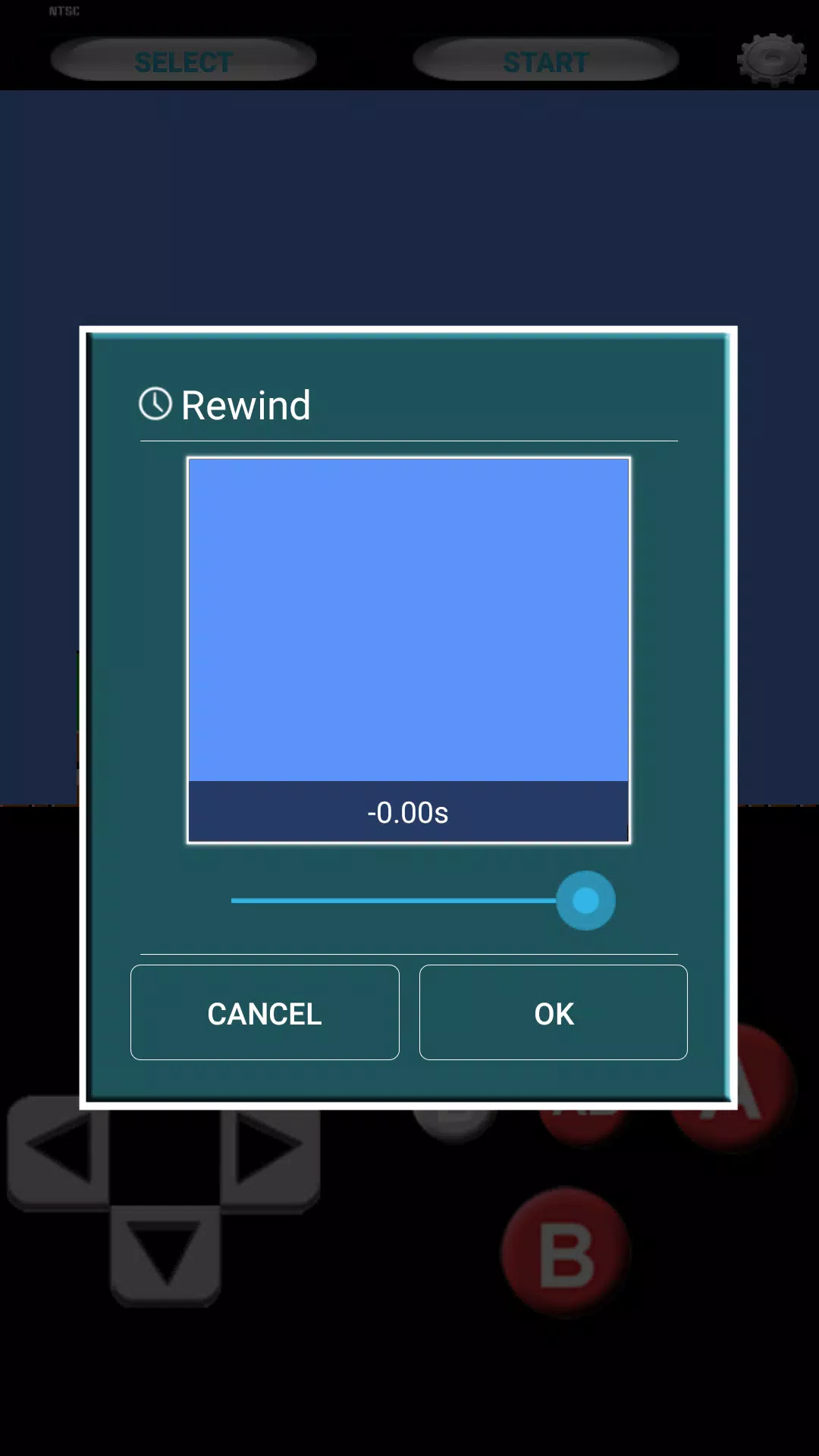
The workflow is split between capture and editing. Use the camera interface for live recording with exposure, focus, and film simulation applied in real time. For more control, import clips into the timeline editor, trim shots, adjust color curves, and stack effects. The app supports non-destructive edits so you can revert changes if needed.
Tools and controls
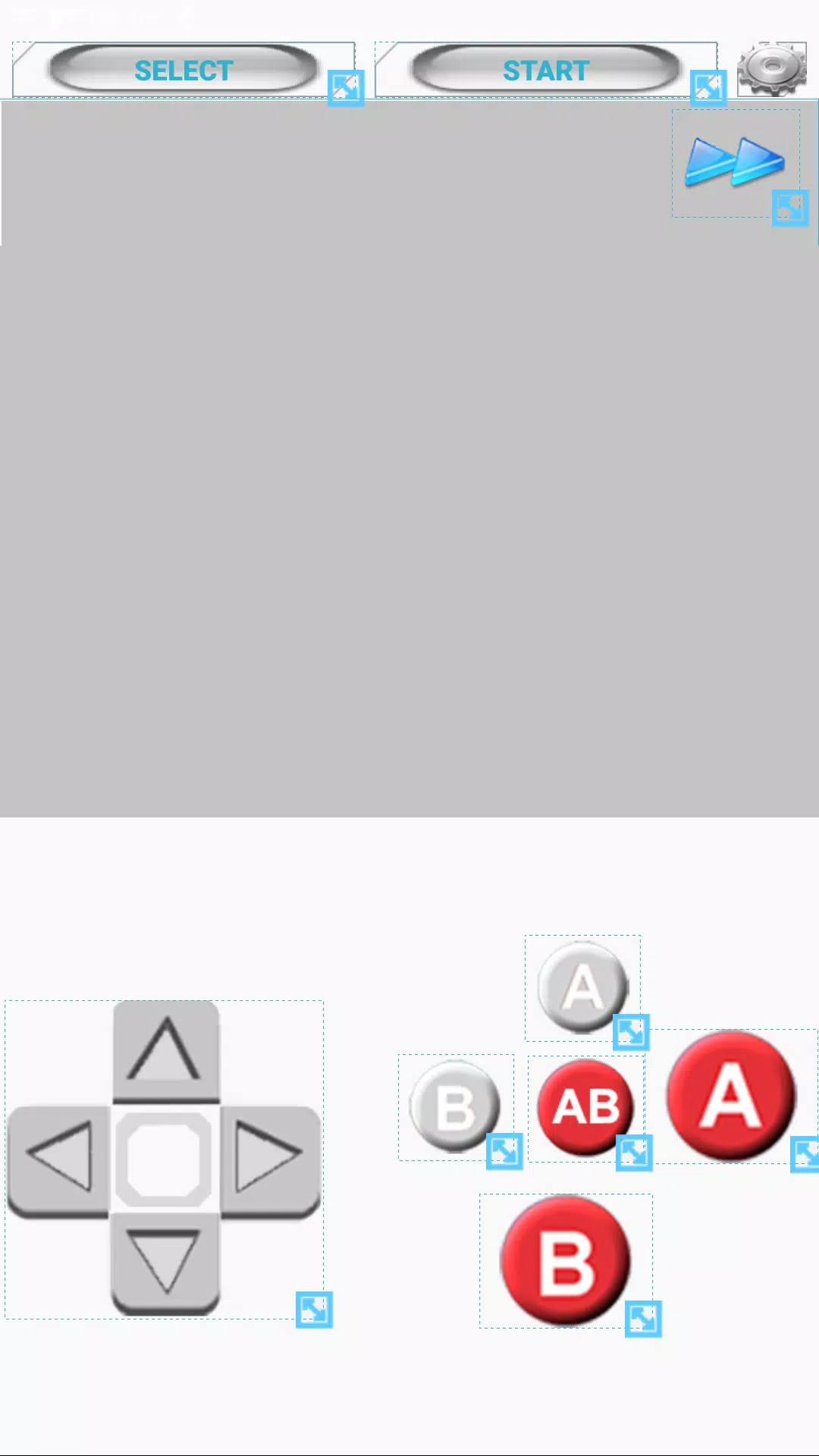
Controls are organized to support quick experiments and deeper tweaks. Core tools include manual exposure, white balance, lens distortion, and a simple keyframe editor for animating filters. Layers let you combine grain, tint, and overlays without committing them to the source footage until you export.
Customization and creativity
Super8Plus emphasizes creative freedom. Users can design and save custom presets, dial in unique film stocks by mixing grain, color shifts, and scratches, and even import external LUTs. For creators who like variation, the app offers randomized presets to generate unexpected looks that spark new ideas.
Interface and performance
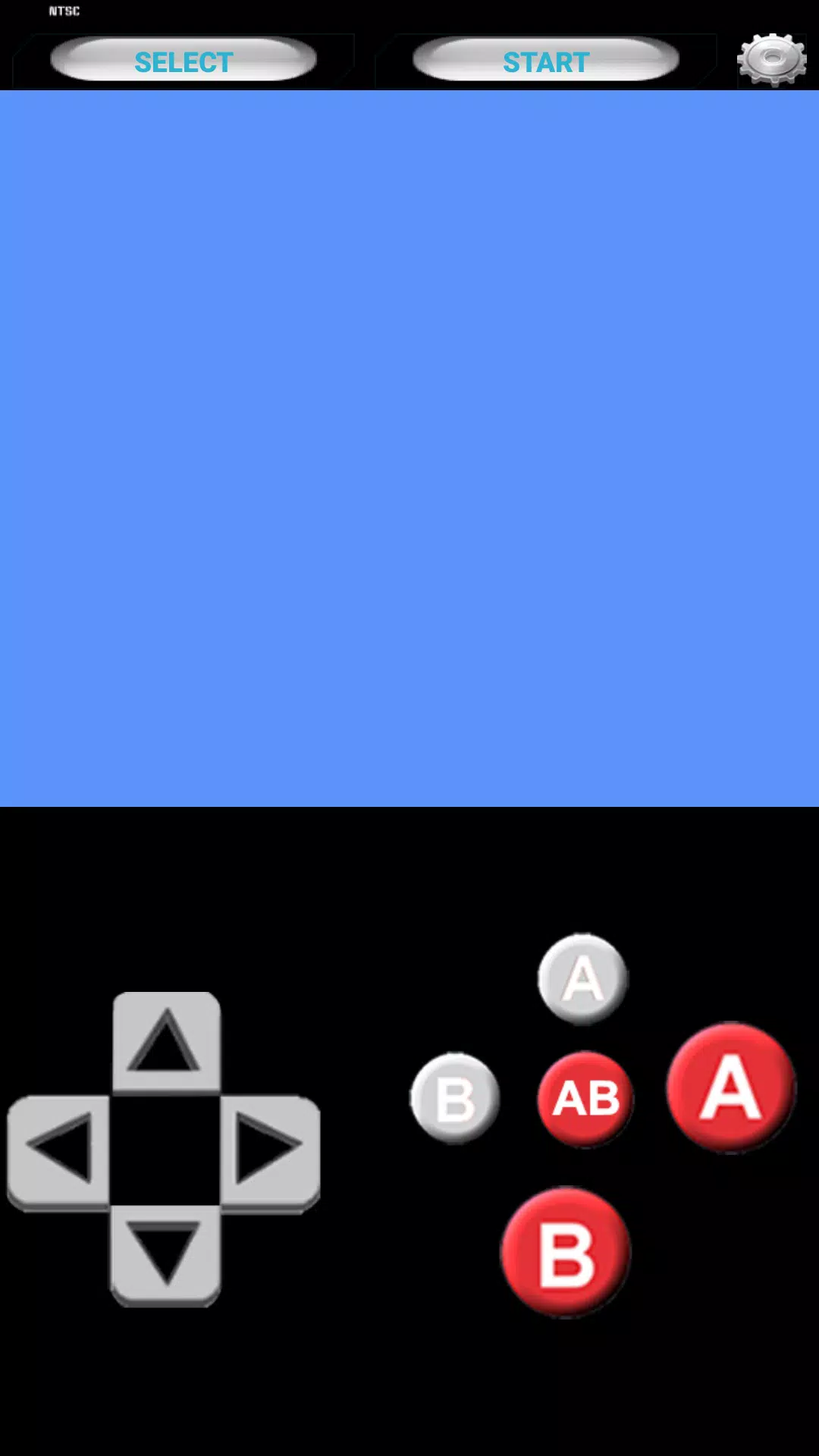
The interface balances minimalism and power. Buttons for common actions are large and reachable, while advanced panels are tucked away to avoid clutter. Performance is optimized for recent Android devices: rendering uses hardware acceleration and background export so you can continue working while a project encodes.
User experience and accessibility
Users report an approachable learning curve. Beginners appreciate the one-tap vintage mode, which produces polished results without technical knowledge. More advanced users benefit from manual controls and export options that integrate with professional workflows. Built-in tutorials and sample projects help new users understand common techniques quickly.
Practical tips for best results
- Shoot in good light: Grain looks best as an artistic choice rather than a compensation for poor exposure.
- Use lower frame rates for nostalgia: Try 18 fps for a choppier, more period-accurate motion.
- Experiment with presets: Start with a preset, then fine-tune grain and tint to match your vision.
- Export twice: Keep a high-quality master for archiving and a compressed version optimized for social platforms.
Why this app stands out
Super8Plus stands out by combining convincing analog effects with modern mobile editing conveniences. It gives creators a focused toolset for achieving a cinematic vintage look without requiring desktop software. Whether you’re making a short film, a music video, or stylized social posts, the app offers both speed and depth.
Getting started
Installation is straightforward through the Android app store. After launch, run the introductory tutorial, try a few presets in camera mode, then import a clip to explore the timeline. Regular updates add new film stocks and optimization improvements, so check release notes occasionally for fresh tools.
- No virus
- No advertising
- User protection
Information
- File size: 15.50 M
- Language: English
- Latest Version: 3.2.8-Plus
- Requirements: Android
- Votes: 154
- Package ID: com.super8bit.free
- Developer: Super Emulation
Screenshots
















Explore More
Experience nonstop thrills with our newest edge-of-your-seat action game! With console-quality graphics and intuitive touchscreen controls, you'll be drawn into high-octane combat and stunt-driven gameplay. Choose from an arsenal of upgradable weapons and vehicles to blaze through enemy bases, post-apocalyptic cities, and more. Physics-based action packed with explosions and destructible environments make every level more intense than the last.

Say the Word on Beat

City Train Driver Simulator 2019

How to Fish

Johnny Trigger: Action

ATHENA:Blood Twins

Hokigame v1.0.2

Trick or Ahri

C8VIP v9.8