Introduction
Beam Balance is a compact, physics-driven balancing experience that turns your Android device into a precision tilt simulator using the built-in gyroscope. Rather than presenting itself as a conventional game, Beam Balance is positioned as a skill and coordination tool: short, repeatable challenges that emphasize hand steadiness, timing, and subtle device movement. The app is designed for quick sessions—practice drills that fit into a few minutes—yet also offers measurable progression for users who want to track improvement over time.
How it works
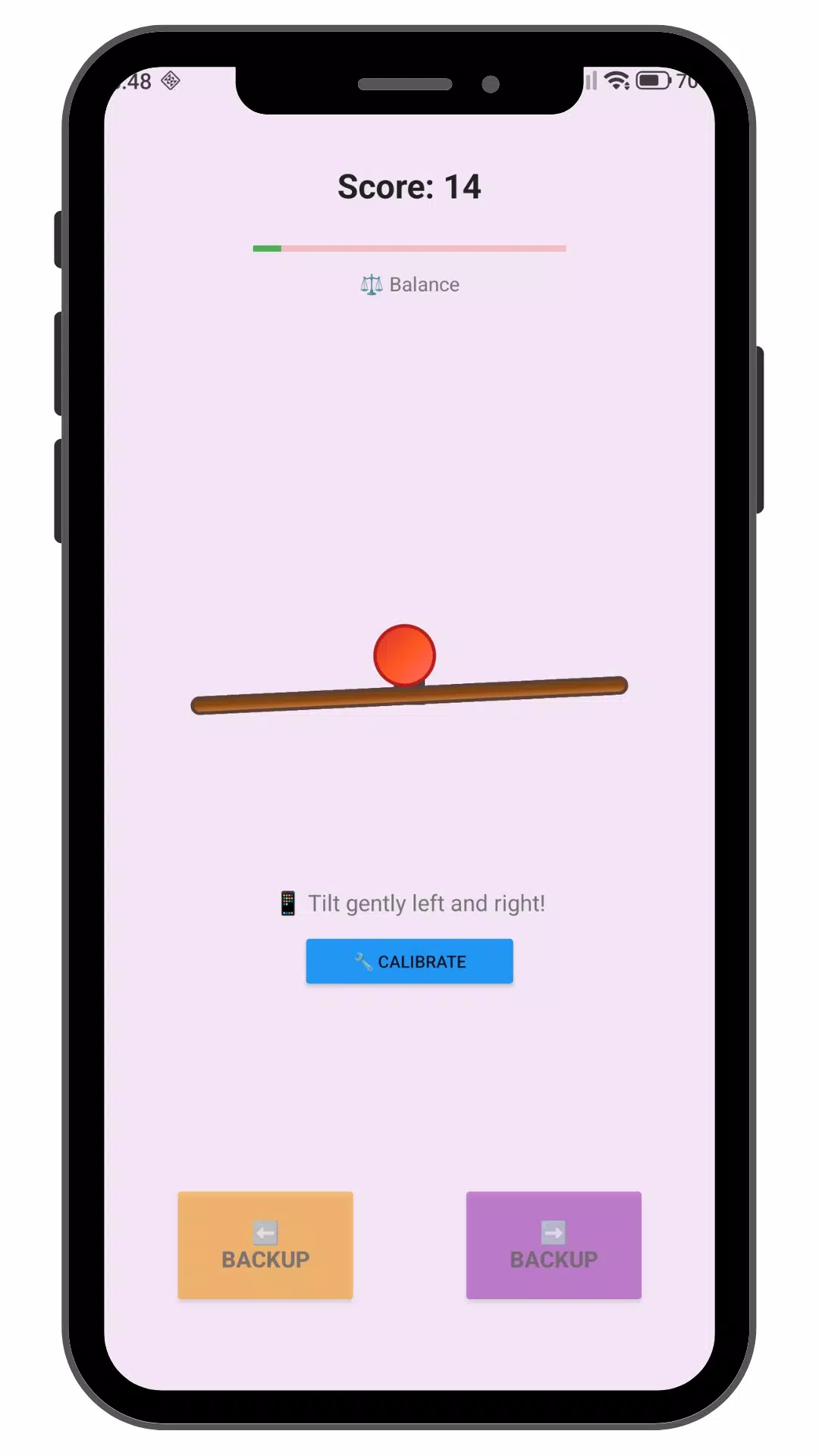
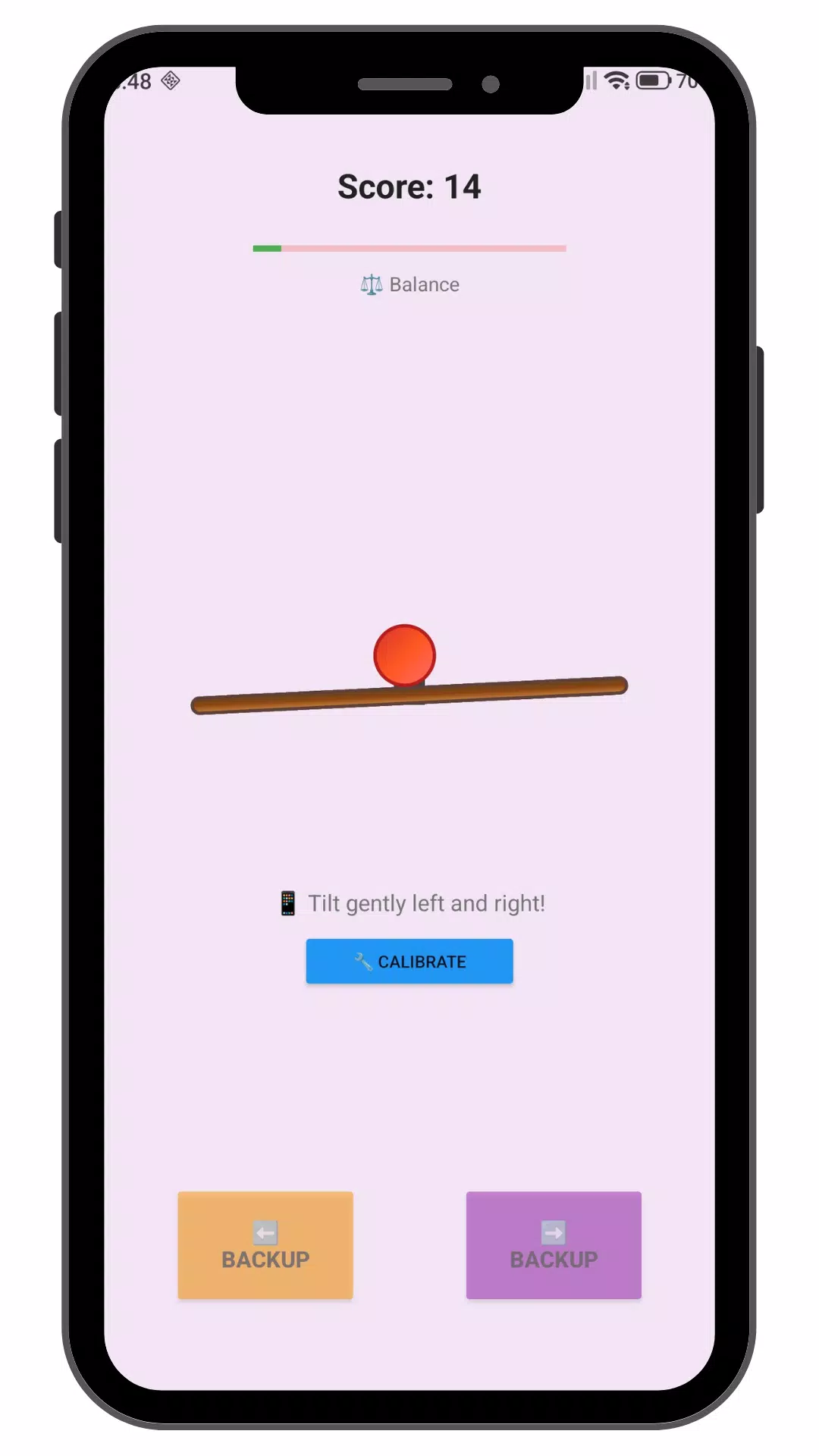
The core mechanic is straightforward and transparent: a virtual beam responds to gravity and gyroscope input, and a single ball reacts naturally to slopes, inertia, and friction. As you tilt the device left or right, the beam tilts accordingly and the ball rolls. The physics simulation prioritizes predictable behavior so each attempt becomes a matter of precise corrections and anticipatory control. Beam Balance focuses on a tactile loop of sensing, adjusting, and refining technique rather than complex rules or menus.
Controls and calibration
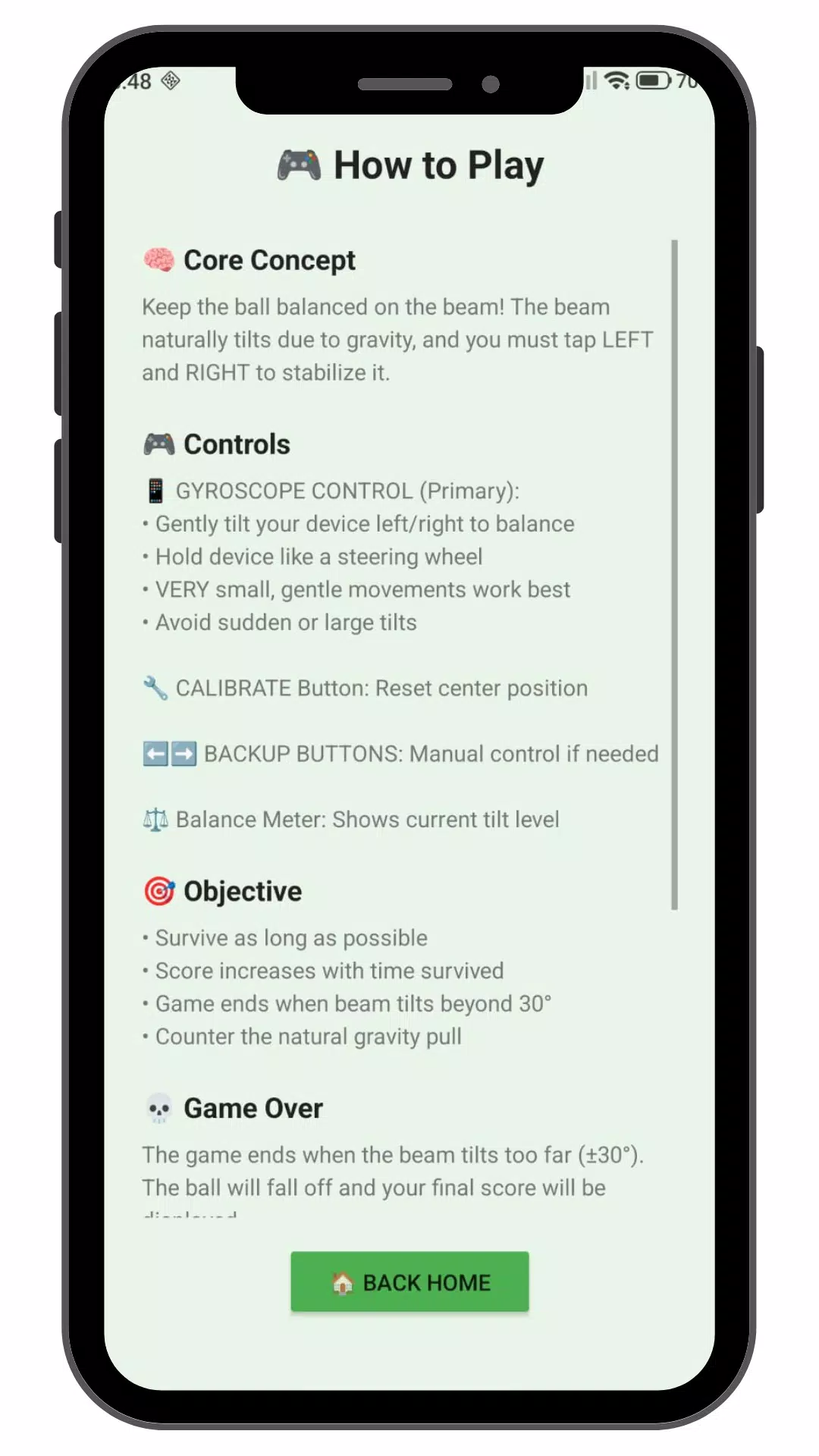
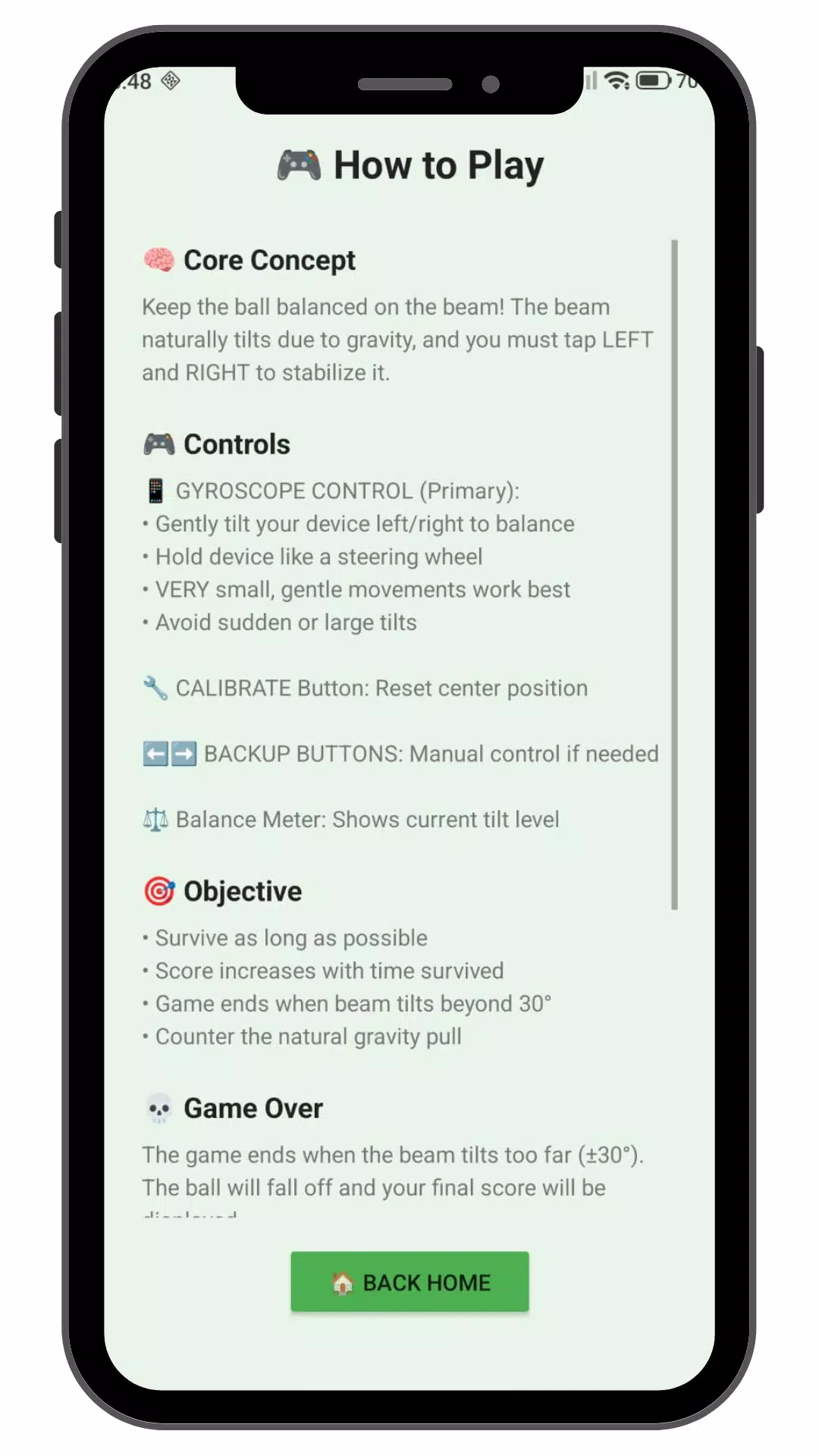
Beam Balance reads the device gyroscope to translate subtle wrist and hand movements into beam adjustments. The app includes calibration tools that let you set a comfortable neutral position and tune sensitivity to match different holding styles. Whether you prefer broader, deliberate tilts or small, fine-grained corrections, the settings let you adapt the response. For devices without a functioning gyroscope the app will indicate limited compatibility; the experience is optimized for hardware that can provide reliable orientation data.
Progression and challenge systems
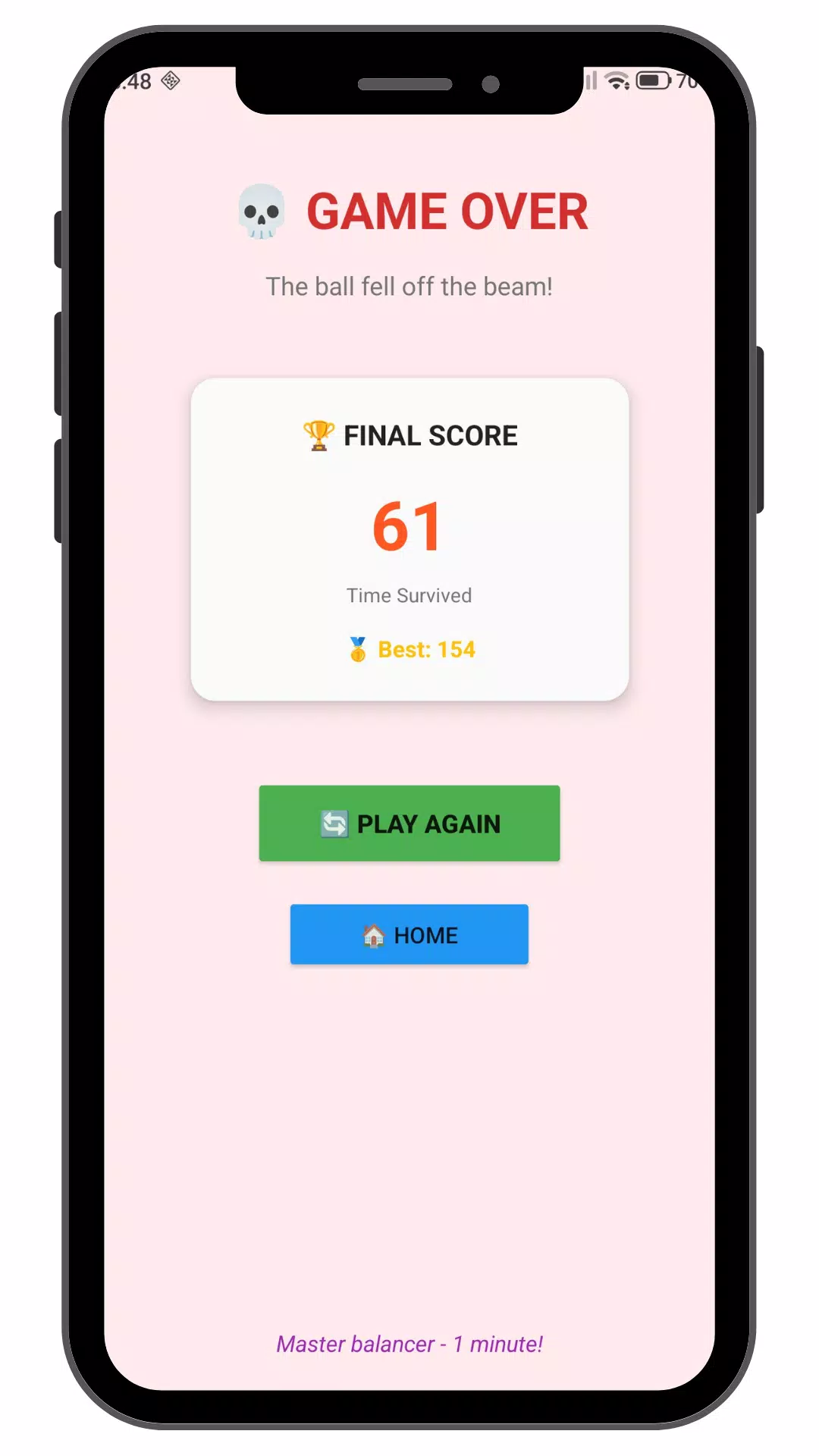
The pacing in Beam Balance is built around bite-sized sessions and a gradual increase in difficulty. Early challenges emphasize basic control and familiarization with the gyroscope response. Later attempts introduce narrower beams, increased ball responsiveness, and stricter success conditions so that the same core motion demands greater precision. Sessions are organized into short runs that encourage repetition and measurable improvement, and the app records local session statistics so users can see trends in steadiness and best performance without requiring an online account.
Visual style and feedback
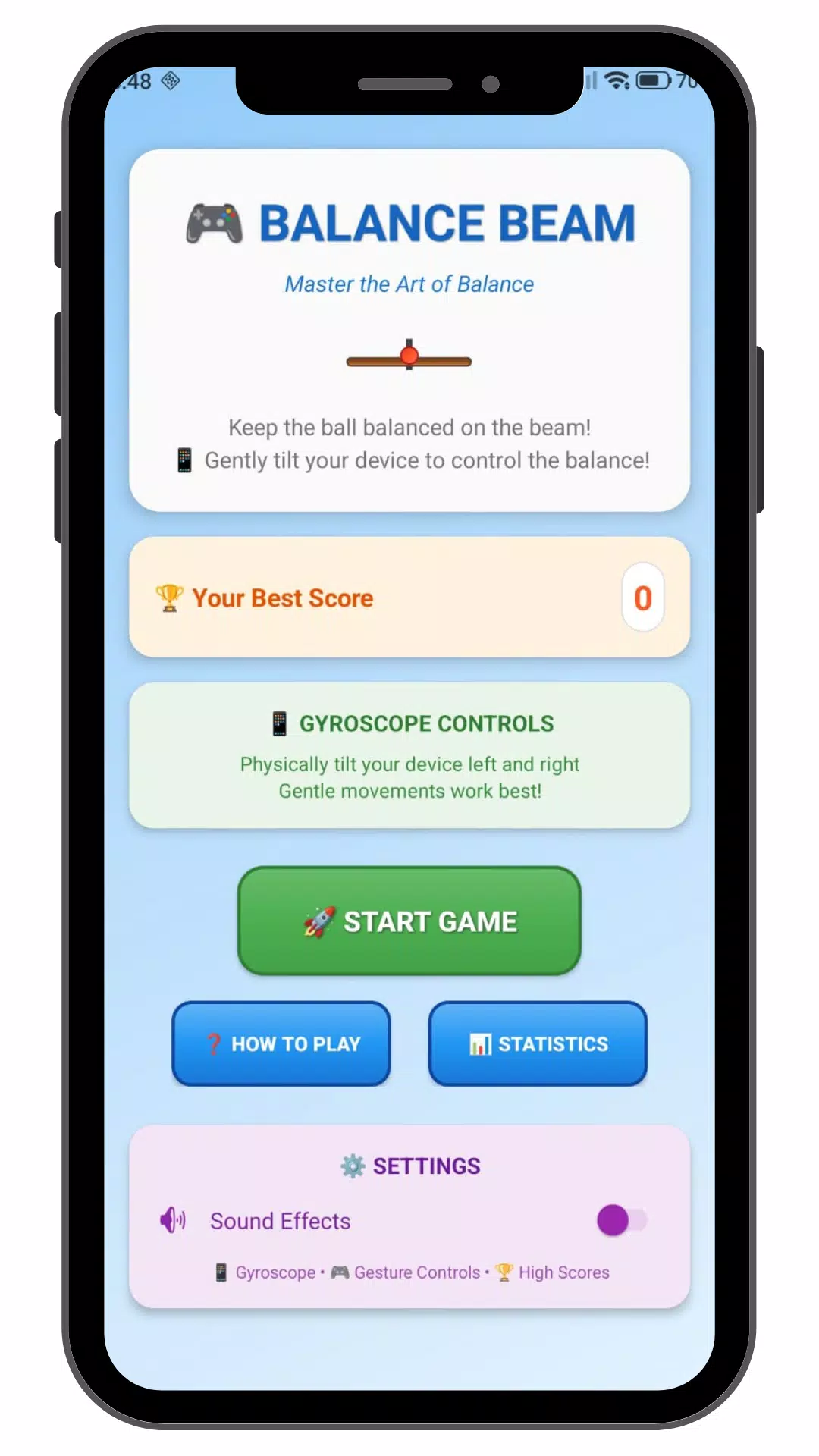
Visually, Beam Balance keeps the interface clean and uncluttered to reduce distraction and help you focus on motion. The beam, ball, and playfield use subtle shading and clear contrast to make movement cues easy to read at a glance. Audio and optional haptic feedback provide immediate, non-intrusive signals for collisions or near-misses, aiding muscle memory and timing without overwhelming the senses. Camera angles and zoom levels are chosen to emphasize the beam's slope and the ball's momentum so you can learn from each attempt.
Customization and replay value
To support a range of users, Beam Balance offers adjustable difficulty levels, sensitivity tuning, and session-length settings so you can create practice runs that match your goals—short daily drills or longer refinement sessions. Because success depends on steady hands and refined timing rather than in-app purchases or external competition, the replay value comes from personal challenge: beating your own best, improving consistency, and experimenting with different control setups. Local performance history helps you track progress over days or weeks.
Accessibility and user experience
Beam Balance includes options aimed at accessibility: adjustable control sensitivity for users with limited mobility, high-contrast visuals for better visibility, and the ability to disable audio or haptics if those cues are not helpful. The interface keeps controls and settings straightforward so newcomers can start a session quickly while still allowing more experienced users to fine-tune behavior. The app is designed to work offline after installation, keeping interactions private and reducing battery and data use during practice.
Privacy and compatibility notes
Beam Balance emphasizes local play and lightweight operation. No online login is required to use core features, and performance tracking is stored locally to the device. Because the experience depends on gyroscope input, performance will vary across devices; users should consult device specifications if motion sensors are not present or are reporting inconsistent values. Overall, Beam Balance offers a focused environment for improving steadiness and coordination through repeatable, physics-driven exercises that are easy to pick up and practice anywhere.
- No virus
- No advertising
- User protection
Information
- File size: 4.80 M
- Language: English
- Latest Version: 1.0
- Requirements: Android
- Votes: 152
- Package ID: com.zackywalkthrough.stikerucapanidulfitriterbaru
- Developer: Zacky Walkthrough
Screenshots

















Explore More
Experience nonstop thrills with our newest edge-of-your-seat action game! With console-quality graphics and intuitive touchscreen controls, you'll be drawn into high-octane combat and stunt-driven gameplay. Choose from an arsenal of upgradable weapons and vehicles to blaze through enemy bases, post-apocalyptic cities, and more. Physics-based action packed with explosions and destructible environments make every level more intense than the last.

INA777 v9.8

Top Cars Driving

Zyon RhythmGame

Rejeki Hub v1.0.1

RpOK v9.8

Growing Attached

RP777 v2.1.4

Black Clover M