
Introduction
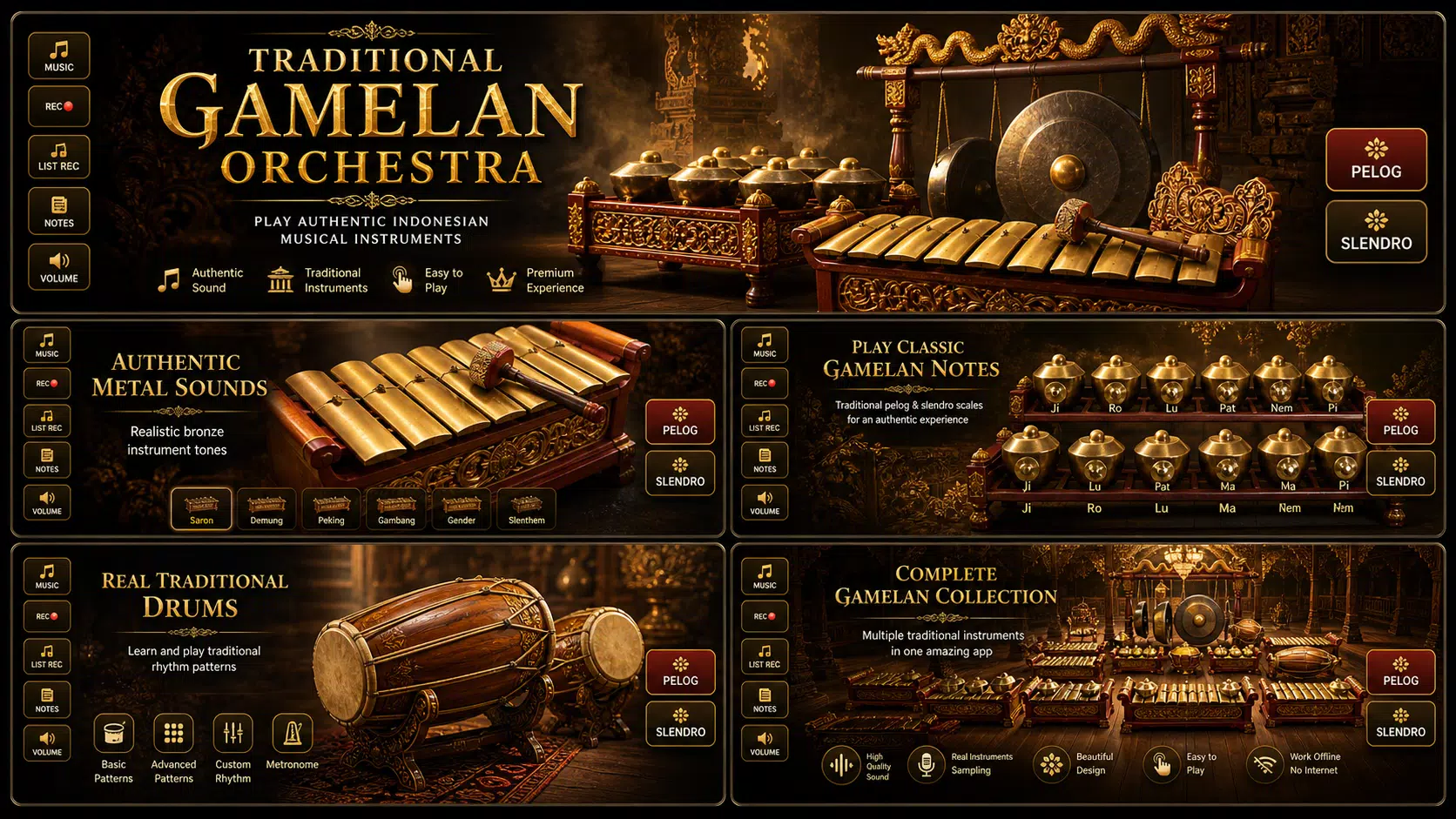
Gamelan Nusantara is an educational and performance app that brings Indonesian gamelan instruments to your Android device, offering realistic instrument sounds, interactive lessons, and composition tools. It’s designed for learners and performers who want to explore traditional ensemble music with modern playback and recording features.
What the app does
Gamelan Nusantara recreates the experience of playing in a gamelan ensemble using sampled metallophones, gongs, drums, and vocals. The app combines high-quality instrument samples with synchronized notation displays and a layered mixer so users can isolate parts, slow down passages, or practice with a virtual ensemble. It’s useful for students, teachers, and hobbyists curious about Southeast Asian music.
Core features at a glance
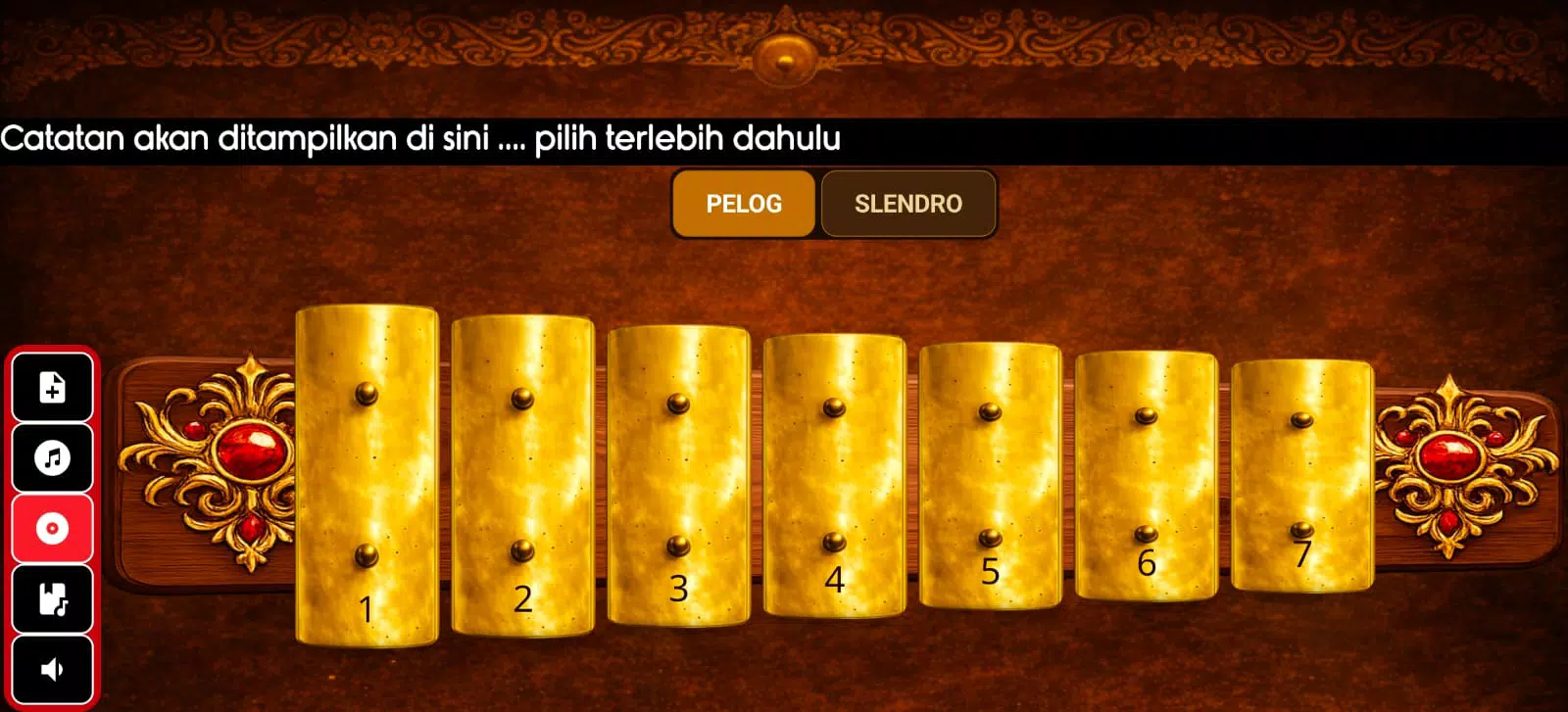
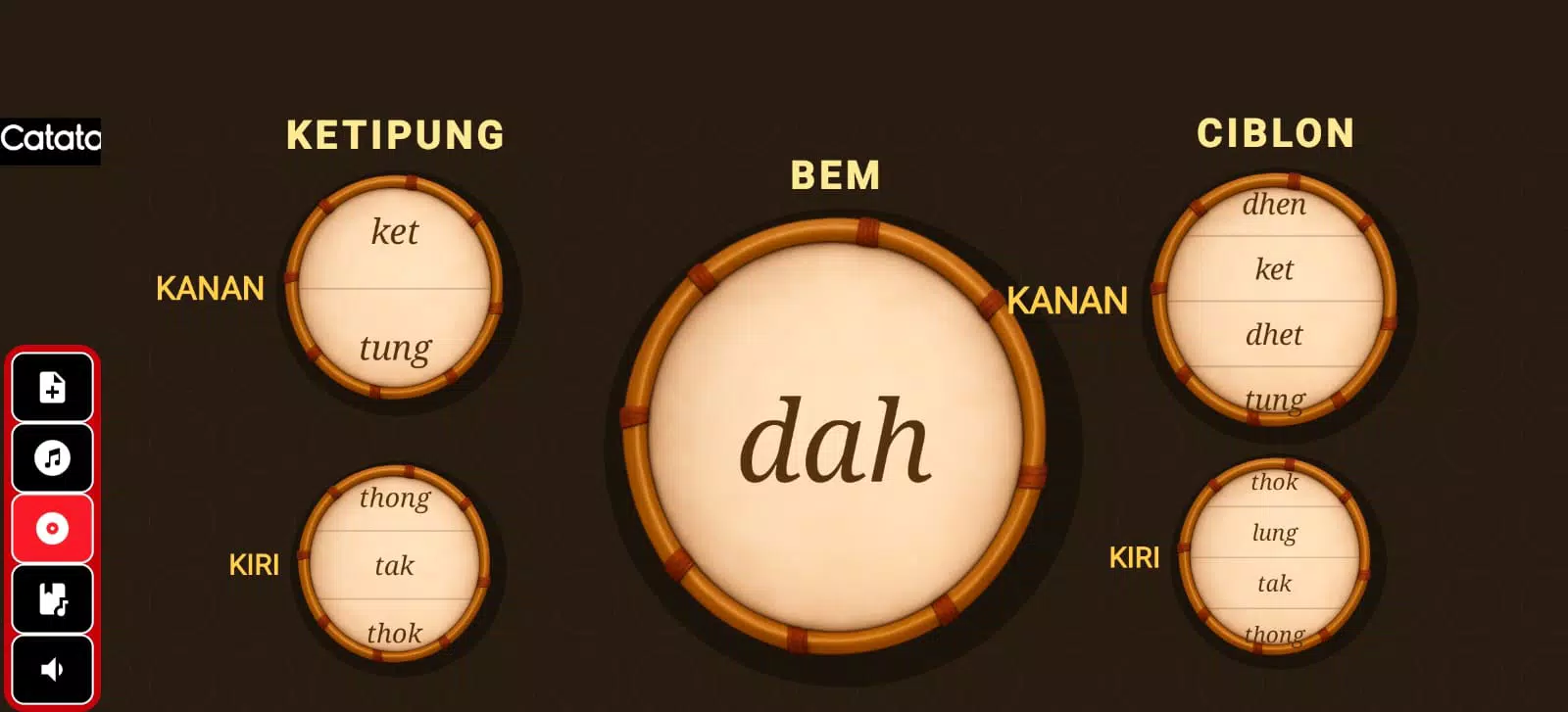
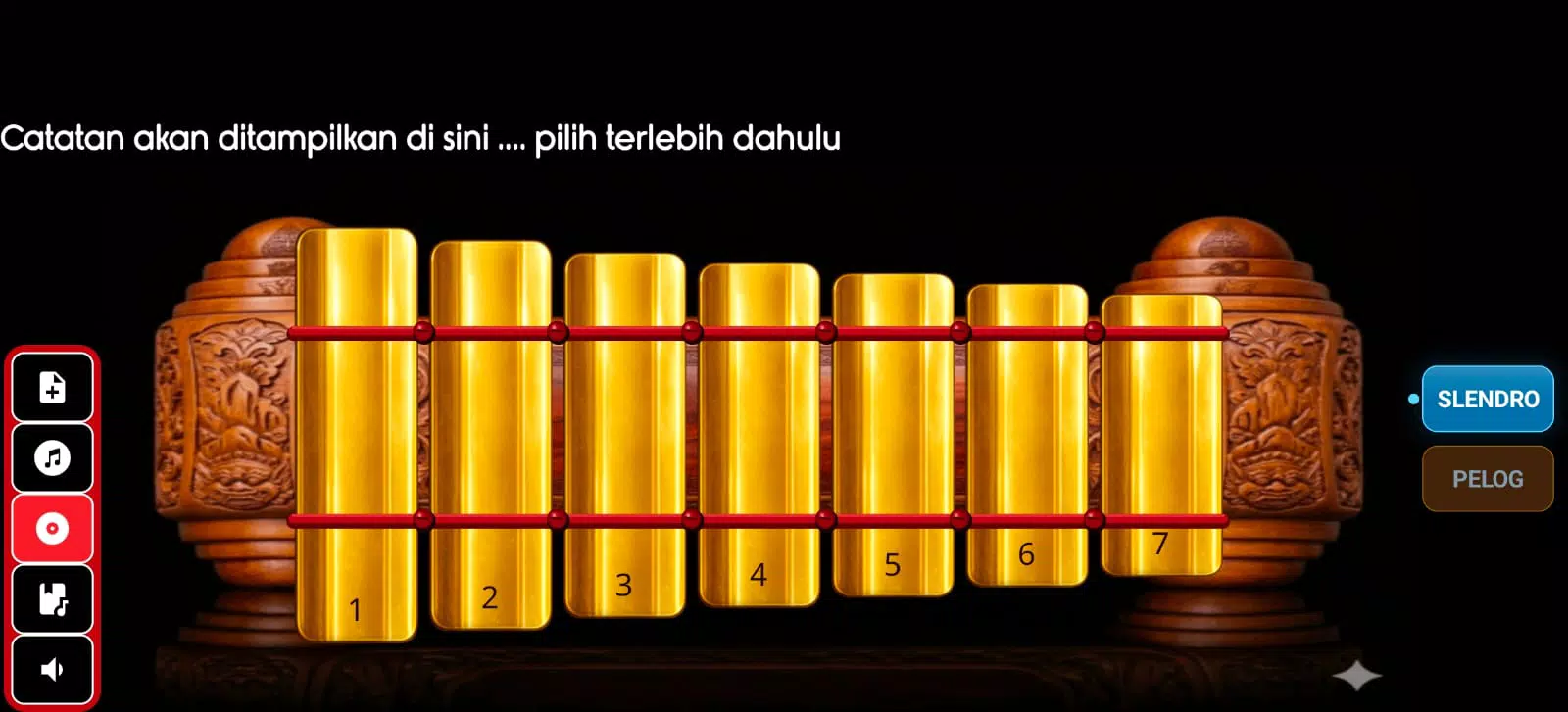
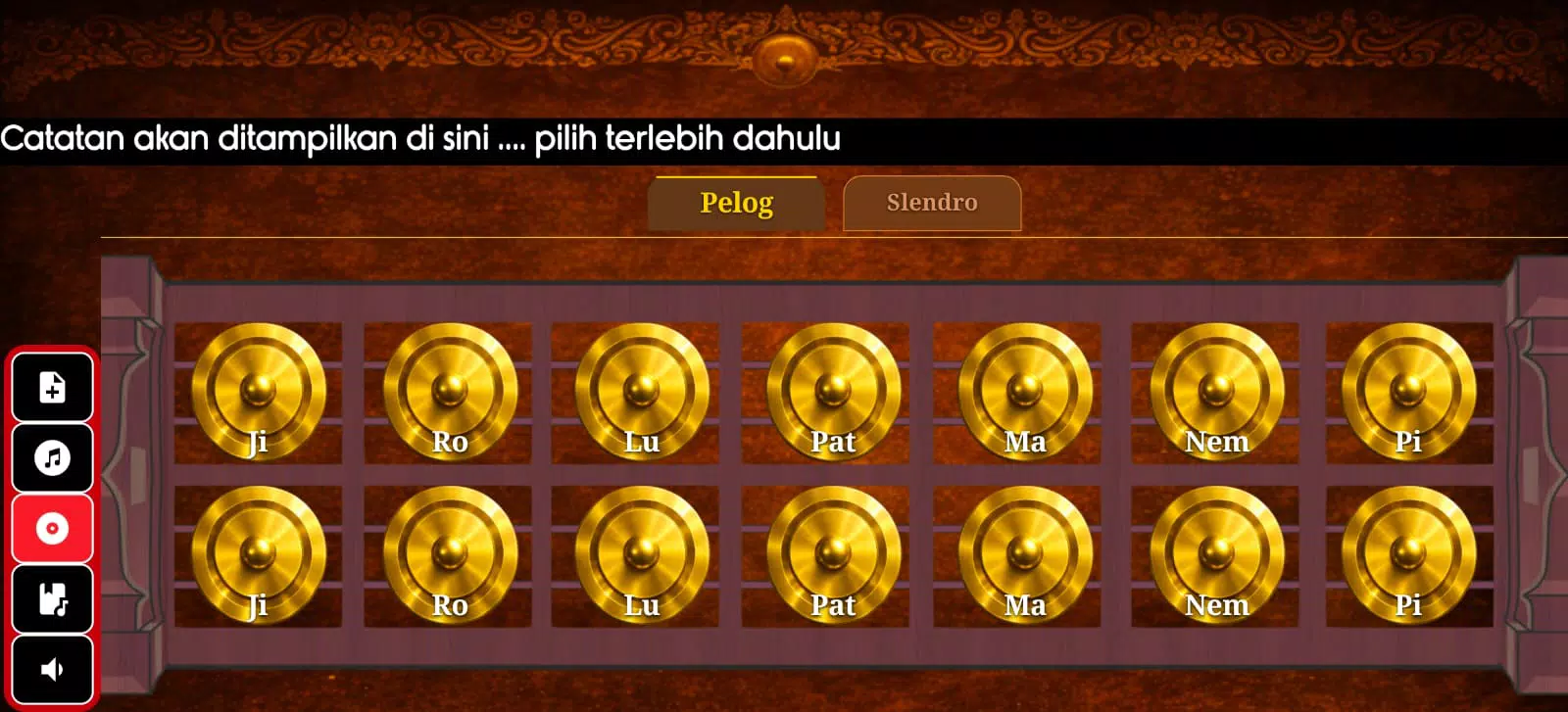
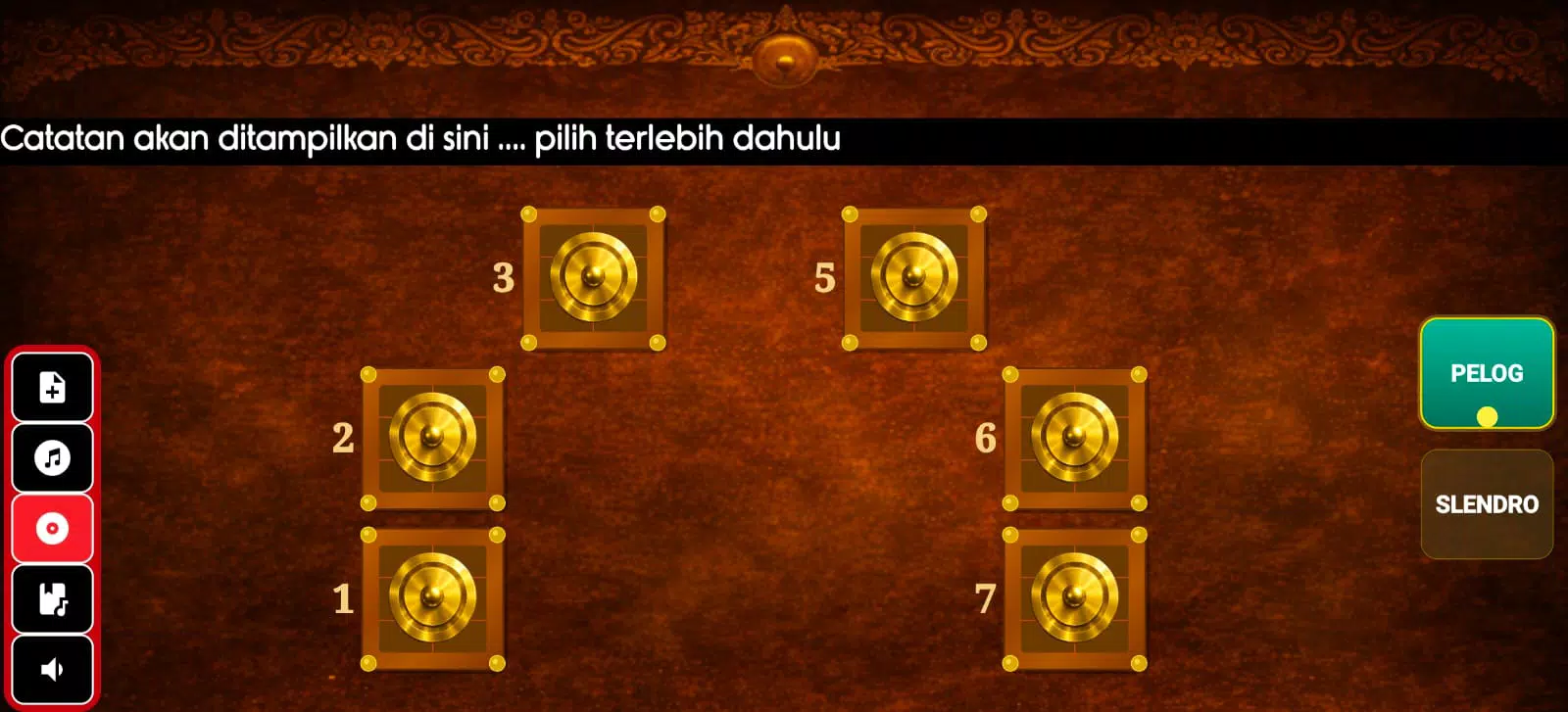
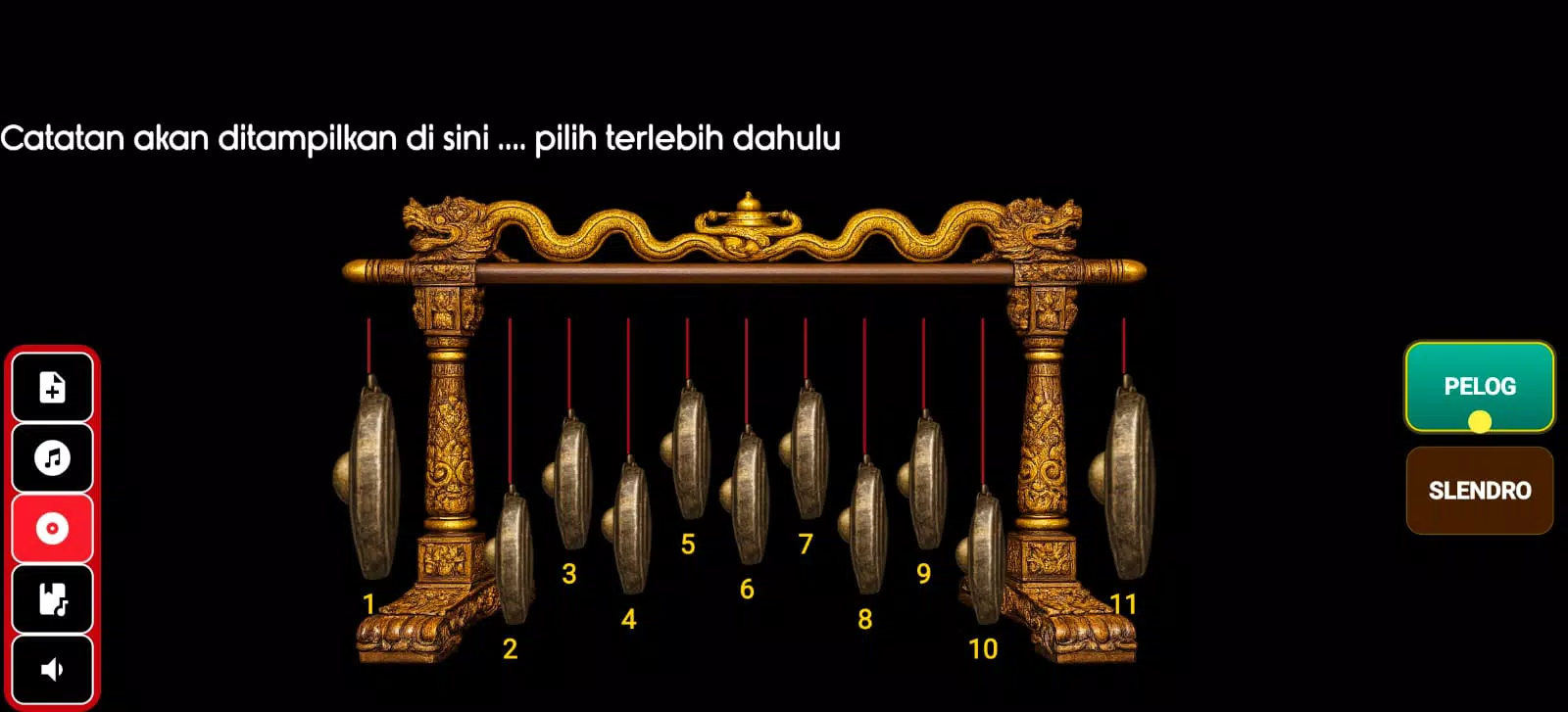
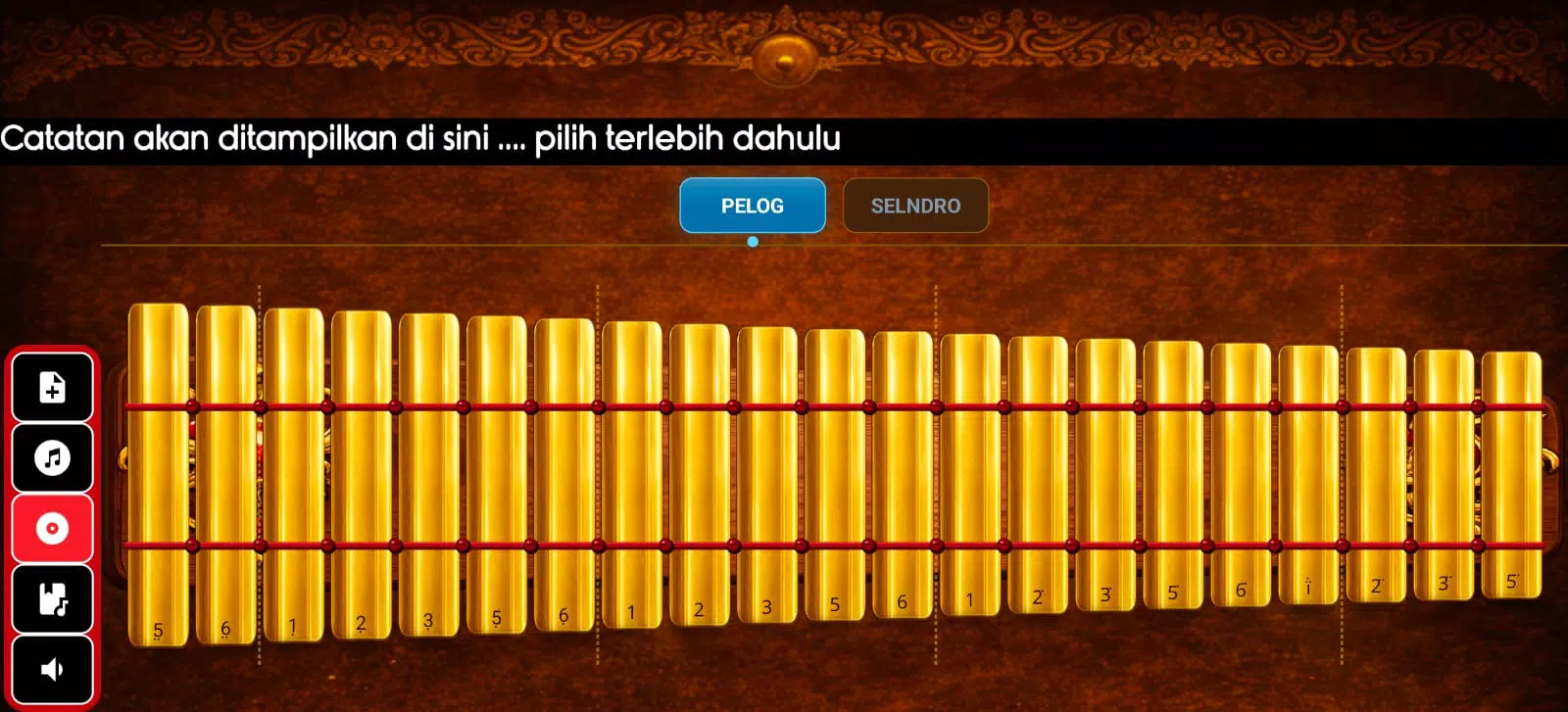
- Authentic instrument library: multiple tuned sets of saron, bonang, gender, gong, kendang and bamboo flutes recorded to preserve timbre and resonance.
- Interactive lessons: step-by-step modules that walk through scales, colotomic structures, and common patterns.
- Notation and playback: synchronized notation with tempo control, loopable sections, and pitch adjustment.
- Composition tools: a simple sequencer and phrase editor to build and export arrangements.
- Recording and sharing: record rehearsals or performances and export audio to share with classmates or social platforms.
User interface and workflow
The interface emphasizes quick access to instrument groups and practice controls. Controls are arranged into three main zones: instrument rack, notation viewer, and transport/mixer. The rack exposes per-instrument volume and panning, while the notation viewer highlights active notes during playback. This layout reduces menu diving and keeps the focus on playing and listening.
How lessons are structured
Lessons in Gamelan Nusantara begin with foundational concepts—scale intervals, cyclical structures, and stroke patterns—then progress to ensemble coordination and repertoire. Each lesson pairs visual demonstrations with audio loops that can be slowed down to half speed without altering pitch. Exercises include call-and-response drills and guided ensemble play that help build timing and interlocking technique.
Customization and composition
For users who want creative control, the app provides a phrase editor and channel mixer. You can drag and drop melodic fragments, quantize rhythm patterns, and layer different instrument timbres to experiment with fusion arrangements. Preset templates offer starting points, while advanced settings let you tweak ADSR envelopes and reverb amount for a more realistic or stylized sound.
Performance and compatibility
Audio performance is optimized for mobile processors. Latency is low on mid- to high-range devices, and the app supports external MIDI controllers for real-time play. File import supports common audio formats so you can bring backing tracks into sessions. Battery usage is reasonable for extended practice; disabling visual effects further extends runtime during long rehearsals.
Practical tips for beginners
- Start with the basic lessons to internalize the colotomic structure before attempting full pieces.
- Use the loop and slow-motion features to practice tricky passages one bar at a time.
- Record short takes to evaluate timing and tuning; incremental playback reveals subtle improvements.
- Connect a Bluetooth speaker for clearer acoustic feedback during group practice or small performances.
Why musicians choose this app
Many users praise Gamelan Nusantara for its blend of authenticity and accessibility. The sampled instruments sound convincing without overwhelming device resources, and the educational path makes a complex musical tradition approachable. Teachers find it helpful for classroom demonstrations, while independent learners appreciate the self-paced modules and exportable recordings.
Getting started and installation notes
Installation is straightforward through the Android package. After initial download, the app prompts for additional sample packs to reduce the initial size while allowing higher-quality downloads later. Permissions are limited to storage and audio to enable recording and file export. New users should allocate a few minutes to customize audio buffer size in settings to match their device for optimal latency.
Whether you want to study traditional repertoire, compose new arrangements, or simply experience the layered textures of gamelan music, Gamelan Nusantara provides a practical, well-organized toolkit that balances educational features with performance-ready tools. It’s a specialized resource that brings island ensemble music to mobile practice and creative workflows.
- No virus
- No advertising
- User protection
Information
- File size: 15.90 M
- Language: English
- Latest Version: 1.19
- Requirements: Android
- Votes: 413
- Package ID: seni.gamelan.nusantara
- Developer: sayunara dev
Screenshots
















Explore More
Make learning fun with our new educational game, perfect for kids of all ages! With engaging activities across subjects like math, reading, science and more, children will build knowledge while having a blast. The reward-based system and vibrant graphics keep them motivated to progress through levels. Customizable avatars and whimsical worlds let their creativity shine. Parents can feel at ease knowing their kids are learning, not just playing.

First Dates After 50

Hentai Python Tutor

Free fire quiz

Fósseis e Escadas

Shake's Education

Sumeru Academy

Hermit Watch: Beetle Quiz

Word Chain - Shiritori