Introduction
NextWave is a streamlined productivity app that centralizes task management, real-time collaboration, and intelligent scheduling into a single interface. Designed for professionals and teams, it reduces friction between planning and execution by combining intuitive gestures, automated prioritization, and cross-platform syncing for consistently organized workflows.
What NextWave brings to your workflow
NextWave focuses on removing friction from daily work. It blends task lists, calendar management, and team messaging into a single view so users can move from idea to action without context switching. The app emphasizes speed: quick entry, smart suggestions, and minimal setup let you start organizing work in minutes.
Primary features at a glance
- Unified Task Board: Create tasks, subtasks, and checklists with drag-and-drop reordering and visual priority markers.
- Smart Scheduling: Automatic time suggestions based on workload, deadlines, and personal preferences.
- Real-Time Collaboration: Shared boards, threaded comments, and live updates keep teams aligned without extra meetings.
- Cross-Platform Sync: Syncs across Android, web, and desktop so your plan is available everywhere.
- Custom Workflows: Templates and conditional rules let you automate repetitive steps for common projects.
How it works in daily use
Tasks are the central unit inside NextWave. You can add tasks from a single entry box, attach files or links, assign owners, and set estimated time. The calendar view shows a consolidated timeline that includes personal tasks, team deadlines, and integrated calendar events. Navigation stays lightweight: swipe gestures move items between statuses while long-press reveals quick actions like snooze, delegate, or add reminder.
Tools and systems that matter
Under the hood, NextWave relies on modular tools. The priority engine analyzes due dates and estimated durations to suggest optimal scheduling slots. Notifications are customizable so alerts land where they’re most useful — push, email, or silent digest. A simple rule builder allows non-technical users to set automation like moving completed tasks to archive or notifying teammates when a milestone is reached.
Design and performance
The interface favors clarity: clean typography, generous spacing, and color-coded boards to reduce visual clutter. Performance is optimized for mid-range devices; list rendering uses lazy loading to keep scroll smooth on large projects. Battery use is minimized through adaptive sync policies that reduce background activity when the app detects low power or poor connectivity.
Integration and security
NextWave connects to common productivity tools — calendar providers, cloud storage, and messaging platforms — making it simple to pull context into tasks. Data is encrypted in transit and at rest, and role-based permissions let managers restrict sensitive project access. For organizations, single sign-on (SSO) options and audit logs are available to meet compliance requirements.
Getting started: setup and onboarding
Onboarding is split into three quick steps: import or create a project, invite teammates, and choose a template. Templates are curated for common workflows like sprint planning, client onboarding, and content production. If you prefer a hands-off start, the app’s quick tour highlights core actions and suggests two customized templates based on your answers during signup.
Tips for new users
- Start with a single board and migrate other lists gradually to avoid overwhelm.
- Use the automatic scheduling feature for time-boxed days rather than exact appointments.
- Set notification preferences to reduce noise — try a digest during heavy work periods.
- Leverage templates for recurring processes to save setup time.
Why teams adopt NextWave
Teams choose NextWave for its balance of structure and flexibility. Project managers appreciate automated prioritization and timeline clarity. Individual contributors value rapid task capture and unobtrusive reminders. The shared workspace reduces duplicated effort and makes task ownership visible, improving accountability without micromanagement.
If you need a practical tool that combines scheduling, collaboration, and automation in one polished package, NextWave offers a compelling blend of features and sensible defaults to get teams moving faster with less overhead.
- No virus
- No advertising
- User protection
Information
- File size: 63.70 M
- Language: English
- Latest Version: 1.0.12
- Requirements: Android
- Votes: 252
- Package ID: com.nextwave.musicgame
- Developer: Artemis Studios
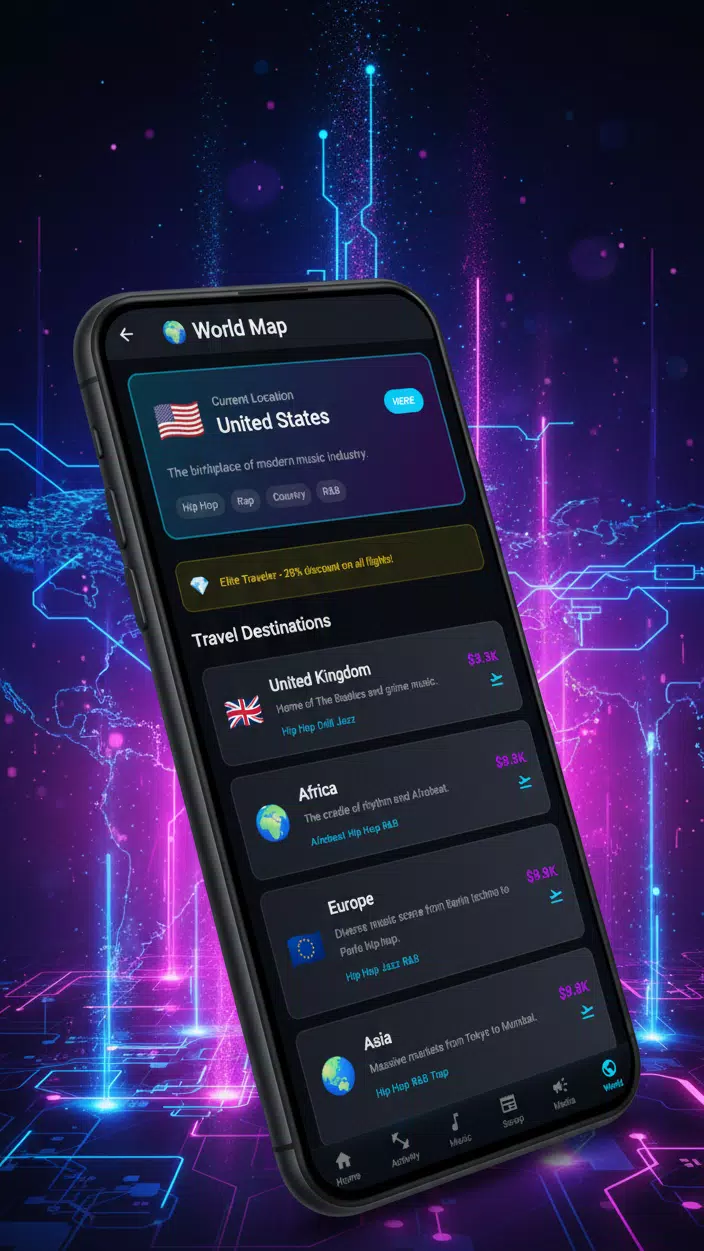
Screenshots
















Explore More
Gather around for game night anytime, anywhere with our new mobile board game. Play digital versions of classics like chess, checkers, backgammon and more against friends or AI opponents. With smooth online multiplayer, you can challenge players worldwide or create private games. Customizable boards, pieces, and house rules allow you to tailor the experience. Compete in daily tournaments or just play for fun.

Johnny Trigger: Action

Merge Design: Home Makeover

Trick or Ahri

C8VIP v9.8

My Dream Store

INA777 v9.8

Top Cars Driving

Knödel TD