Introduction
Retro Flash Game Player lets you load and play classic Flash SWF games on modern Android devices, restoring old favorites with smooth compatibility and touch controls. It bundles a built-in SWF loader, input mapping, and game library management so retro titles run reliably without legacy browser support.
What the app offers
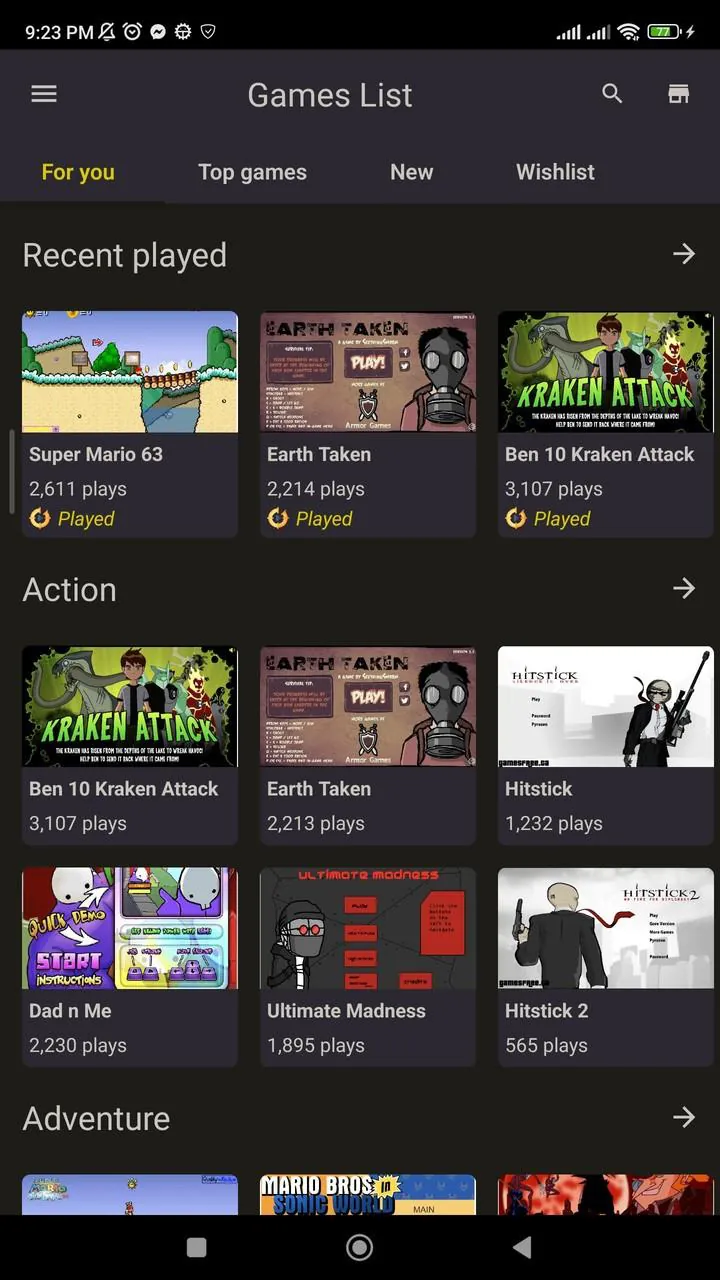
The core of Retro Flash Game Player centers on bringing archived Flash content back to life. Users can open local SWF files, bookmark favorite games, and group titles into custom collections. The app supports multiple launch options, remembers last-played positions for episodic or progress-based games, and can export or import playlists for easy backup.
Interface and controls
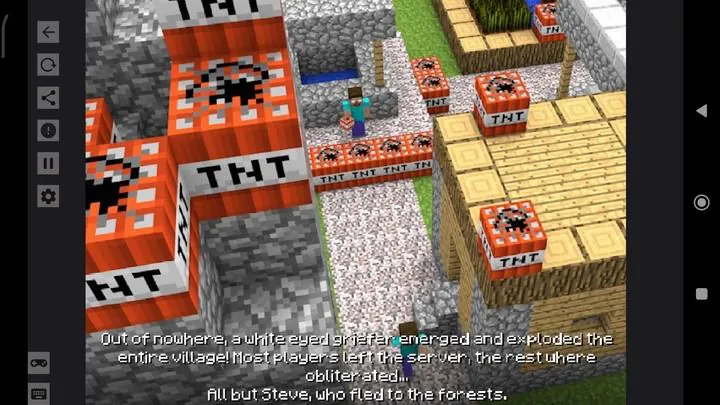
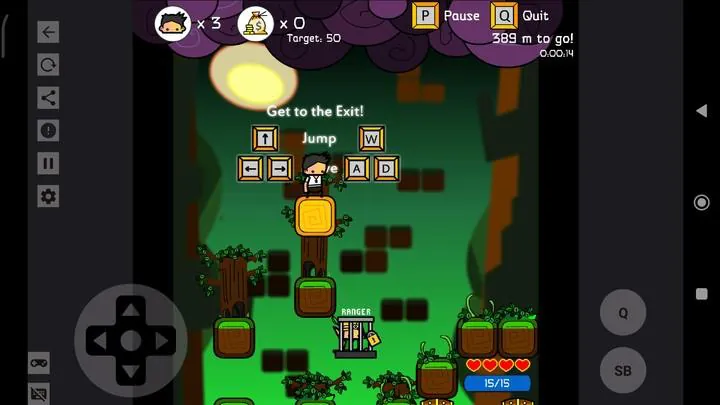
The interface is intentionally simple: a compact file browser, metadata editor, and a full-screen play mode. On-screen controls include configurable virtual keys, multi-touch gesture mapping, and a gamepad passthrough that lets physical controllers interact with legacy input events. Visual scaling options preserve pixel-perfect artwork or apply smooth filtering for modern displays.
Compatibility and performance
Retro Flash Game Player is optimized to run efficiently on a broad range of Android devices. It uses a lightweight SWF runtime that prioritizes CPU and memory use, reducing crashes on lower-end phones. Hardware acceleration is employed where possible to improve frame rates, and adaptive performance settings let you trade visual effects for smoother gameplay on constrained hardware.
How it processes Flash content
The app includes an integrated SWF interpreter that handles ActionScript 2 and many ActionScript 3 behaviors. It recreates timeline animations, sprite hierarchies, and common display list operations to render game scenes as intended. Audio streams and event-driven callbacks are supported, and the app attempts to emulate Flash-specific APIs to keep interactive mechanics functional.
Customization and settings
Players can tailor their experience with per-game configurations. Available options include input remapping, frame rate caps, virtual joystick layout, aspect ratio locking, and save-state slots for instant resume. The settings screen also offers per-title overrides so you can preserve one game’s original timing while smoothing another’s display with upscaling filters.
File management and importing
Retro Flash Game Player simplifies organization with a hierarchical file browser and automatic scan of common download folders. Supported import types include individual SWF files and compressed archives containing multiple assets. The app can read embedded metadata or let you add custom cover art and descriptions to make a browsable library that resembles a modern game collection.
Connectivity and peripherals
Bluetooth controllers, USB gamepads, and keyboards are supported for a console-like setup. The app maps device inputs to Flash events and can detect common controller profiles automatically. For multiplayer Flash titles, local input sharing and split-screen mapping are available when the original game design supports multiple input streams.
Practical tips for best results
- Use save states: Create periodic snapshots to avoid replaying long sections if a game behaves unpredictably.
- Adjust frame cap: Lowering the maximum frames per second can reduce audio desynchronization in complex titles.
- Enable controller mode: Switch to physical controller input for tighter, more reliable controls in action games.
- Organize files: Keep SWF assets in dedicated folders and use the app’s tagging system for quick access.
Privacy and safety
Retro Flash Game Player runs locally and does not require an internet connection to play files, which helps protect personal libraries. The app requests only essential permissions for file access and optional controller integration. Users should ensure that SWF content comes from trusted sources to avoid malformed or malicious files.
Who will benefit most
This tool is ideal for collectors, educators, and anyone who wants to revisit Flash-era games without relying on outdated browsers. Retro Flash Game Player helps preserve interactive works by converting them into a practical, mobile-friendly format while retaining original behavior as closely as possible.
Whether you maintain a large archive or just want to relive a few favorites, Retro Flash Game Player provides a focused, configurable environment to carry classic Flash titles forward on modern Android devices.
- No virus
- No advertising
- User protection
Information
- File size: 86.66 M
- Language: English
- Latest Version: 2.3.0
- Requirements: Android
- Votes: 296
- Package ID: com.kyun.flashgame
- Developer: Flash Game, Flash Game Player SWF
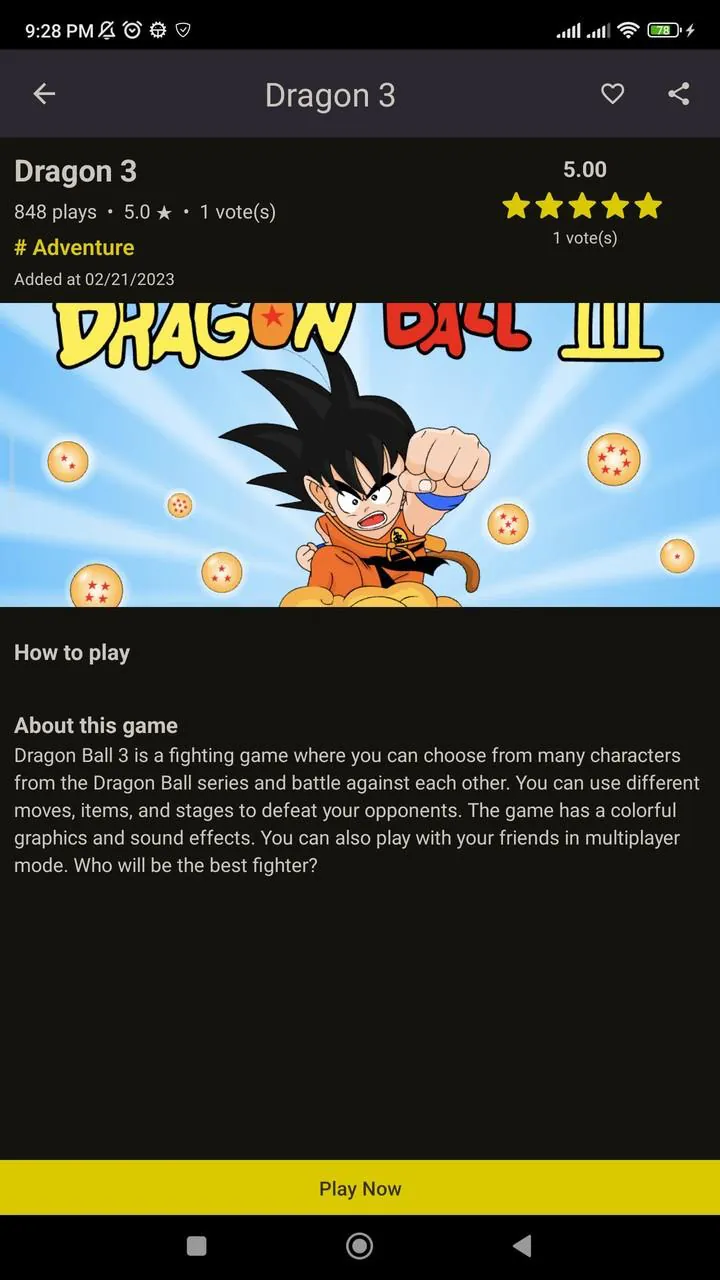
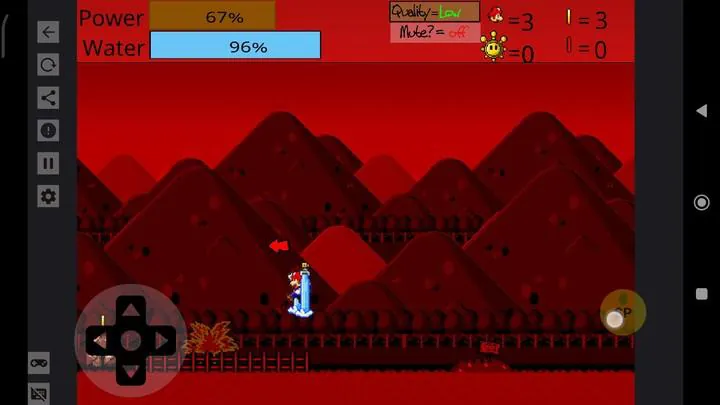
Screenshots
















Explore More
Gather around for game night anytime, anywhere with our new mobile board game. Play digital versions of classics like chess, checkers, backgammon and more against friends or AI opponents. With smooth online multiplayer, you can challenge players worldwide or create private games. Customizable boards, pieces, and house rules allow you to tailor the experience. Compete in daily tournaments or just play for fun.

Svip5 Slot v2.1.6

FC888 v2.1.6

IDN789 v9.9

GOGO REJEKI v1.0.4

6svip v6.0

CUANKUY v12.5

JOYit Mod

MC777 v1.1.3