Introduction
Glow Phone transforms your Android device into a vibrant, personalized hub with animated themes, customizable call screens, and edge lighting effects. It streamlines access to utilities while letting you craft distinctive visual styles for notifications, wallpapers, and incoming calls—ideal for users who want a lively, modern look without complex setup.
What this app brings to your home screen
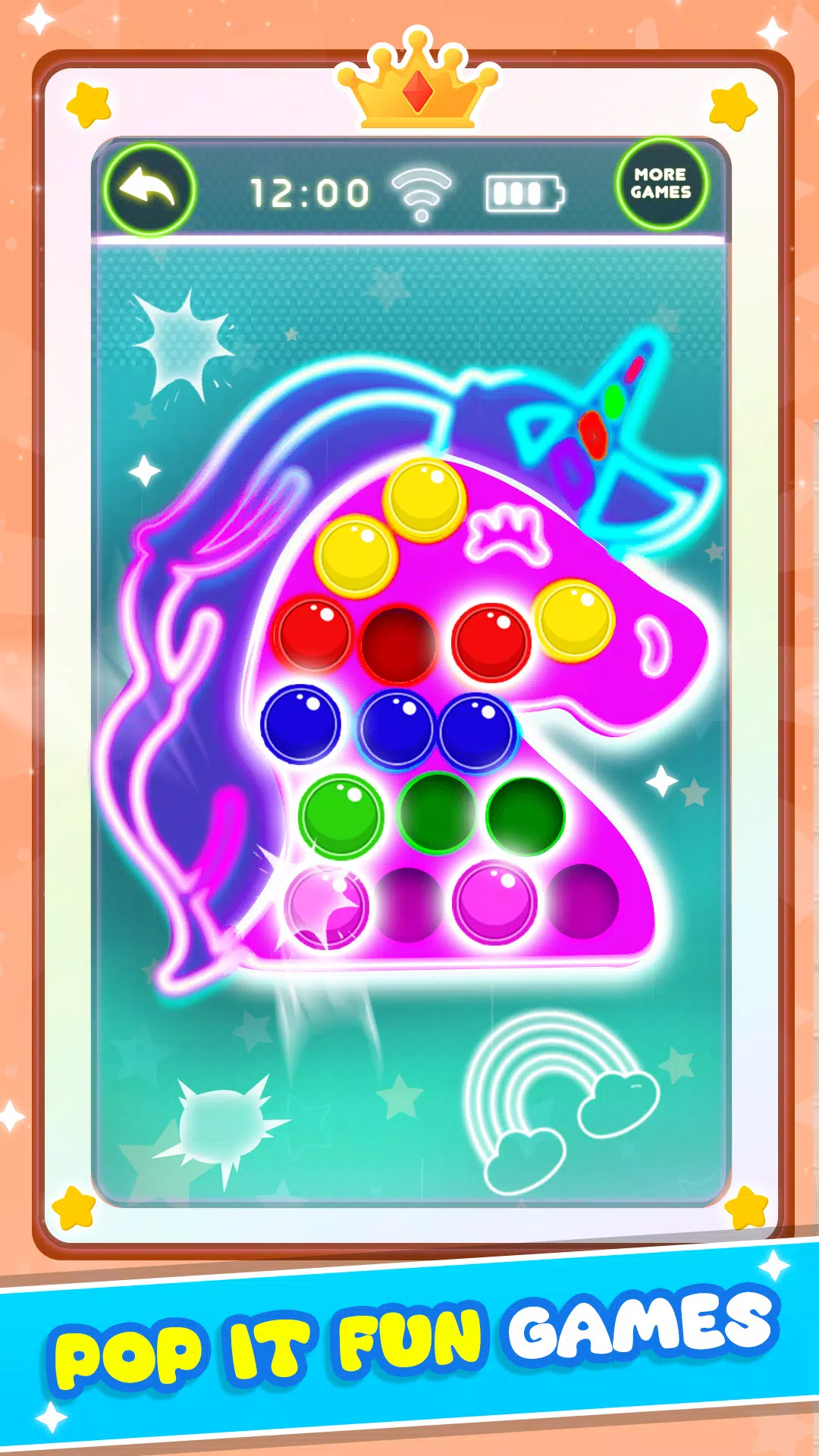
Glow Phone focuses on visual flair and practical shortcuts. The app supplies live wallpapers, glow borders, and dynamic caller screens that react to different events. Beyond aesthetics, it bundles useful tools like quick toggles, shortcut rows and a compact control panel so you can reach core functions without digging through menus.
Standout features at a glance
- Animated Wallpapers: Smooth looped backgrounds that adapt to orientation and battery state.
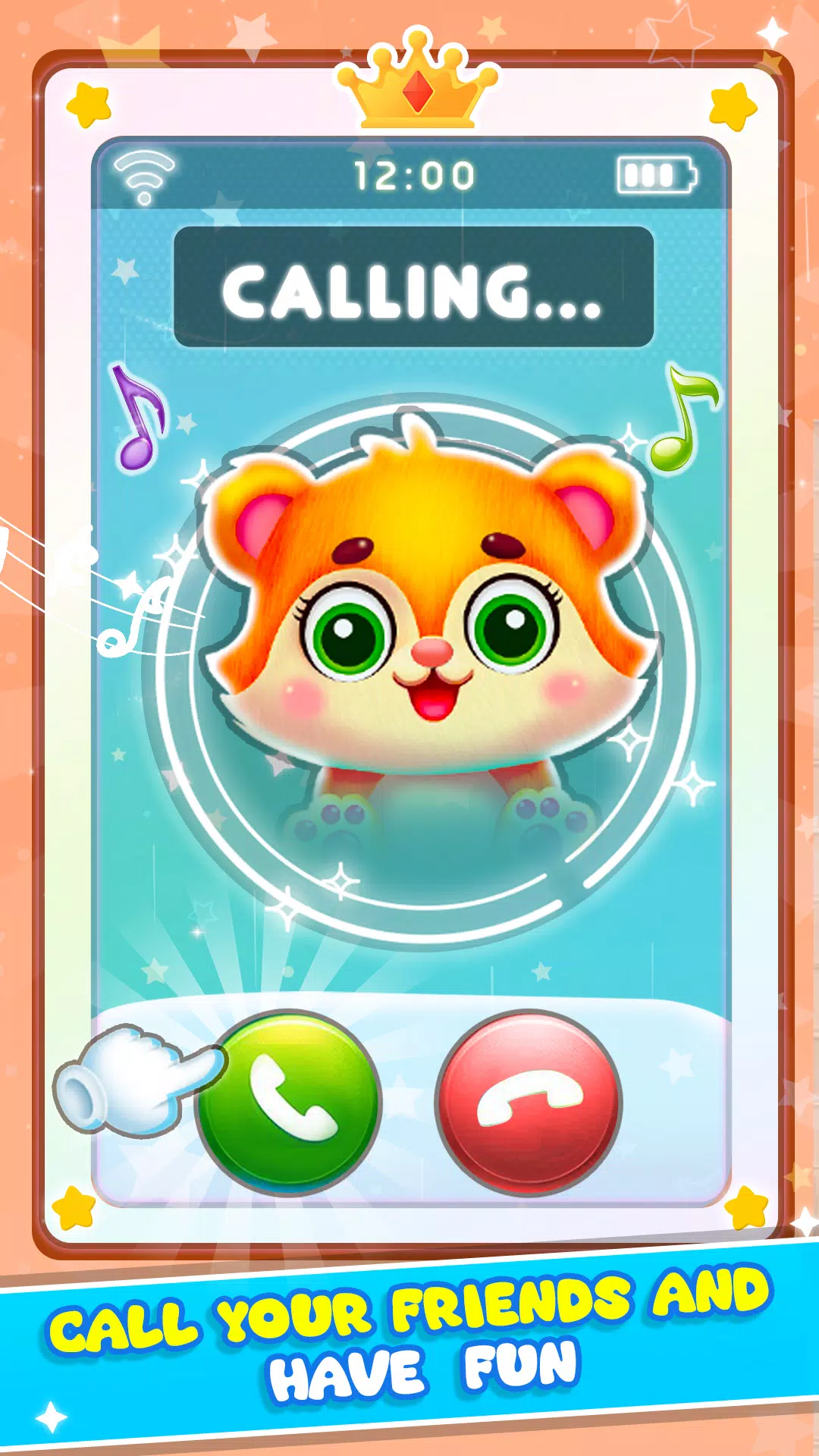
- Call Screen Themes: Custom incoming call displays with contact-specific colors and animations.
- Edge Lighting: Subtle side glows for notifications and alarms.
- Notification Effects: Prioritize alerts with distinct visual cues and ambient pulses.
- Quick Tools: One-tap toggles for Wi-Fi, Bluetooth, flashlight, and more.
- Lightweight Mode: Reduced animations to save battery while preserving appearance.
Practical workflow and daily use
Setting up personalized visuals takes minutes. Select a theme or build one from scratch by combining color palettes, motion patterns and call-screen templates. Once active, Glow Phone places controls and notification previews within reach. The interface emphasizes clarity: large tiles for frequent actions and contextual suggestions that surface based on time of day or connected devices.
How core systems operate
The app runs as an overlay and integrates with Android system permissions for notifications, contacts and phone access. When you receive a call, Glow Phone matches the incoming number to a contact and applies the assigned theme instantly. Notifications trigger small, configurable light pulses or floating banners, giving you at-a-glance awareness without unlocking the device. Background performance is optimized so animations pause when battery is low or performance demands increase.
Custom appearance options
Customization is central to the experience. You can choose from curated starter packs or mix textures, gradients and particle effects to create unique wallpapers. For caller ID screens, assign colors, fonts and motion styles per contact or group. The app supports layered presets so changes apply consistently across lock screen and home screen. For users who like precision, sliders for speed, intensity and glow radius let you fine-tune every detail.
Design and performance balance
Glow Phone strikes a balance between visual polish and resource use. Animations are GPU-accelerated for smooth playback, while adaptive frame scaling reduces load on older hardware. The settings panel provides memory and battery recommendations tailored to your device. Overall navigation is straightforward: clear icons, categorized settings and preview thumbnails so you can see changes before applying them.
Tips for new users
- Start with a theme pack to learn how elements interact before creating your own.
- Use light intensity presets if you want brighter effects during the day and dimmer at night.
- Grant notification access to enable the full set of ambient cues and caller visuals.
- Enable Lightweight Mode on older phones to keep animations smooth without bloating the system.
Getting up and running
Installation is straightforward through the Play Store. After granting a few permissions for notifications and contact access, walk through the guided setup to apply a default theme. From there, explore the theme editor and browse the presets library. Regular updates add new animations and templates, and the built-in demo lets you preview styles without committing to a change. Glow Phone is a good fit for anyone who wants a modern, expressive interface with practical controls that make daily tasks faster and more enjoyable.
- No virus
- No advertising
- User protection
Information
- File size: 0.00 M
- Language: English
- Latest Version: 15.0
- Requirements: Android
- Votes: 149
- Package ID: com.babyphonegames.BabyGlowPhone
- Developer: NutBolt Games
Screenshots
















Explore More
Experience nonstop thrills with our newest edge-of-your-seat action game! With console-quality graphics and intuitive touchscreen controls, you'll be drawn into high-octane combat and stunt-driven gameplay. Choose from an arsenal of upgradable weapons and vehicles to blaze through enemy bases, post-apocalyptic cities, and more. Physics-based action packed with explosions and destructible environments make every level more intense than the last.

Hoki Arena v1.0.8

FC888 v2.1.6
Block Craft
SL888 v12.6

Rpvip1 v9.8

Tank Sniper Mod
GOGO REJEKI v1.0.4

6svip v6.0