
Introduction
AZbul is a compact productivity app designed to centralize notes, reminders, and quick search across your Android device, blending a minimalist interface with fast synchronization and offline access. It organizes tasks, bookmarks, and snippets so users can capture ideas, find content instantly, and maintain focus without clutter.
Overview
AZbul streamlines daily information management by combining lightweight note-taking, a universal search bar, and task scheduling into one app. It focuses on speed and clarity: search results appear instantly, and core functions are reachable with a few taps or gestures. The design favors unobtrusive notifications and a tidy home screen widget for quick capture.
Key Features
- Unified Search: Search across notes, saved links, and device content from a single entry point. Results rank by relevance and recent activity, reducing time spent hunting for information.
- Quick Capture: Use floating buttons or widget shortcuts to save text, links, voice memos, or images in seconds. Entries can be tagged and archived instantly.
- Reminders and Scheduling: Set one-off or recurring reminders tied to notes, with flexible snooze and priority options to manage follow-ups.
- Offline Mode: All primary features remain available without internet access. Changes sync automatically when a connection is restored.
- Encryption and Privacy Controls: Local encryption protects sensitive notes, while permission settings allow granular control over what the app can access.
- Lightweight Sync: Sync to cloud or local network storage with minimal data usage. Sync settings let you choose which notebooks remain local.
How the System Works
AZbul organizes content into simple containers: notes, clips, and tasks. Notes can hold rich text, links, attachments, and timestamps. Clips act as temporary items—ideal for overflow from web pages or other apps—and can be promoted to full notes when needed. Tasks include due dates and progress markers, and they appear in a compact task view for daily planning.
Navigation and Controls
The app uses a bottom navigation bar for core sections and supports swipe gestures for list management. Long-press actions open quick-edit menus for tagging, pinning, or moving items to another folder. A persistent search icon lets you initiate searches from anywhere, and keyboard shortcuts are available for devices with external keyboards.
Customization & Workflow
AZbul adapts to different workflows through customizable templates, tag hierarchies, and display options. Choose between compact and spacious list views, enable dark mode for low-light use, or create a dashboard of frequently used notes and tasks. Templates speed repetitive entries—meeting notes, shopping lists, and research outlines can all be preformatted.
Integration and Extensions
Connect AZbul with share intents so any app can send content directly into a clip or note. Browser extensions and share-target integration streamline saving links and highlights. Export options include plain text, Markdown, and CSV for tasks; import from common formats helps migrate content from other services.
Performance and Compatibility
Built for Android, AZbul prioritizes battery efficiency and responsiveness. The app keeps memory use low by suspending background processes when idle and using incremental sync to limit network activity. It supports a wide range of Android versions and device sizes, and layout adapts for tablets with multi-pane views for improved multitasking.
Security and Data Management
Data safety is a core consideration. Local encryption secures notes on-device, optional cloud backup uses encrypted channels, and export tools let you create offline archives. Permission requests are transparent and limited to necessary functions only, enabling users to restrict camera or microphone access when not required.
Getting Started
After installing AZbul, create an account or use the local-only mode. Set up your preferred sync method and choose a default notebook. Try capturing three quick items—one note, one clip, and one reminder—to see how they organize into the interface. Explore template creation and enable the widget for fastest access.
Why Choose AZbul
AZbul balances simplicity with utility. It keeps core tools accessible without overwhelming users with unnecessary options, making it a practical choice for those who need reliable capture, organized storage, and fast retrieval on Android devices.
- No virus
- No advertising
- User protection
Information
- File size: 36.83 M
- Language: English
- Latest Version: 3.2.0
- Requirements: Android
- Votes: 130
- Package ID: com.coreupapps.azbulsoz
- Developer: Coreup Apps
Screenshots
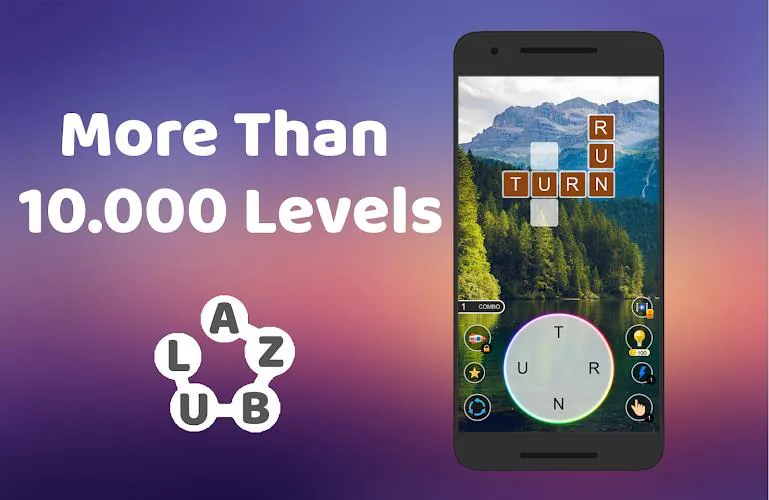




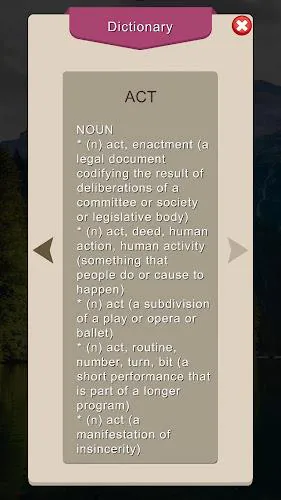
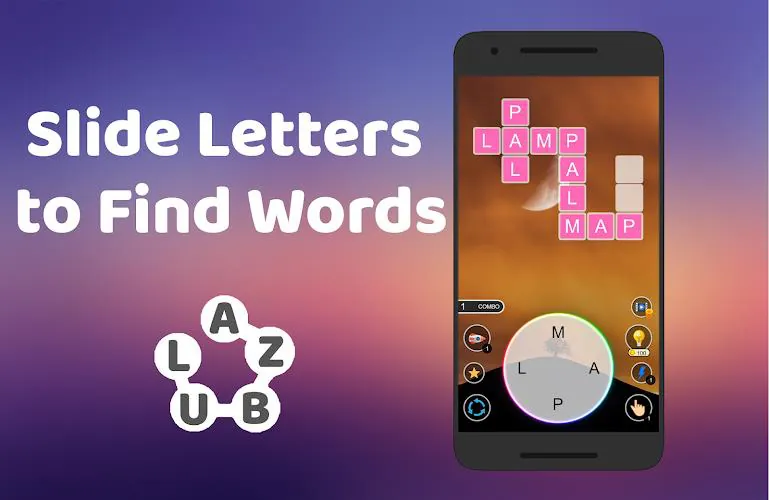
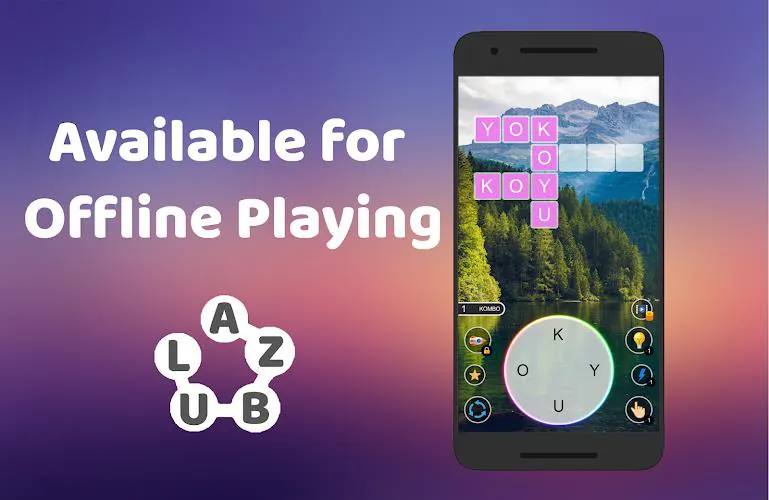
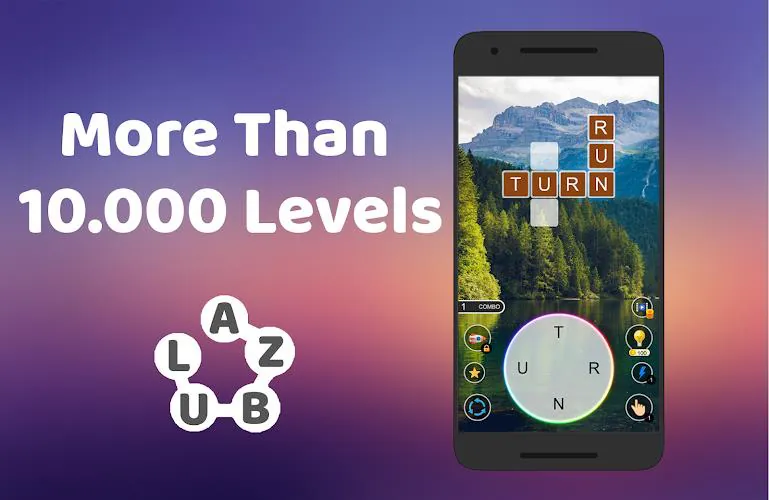




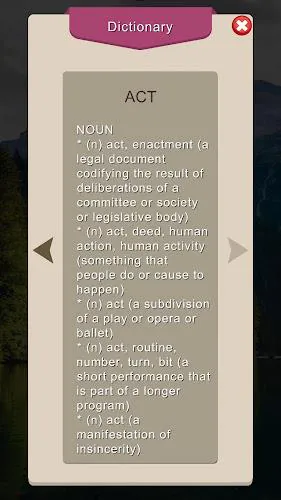
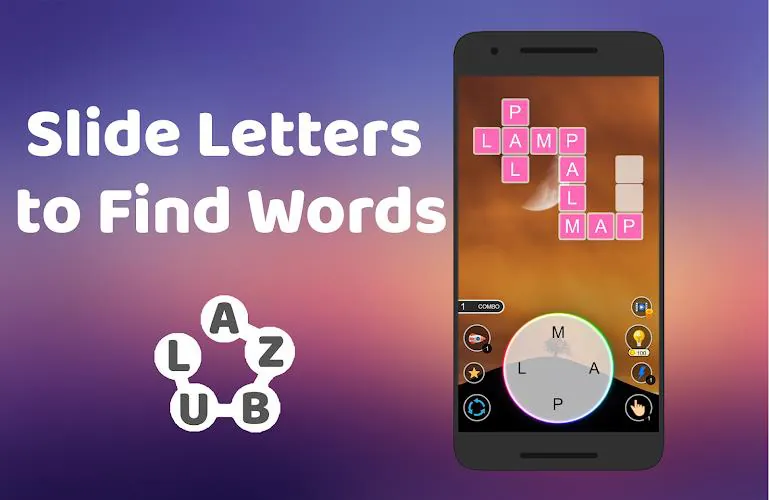
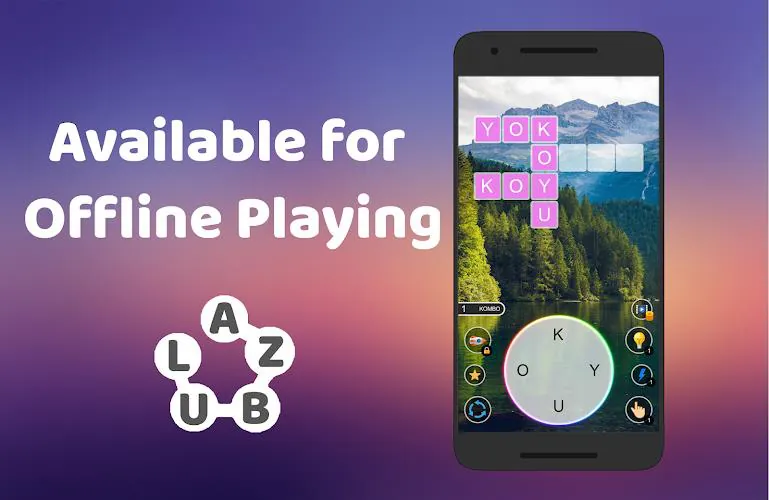
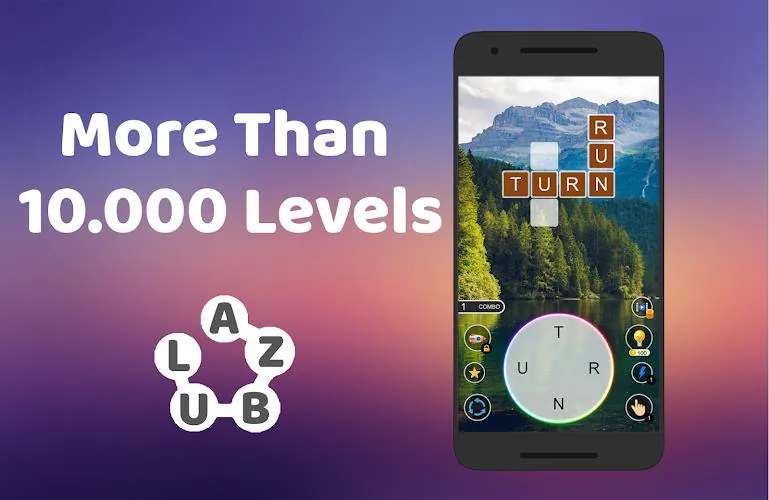




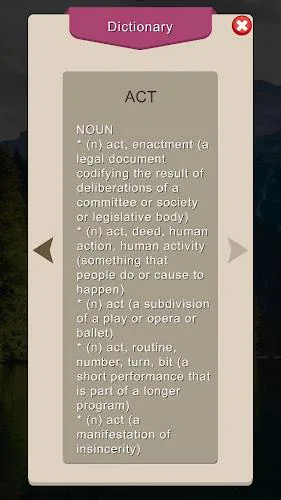
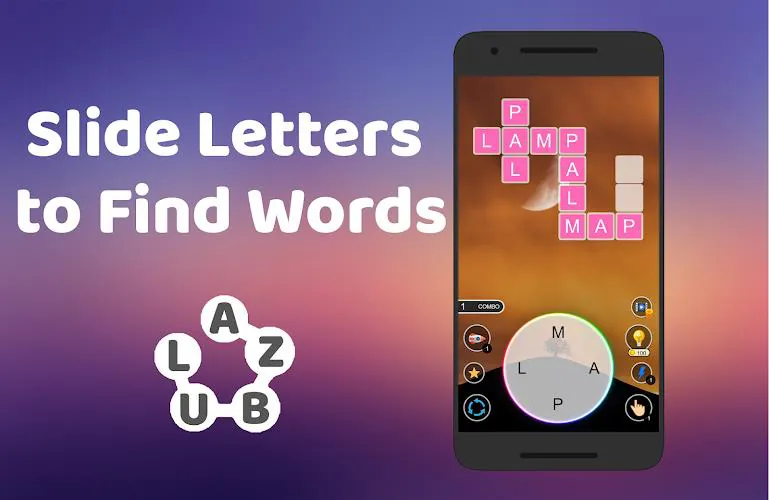
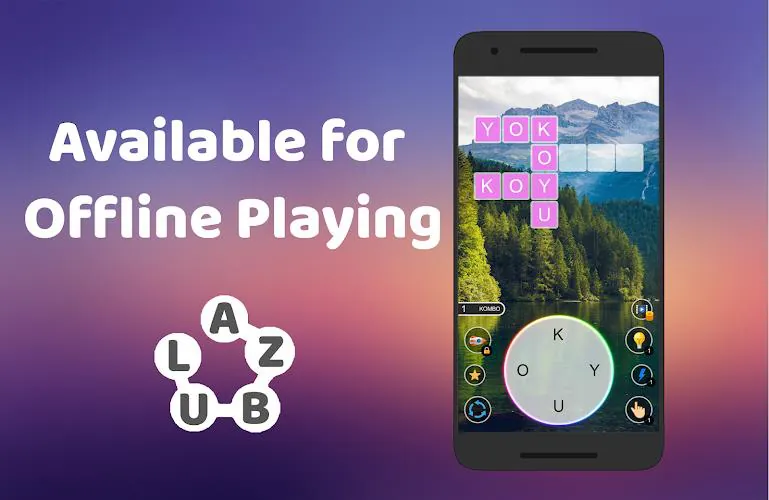
















Explore More
Gather around for game night anytime, anywhere with our new mobile board game. Play digital versions of classics like chess, checkers, backgammon and more against friends or AI opponents. With smooth online multiplayer, you can challenge players worldwide or create private games. Customizable boards, pieces, and house rules allow you to tailor the experience. Compete in daily tournaments or just play for fun.

Svip5 Slot v2.1.6

FC888 v2.1.6

IDN789 v9.9

GOGO REJEKI v1.0.4

6svip v6.0

CUANKUY v12.5

JOYit Mod

MC777 v1.1.3