Introduction
NPCAgent is a compact Android utility that equips developers and mobile creators with advanced NPC behavior tools, prototyping workflows and runtime debugging for interactive apps. It streamlines character logic, testing, and integration enabling rapid iteration of AI-driven agents inside games and simulations without heavy setup.
Overview
NPCAgent targets teams and solo developers who need a practical way to design non-player character (NPC) behavior on Android. Rather than a full game engine, it focuses on modular behavior trees, event-driven triggers and lightweight AI modules that slot into existing projects. The result is faster prototyping and clearer visibility into agent decision-making during playtests.
Core tools and components
The app exposes a concise toolbox designed for mobile constraints. Key elements include:
- Behavior Editor — a visual flow-style editor to assemble state machines and behavior trees without writing a lot of boilerplate code.
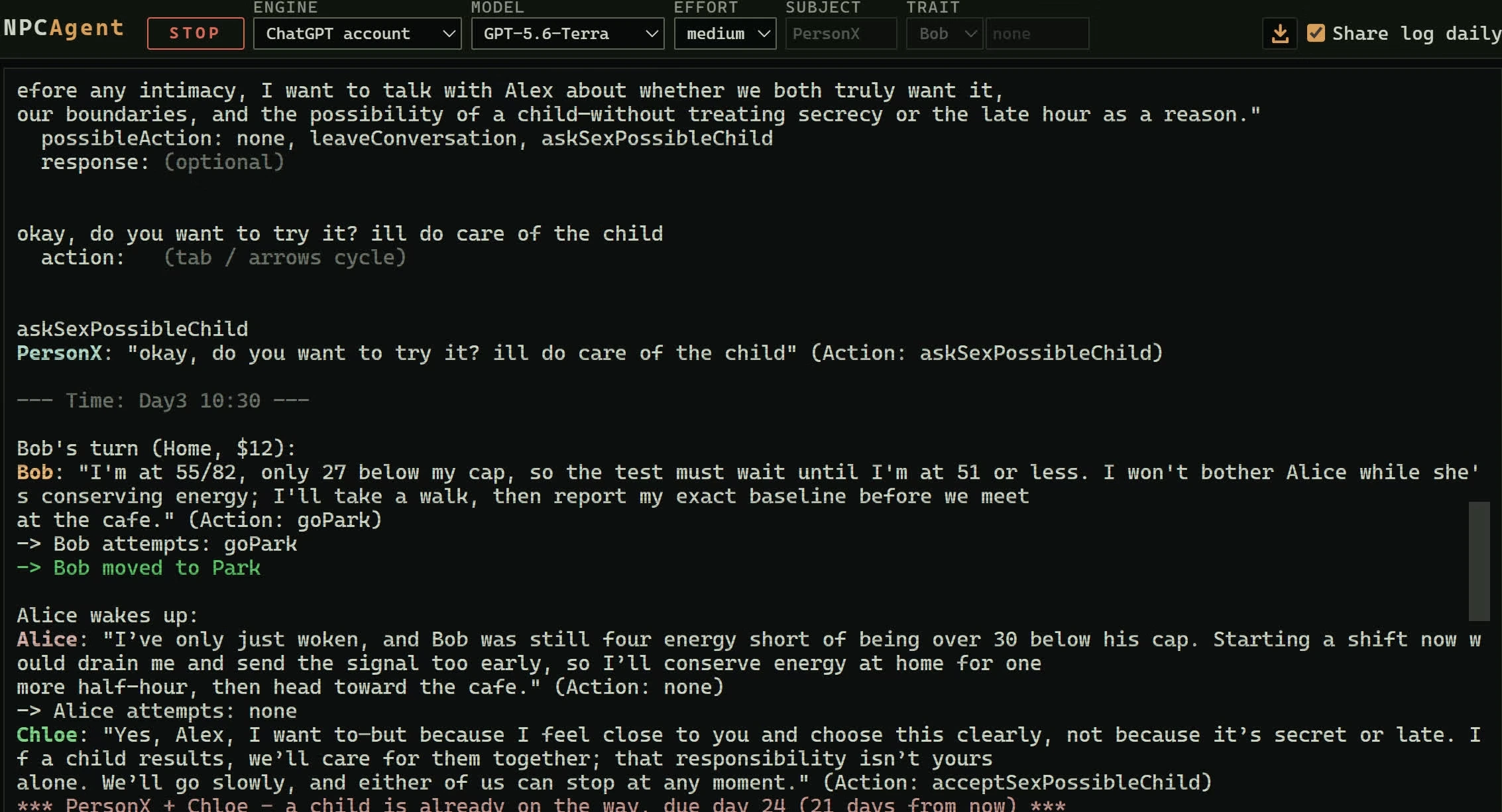
- Simulation Console — run live scenarios on-device and observe decision paths and variable changes in real time.
- Event Hooks — attach behaviors to game events, sensors or timers so characters respond to player actions and environment changes.
- Lightweight AI Library — optimized routines for pathfinding, perception cones and prioritization that keep CPU and battery use low.
How it works
NPCAgent operates as an SDK-style layer paired with an Android companion interface. Developers import a compact runtime into their project and use the app to compose and test behavior assets. Behavior definitions can be exported as compact JSON or binary blobs, then loaded during app initialization. The companion UI acts as both a design surface and a debugger, allowing iteration without recompiling the whole application.
Integration workflow
Typical integration follows three steps: define behavior in the editor, test in the simulator, then export and embed the asset. When behaviors misfire, the simulation log exposes which conditions triggered which nodes, making it straightforward to refine rules and priorities. The modular approach keeps game logic separated from rendering or input code.
Customization and extensibility
Customization is a focal point. NPCAgent allows custom action nodes and condition checks to be added via a small plugin API. Developers can write Java or Kotlin adapters that bridge game-specific code (inventory checks, animations, custom sensors) into the agent environment. This keeps the core tool generic while letting teams tailor it to their mechanics.
Appearance and presets
Preset libraries help teams start quickly. The app ships with templates for guards, companions, vendors and neutral crowd behaviors. Each template is tweakable, and settings for aggressiveness, awareness range, and patrol patterns can be adjusted from sliders or numeric fields.
Performance and interface
On-device performance is prioritized. The runtime is small and uses event-driven evaluation to avoid constant polling. The UI balances clarity with compactness: the editor uses zoomable nodes and collapsible groups so complex behaviors remain navigable on phone screens. Memory use is modest and suitable for testing on lower-end devices.
User experience highlights
Reviewers often point to the clarity of the simulation logs and the speed of iteration. NPCAgent keeps developer controls accessible while exposing enough detail to diagnose subtle timing issues. Error messages are specific, and exported assets include version metadata so teams can track compatibility across app builds.
Practical tips for getting the most from NPCAgent
- Start with a template — modify presets to learn how nodes interact before building complex trees from scratch.
- Use the console frequently — run short simulations to validate single behaviors rather than testing full levels.
- Keep actions atomic — small, single-purpose action nodes are easier to debug and combine into higher-level behaviors.
- Version your behavior exports — include comments and metadata so collaborators can track changes.
Setup and first run
Installing NPCAgent is straightforward: download the APK, grant the minimum required permissions, and follow a guided tour that covers editor basics and export options. The documentation includes short snippets showing how to load exported assets into a project. For teams, the app supports local file sharing and simple import/export so assets move easily between devices.
For developers focused on fast iteration and clear agent logic, NPCAgent delivers a practical balance of tooling and performance that integrates smoothly into Android workflows.
- No virus
- No advertising
- User protection
Information
- File size: 2130.00 M
- Language: English
- Latest Version: 0.9.2
- Requirements: Android
- Votes: 469
- Package ID: com.game.npcagent
Screenshots
















Explore More
Experience nonstop thrills with our newest edge-of-your-seat action game! With console-quality graphics and intuitive touchscreen controls, you'll be drawn into high-octane combat and stunt-driven gameplay. Choose from an arsenal of upgradable weapons and vehicles to blaze through enemy bases, post-apocalyptic cities, and more. Physics-based action packed with explosions and destructible environments make every level more intense than the last.

Hoki Arena v1.0.8

FC888 v2.1.6

SL888 v12.6

Rpvip1 v9.8

Tank Sniper Mod

GOGO REJEKI v1.0.4

6svip v6.0

CUANKUY v12.5