
Introduction
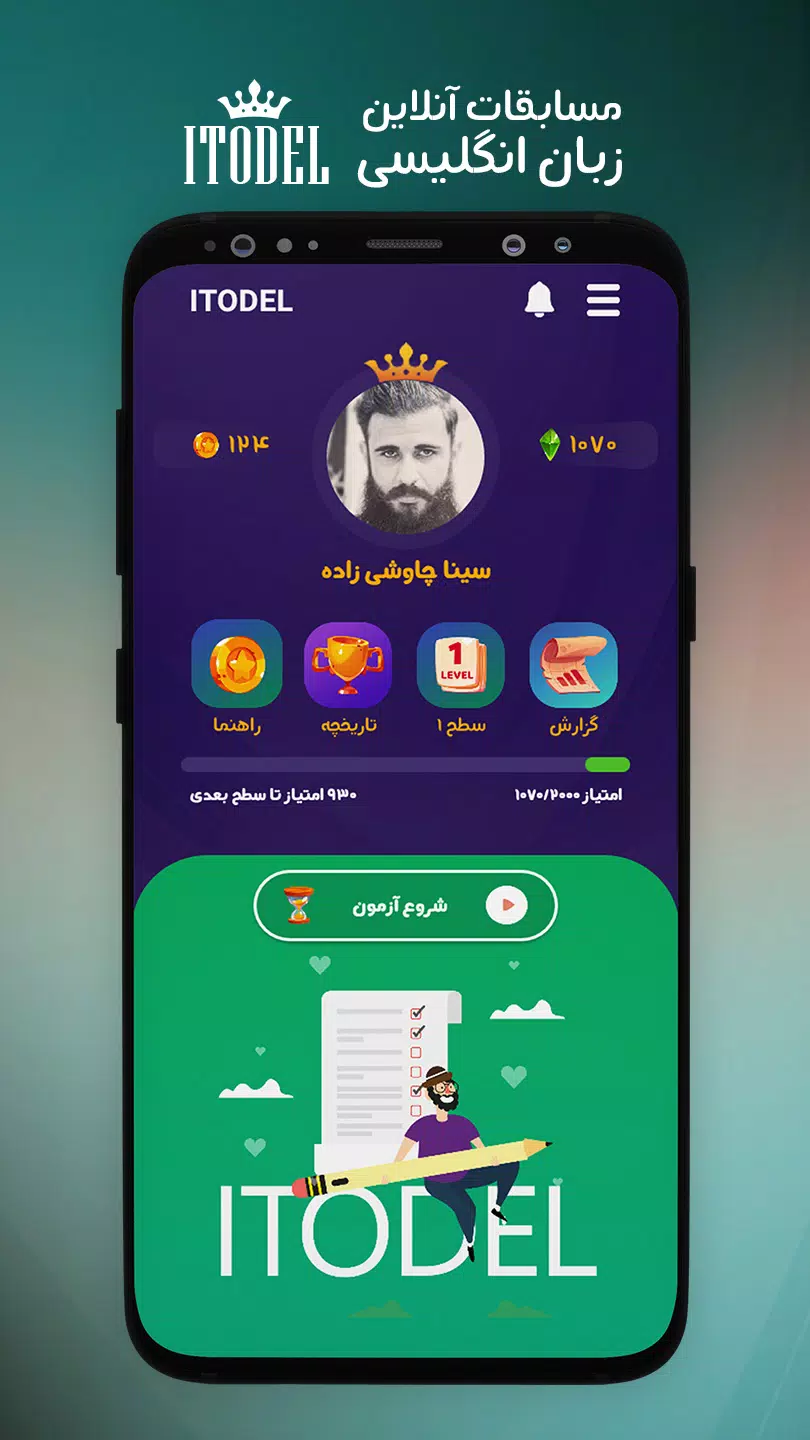
Itodel is a streamlined Android productivity app designed to centralize tasks, notes, and reminders in a single, fast interface. Itodel helps users organize daily workflow with flexible lists, smart scheduling, and cloud syncing so you can focus on work without juggling multiple tools or losing important details.
Core features that speed up your day
Itodel provides a focused feature set built for efficiency. Create task lists, attach quick notes, set multi-step reminders, and tag items for fast retrieval. A compact toolbar lets you add items in seconds while gestures support fast editing and reordering. Itodel supports local and cloud storage so your data stays with you whether you work online or offline.
How Itodel fits into your workflow
The app adapts to common productivity patterns: capture, organize, act, and review. Capture ideas or tasks with one tap, categorize them using custom tags or folders, and schedule actions with natural-language reminders. Review modes let you filter by due date, priority, or project so planning sessions take minutes instead of hours. Itodel integrates easily with notification systems for timely prompts without overwhelming noise.
Customization and personalization
Personalization is central to Itodel’s design. Choose between compact and expanded list views, enable a dark theme for low-light use, and tweak notification behavior to match your focus style. Tags, custom fields, and color-coding make it simple to shape the app around personal or professional needs. Templates speed up recurring workflows such as weekly reviews or project kickoff checklists.
Performance and compatibility
Itodel is optimized for Android devices across a wide range of hardware. The app launches quickly, handles large lists without lag, and uses background sync efficiently to preserve battery life. Compatibility extends across recent Android releases, and the app keeps a minimal memory footprint so it runs smoothly on mid-range phones and tablets as well as flagship models.
Security and data control
Data protection is a priority in Itodel. Local encryption options and secure cloud sync with end-to-end encryption are available for users who want extra privacy. The app offers clear controls for exporting and backing up data, allowing manual backups to your preferred cloud provider or local storage. Granular permission requests help keep sensitive information under your control.
Collaboration and sharing
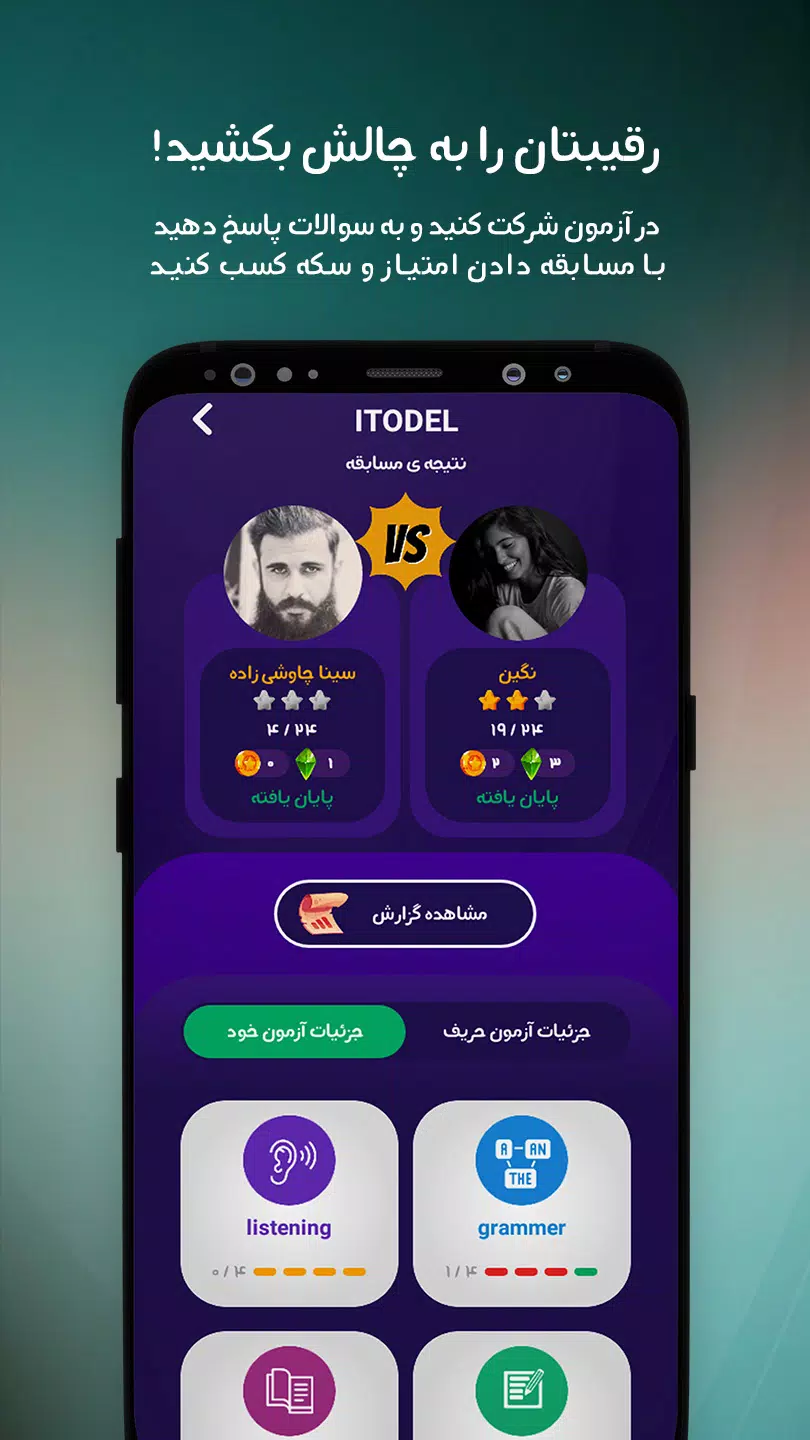
While focused primarily on individual productivity, Itodel includes lightweight sharing capabilities for teams. Share lists or individual items with colleagues, assign tasks, and track completion status. Real-time updates are compact and unobtrusive, making Itodel suitable for small teams or partners coordinating on household tasks, study groups, or project milestones.
User interface and experience
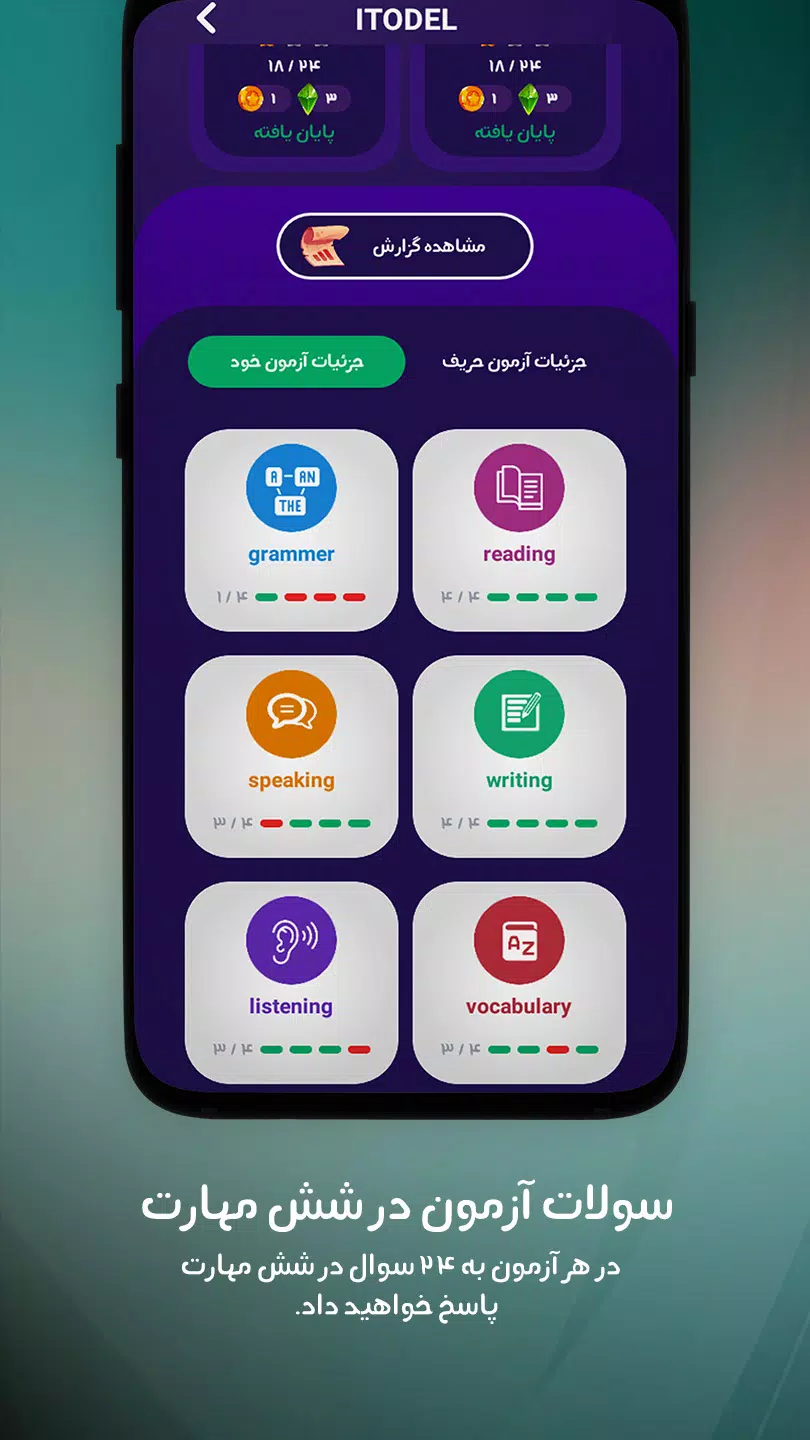
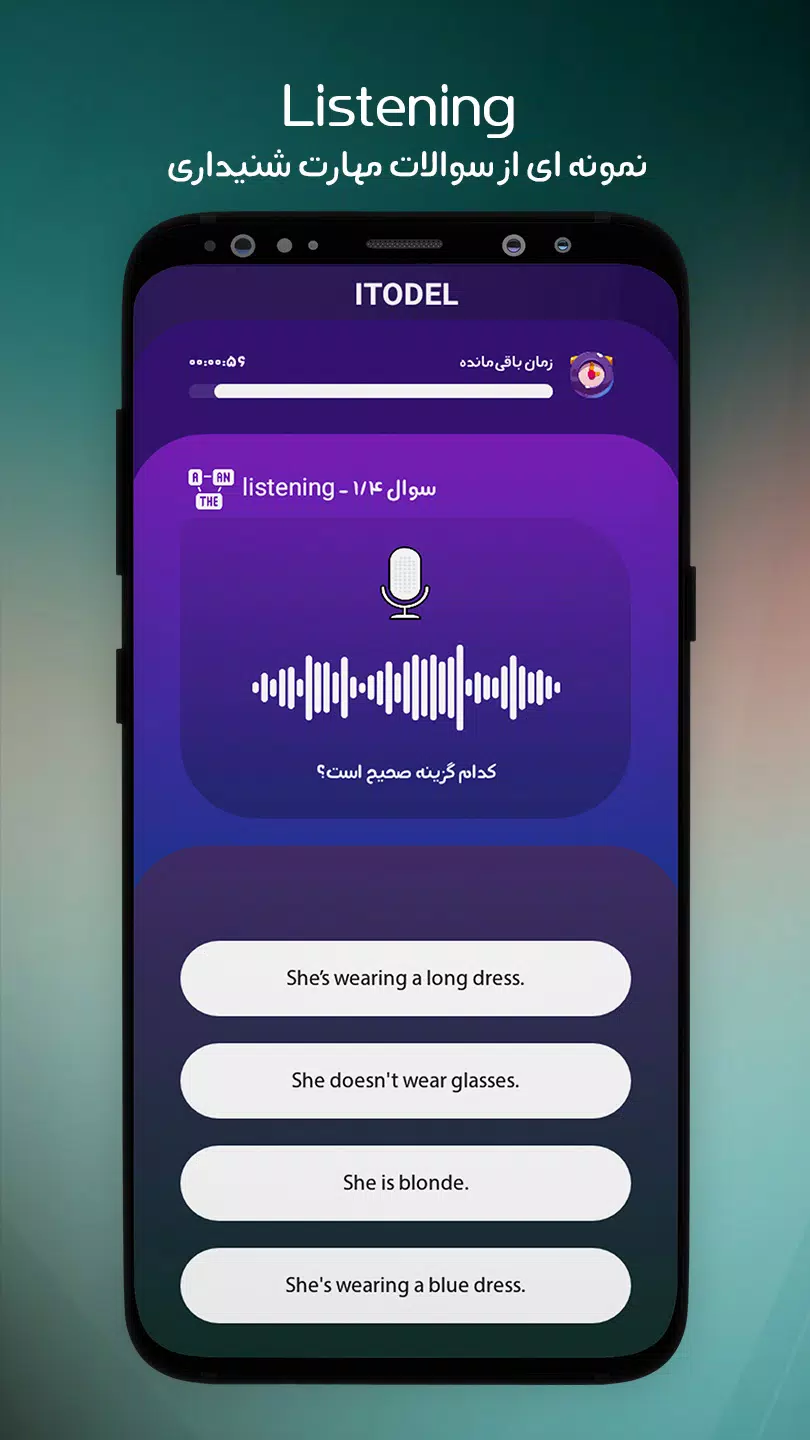
The interface emphasizes clarity and minimal friction. Large touch targets, clear typography, and a consistent visual language make navigating Itodel intuitive. Quick filters and search return results instantly, and context-aware suggestions help surface relevant tasks or templates. The onboarding experience guides new users through key features without interfering with initial setup.
Getting started with Itodel
Download and open Itodel to begin with a short, guided tour that covers adding your first task, creating tags, and setting a reminder. Import options help move content from other productivity apps with minimal effort, and an integrated help section provides tips and shortcuts. Frequent updates add incremental improvements and maintain compatibility with recent Android updates.
Who will benefit most
Itodel is well-suited for people looking for a compact but capable task manager: commuters who need quick interactions, professionals juggling multiple projects, students organizing study plans, and anyone who prefers a distraction-free tool for capturing ideas. Its combination of speed, customization, and reliable sync makes it a practical alternative to bulkier productivity suites.
- No virus
- No advertising
- User protection
Information
- File size: 11.00 M
- Language: English
- Latest Version: 1.7.4
- Requirements: Android
- Votes: 460
- Package ID: com.itodel
- Developer: Pars Avan Co.
Screenshots
















Explore More
Conquer games faster and unlock their full potential with our comprehensive guides and walkthroughs. Created by expert gamers, they contain tips, strategies and secrets for mastering both new releases and all-time classics across platforms. Packed with detailed maps, collectible locations, boss tactics, hidden areas and more, you'll have everything needed to finish games 100%.

RPVIP4 v2.1.8

TAR555 v14.2

Rejeki Hub v1.0.1

HokiTime v9.8

Tightfault Revamp Edit

Real Piano Master

AnimA ARPG

Jaya Slot v1.1.1