Introduction
Spelling Quiz is a focused learning app that helps users practice spelling through short exercises, timed rounds, and spoken prompts. It blends adaptive difficulty with clear feedback and clean design, making quick daily practice productive whether you are a student, language learner, or someone sharpening vocabulary skills.
What the app offers
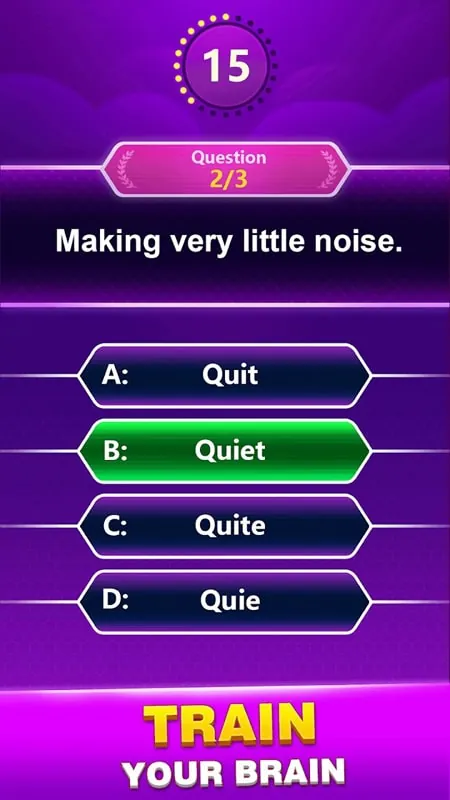
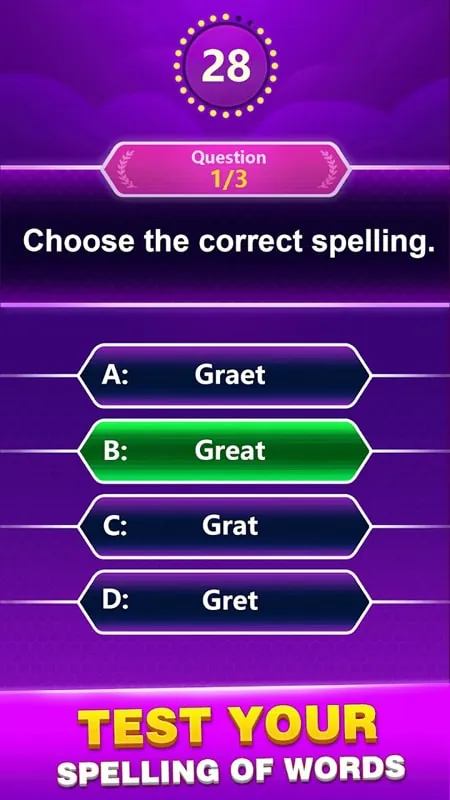
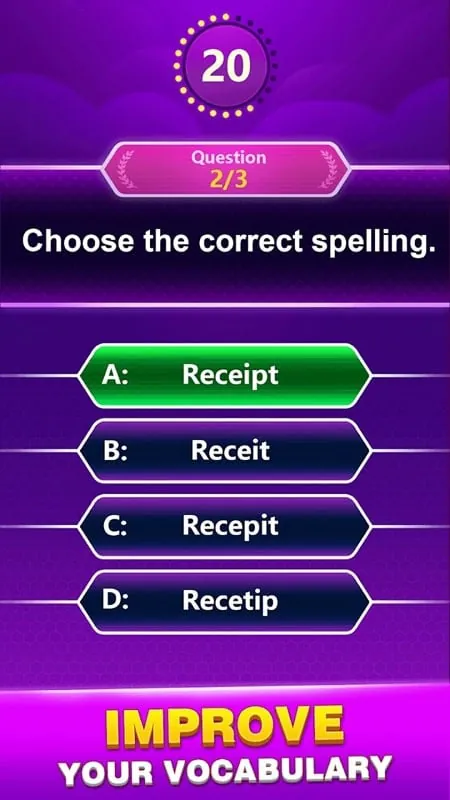
Spelling Quiz centers on bite-sized drills that reinforce correct letter order, common patterns, and tricky irregular words. The interface is uncluttered, letting learners start a session in seconds. Questions appear as audio, text, or multiple choice depending on the chosen mode, and instant correction explains errors so learners understand their mistakes.
Core features at a glance
- Adaptive difficulty: Exercises scale to performance, increasing challenge after consistent success.
- Voice prompts: Hear words spoken aloud to practice auditory recognition and spelling simultaneously.
- Progress tracking: Daily streaks, correctness percentages, and a history of mistaken words to revisit.
- Multiple practice modes: Timed rounds, untimed review, and test-mode for simulated exams.
- Offline capability: Practice anywhere without a constant internet connection.
How it works
Begin by selecting a level and mode. Spelling Quiz uses short rounds that typically include ten to twenty words. After each answer you receive immediate feedback: correct letters remain highlighted while incorrect entries are shown with explanations. The app gently reinforces patterns by repeating misspelled words in later rounds until mastery improves.
User interface and navigation
The layout favors clarity. Large input fields and readable fonts reduce visual strain. Buttons are labeled logically and the app minimises distractions, which helps users maintain focus during timed practices. Menus let you switch between audio prompts, written prompts, or mixed formats with one tap.
Customization and study tools
Spelling Quiz includes flexible customization to match different learning styles. You can build custom word lists—for example, school vocabulary, professional terms, or language-specific sets. A pronunciation toggle controls speech speed and accent, and the repetition setting adjusts how often the app recycles words you miss.
Tools for teachers and parents
For educators, the app supports exporting performance reports and assigning specific lists to learners. Parents can review a child’s error log and focus homework on difficult items. These administrative features are practical without being overcomplicated, which helps maintain quick setup in classroom or home environments.
Performance and reliability
Spelling Quiz is lightweight and responsive. It loads quickly on budget devices and preserves user progress reliably. When offline, the app caches recent word sets and syncs results once connectivity returns. Battery usage is modest due to the minimal background activity and streamlined animations.
Learning experience
Feedback is constructive rather than punitive. Instead of just marking a wrong answer, Spelling Quiz highlights the exact error and suggests correction tips. Gamified elements such as achievement badges and streak counters add motivation without distracting from the educational goal. This balance helps learners stay engaged across sessions.
Practical tips for new users
- Start small: try a five-minute daily routine to build momentum.
- Use the audio mode to reinforce listening skills and spelling simultaneously.
- Create custom lists from school assignments or work materials to make practice directly relevant.
- Review the mistake log weekly to spot recurring patterns and focus study efforts.
Why this app is useful
Many users choose Spelling Quiz because it focuses on consistent improvement and clear explanations rather than flashy visuals. It adapts to skill level, supports targeted practice, and fits into short time windows—ideal for commuters, students, and anyone wanting steady gains. The mix of auditory and visual inputs strengthens multiple memory pathways.
Getting started
Installation is straightforward: download, grant basic permissions for audio if you want spoken prompts, and pick a starting level. Spend a few minutes exploring the customization panel to tailor word lists and repetition settings. Regular short sessions will yield faster progress than occasional long ones.
Overall, Spelling Quiz is a practical, well-designed tool for improving spelling and vocabulary with minimal setup and a focus on measurable progress.
- No virus
- No advertising
- User protection
Information
- File size: 51.10 M
- Language: English
- Latest Version: 3.3
- Requirements: Android
- Votes: 215
- Package ID: spelling.quiz.trivia.question.answer.correct.word.
- Developer: Word Connect Games
Screenshots
















Explore More
Make learning fun with our new educational game, perfect for kids of all ages! With engaging activities across subjects like math, reading, science and more, children will build knowledge while having a blast. The reward-based system and vibrant graphics keep them motivated to progress through levels. Customizable avatars and whimsical worlds let their creativity shine. Parents can feel at ease knowing their kids are learning, not just playing.

First Dates After 50

Hentai Python Tutor

Free fire quiz

Fósseis e Escadas

Shake's Education

Sumeru Academy

Hermit Watch: Beetle Quiz

Word Chain - Shiritori