Introduction
Baby Panda's Kids Crafts DIY offers a safe, hands-on creative studio for children to explore arts and crafts through guided activities and interactive tools. The app blends step-by-step instructions with playful animations to help kids practice cutting, coloring, and assembling projects independently or with parental support.
Creative tools and activity types
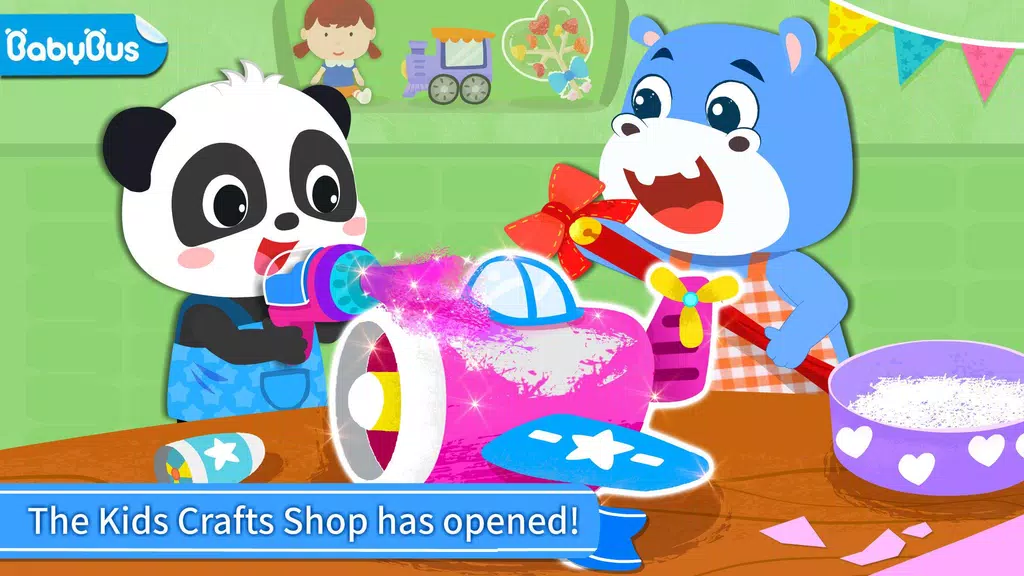
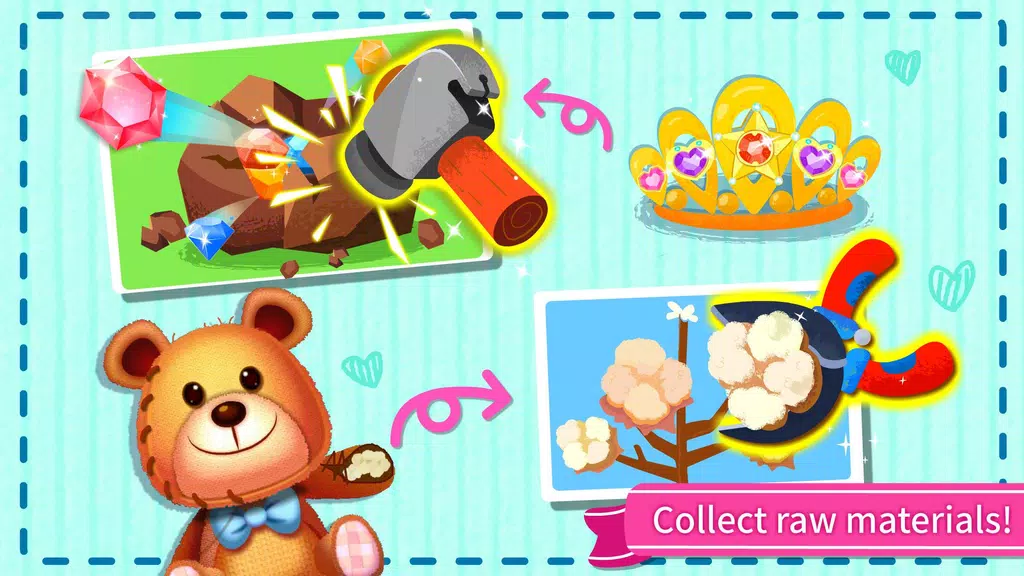
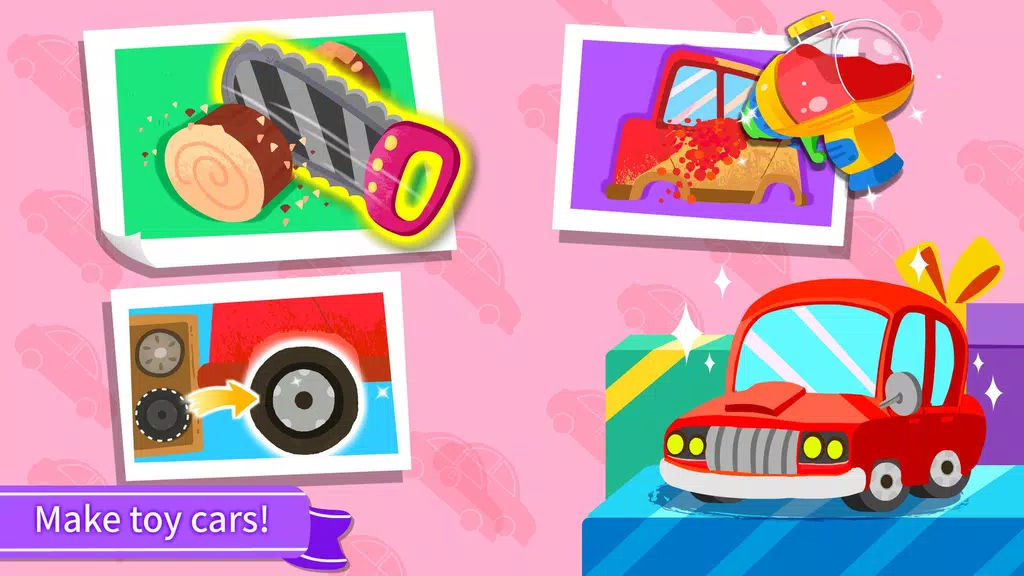
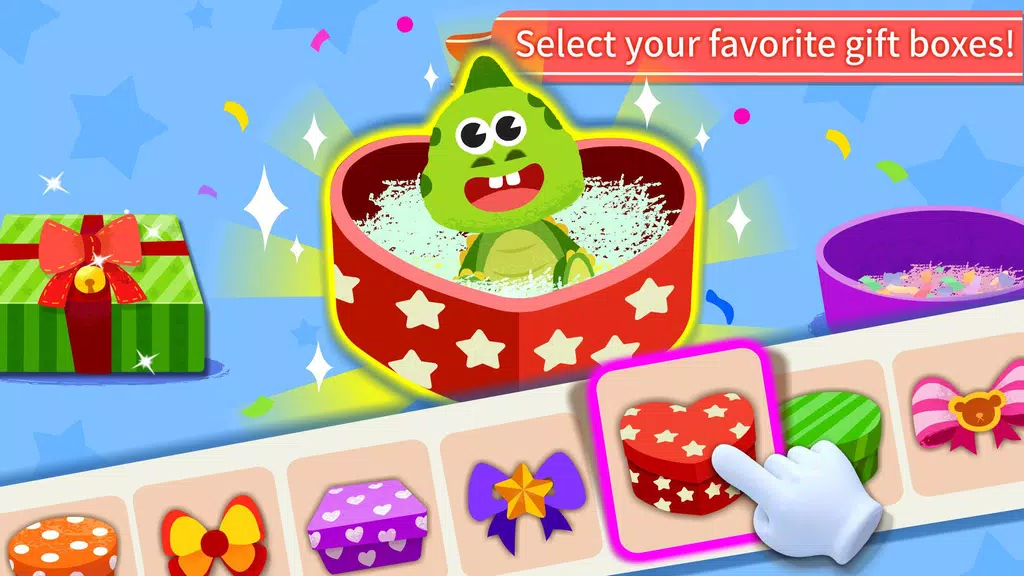
Inside the app, young makers find a broad selection of projects spanning paper crafts, seasonal decorations, costume accessories, and simple DIY toys. Each activity supplies virtual materials—papers, stickers, ribbons, paints—and accessible tools such as scissors, glue, and coloring brushes. Tutorials are broken into small steps with visual cues so kids can follow at their own pace while staying engaged.
Key features at a glance
- Step-by-step guides: Visual and audio instructions for every craft.
- Interactive toolkit: Drag-and-drop elements, stamping, and brush controls.
- Customizable templates: Change colors, patterns, and sizes to personalize projects.
- Save and share: Export finished creations to a gallery or print for real-world use.
- Safe environment: No ads or unsafe links; parental settings protect access.
How the interface supports creativity
The interface places tools within easy reach so children can focus on making rather than navigating menus. Large icons, bold colors, and friendly animations reduce cognitive load and invite experimentation. Contextual hints and undo options let kids try variations without penalty, encouraging iterative play and creative risk-taking.
Workflow and guidance
Projects follow a predictable workflow: choose a template, select materials, follow guided steps, and finish with decoration. Voice prompts describe actions and visual checkpoints confirm completion of each stage. For families who want a hybrid approach, the app offers printable templates and supply lists so children can replicate digital projects with real paper and glue.
Learning outcomes and developmental benefits
Designed with early childhood skills in mind, the activities support fine motor development, hand-eye coordination, color recognition, and following sequential directions. Tasks are calibrated to be challenging without causing frustration; as children progress, projects introduce slightly more complex cuts, folds, and layering to build confidence and competence.
Customization and parental controls
Parents can create profiles for multiple children, track completed projects, and set daily play limits. Content filters make it easy to choose age-appropriate activities, while an optional passcode locks settings and purchases. The app also records milestones so caregivers can revisit favorite crafts and encourage repeated practice.
Performance, compatibility, and updates
Optimized for Android phones and tablets, the app runs smoothly on a wide range of devices and adapts layouts for different screen sizes. Graphics are bright but efficient to conserve storage and battery life. Regular content updates add new seasonal themes and materials, keeping the activity library fresh without requiring large downloads.
Getting started with Baby Panda's Kids Crafts DIY
To begin, install the app, create a child profile, and explore featured projects. Many crafts require only on-screen interaction, while some include printable steps for hands-on follow-through. Parents who want to extend learning can gather scissors, colored paper, and safe adhesives to replicate digital projects at home.
Why families choose this creative studio
Families value the balance of instruction and freedom the app provides: clear guidance helps children build technique, while open-ended decoration encourages personal expression. For caregivers seeking a child-friendly crafting companion, Baby Panda's Kids Crafts DIY combines education, entertainment, and practical tools in a single accessible package.
- No virus
- No advertising
- User protection
Information
- File size: 102.70 M
- Language: English
- Latest Version: 9.81.00.00
- Requirements: Android
- Votes: 176
- Package ID: com.sinyee.babybus.gift
- Developer: BabyBus
Screenshots
















Explore More
Let your child's creativity shine with our new game made just for kids! With cute graphics and fun challenges, this game will keep them entertained for hours. Children can build their own worlds, customize adorable characters, and let their imaginations run wild. With simple controls perfect for little hands and no ads or external links, you can feel at ease while they play independently.
My Voice Zoo Game
Smart Kids
Amazing Coloring Book Kids

Doll Color

Tractor Games Kids Farm Truck

Kids Music: Piano, Xylo, Drums
Peppa Pig

My Dino Voice Zoo