
Introduction
Genshin Impact Cloud brings the open-world action RPG to mobile devices through cloud streaming, letting players access high-fidelity visuals and cross-device saves without local downloads. Designed for responsive touch or controller play, the service aims to replicate the core game experience while minimizing device hardware requirements.
What Genshin Impact Cloud Offers
Genshin Impact Cloud is a cloud-streaming service tailored to deliver the popular RPG experience on a wider range of devices. Instead of relying on a phone or tablet to render complex scenes, the game runs on remote servers and streams video to your device, while your inputs are sent back to the cloud. This reduces installation size and removes many device limitations, enabling near-console-quality visuals and global account synchronization.
Core Features
- Cloud streaming: Play the full game without downloading gigabytes of assets, with updates handled server-side.
- Cross-device continuity: Resume progress across mobile, tablet, and other supported platforms through linked accounts.
- Flexible controls: Support for touch input, Bluetooth controllers, and external gamepads for a familiar playstyle.
- Adaptive quality: Dynamic streaming adjusts resolution and bitrate to match network conditions, prioritizing smooth gameplay over raw fidelity when necessary.
- Low storage footprint: Minimal local storage is required because assets and heavy processing remain cloud-hosted.
How the Cloud System Works
The service uses remote servers to run the game engine, render frames, and process game logic. Your device acts as a display and input transmitter. This architecture shifts processing demands away from the device, so older or budget phones can still present complex lighting, particle effects, and large open environments. Latency and uplink quality remain important; the system employs frame buffering and adaptive bitrate algorithms to reduce perceived lag.
Performance and Network Requirements
Stable network connectivity is key to a good experience with Genshin Impact Cloud. Recommended conditions include a broadband or 4G/5G connection with low jitter. Under ideal circumstances, the service can deliver high-resolution visuals and consistent frame pacing, but performance varies by server proximity and current load. The platform provides settings to prioritize either visual clarity or responsiveness based on player preference and connection stability.
Interface and Controls
The interface mirrors the native game layout while adding cloud-specific options for stream quality and input calibration. On-screen controls are customizable for those who prefer touch play. For competitive or exploration-focused players, controller support offers precise movement and camera control. Users can adjust sensitivity, button mapping, and HUD elements to match their playstyle.
Practical Workflow and Account Management
Getting started requires creating or linking an existing game account and authorizing the device. The cloud client handles matchmaking with the nearest server and displays current stream metrics. Save data is stored server-side, enabling seamless transitions between devices. Regular maintenance and updates are applied on the backend, minimizing interruptions and ensuring everyone has access to the same game version without manual downloads.
Compatibility and Device Support
Genshin Impact Cloud broadens access to devices that would normally struggle with native performance. While flagship phones will still offer the best local display results, many mid-range and older devices can run the streamed version effectively. Supported devices typically include modern Android phones and tablets, with compatibility details published by the service. It is advisable to check device and OS requirements before attempting to stream to guarantee a smooth setup.
Tips for a Better Cloud Experience
- Use a stable Wi-Fi network or strong 5G connection to reduce latency and improve visual fidelity.
- Close background apps that consume bandwidth or CPU to prioritize streaming performance.
- Experiment with adaptive quality settings when network conditions fluctuate to keep controls responsive.
- Prefer wired or low-latency Bluetooth controllers for fast reaction-based gameplay.
- Monitor in-app indicators for ping and stream bitrate to diagnose issues quickly.
Getting Started
To begin with Genshin Impact Cloud, download the client, sign in with your existing game account, and follow the guided setup to link your device. The onboarding process typically includes a short tutorial to configure controls and test stream quality. After that, you can jump straight into exploration, combat, and progression while enjoying reduced installation overhead and cross-device continuity.
- No virus
- No advertising
- User protection
Information
- File size: 77.00 M
- Language: English
- Latest Version: 4.3.0
- Requirements: Android
- Votes: 242
- Package ID: com.hoyoverse.cloudgames.GenshinImpact
- Developer: COGNOSPHERE PTE. LTD.
Screenshots

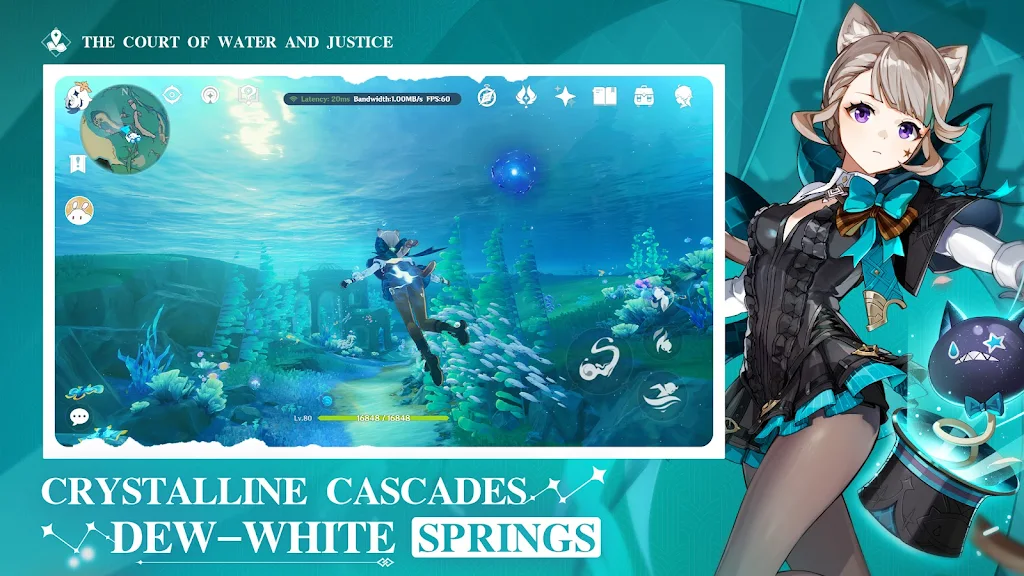
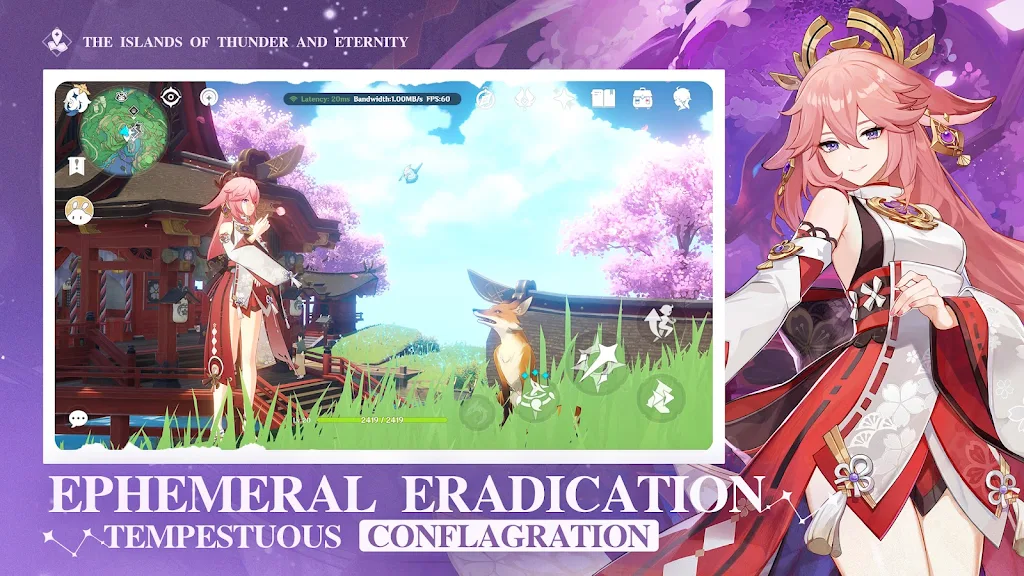
















Explore More
Gather around for game night anytime, anywhere with our new mobile board game. Play digital versions of classics like chess, checkers, backgammon and more against friends or AI opponents. With smooth online multiplayer, you can challenge players worldwide or create private games. Customizable boards, pieces, and house rules allow you to tailor the experience. Compete in daily tournaments or just play for fun.

Mimic Party

Merge Design: Home Makeover

Trick or Ahri

C8VIP v9.8

My Dream Store

INA777 v9.8

Top Cars Driving

Knödel TD