Introduction
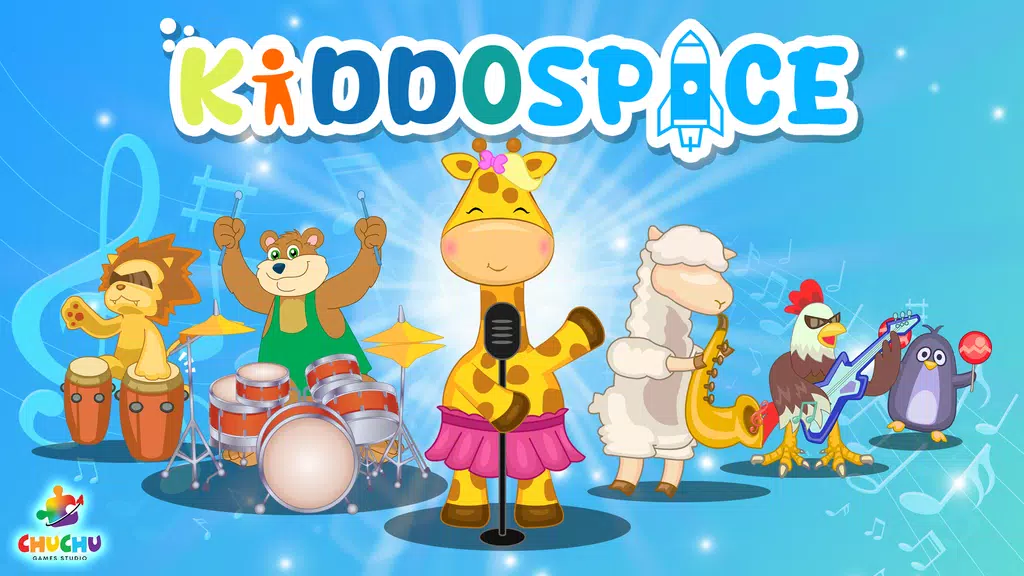
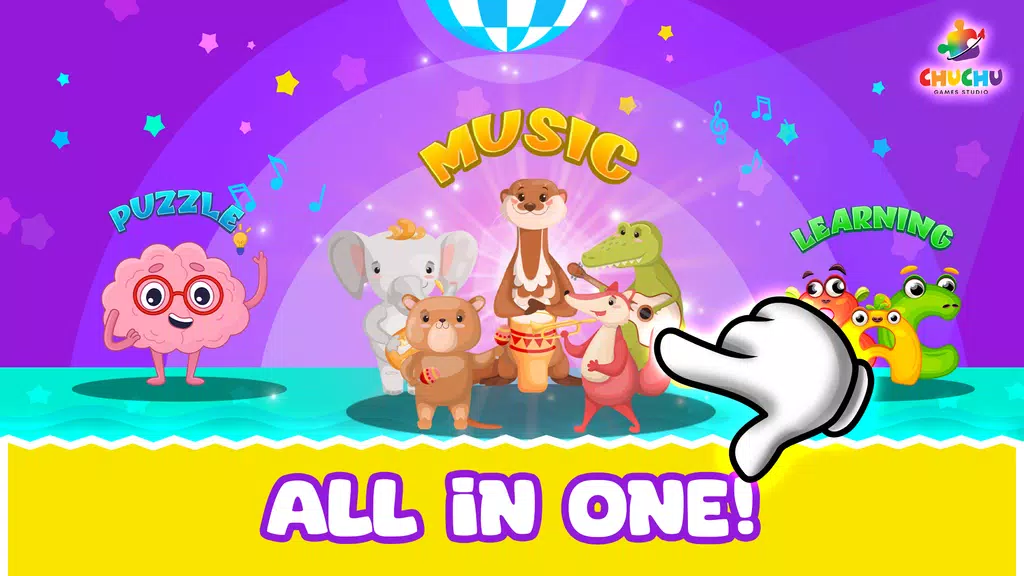
Kids Music Instruments - Learn is a playful educational app that introduces children to piano, guitar, drums and more through touch-friendly instruments, guided mini-lessons, and rewarding activities. It blends bright visuals with immediate audio feedback so young learners explore rhythm, melody and coordination at their own pace.
Overview: what the app does
This review looks at how Kids Music Instruments - Learn turns a smartphone or tablet into a compact music studio for beginners. The app focuses on accessible interaction, short practice sessions and a menu of familiar instruments designed for children aged 3–10. It prioritizes tactile engagement and clear audio cues to make musical concepts understandable without long explanations.
Core features that stand out
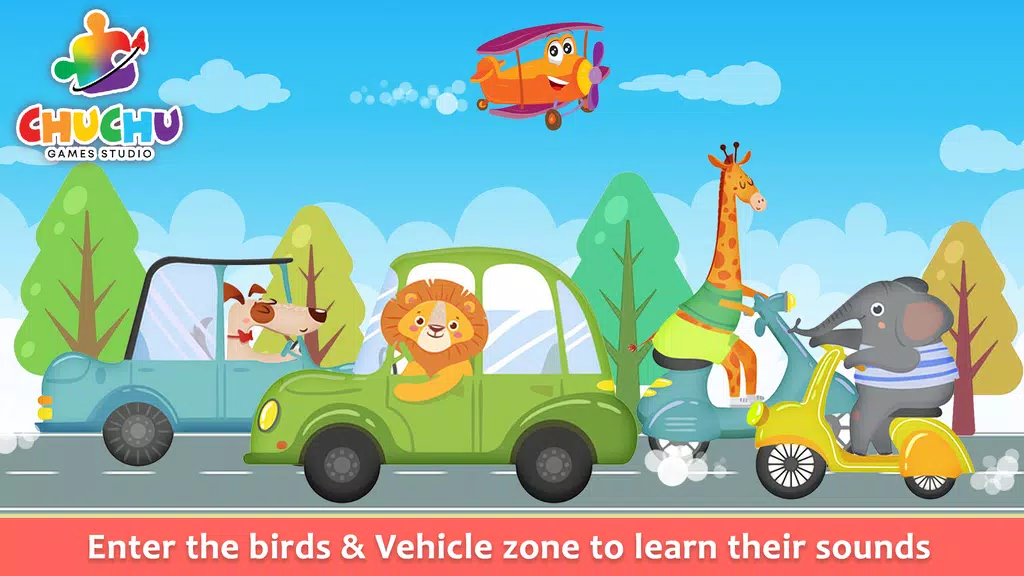
- Interactive instrument set: Virtual pianos, xylophones, guitars and drum pads react instantly to touch so kids hear cause and effect as they play.
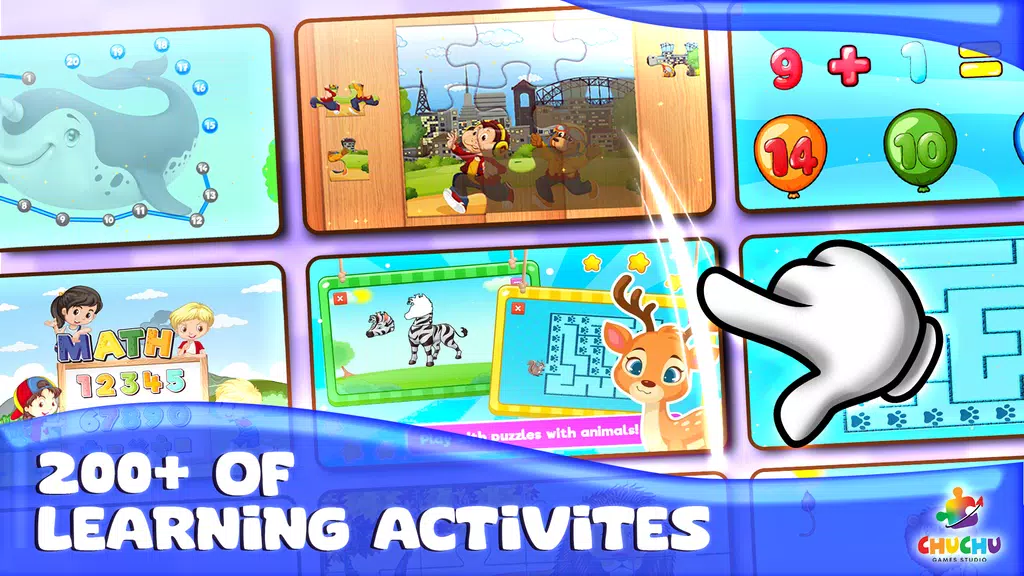
- Guided mini-lessons: Bite-sized tutorials present basic notes, simple rhythms and song fragments that build confidence.
- Recording and playback: Children can record short performances and hear their progress, reinforcing learning through repetition.
- Visual aids and icons: Color-coded keys and animated hints simplify music theory fundamentals for young eyes.
- Parental controls and progress logs: Simple dashboards let parents monitor time spent and lessons completed without complicated menus.
How learning unfolds
Teaching is arranged around discovery and repetition. A typical session begins with a warm-up game that trains listening and timing. Next, a guided activity focuses on one skill — for example, matching notes on a piano or keeping a drum beat. Practice mode removes scoring and allows free play, while challenge mode introduces light gamification to motivate repetition.
User interface and responsiveness
The design favors large touch targets and uncluttered screens. Bright, contrasting colors help children distinguish instruments and controls. Latency is low on modern devices, so tactile input produces immediate sound; this instant feedback is important for building accurate motor-audio links. Menus are minimal and use icons rather than text where possible to support pre-readers.
Customization and settings
Kids Music Instruments - Learn lets caregivers tailor session length, select instrument sets and set difficulty levels. Volume and animation intensity are adjustable, which helps adapt the experience to different attention spans and sensory preferences. A restricted mode removes in-app purchases and ads during playtime, adding a layer of safety for younger users.
Practical tips for parents and teachers
- Start small: Use 5–10 minute sessions at first to build routine without overwhelming a child.
- Mix guided and free play: Alternate lessons with creative jam time to reinforce skills and keep motivation high.
- Celebrate recordings: Save and replay short tracks together to highlight improvement and encourage practice.
- Use challenges sparingly: Turn on gamified tasks when the child is ready to focus, not as the default setting.
Performance and device compatibility
The app performs reliably on a broad range of mid-range and high-end devices. Audio quality is suitable for casual learning, and resource use is modest so background apps generally won’t interfere. Offline lessons are a plus for travel or screen-limited days, reducing dependency on constant connectivity.
Why families pick this app
Parents appreciate an approachable path into music that doesn’t require prior knowledge or extra equipment. Kids Music Instruments - Learn combines play with structure, giving young learners concrete goals and playful rewards. The emphasis on immediate audio feedback and colorful visuals helps maintain engagement while teaching fundamental concepts.
Getting started
Download and basic setup are straightforward. After a brief permissions check and a short tutorial, children can dive into the instrument suite. Regular updates typically add new songs and small feature improvements, so it’s worth checking the app store notes for fresh content.
For families looking to introduce music fundamentals through play, Kids Music Instruments - Learn is a user-friendly option that balances instruction, creativity and positive reinforcement in a single package.
- No virus
- No advertising
- User protection
Information
- File size: 97.70 M
- Language: English
- Latest Version: 6.1.4
- Requirements: Android
- Votes: 467
- Package ID: com.chuchugames.kidsmusic
- Developer: ChuChu Games Studio
Screenshots
















Explore More
Let your child's creativity shine with our new game made just for kids! With cute graphics and fun challenges, this game will keep them entertained for hours. Children can build their own worlds, customize adorable characters, and let their imaginations run wild. With simple controls perfect for little hands and no ads or external links, you can feel at ease while they play independently.
My Voice Zoo Game
Smart Kids
Amazing Coloring Book Kids

Doll Color

Tractor Games Kids Farm Truck

Kids Music: Piano, Xylo, Drums
Peppa Pig

My Dino Voice Zoo