Introduction
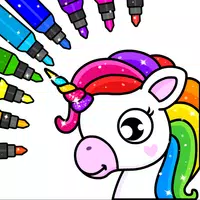
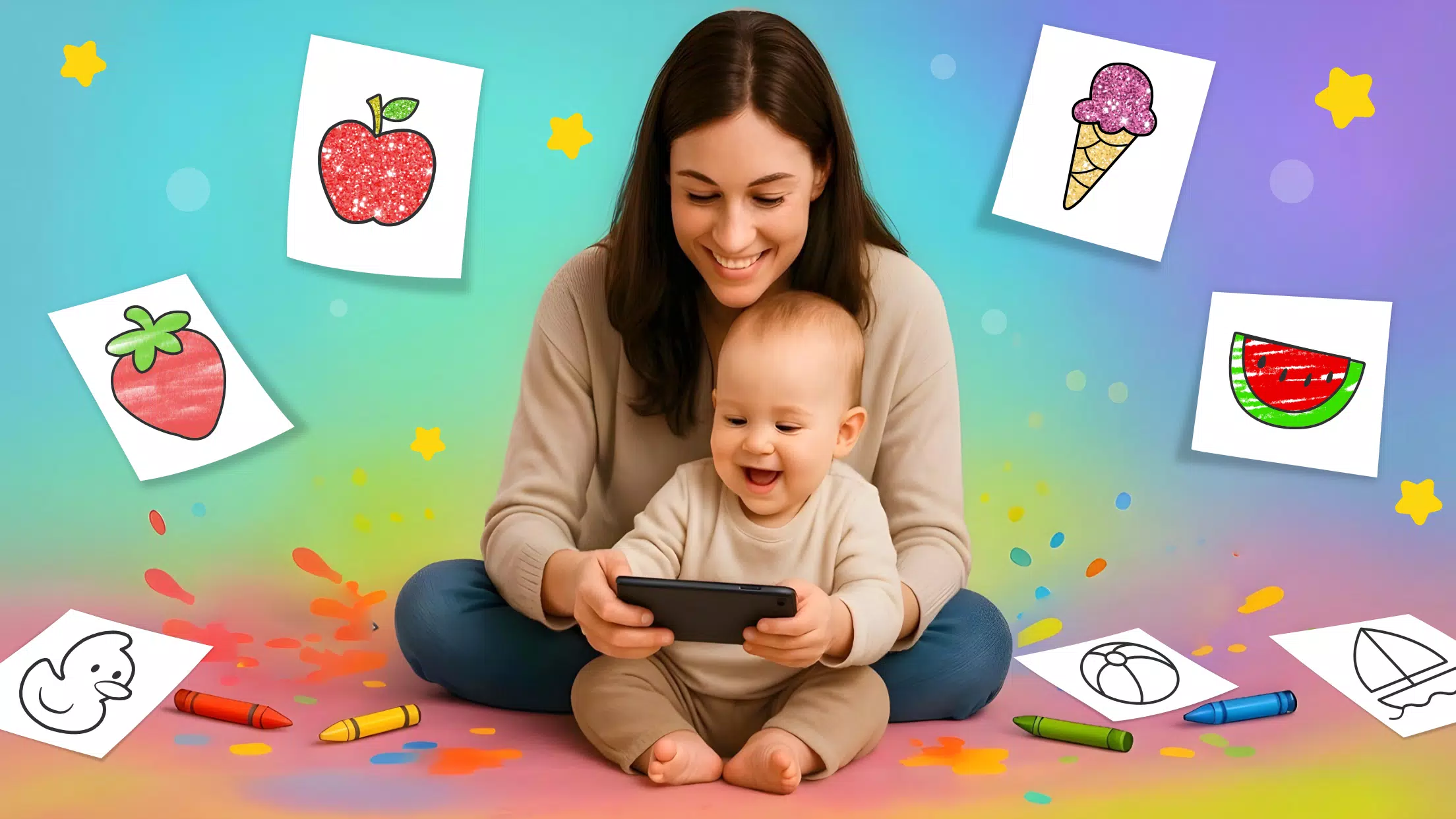
Toddler Coloring Book is a gentle, kid-friendly drawing app designed to introduce preschoolers to colors and shapes through safe, simple activities. It provides large, clear outlines, intuitive touch controls, and playful audio cues so young children can color, learn color names, and explore creativity without frustration or clutter.
Overview of the app
Toddler Coloring Book targets caregivers and early learners who want a focused, distraction-free coloring experience. The app emphasizes ease of use, minimal menus, and guided interactions so toddlers can tap, drag, and fill shapes with confidence. Visual feedback and soothing sounds encourage repeat play while supporting fine motor development.
Primary design goals
- Simplicity — large buttons and uncluttered screens that a small hand can manage.
- Safety — no external links or ads to interrupt a child’s session.
- Educational value — activities that reinforce color recognition and shape names.
Key features at a glance
The feature set focuses on tools that are meaningful for toddlers rather than complex palettes. Parents will find the controls predictable and the content scalable with their child’s abilities.
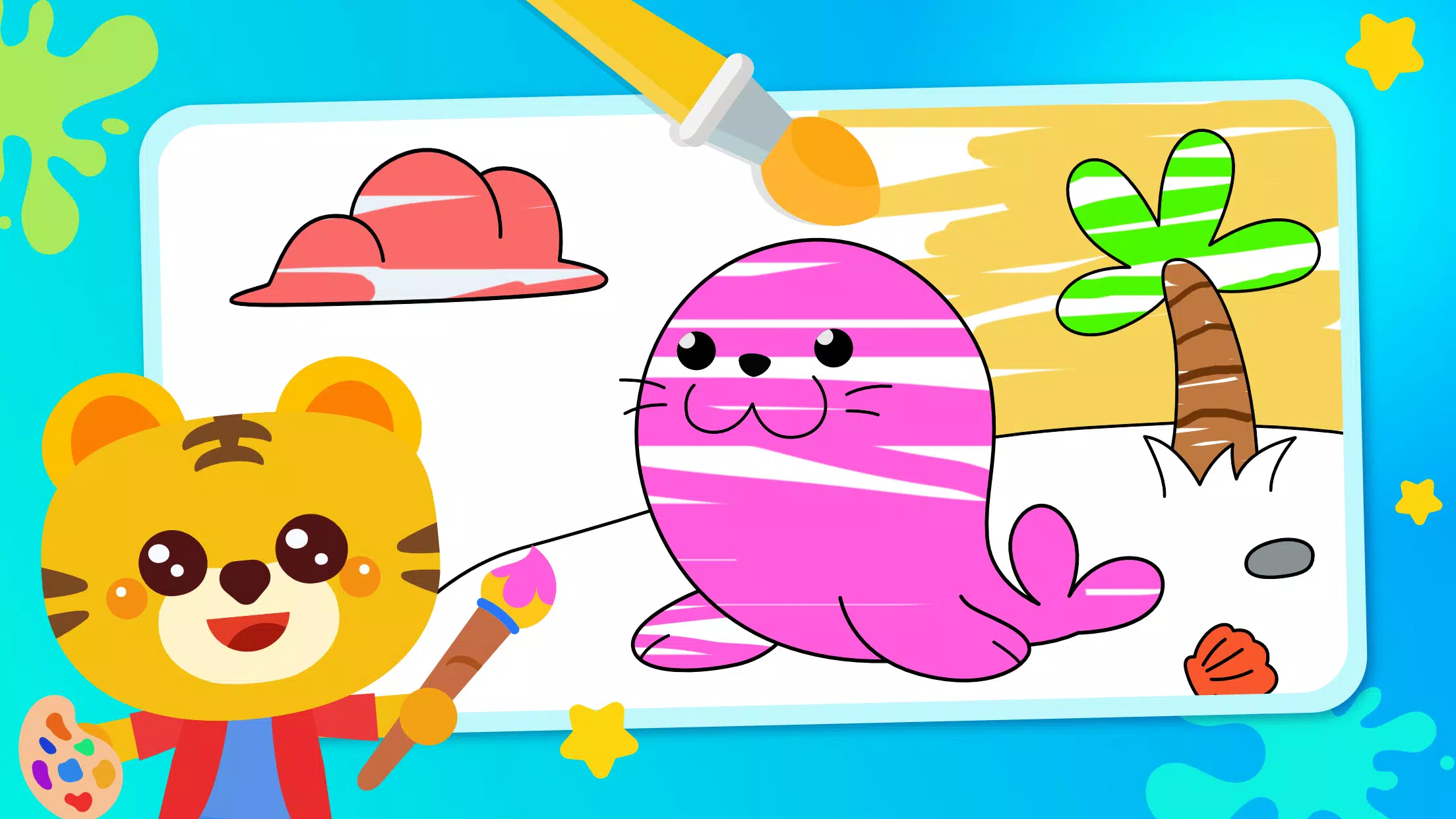
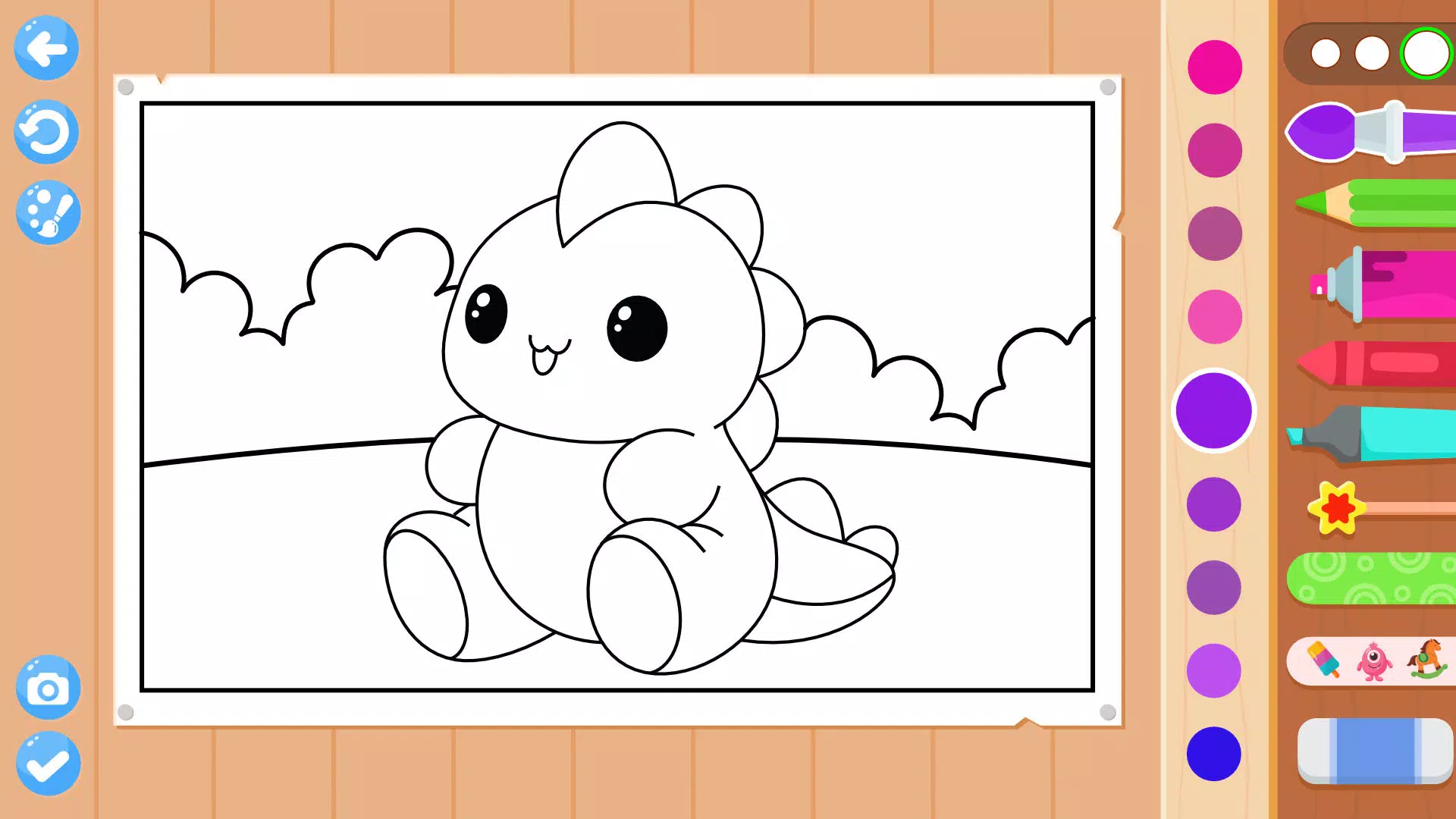
- Big, bold coloring pages optimized for visibility on phones and tablets.
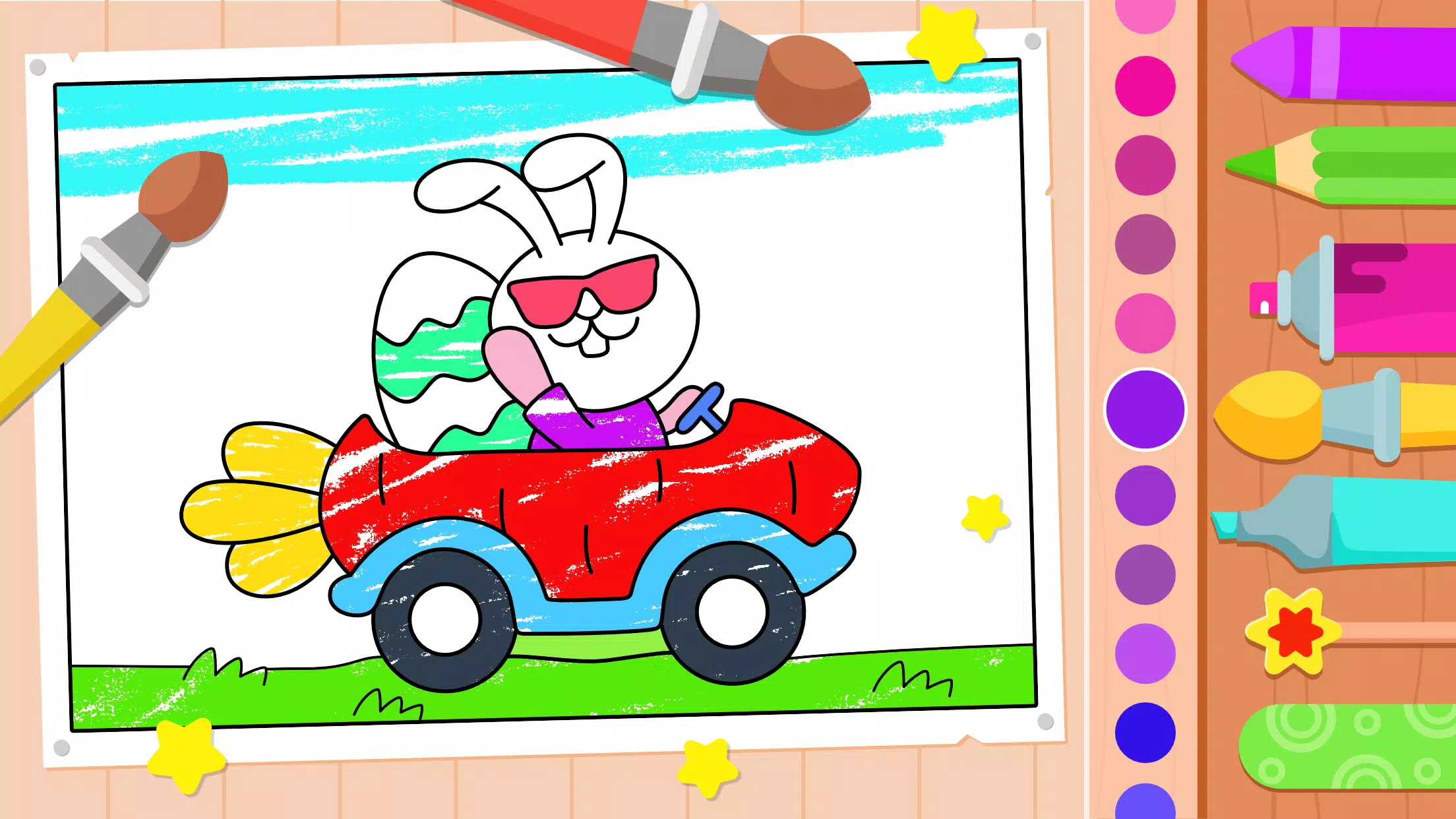
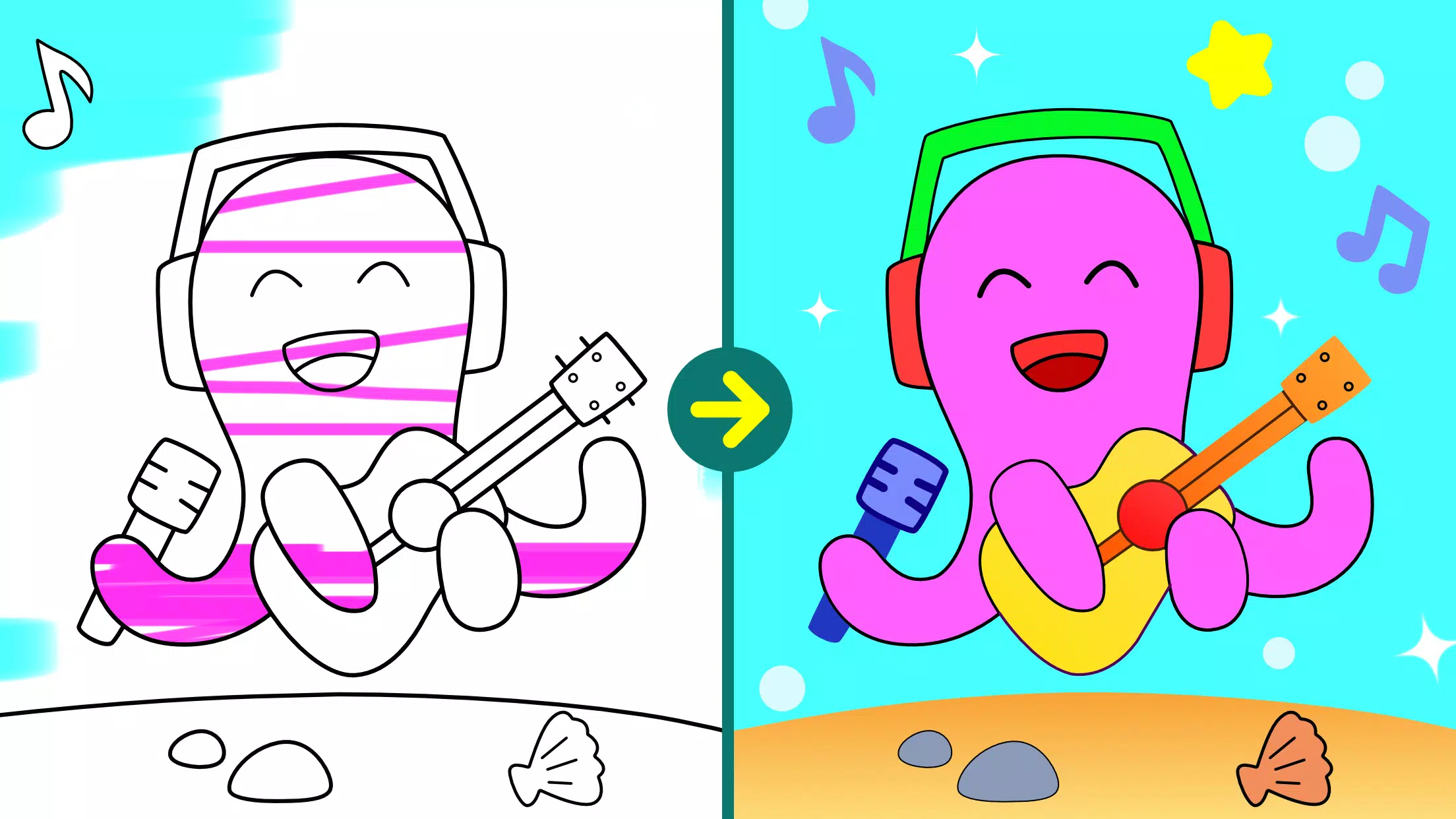
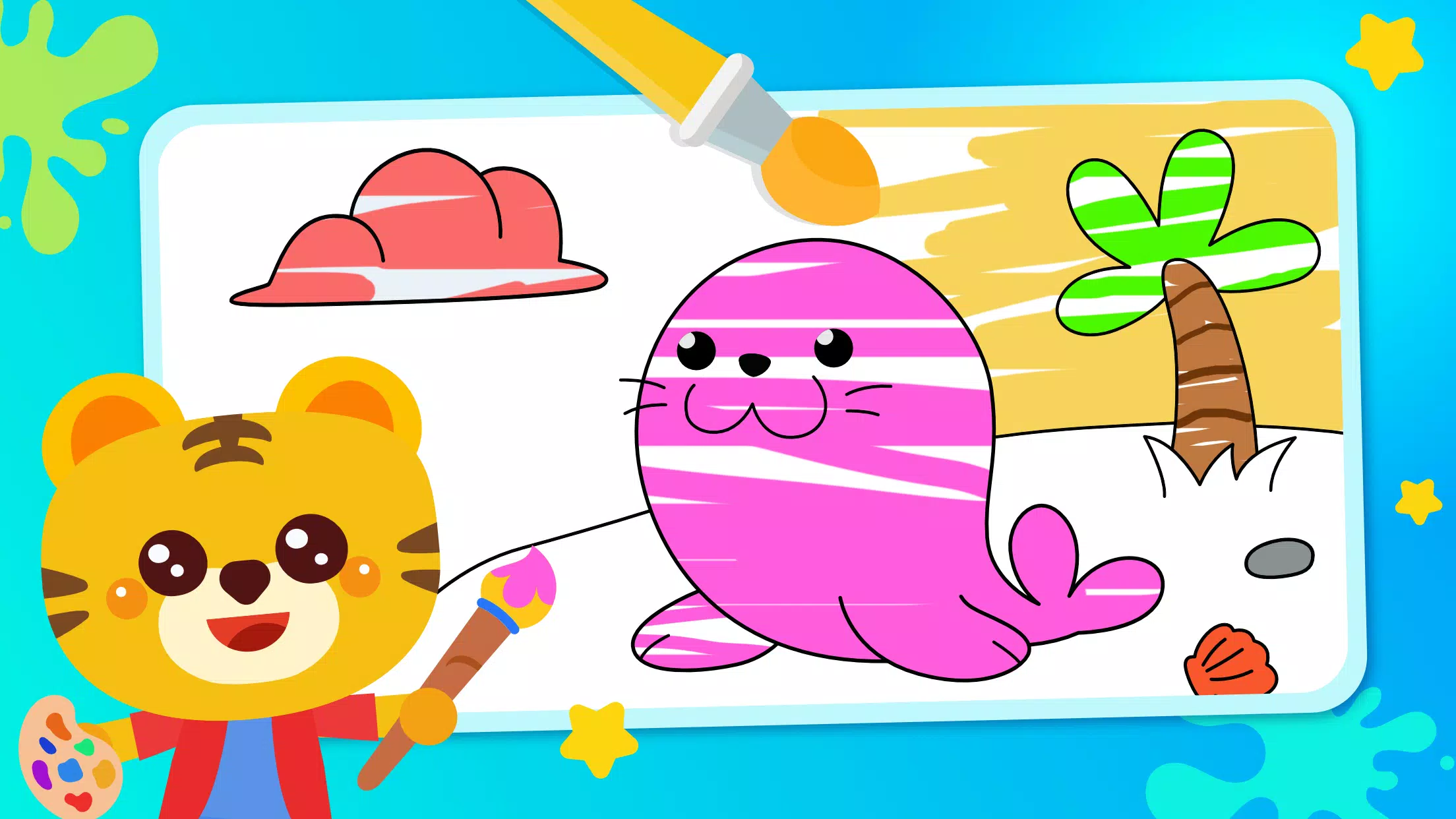
- Auto-fill and paintbrush modes so kids can choose between tapping to fill or drawing strokes.
- Audio prompts and friendly voice feedback that name colors and commend efforts.
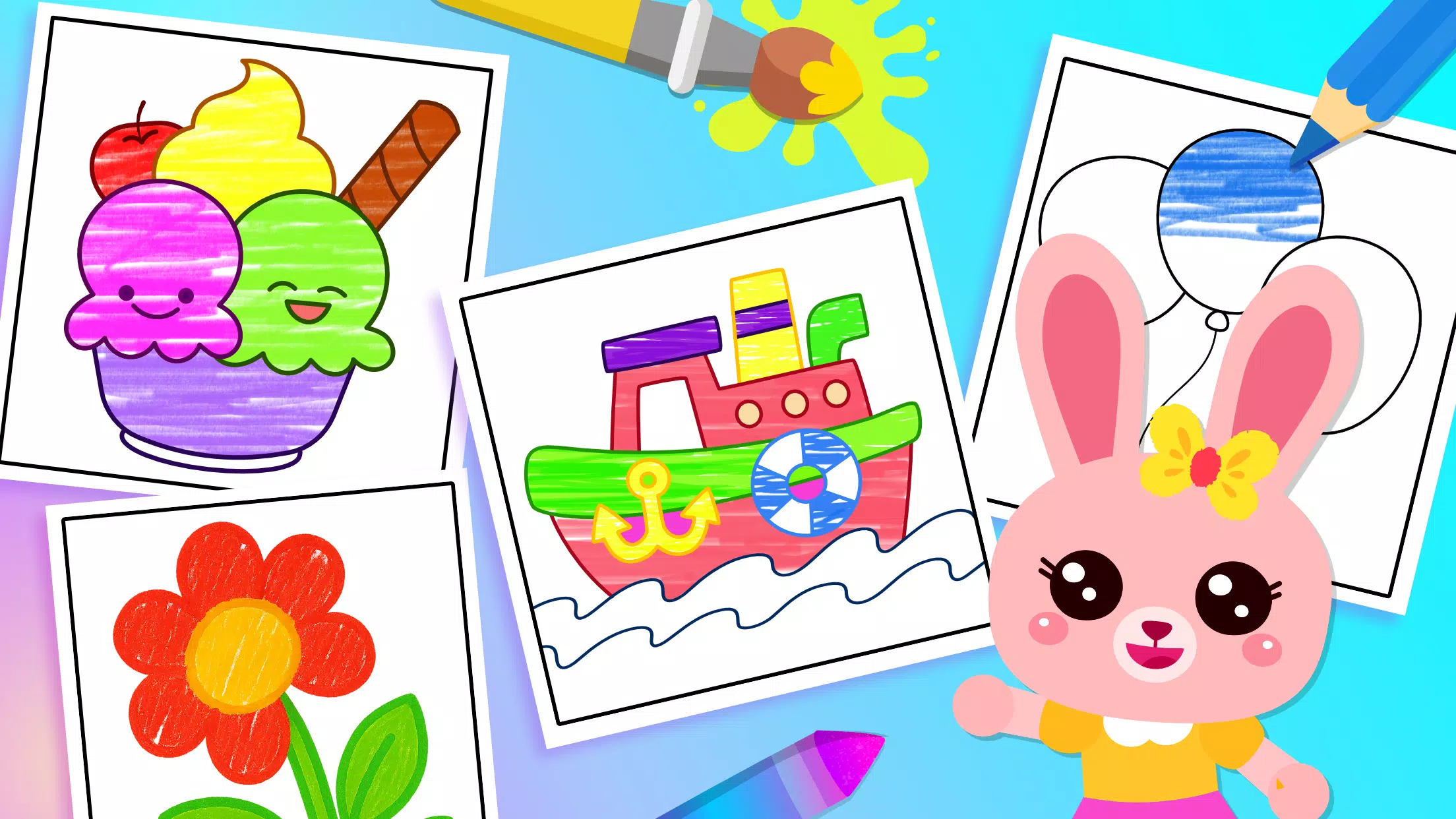
- Sticker and stamp collection to reward progress and personalize creations.
- Simple undo and clear page options that restore pages instantly without complex menus.
How the app works
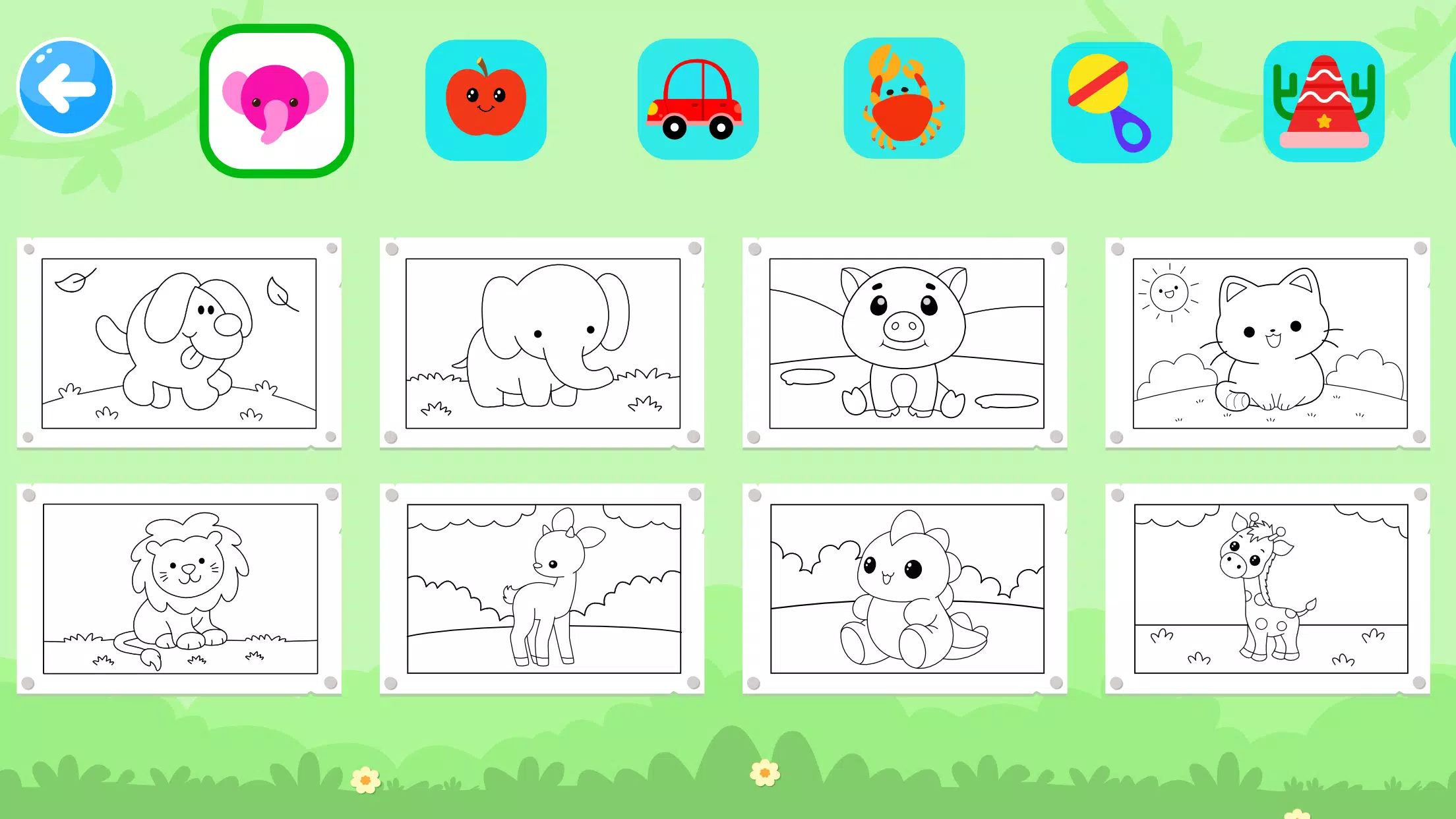
Toddler Coloring Book opens directly into a gallery of themed pages: animals, vehicles, everyday objects, and seasonal scenes. Tap a thumbnail to start. A palette with a handful of high-contrast colors sits at the bottom. Children either tap a color then tap a shape to auto-fill, or drag a finger to paint freely. The app reduces accidental taps by requiring a deliberate touch and displays a gentle animation when a page is completed.
Interface and performance
The interface is optimized for responsiveness on low- and mid-range devices. Large hit areas and immediate haptic or audio response make actions feel rewarding. Memory usage is kept low by loading only the current page’s assets. The result is smooth painting without lag, even when many stickers are applied to a scene.
Parental controls and privacy
Caregiver settings are accessible through a hidden menu accessed by a long-press, preventing accidental changes. In that menu you can:
- Lock purchases and disable external links to keep the experience safe.
- Reset progress or clear stickers and saved pages.
- Toggle sound and adjust voice prompts for quieter environments.
Tips for caregivers
To get the most value, try these practical steps: introduce one palette at a time, use the app during focused play sessions, and pair coloring with spoken prompts like "What color is the car?" Encourage children to describe their choices to build vocabulary and observation skills.
Managing screen time
Use the app as a brief, purposeful activity rather than a default screen. The short, self-contained nature of coloring pages makes it simple to set a five- to ten-minute limit that feels natural to a toddler.
Why parents choose this title
Many caregivers appreciate Toddler Coloring Book for removing friction: there are no hidden menus, no surprise redirects, and the reward mechanics are appropriate for young attention spans. The educational value is subtle but consistent — color words and simple prompts are introduced during play rather than presented as a lesson.
Getting started
Installation is straightforward: download from your device store, grant only the permissions needed for saving images if you want to export artwork, and open the app. Initial setup takes under a minute and there’s an optional tour for first-time users that demonstrates tap-to-fill and sticker placement.
For families seeking a compact, reliable coloring app designed specifically for preschool hands and attention spans, Toddler Coloring Book strikes a balance between playful interaction and purposeful design. Its careful combination of accessibility, safety, and gentle guidance makes it a practical choice for early creative development.
- No virus
- No advertising
- User protection
Information
- File size: 73.60 M
- Language: English
- Latest Version: 5.0.0
- Requirements: Android
- Votes: 418
- Package ID: com.midwin.kids.drawing.book.toddlers.coloring.gam
- Developer: Midwin Games
Screenshots
















Explore More
Let your child's creativity shine with our new game made just for kids! With cute graphics and fun challenges, this game will keep them entertained for hours. Children can build their own worlds, customize adorable characters, and let their imaginations run wild. With simple controls perfect for little hands and no ads or external links, you can feel at ease while they play independently.
Game Edukasi Anak : All in 1
Preschool & Kindergarten Games

Little Panda's Insect World
Drawing games for kids

English for Kids Learning game
Baby Panda's Emergency Tips
Cocobi Little Police - Kids
Color Kids: Coloring Games