
Introduction
Techu is a compact productivity app designed to centralize notes, tasks, and quick automations on Android devices. It blends a minimalist interface with powerful tools for organizing daily work, syncing across devices, and creating shortcuts that speed up repetitive tasks—ideal for users seeking a lightweight yet capable workflow companion.
What Techu Brings to Your Device
Techu consolidates common productivity functions into a single, consistent experience. Rather than juggling several apps, you can capture ideas, set reminders, and trigger small automated routines from the same place. The app emphasizes speed and clarity: items are easy to create, edit, and prioritize so you keep momentum without navigating confusing menus.
User Interface and Daily Workflow
The interface focuses on clean typography and compact card layouts that are simple to scan on phones and tablets. A customizable home view presents recent notes, due tasks, and a quick-actions strip. Drag-and-drop reordering, swipe gestures for completing or snoozing items, and contextual menus reduce friction during busy days. Techu supports both a dark theme for night use and a high-contrast mode for improved legibility.
Key Features at a Glance
- Notes and Checklists — Create plain text notes, formatted lists, and nested checklists for multi-step projects. Items can be tagged and filtered instantly.
- Task Scheduling — Assign due dates, set recurring reminders, and attach simple priorities. Calendar previews help avoid conflicts.
- Quick Automations — Build short sequences that run locally: send messages, open apps, or populate templates without leaving Techu.
- Sync and Backup — Optional cloud sync keeps data consistent across devices, with manual export and local backup options for privacy-minded users.
- Search and Filters — Fast full-text search and saved filters help locate notes and tasks in seconds, even with large collections.
Integration and Compatibility
Techu works smoothly with common Android standards. It supports share intents so you can send text from a browser or another app directly into Techu as a note or task. Basic calendar integration allows mapping tasks to external calendars, and lightweight widgets provide at-a-glance information on home screens. The app runs well on a wide range of devices and Android versions, with adaptive layouts for bigger screens.
Performance and Resource Use
Developers prioritized responsiveness and low battery impact. Techu performs local searches quickly, even on older phones, and keeps background activity minimal. Sync operations are efficient and can be restricted to Wi-Fi to avoid mobile data use. Storage needs are modest since notes are stored in compact form, and attachments are optional to prevent unnecessary bloat.
Privacy and Security
Privacy controls let you choose whether to enable cloud sync. When sync is on, data is transmitted with standard encryption. Local-only mode keeps everything on the device. Techu requests only essential permissions to function, and backup/export features make it straightforward to move or archive your information when needed.
Getting Started with Techu
Begin by creating a few sample notes and a task list to see how Techu fits into your routine. Use the quick-action bar to automate a repetitive step, such as creating a daily checklist or drafting an email template. Explore widgets for immediate access to today's tasks and enable sync only after you confirm the device and account settings you prefer.
Why It Fits into Modern Routines
Techu balances minimalism and capability: it offers more than a simple notepad without the complexity of heavyweight project managers. For users who want a single app to capture ideas, manage small projects, and automate routine steps, it provides a focused toolkit that adapts to different workflows while remaining fast and unobtrusive.
- No virus
- No advertising
- User protection
Information
- File size: 141.20 M
- Language: English
- Latest Version: 2.12.3
- Requirements: Android
- Votes: 225
- Package ID: com.techuonthechair.Techu
- Developer: Techu on the Chair
Screenshots
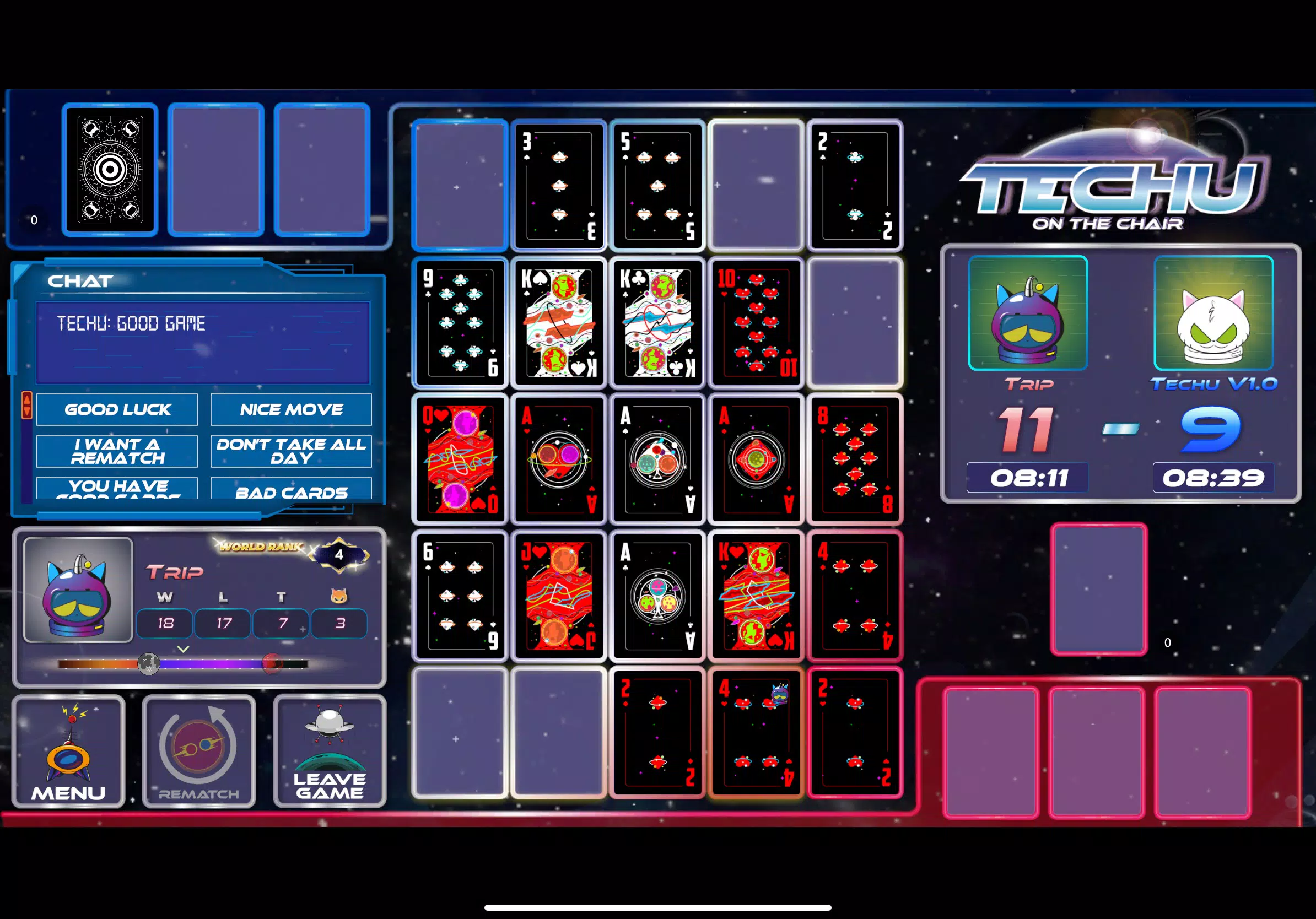
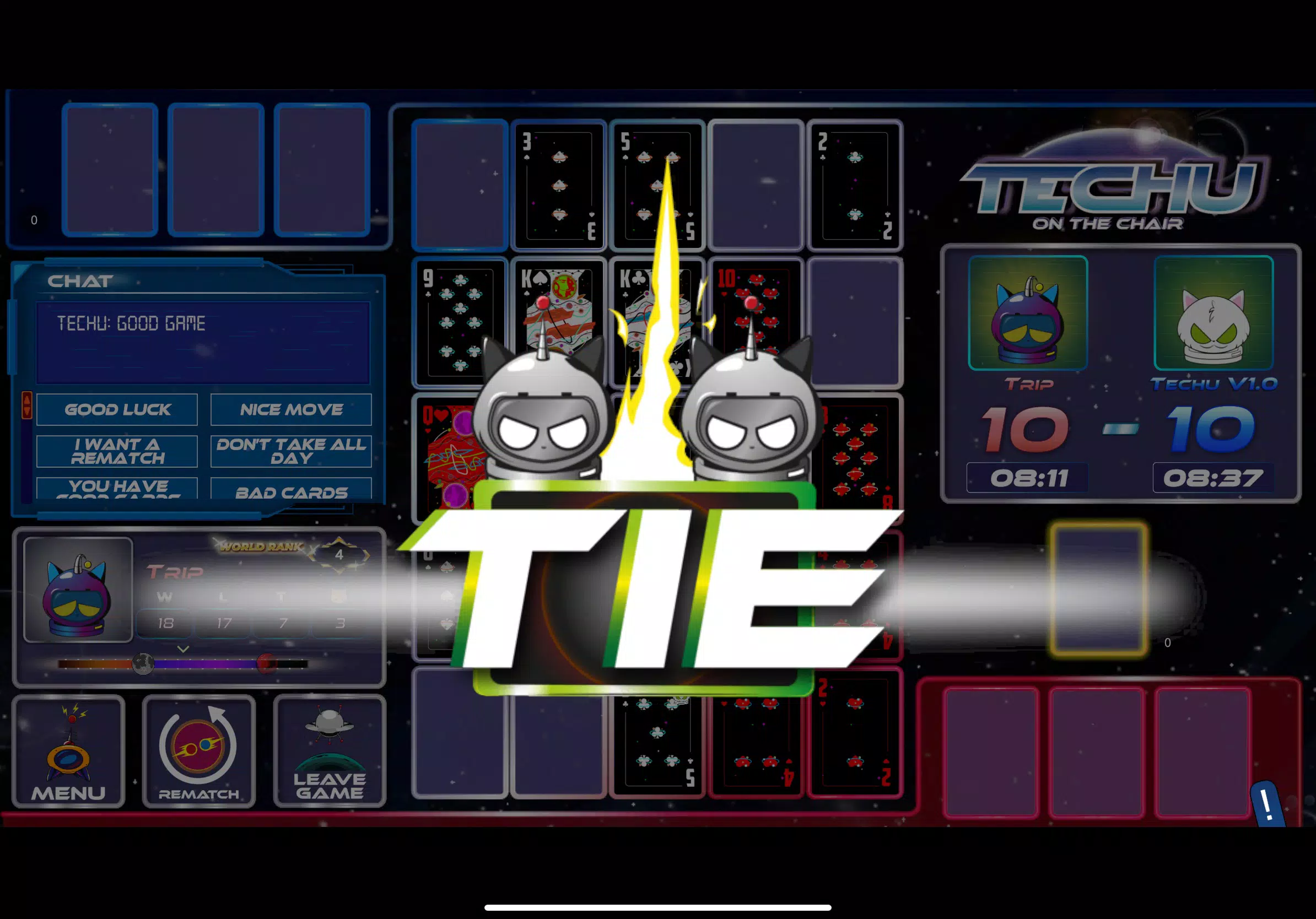
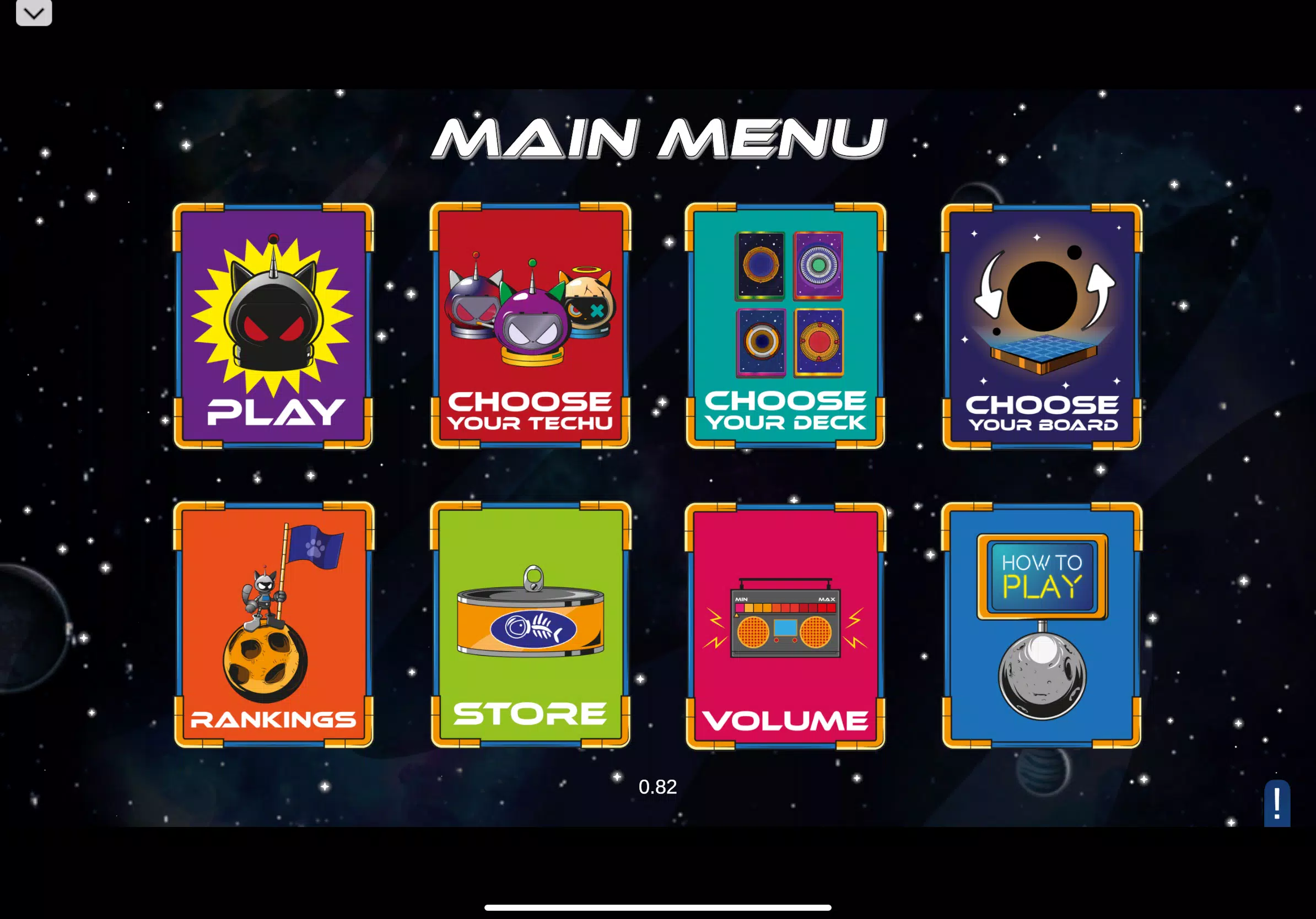

















Explore More
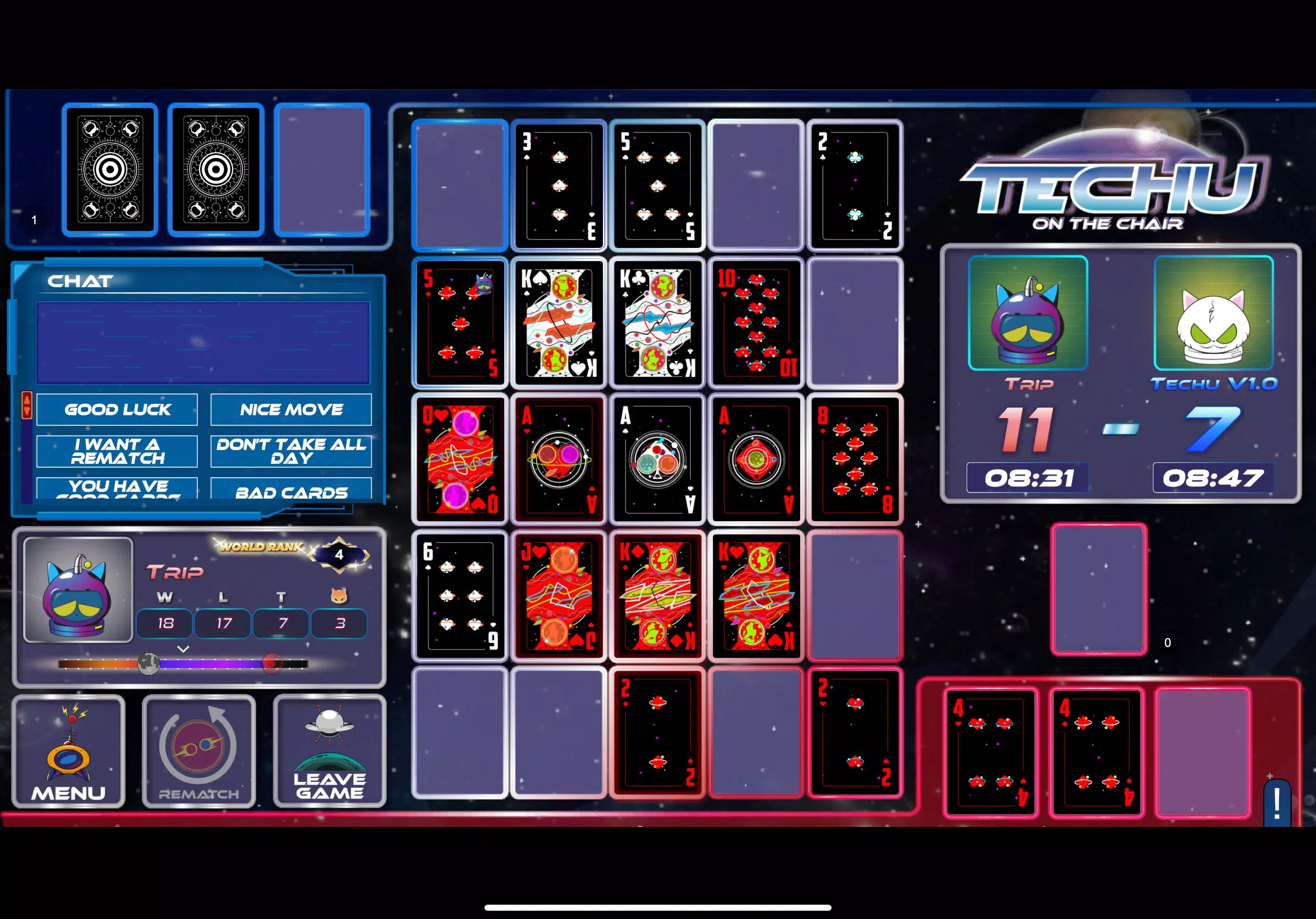
Gather your friends and get ready for endless hours of card-playing fun with our new multiplayer card game! With a wide variety of game modes, you can play classics like poker, blackjack, gin rummy and more. Test your skills in tournament mode or just casually play while chatting. Customize avatars, unlock new decks and track stats and leaderboards. Smooth online multiplayer lets you challenge players worldwide or create private games with friends.

Yuri Idle

Udana Randka

GacorZone APK

A Deck Full of Hex

RPG Spark

Witch’s Lewd Curse

kachkoul v 1.0

rp66 APK