Introduction
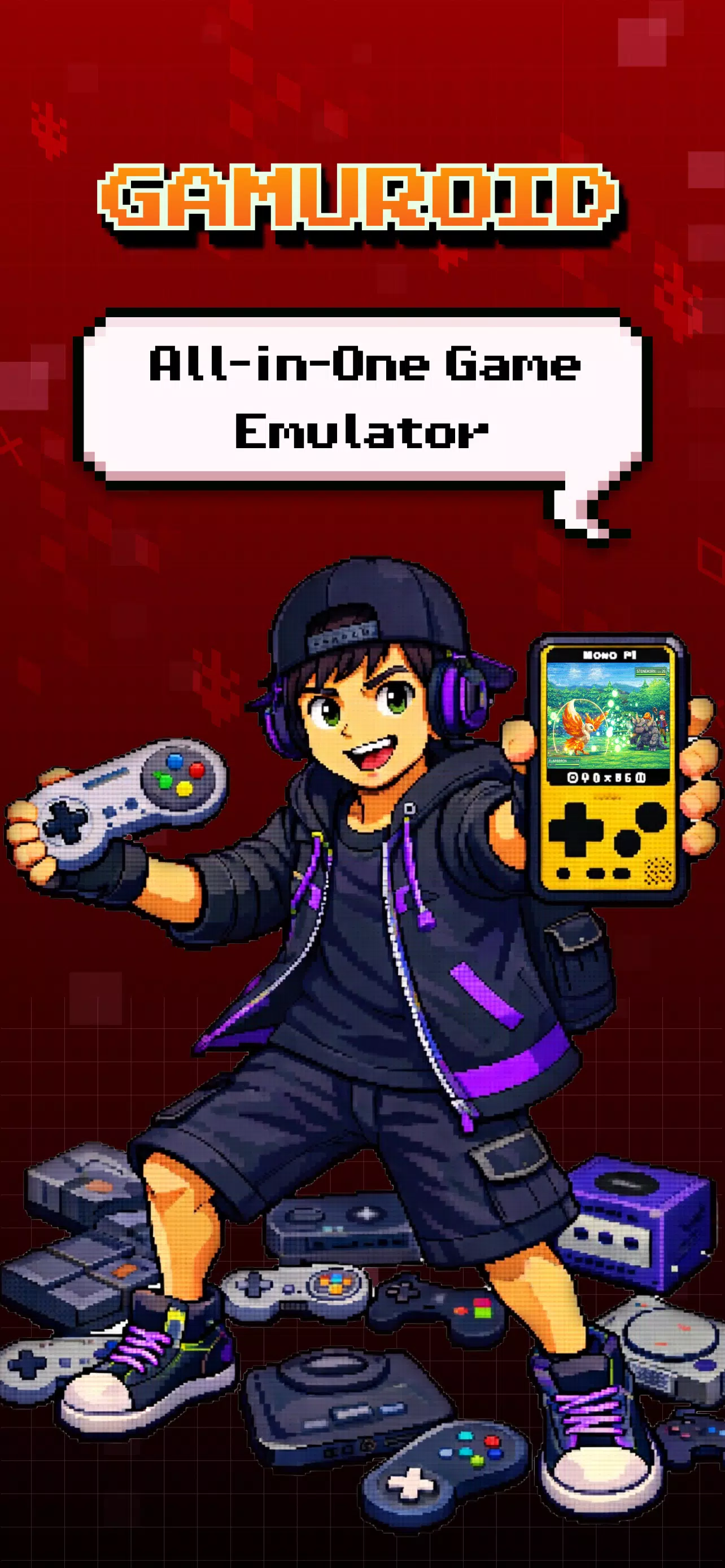
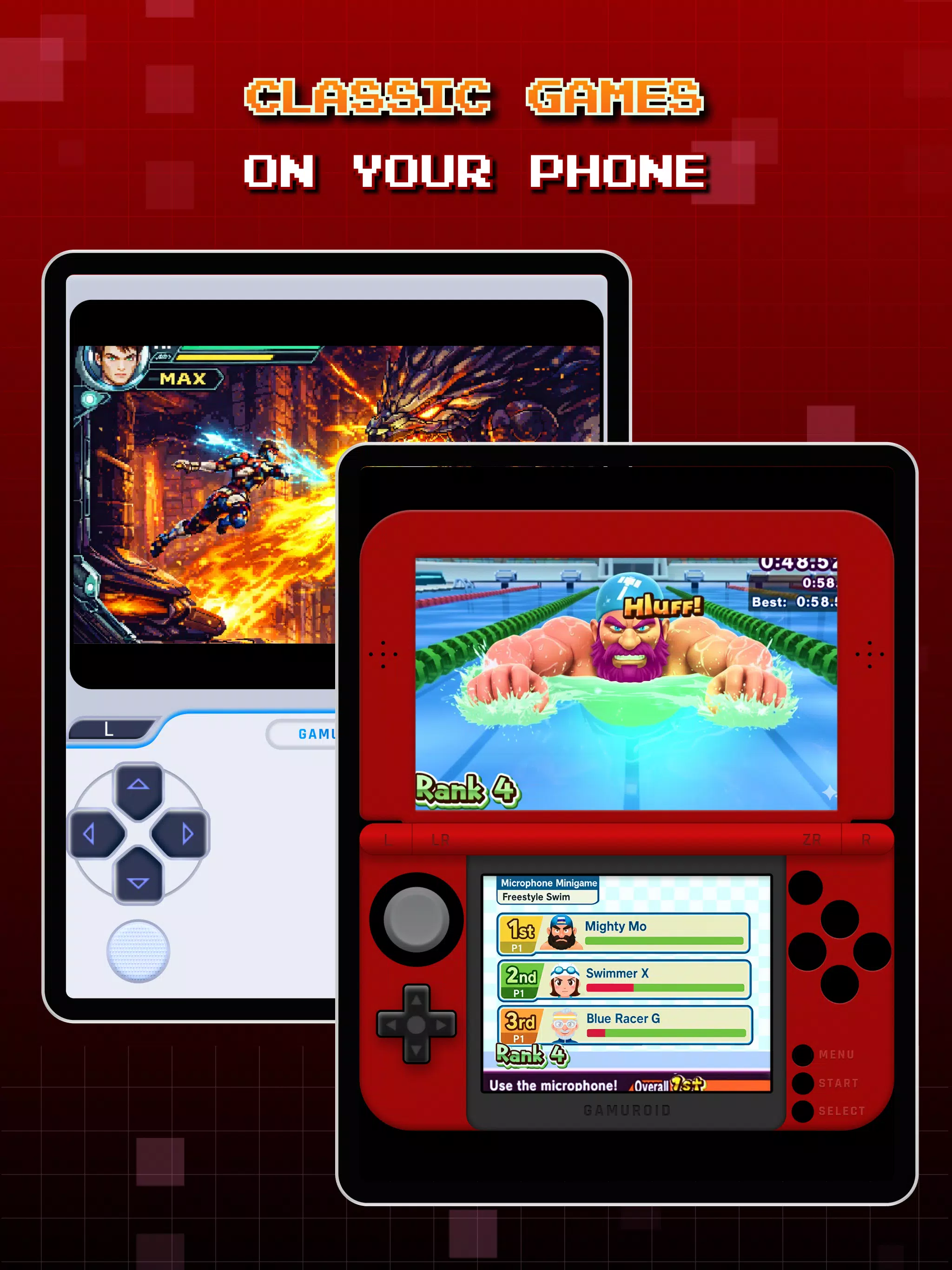
Gamuroid: All Game Emulator is a versatile Android application that consolidates multiple classic console emulators into a single interface, letting users play retro titles with configurable controls, save states, and performance tweaks. It’s designed for hobbyists who want a straightforward, powerful way to run legally owned game files on mobile devices.
Overview and intent
Gamuroid: All Game Emulator targets players who prefer an all-in-one solution rather than juggling separate emulators for each system. The app focuses on compatibility, ease of setup, and a lightweight footprint so older devices can still run 8-bit and 16-bit titles. It emphasizes user control over graphics, input, and audio without cluttering the experience.
Notable capabilities
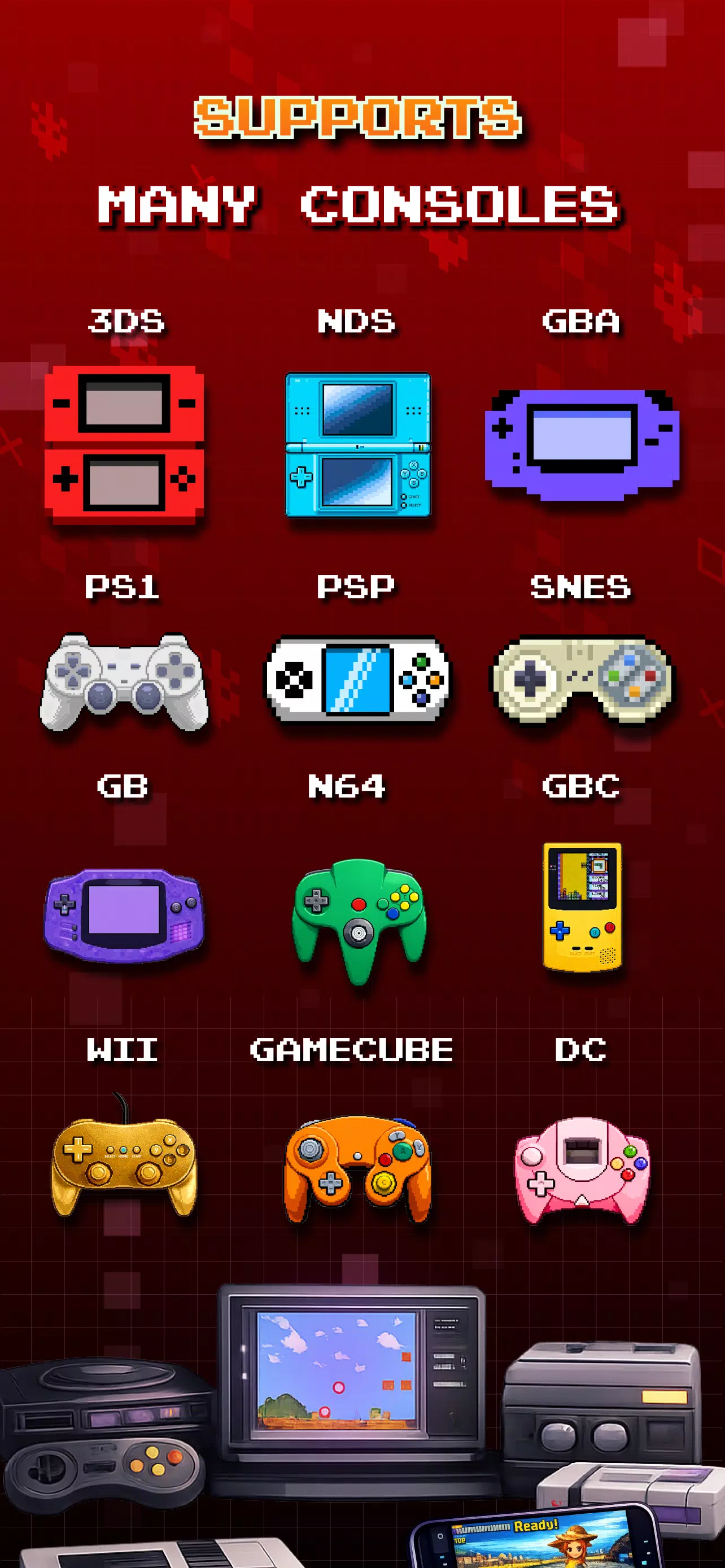
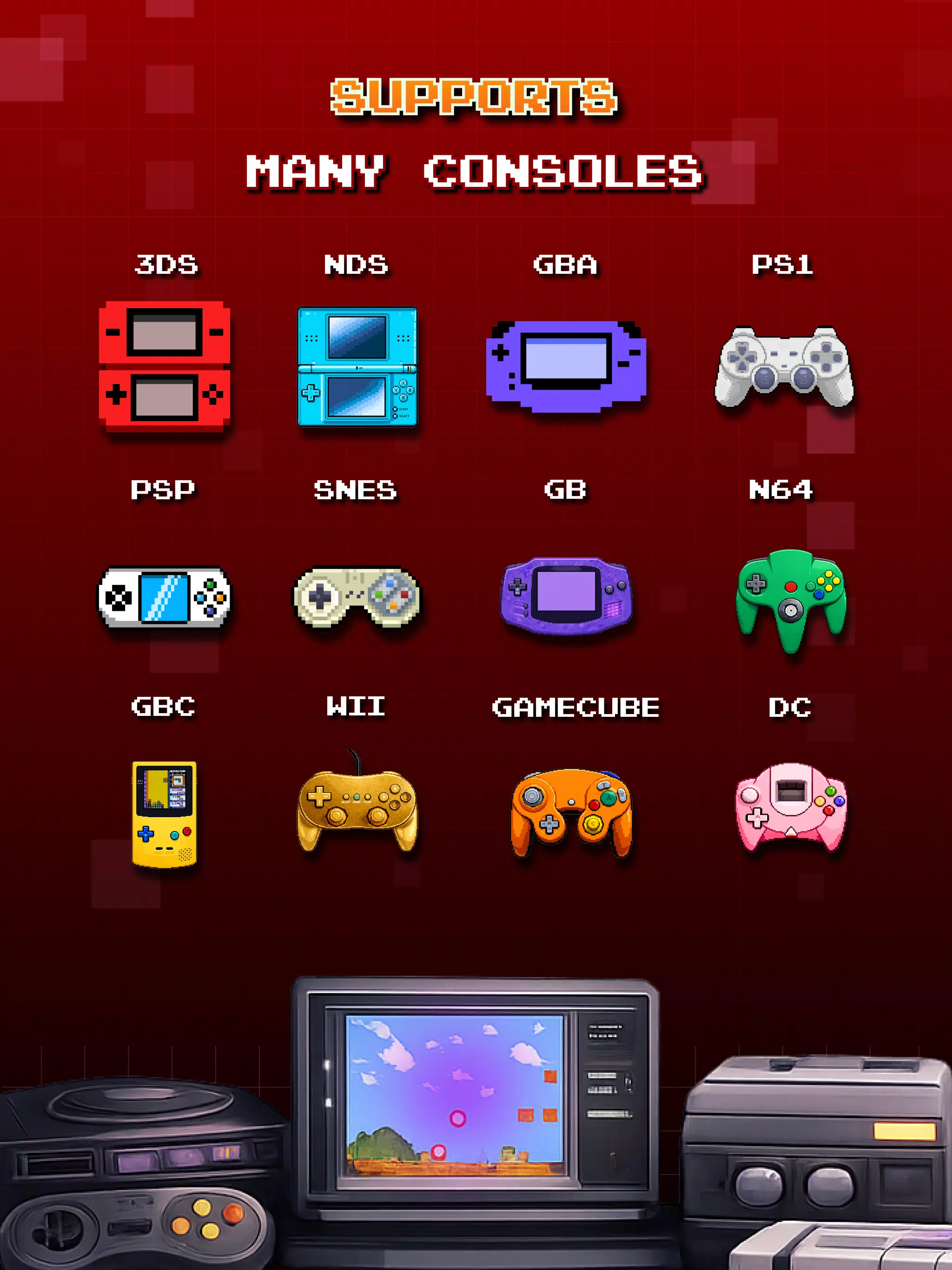
- Multi-system support: Emulates several legacy consoles and handhelds to cover an extensive game library from different eras.
- Save and load states: Preserve progress at any moment with quick-save slots and load them later to resume instantly.
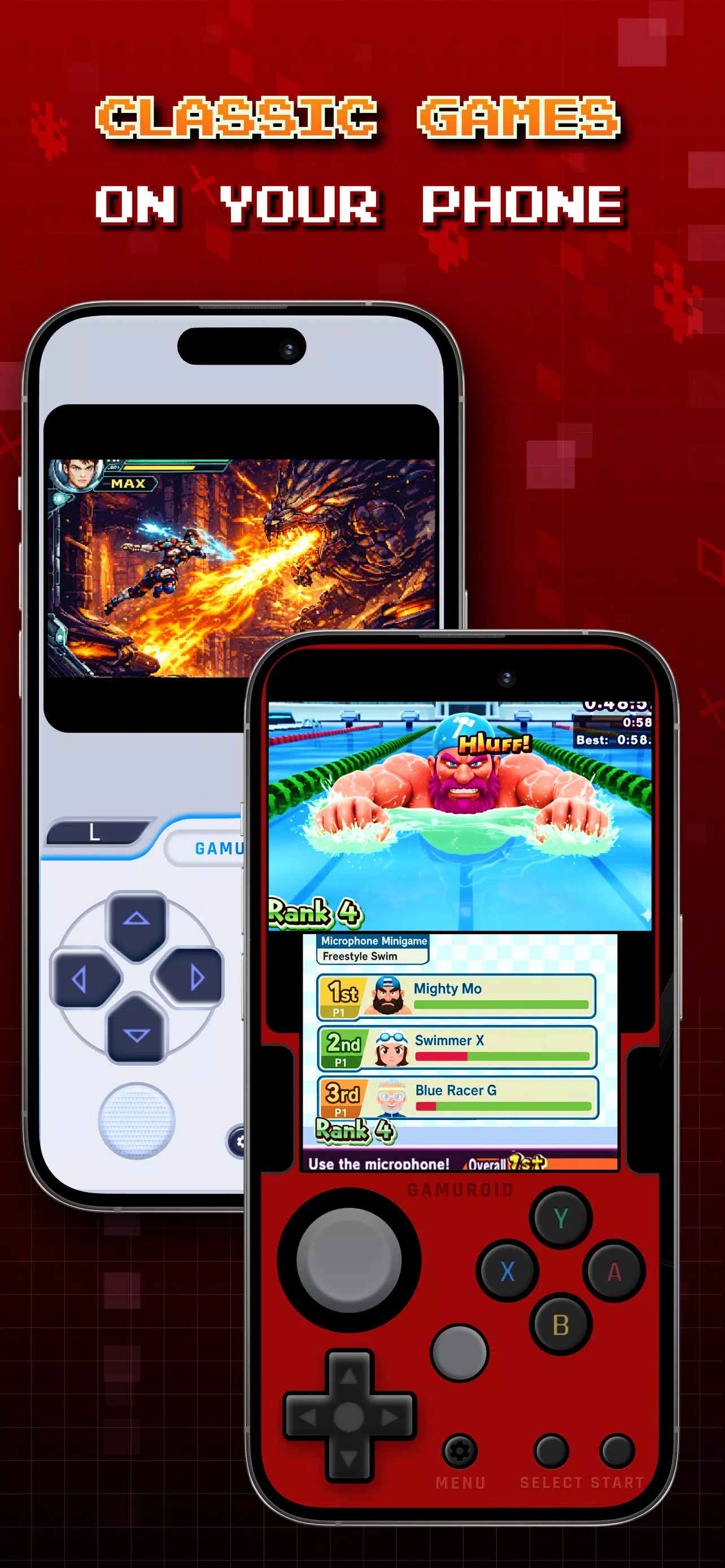
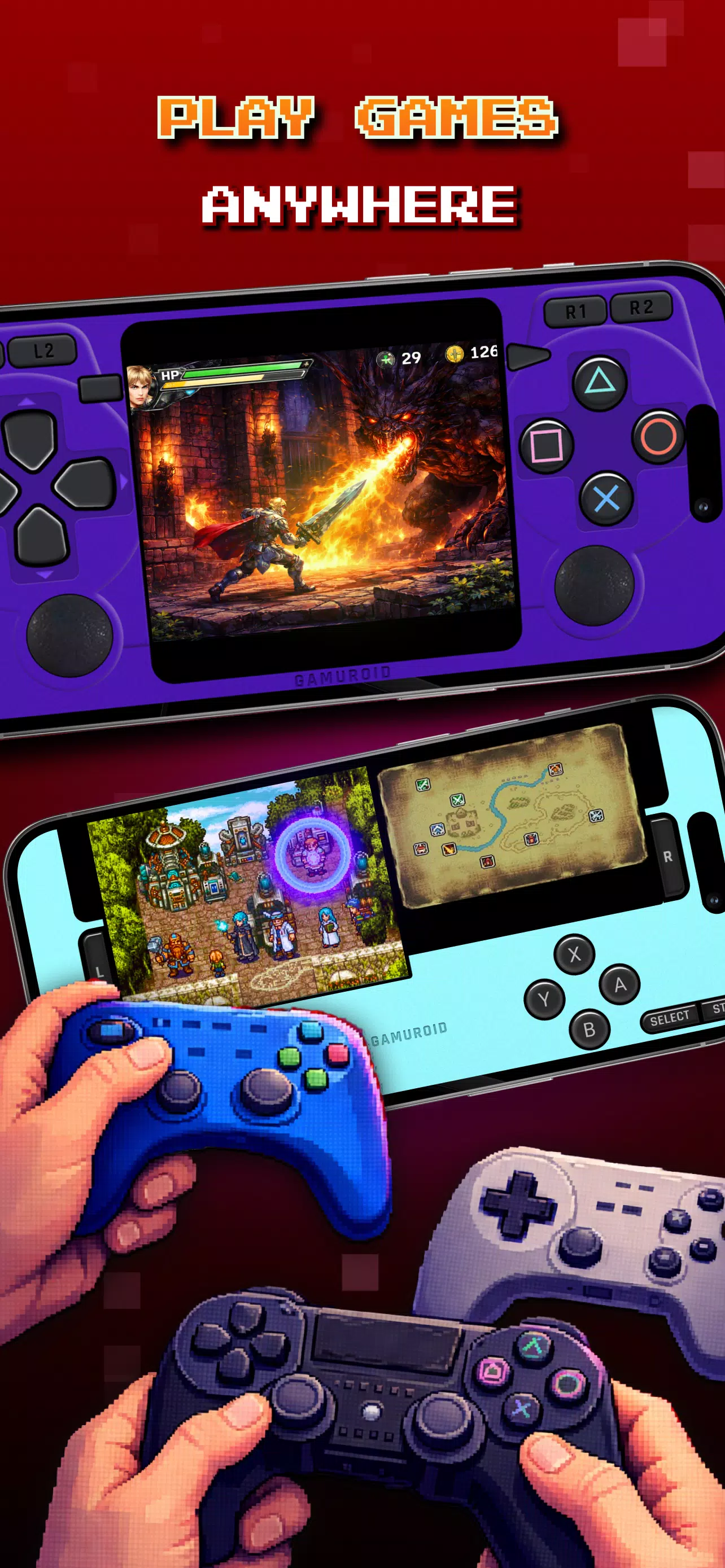
- Controller mapping: Customizable touch layouts and external controller support make the app flexible for different play styles.
- Graphics scaling and shaders: Options to adjust resolution scaling, aspect ratio, and apply visual filters improve the presentation on modern screens.
- Audio options: Latency settings and sample rate adjustments help match performance to device capabilities.
How it works in practice
The app reads compatible game files (user-provided) and routes them through the appropriate emulation core. After importing a file, the system auto-detects the platform and applies a default profile. From there, users can tweak per-game settings — for example, enabling frame skip on demanding titles or switching rendering backends to reduce battery drain.
Interface and performance tuning
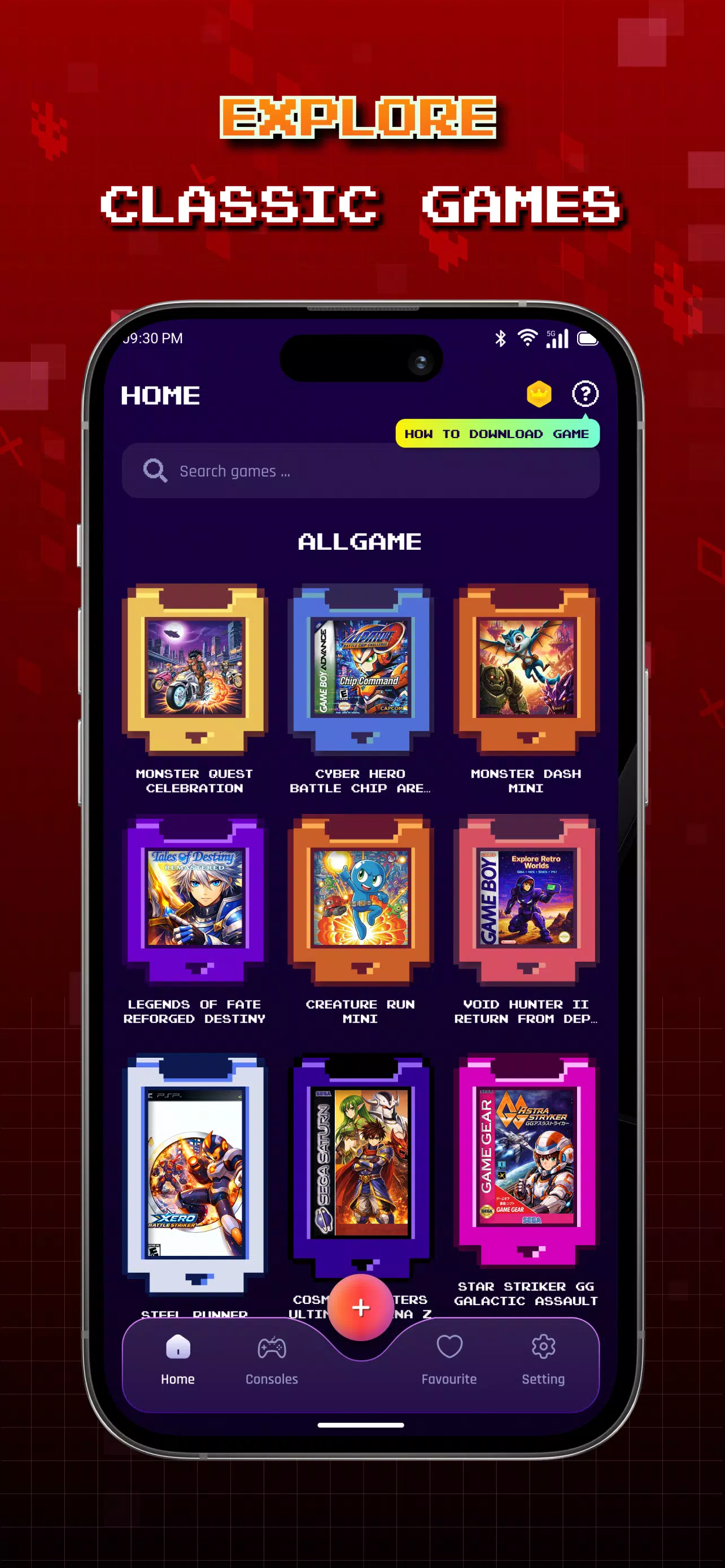
The interface aims for clarity: a searchable library, thumbnail previews, and a details page with quick access to saves and settings. Performance controls are grouped so players can lower visual fidelity or disable extras when they need higher frame rates. On mid-range phones, the app balances CPU load and battery use by offering presets and manual controls for frame timing and background services.
Customization and workflow
Workflows in Gamuroid: All Game Emulator are adaptable. Users can create per-game profiles that store controller layouts, audio preferences, and display choices. Profiles can be duplicated and modified, which is handy when testing different shader combinations or trying alternate input mappings. Cloud backup for settings is supported where available, reducing setup time when moving to a new device.
User experience highlights
People often praise the intuitive library management and the speed of loading titles. The touch control editor is drag-and-drop, so setting up virtual buttons is quick. External gamepads are recognized automatically by many devices, and button remapping is straightforward. Built-in achievements or metadata scraping may be limited, keeping the app lightweight and less intrusive.
Practical tips for newcomers
- Start with presets: Use default performance profiles before adjusting advanced options.
- Configure save states: Keep multiple slots for experimentation and rollback capability.
- Use a controller: For platformers and action games, a Bluetooth gamepad improves responsiveness and comfort.
- Be mindful of legality: Import only game files you own. The emulator does not provide or condone unauthorized downloads.
Installing and getting started
Installation is typical for third-party Android apps: download the APK from a trusted source, enable app installation from unknown sources if necessary, and follow on-screen prompts. After installation, point the app to your ROM folder, allow any required permissions, and let Gamuroid catalog the files. A guided first-run setup can walk you through controller mapping, display scaling, and recommended performance settings.
Why enthusiasts choose it
Gamuroid: All Game Emulator appeals to users who want a consolidated, configurable emulation platform that respects device constraints while offering deep customization. Its blend of straightforward setup, per-game profiles, and performance tools makes it a practical option for replaying classic games on modern Android hardware.
- No virus
- No advertising
- User protection
Information
- File size: 110.70 M
- Language: English
- Latest Version: 2.6.0
- Requirements: Android
- Votes: 364
- Package ID: com.allinone.retro.emulator.gt
- Developer: RETRO GAMING LABS
Screenshots
















Explore More
Relive classic gaming experiences with our extensive selection of emulators! Play all your favorite retro games on modern devices by mimicking proprietary hardware and operating systems. Our emulators are optimized for accuracy and performance, offering authentic gameplay of platforms like Super Nintendo, Game Boy, arcade cabinets and more. Easy to setup and configure, just download and add your game ROMs to be transported back in time.

Night Dimension Redux

Counter Mission Aim to Destroy

Nyatorase: Shared Passions

PSP emulator

Flash Game Emulator

Let's Sing Mic

WaifuEmulator (v0.7)

BDG Games Link