

Introduction
RealmCraft with Skins Export to Minecraft blends sandbox building and creative exploration, letting players construct worlds and export custom character skins directly to Minecraft. With modular crafting, co-op encounters, and easy skin tools, RealmCraft with Skins Export to Minecraft targets social builders who want straightforward sharing and visual customization.
What this review covers
This review evaluates core mechanics, progression systems, customization capabilities, and technical performance. It focuses on how the game balances open-ended building with bite-sized objectives and how the skin export pipeline integrates with standard Minecraft formats.
Core gameplay and mechanics
At its heart, the game rewards experimentation. Players gather resources, unlock building modules, and craft structures that change how NPCs and enemies interact with the environment. The level design encourages vertical and horizontal construction, using physics-lite systems so creations stay manageable on mobile hardware. Combat is optional in many modes, letting creative players avoid repetitive fighting.
Maps, progression, and challenges
Progression relies on a mixture of exploration and targeted goals. Each map features hidden caches, themed biomes, and environmental puzzles that require thinking about architecture as a tool. Short objectives grant blueprints and cosmetics, while larger milestones unlock multi-story components and automated devices for more advanced builders.
Multiplayer and social play
Cooperative sessions are smooth and casual. RealmCraft with Skins Export to Minecraft supports cooperative world-building with shared inventories and asynchronous invites. Players can join friends to collaborate on sprawling projects or host small challenges, such as timed build-offs or resource races. Social features emphasize creativity over competition.
Customization and skin export system
The skin editor is the standout practical tool. A simple paint interface and layered options let users design characters without needing a separate editor. Once a skin is ready, the export tool converts files into formats compatible with standard Minecraft clients, producing ready-to-import PNGs. Exported skins preserve transparency and layer details, simplifying the sharing process with external platforms.
Tools and in-game systems
- Build palette: An organized material list with filters for texture, color, and function.
- Blueprints: Save and replicate multi-block assemblies across maps.
- Automation blocks: Simple logic gates and triggers for moving parts and lighting.
- Skin studio: Pixel editor with symmetry tools and preview rotation.
Interface and controls
The touch controls are intuitive for most players, with drag-and-drop placement and pinch-to-zoom camera control. Menus stay uncluttered, exposing advanced options behind expansion tabs. A short interactive tutorial helps players get comfortable with building tools and skin export features without overwhelming new users.
Graphics and audio
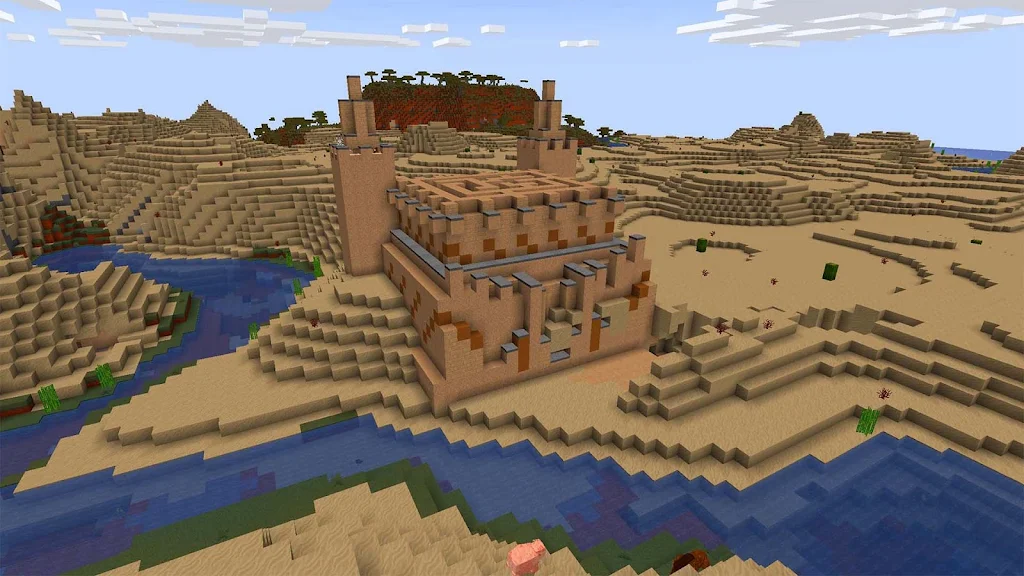
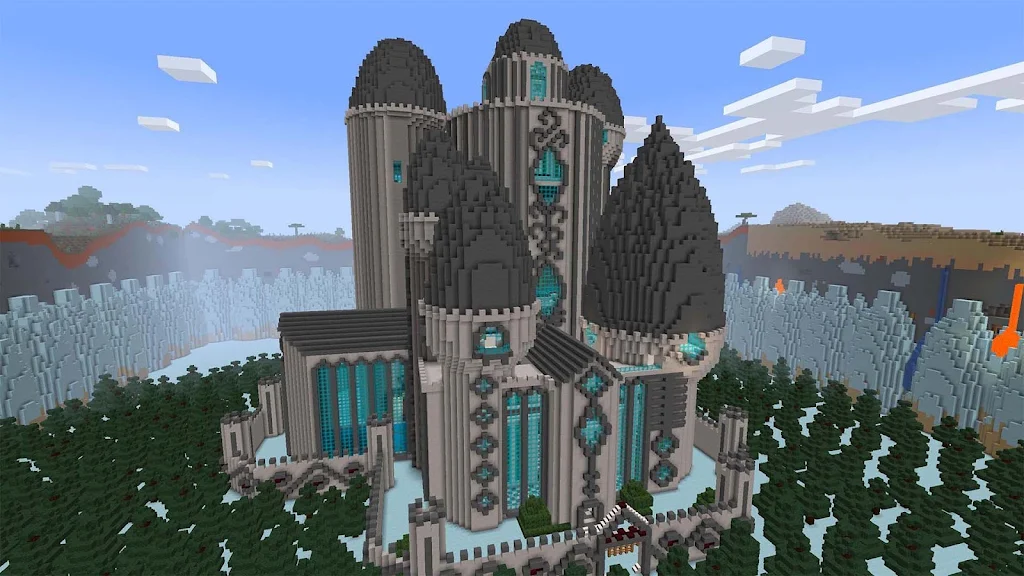
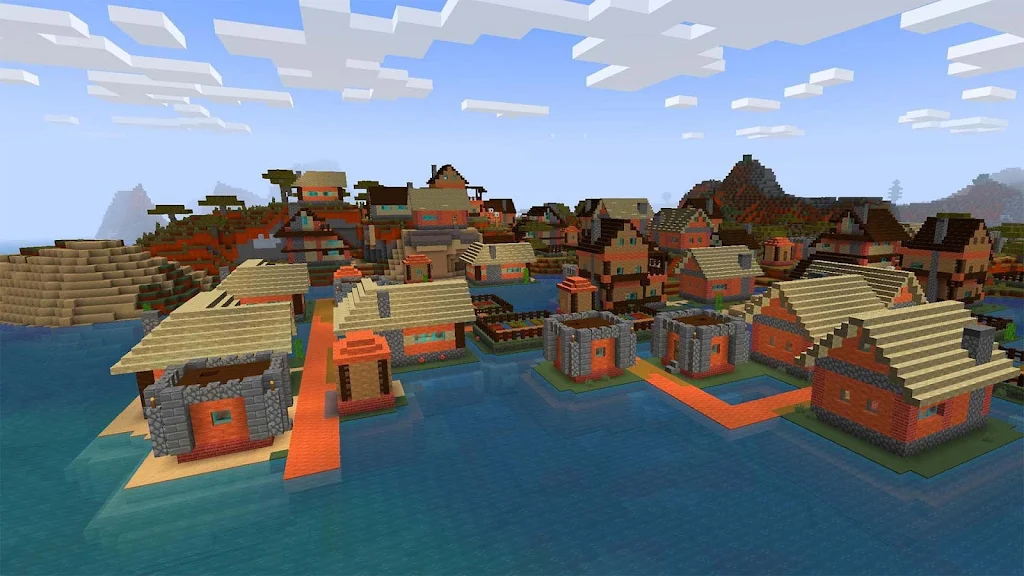
Graphically, the game favors a clean, block-based aesthetic with vibrant palettes. Lighting and shadow are modest but effective for mobile displays. Sound design supports the creative mood—ambient tracks and subtle feedback sounds keep the pace thoughtful rather than frenetic.
Performance and compatibility
RealmCraft with Skins Export to Minecraft runs well on mid-range devices, though very large builds can increase memory usage. The developers implemented automatic performance scaling: texture detail and particle effects reduce on lower-spec hardware. Save files are compact and cloud sync is available to preserve progress across devices.
Tips for new players
- Start with modular blueprints to avoid reworking entire structures later.
- Use symmetry tools in the skin editor to speed up character design.
- Keep a backup of important worlds before testing automation circuits.
- Export skins early and test them in your Minecraft client to confirm alignment.
Why players gravitate to it
Many players appreciate the balance between creative freedom and lightweight objectives. The export feature differentiates RealmCraft with Skins Export to Minecraft from other mobile builders by bridging the gap with desktop Minecraft communities. It’s suited for creators who want a portable design studio that connects to larger platforms.
Getting started
Install and follow the guided intro to unlock basic crafting and the skin studio. Spend the first sessions experimenting with small builds and exporting a test skin to confirm the workflow. From there, join co-op sessions to learn from other builders and expand your personal library of blueprints.
For those who enjoy hands-on creation and sharing, RealmCraft with Skins Export to Minecraft provides a compact but capable toolset. The export pipeline, collaborative options, and user-friendly editor make it a useful companion for anyone who spends time creating in voxel spaces.
- No virus
- No advertising
- User protection
Information
- File size: 119.55 M
- Language: English
- Latest Version: 6.0.3
- Requirements: Android
- Votes: 198
- Package ID: com.tellurionmobile.realmcraft
- Developer: Tellurion Mobile
Screenshots












Explore More
Are you searching for an enjoyable method to strengthen your intellect? Our hottest logical puzzle is tailor-made to offer a stress-free pastime experience. With beautiful graphics and chill background music, you can immerse yourself in an engaging world of logic and critical thinking. Solve increasingly tricky levels at your own pace, with no time pressure or lives system.

Tank Sniper Mod

Dark Riddle 2

Zombie Frontier 4
HP 777 v6.7.8

Devious Work : Demo

Ketua v9.8

Asengilidad

Luxury88 v2.1.6