Introduction
Fast DS Emulator For Android is a lightweight emulator that brings Nintendo DS titles to modern phones and tablets while keeping setup simple and performance responsive. Fast DS Emulator For Android lets you run your own legally obtained backups in common archive and ROM formats without needing complex configuration, and it focuses on preserving the original dual‑screen experience with options to adapt controls and screen layout for comfortable handheld play.
Key Features
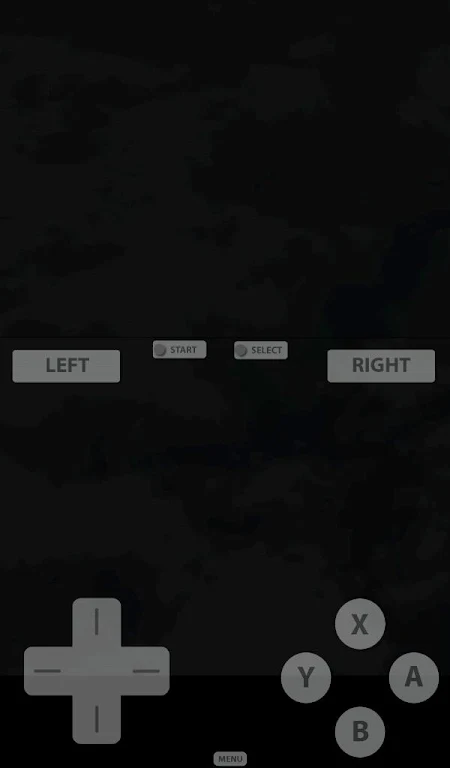
The emulator supports widely used file types such as .nds, .3ds and .zip so you can load typical backup packages directly from your device storage. Save and load state functionality provides instant snapshots of your session so you can pause anywhere and return exactly where you left off, which is especially useful for short play sessions or retrying difficult encounters. On-screen controls are fully editable: you can move buttons, resize the touch area and scale the game view to suit different screen sizes and grip styles, and external gamepads are supported with customizable button mapping to recreate a traditional handheld feel. A 3D-mode is available for titles that require it, but those games usually need decrypted ROMs to boot correctly and may have additional compatibility constraints.
Gameplay and Progression
Fast DS Emulator For Android aims to reproduce Nintendo DS gameplay mechanics faithfully: both screens are presented so top‑screen action and bottom‑screen touch interactions remain distinct, and touch input can be mapped to virtual controls or a physical controller. Progression systems from original carts — save slots, in‑game checkpoints and level structure — are preserved, while save states offer another layer of control for practice and experimentation without disturbing your cartridge saves. This combination increases replay value by making it easy to revisit early levels, practice boss patterns, or explore optional content without long backtracking. Because game logic and level progression are handled by the original software, the emulator focuses on accurate input, timing and display so that puzzles, platforming sections and time‑sensitive challenges behave as intended.
Advantages
On supported hardware the app emphasizes responsive gameplay and low input latency so action sequences and precise platforming feel natural. The straightforward file loading and minimal configuration are designed for users who prefer to drop a backup into a folder and play rather than tweaking dozens of settings. Layout customization and control remapping improve accessibility for different hand sizes, left‑ or right‑handed players, and those who prefer larger or more widely spaced buttons. Offline operation is a practical advantage: once backups are on your device the emulator runs entirely locally, so you can play without network access and preserve battery life by avoiding background network activity.
Customization and User Experience
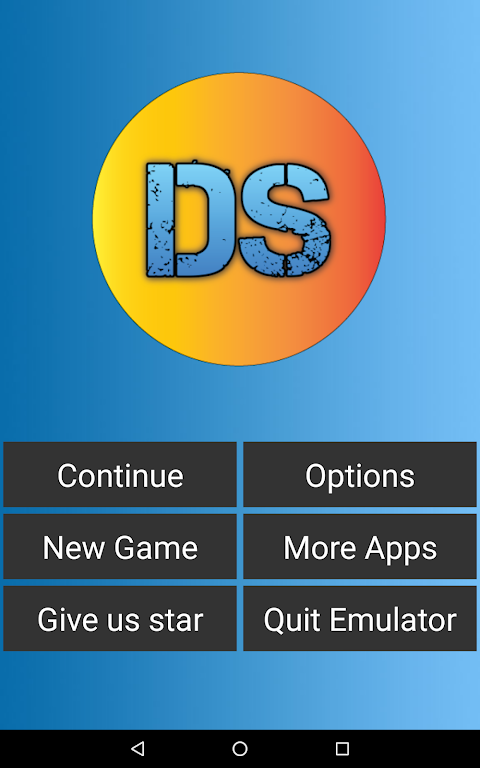
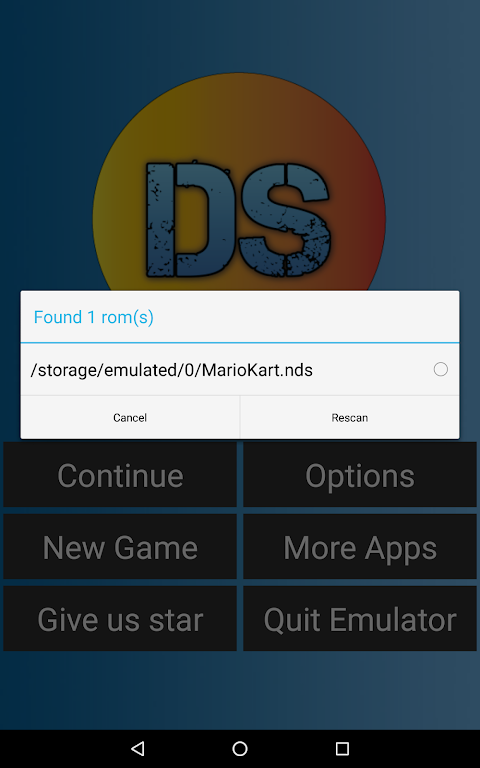
You can create per‑game control profiles and save layout presets so each title launches with the settings that suit it best; this simplifies switching between games with different input demands. Visual arrangements let you choose how the dual screens are stacked or scaled to fit tall or wide displays, and touchscreen sensitivity adjustments help match the feel of the original stylus input when using a finger or capacitive pen. The in‑app file browser and simple import process make it easy to organize backups into folders and manage multiple versions of a game, and clear on‑screen prompts keep the interface approachable for new users while still offering deeper customization for experienced players.
Disadvantages
There are some limitations to be aware of: 3D‑mode titles often require decrypted ROMs to function, which adds an extra preparation step and can limit compatibility for certain cartridges. The emulator does not include or provide game files — you must supply your own legally obtained backups — and it is not affiliated with, endorsed by or supported by Nintendo. Performance and graphical fidelity vary by device and by the specific game: older or highly demanding titles may run less smoothly on entry‑level hardware, and not every commercial release will be perfectly compatible. Users are responsible for compliance with local laws regarding backup and ROM use.
Tips and Notes
To get the best experience, use device storage with plenty of free space, keep backups organized in clearly named folders and try different layout presets to find the most comfortable on‑screen configuration. Fast DS Emulator For Android is intended as a local playback tool for private backups and is updated to maintain compatibility and improve controls on newer devices. If you need to check whether a specific title behaves correctly, test it with save states and small play sessions first so you can adjust controls or layout without committing to a long playthrough. Fast DS Emulator For Android offers a practical, offline way to enjoy DS games on modern mobile hardware while leaving original progression systems intact and giving you flexible tools to tailor the experience.
- No virus
- No advertising
- User protection
Information
- File size: 29.10 M
- Language: English
- Latest Version: pb1.0.3
- Requirements: Android
- Votes: 472
- Package ID: com.cpu.free.dsemulatorv6
- Developer: CPU Studio
Screenshots
















Explore More
Are you searching for an enjoyable method to strengthen your intellect? Our hottest logical puzzle is tailor-made to offer a stress-free pastime experience. With beautiful graphics and chill background music, you can immerse yourself in an engaging world of logic and critical thinking. Solve increasingly tricky levels at your own pace, with no time pressure or lives system.

Call Thiefter

Shadows of Absence

BehindTheChainsaw

Formamorph

iNTeRcepted

The Shadow Of The Bequest
Solitaire Master!

FunHouse