
Introduction
X1 BOX is an Android emulator designed to bring classic Xbox titles to phones and tablets, offering a mobile-first interface, optimized playback and tools that streamline loading legally obtained disc images and ROMs. X1 BOX focuses on preserving the original level pacing and control feel while adding modern conveniences like a conversion utility, flexible controller support and an organized on-device library.
Key features and what they do
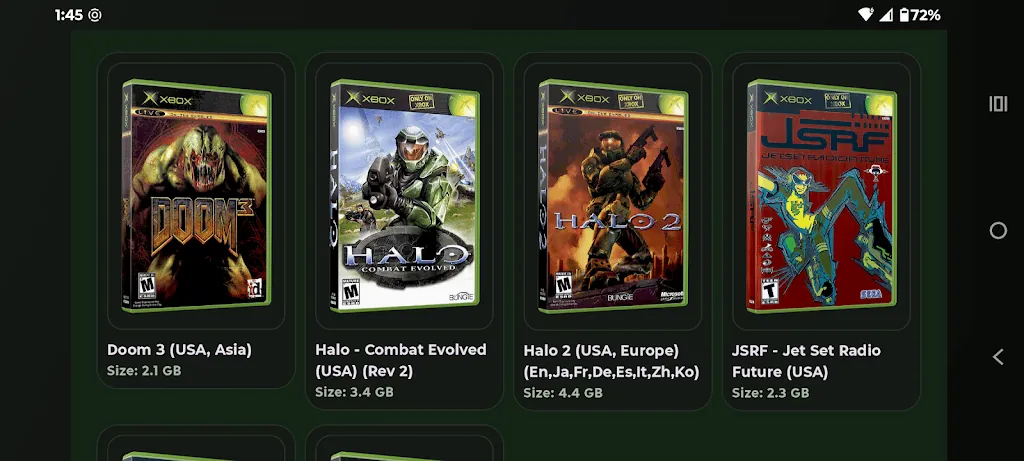
The app includes a guided setup wizard to walk users through the required system files — the MCPX boot ROM, Flash ROM and a hard disk image — and it checks file compatibility so you know which components are missing before attempting to run a title. A built-in conversion tool converts standard ISO files into the .xiso format used by the emulator, removing the need to prepare images on a separate PC. Save-state support is implemented with multiple slots so you can capture exact moments, maintain alternate progressions or quickly test tricky sections without replaying entire levels. Library management offers list and grid views and an optional online lookup that fills in box art and metadata when you choose to fetch it.
Controls, customization and accessibility
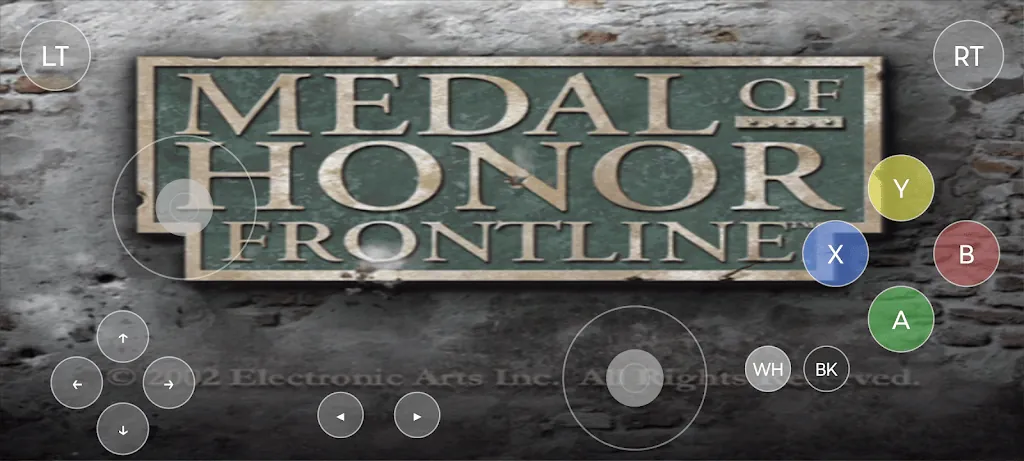
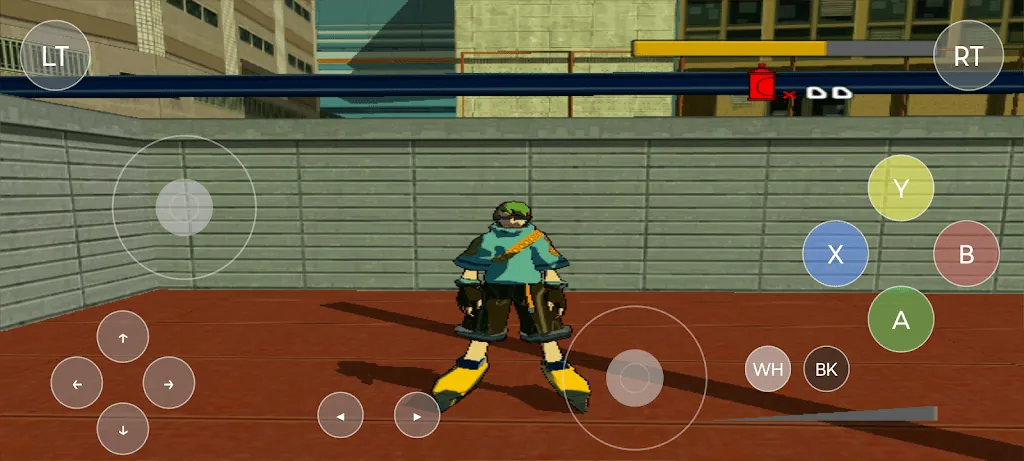
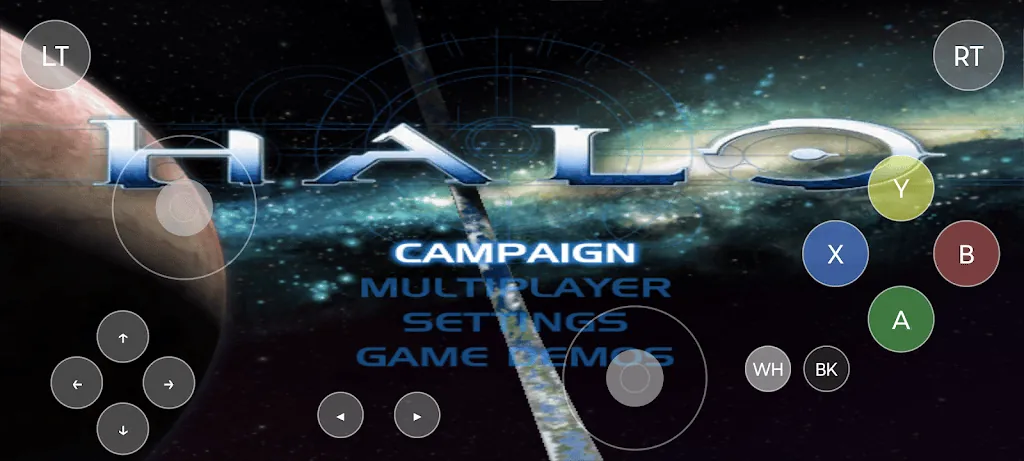
Control support is broad: X1 BOX recognizes USB and Bluetooth gamepads and external keyboards, automatically hides on-screen touch controls when a physical controller is connected, and lets you remap inputs to match your preferred layout. Touch controls remain customizable for users without controllers, including adjustable button size, opacity and placement to improve comfort on different screen sizes. For accessibility, the app supports larger on-screen buttons and simplified presets for typical controller layouts, helping players with motor difficulties find an easier configuration. Key mapping persists per title so once you fine-tune a layout for a particular game, the emulator will reuse it the next time you play.
Performance, visuals and rendering options
X1 BOX aims for smooth framerate and low input latency, with options to enable or disable frame limiting depending on desired accuracy versus speed. Visual settings let you choose aspect ratio handling, integer scaling or stretch-to-fit modes, and basic texture filtering to reduce jagged edges on modern displays. These adjustments allow older games to look cleaner on high-resolution panels while keeping the original level geometry and camera behavior intact. The emulator provides on-device performance stats so you can monitor CPU and GPU load and tweak settings to balance battery life and visual fidelity during longer play sessions.
Library organization and offline convenience
The library is built for quick access: browse by title, platform or recently played, and switch between compact list and cover-grid views. Cover art fetched online is stored locally so once images are downloaded you can browse offline without network access. All game execution takes place on the device, so once your required system files and images are present the app supports fully offline play. This local-first design keeps load times predictable and avoids reliance on remote servers for the core gameplay experience.
Progression, level structure and replay value
Because X1 BOX emulates the original console environment, progression and level structure mirror the classic releases you load into the emulator: campaign saves, checkpoints and in-game mechanics behave as they did on original hardware. Save states add another layer of progression control, enabling quick retries, experimentation with alternate strategies and speedrun practice without disrupting canonical save files. Replay value comes from revisiting favorite levels with improved visuals, testing different control mappings or using save slots to explore alternate paths and collectables without replaying entire chapters.
User experience, challenges and limitations
The overall user experience emphasizes clarity: menus are organized to minimize setup friction, the conversion tool reduces an extra step in preparing disc images, and the setup wizard highlights legal and technical requirements. That said, X1 BOX is not plug-and-play; you must supply specific system files and disk images before games will run, and some titles may require additional configuration to achieve best compatibility. On-screen touch controls are serviceable for casual play but will not match a physical controller for complex action titles. The app includes troubleshooting guidance and community-compatible tips to help with title-specific quirks, but advanced configuration can still require patience and familiarity with emulation concepts.
Who should consider this app
X1 BOX is aimed at players who own original game media and want to replay classic Xbox experiences on modern mobile hardware. It suits users who appreciate the ability to customize controls, tune visuals for their device, and rely on save states to manage progression. If you prefer a one-click experience without supplying additional files, this emulator may demand extra setup; however, for anyone willing to prepare system components and images legally, X1 BOX provides a compact, configurable and offline-capable way to relive console-era adventures on a phone or tablet.
- No virus
- No advertising
- User protection
Information
- File size: 21.04 M
- Language: English
- Latest Version: 1.2.2
- Requirements: Android
- Votes: 162
- Package ID: com.izzy2lost.x1box
- Developer: zhangkong
Screenshots
















Explore More
Looking for some quick gaming fun? Our new super-casual game is perfect for entertaining bursts in your busy day. With simple, intuitive gameplay crossed with challenges that engage your brain, you'll keep coming back again and again. No complex controls or tutorials - just open and play anywhere, anytime. Vibrant art style and upbeat music create a lighthearted experience.

Ragdoll fight VR

Undress nFCK me

Fósseis e Escadas

City's Light

Late Night TV 1994

KoSoba The Harem Adventures

36Weeks

(18+) Flora & Sauna 2: Lost in Saunia (DEMO)