Introduction
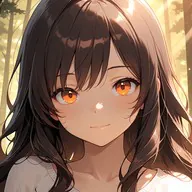
Lucky Phone (Art Version) is a mobile personalization app that transforms your device with curated art wallpapers, themed widgets, and elegant lock screens. It blends gallery-quality imagery with practical customization tools so users can apply, schedule, and tweak visual elements to give their phone a distinctive artistic identity.
What Lucky Phone (Art Version) offers
At its core Lucky Phone (Art Version) focuses on providing a steady stream of high-resolution artworks and carefully designed UI elements that integrate with Android launchers and home screens. The app packages daily featured pieces, seasonal collections, and artist spotlights into downloadable themes. Each package includes wallpaper variations, matching icon sets, and widget presets to create cohesive looks without manual assembly.
Features and tools you’ll use
- Curated Wallpaper Library: Browse thousands of images organized by style, color, and mood, with a preview mode for home and lock screens.
- Theme Bundles: Apply complete visual themes—wallpaper, icons, widgets, and font suggestions—in a single tap.
- Widget Customizer: Resize, recolor, and rearrange information widgets with live previews.
- Scheduling & Rotation: Set wallpapers to rotate hourly, daily, or on location/time triggers to keep your device fresh.
- Offline Packs: Download collections for use without internet access and to save mobile data.
User interface and daily workflow
The interface prioritizes quick previews and minimal friction. A clean gallery grid leads to a detail view where you can test wallpapers against simulated app icons and widgets. Lucky Phone (Art Version) separates creation from application: assemble a look in the editor, then export or apply it. Frequent actions—apply, favorite, schedule—are placed within thumb reach, making personalization feel like a five-second task rather than a project.
Art collections and creative options
Collections range from modern minimalism and abstract compositions to photographic landscapes and classic paintings. Artist collections provide context—credits, biographies, and related works—so users can explore creators whose style resonates. The app also includes tools to adjust color temperature, crop for different aspect ratios, and add subtle overlays or vignettes to ensure each wallpaper looks polished across different screens.
Performance, battery impact, and compatibility
Lucky Phone (Art Version) is designed to be lightweight. Wallpapers are cached efficiently and live wallpapers are optimized to use low resources when hidden. The app includes a battery-friendly mode that disables animations and adjusts refresh rates. Compatibility spans many Android versions and launchers; the app detects common launchers and offers step-by-step guidance for installing custom icon packs and widgets without root access.
Privacy and storage management
Privacy considerations are front and center: the app requests only the permissions needed to change wallpapers and manage downloaded content. A built-in storage manager shows how much space collections occupy and offers one-touch cleanup. Downloads are stored in a dedicated folder with an option to back up favorites to cloud services.
Installation and first steps
Getting started takes minutes. After installation you'll be guided through an onboarding that recommends styles based on a few simple questions. From there you can preview themes, download an art pack, or let the app suggest a match for your current wallpaper. Tutorials and a help section cover icon pack application, widget setup, and troubleshooting for nonstandard launchers.
Practical tips to enhance your screen
- Choose wallpapers with a clear center area for better app legibility.
- Use the rotation schedule to keep the home screen feeling fresh without manual changes.
- Combine subtle icon packs with bold backgrounds to maintain readability.
- Try offline packs for devices with limited connectivity or when traveling.
For users who value visual identity and want an approachable toolkit, Lucky Phone (Art Version) simplifies personalization while offering depth for customization. Its balance of curated content, efficient controls, and performance-minded design makes it a practical choice for crafting a distinctive phone aesthetic.
- No virus
- No advertising
- User protection
Information
- File size: 118.30 M
- Language: English
- Latest Version: 0.1.1
- Requirements: Android
- Votes: 294
- Package ID: com.naughtymarried.luckyphone
- Developer: Naughty Married
Screenshots
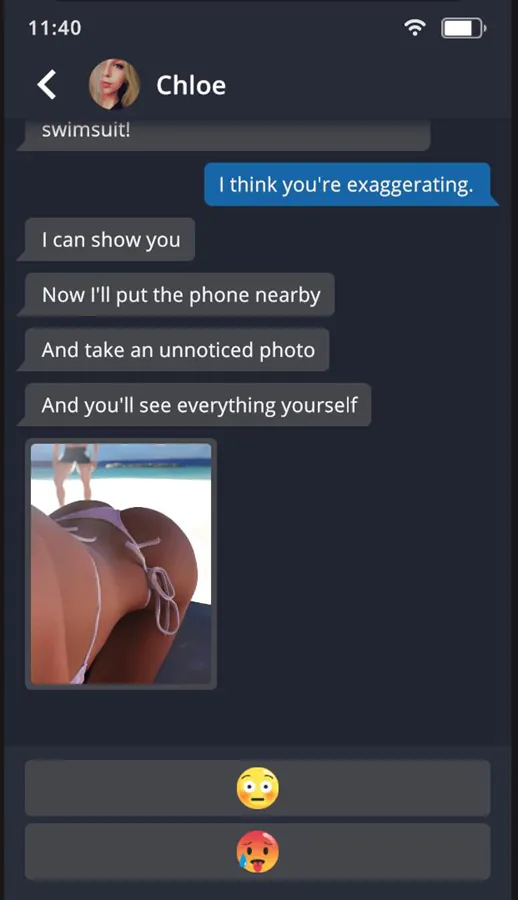
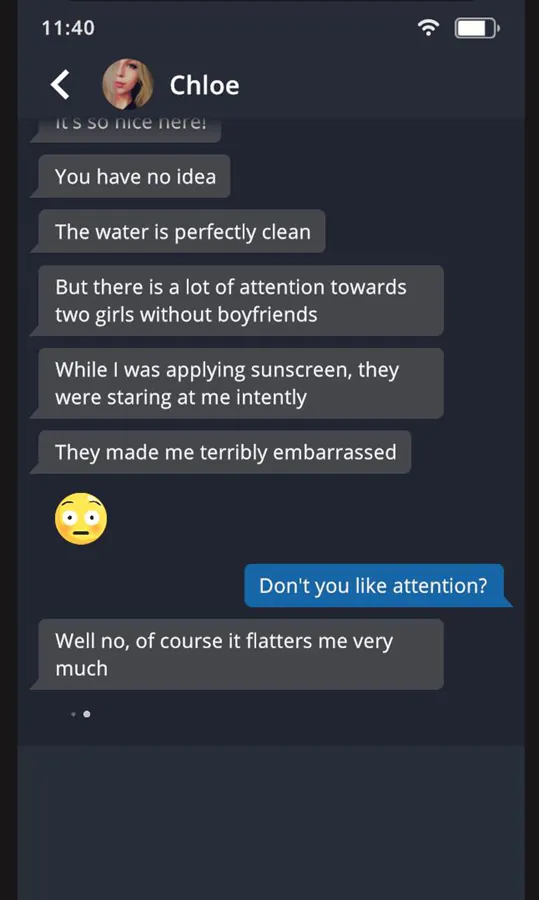
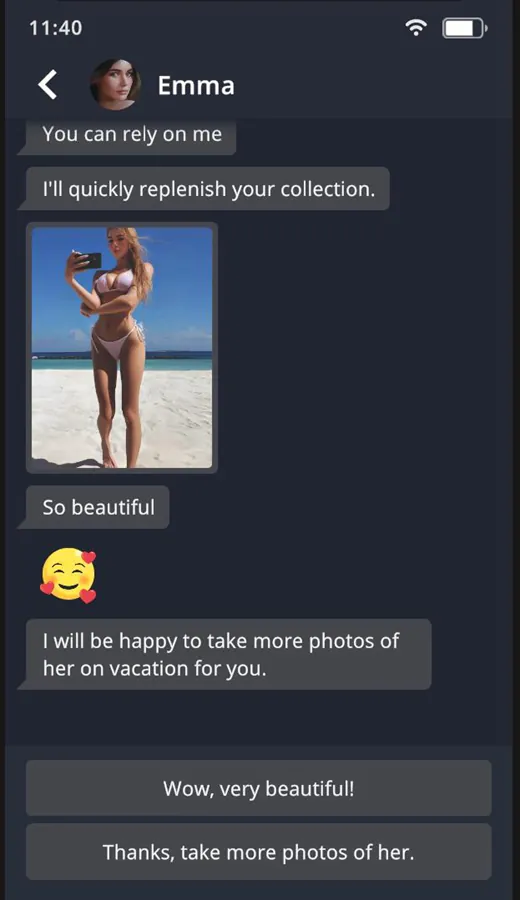
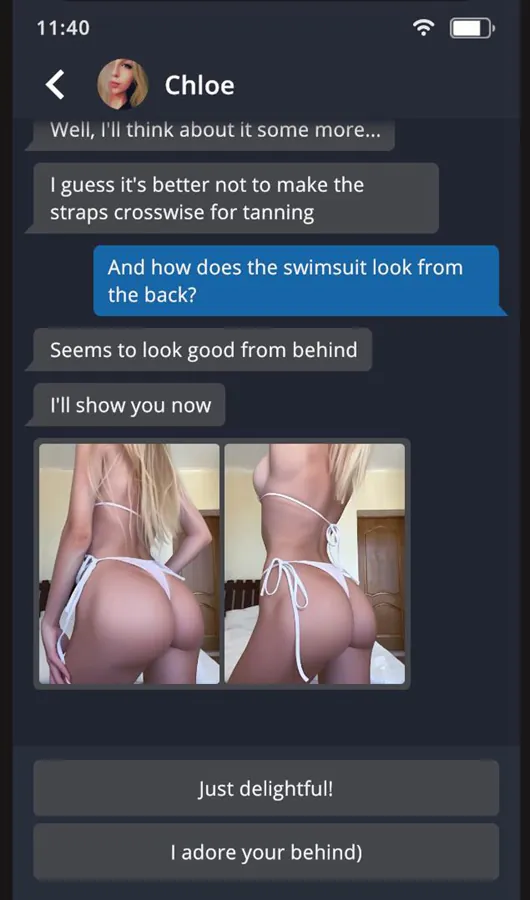
















Explore More
Gather around for game night anytime, anywhere with our new mobile board game. Play digital versions of classics like chess, checkers, backgammon and more against friends or AI opponents. With smooth online multiplayer, you can challenge players worldwide or create private games. Customizable boards, pieces, and house rules allow you to tailor the experience. Compete in daily tournaments or just play for fun.

Soccer Agent

Mr. Meat: Horror Escape

Torque Drift

2248 Puzzle

Svip5 v2.1.6

Fairy Quest

OKJKT v2.0

My Girlfriend Meets My Friend