
Introduction
Yuji is a compact Android productivity suite that blends clipboard management, quick search, and customizable shortcuts into a single lightweight package. Designed for on-the-go workflow improvements, it helps users capture ideas, launch apps faster, and automate routine tasks without sacrificing battery life or device performance.
What Yuji Brings to Mobile Productivity
Yuji targets users who want practical tools without bloat. The app focuses on fast access to data and actions: a persistent quick-launch panel, a searchable snippet library, and a smart clipboard that tracks recent copies. It’s useful for students, professionals, and anyone who juggles information across apps.
Key tools and features
- Smart Clipboard — stores recent copies, supports pinning favorites, and offers quick pasting into other apps.
- Snippet Library — save frequently used text templates, emails, or code fragments and insert them with a tap.
- Custom Shortcuts — create app-launch sequences or shortcuts for contacts, messages, and system actions.
- Universal Search — fast search across contacts, apps, snippets, and web suggestions from a single bar.
- Lightweight Background Mode — runs efficiently with minimal memory and battery impact.
How the app works day-to-day
Once installed, Yuji places a small floating trigger or a notification shortcut for fast access. Tapping it expands a compact panel where you can search, paste clipboard items, or launch saved shortcuts. The snippet library syncs locally, so common phrases or addresses are available offline. Actions can be chained: for example, opening an app and starting a new message with a prefilled template.
Interface and performance
The interface uses clear typography and compact cards to keep information readable without taking much screen space. Menus hide nonessential options until you need them, which reduces clutter. Animations are subtle and fast; transitions feel immediate even on mid-range devices. Users commonly report that Yuji remains responsive during heavy multitasking and has a benign impact on battery usage.
Customization and workflow options
Yuji emphasizes user control. You can reorder the quick panel, choose which sections appear in the main view, and assign gestures to open specific lists. Snippets support basic formatting and placeholders so you can build reusable templates for email signatures, support responses, or code comments. For privacy, clipboard history can be set to auto-clear after a configurable time.
Who benefits most from Yuji?
People who copy and paste often will see the biggest gains. Customer support agents, writers, developers, and students can streamline repetitive steps. The app is also helpful for power users who prefer keyboard-free automation on mobile: create shortcut chains to reduce taps and speed up routine tasks.
Tips for new users
- Start by saving your top five snippets — signatures, addresses, or canned responses — to see instant productivity gains.
- Enable the floating trigger only on days you need quick access to avoid accidental opens.
- Use pinned clipboard items for frequently reused tokens like OTP placeholders or promo codes.
- Configure auto-clear for sensitive clipboard entries to protect personal information.
Begin with a small set of shortcuts and expand as you recognize repetitive patterns in your daily routine. The learning curve is shallow, and the app surfaces more advanced options organically as you use it.
Installation and compatibility
Yuji installs like any Android APK and requests standard permissions for overlays and clipboard access. It supports a wide range of Android versions and is optimized to run on both low-end and flagship devices. Because most data is stored locally, syncing or cloud accounts are optional and only used if you enable backup features.
User experience highlights
Reviewers and testers highlight three strengths: speed, simplicity, and reliability. The combination of search plus contextual shortcuts reduces friction when switching between tasks. For users who avoid heavy automation suites, Yuji provides a compact alternative that’s easy to set up and hard to outgrow.
Whether you want faster copy-paste, a central place for templates, or lightweight automation on your phone, Yuji provides a pragmatic toolkit to streamline everyday mobile tasks without adding complexity.
- No virus
- No advertising
- User protection
Information
- File size: 3.40 M
- Language: English
- Latest Version: 6.0
- Requirements: Android
- Votes: 289
- Package ID: yuji.jlsite.com.yuji
- Developer: JLSite.es
Screenshots


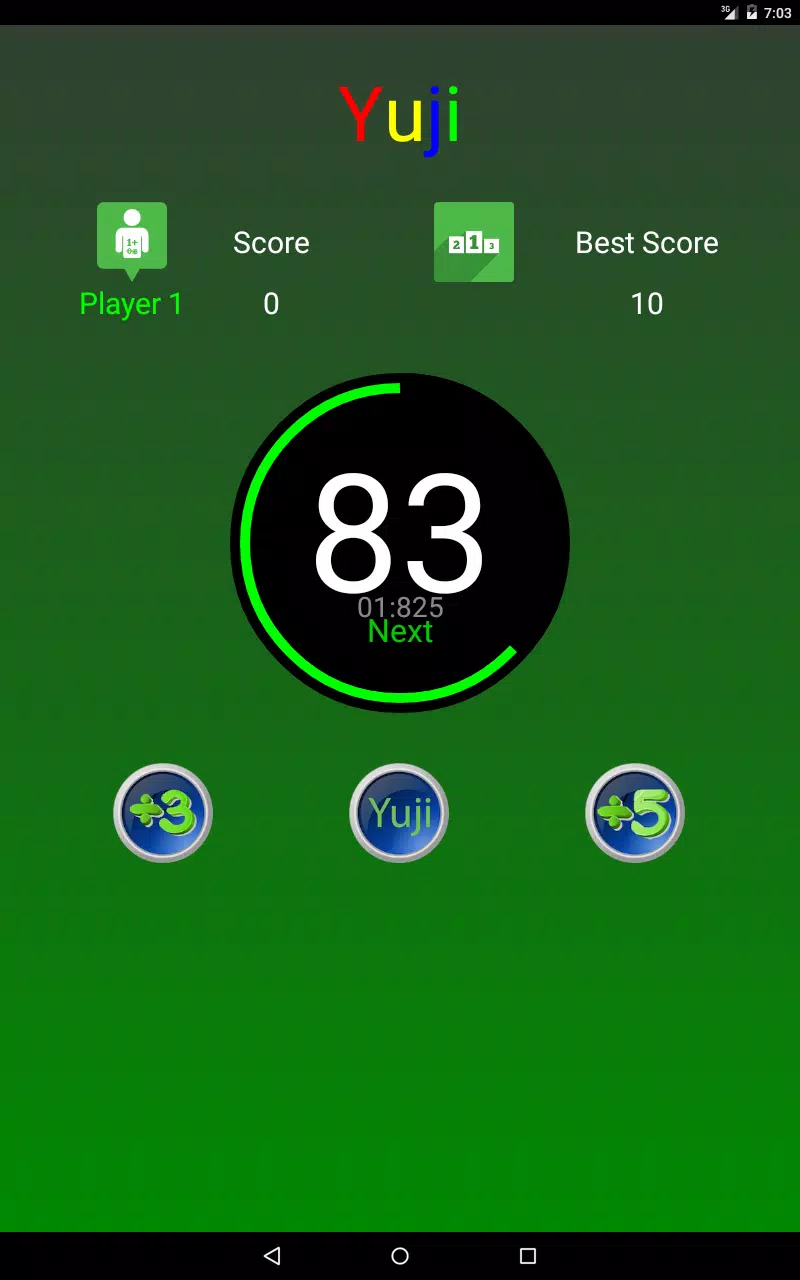
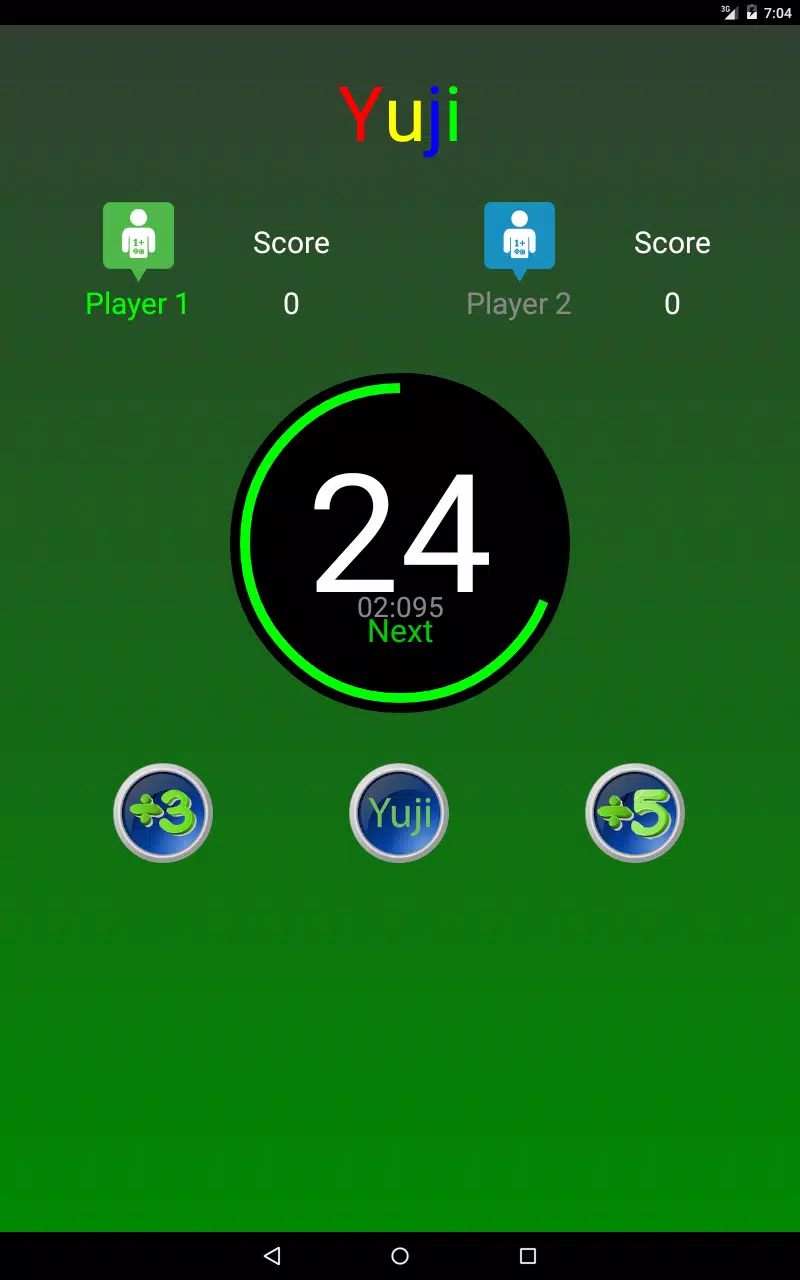
















Explore More
Gather your friends and get ready for endless hours of card-playing fun with our new multiplayer card game! With a wide variety of game modes, you can play classics like poker, blackjack, gin rummy and more. Test your skills in tournament mode or just casually play while chatting. Customize avatars, unlock new decks and track stats and leaderboards. Smooth online multiplayer lets you challenge players worldwide or create private games with friends.

FlashScore Plus

OKJKT v2.0

GacorZone v13.6

Spellbound Command

Link & Lock - Sem Saída

HotBoard Game

Shadownymph ninja adventure

The Whole of Our Hearts