


Introduction
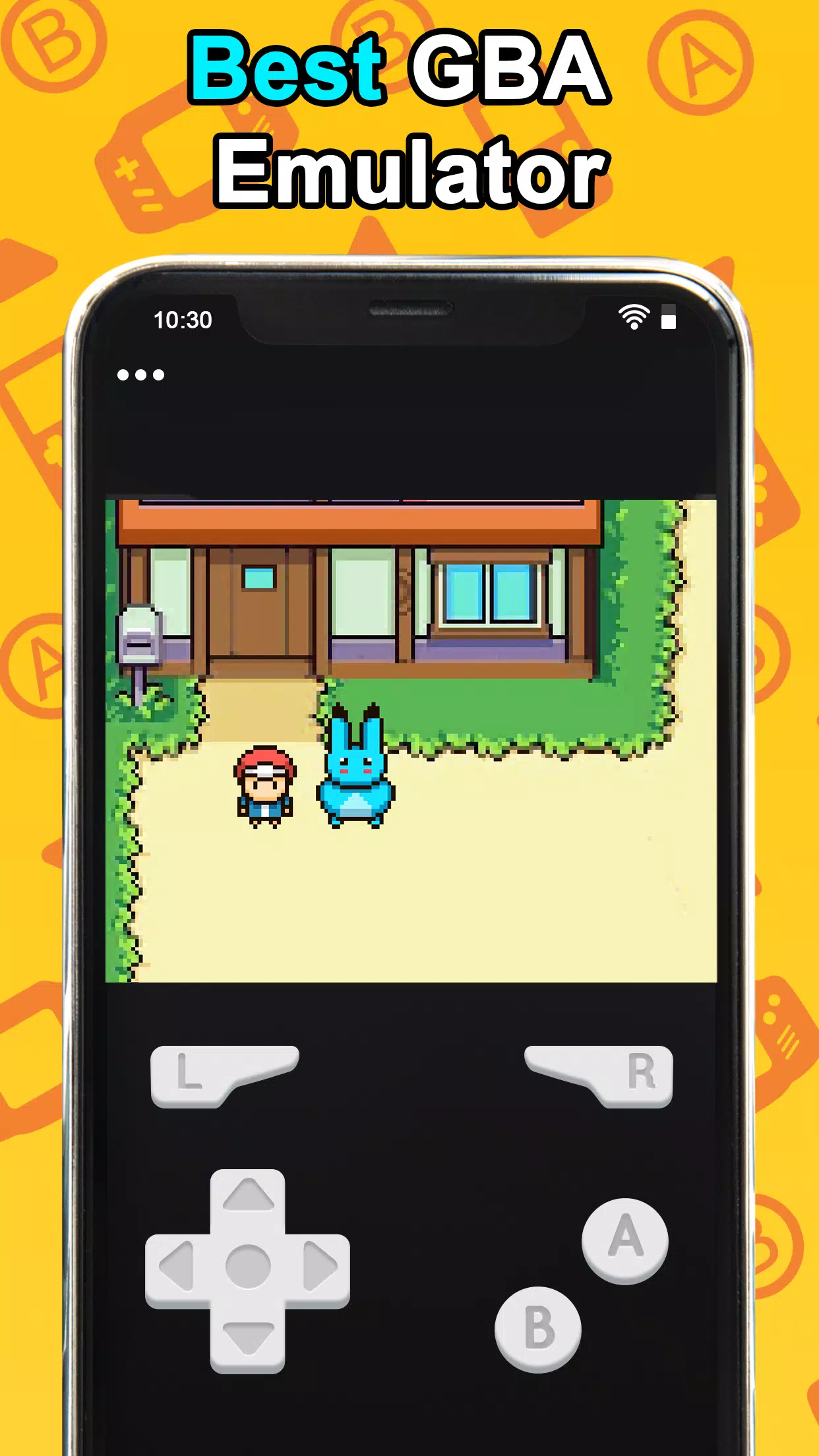
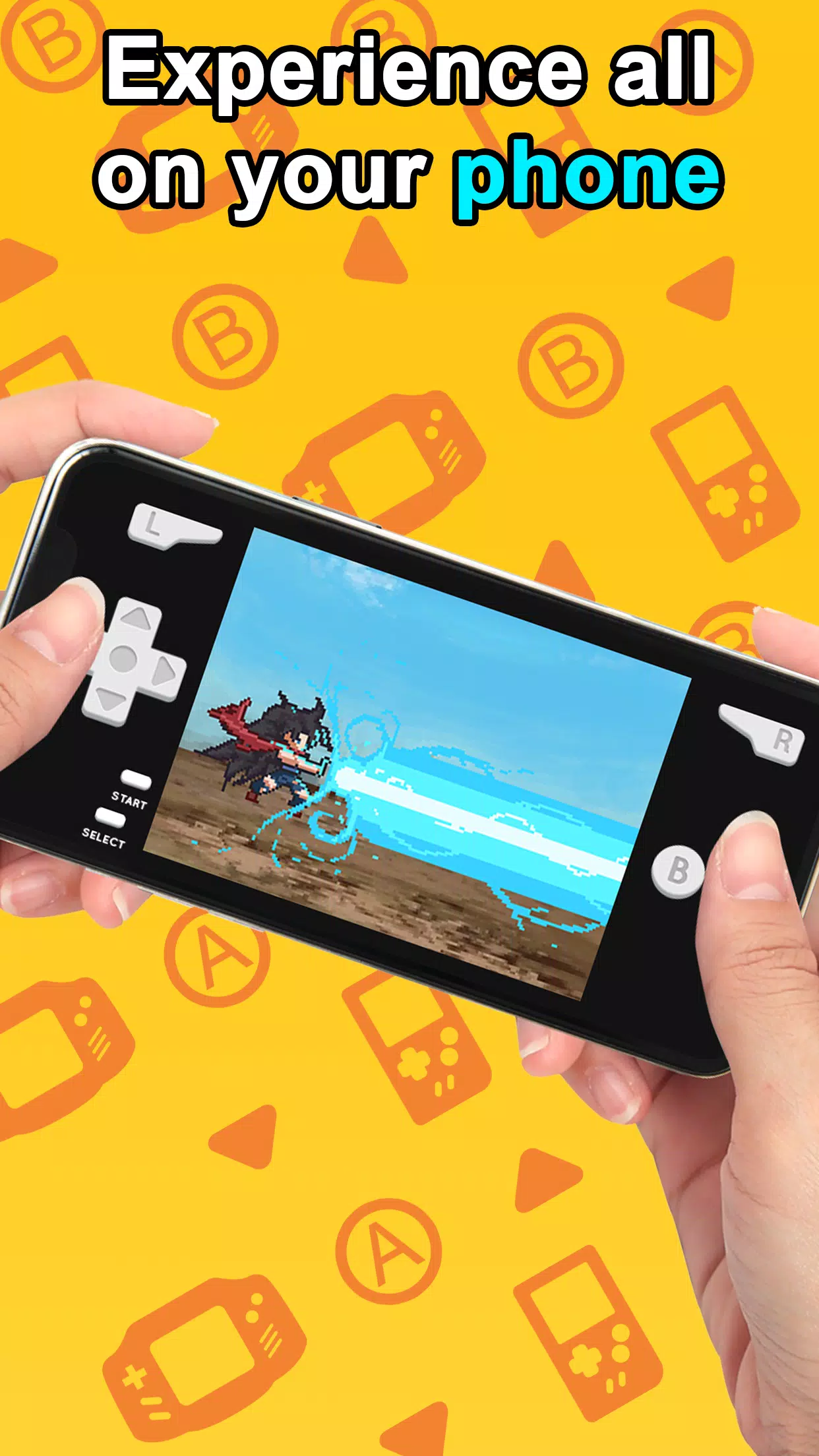
Retro handheld emulation sits neatly on Android devices with GBA Emulator. This app turns your phone into a portable Game Boy Advance-like player, letting you load classic titles and play with responsive controls and familiar visuals. GBA Emulator focuses on giving a smooth, no-friction way to revisit older games while offering modern conveniences such as quick saves, customizable input, and screen scaling so the experience feels at home on larger displays.
Wonderful Features of GBA Emulator
Fast performance: GBA Emulator runs lightweight and prioritizes steady frame rates, so sprites and animations move as expected even on modest hardware.
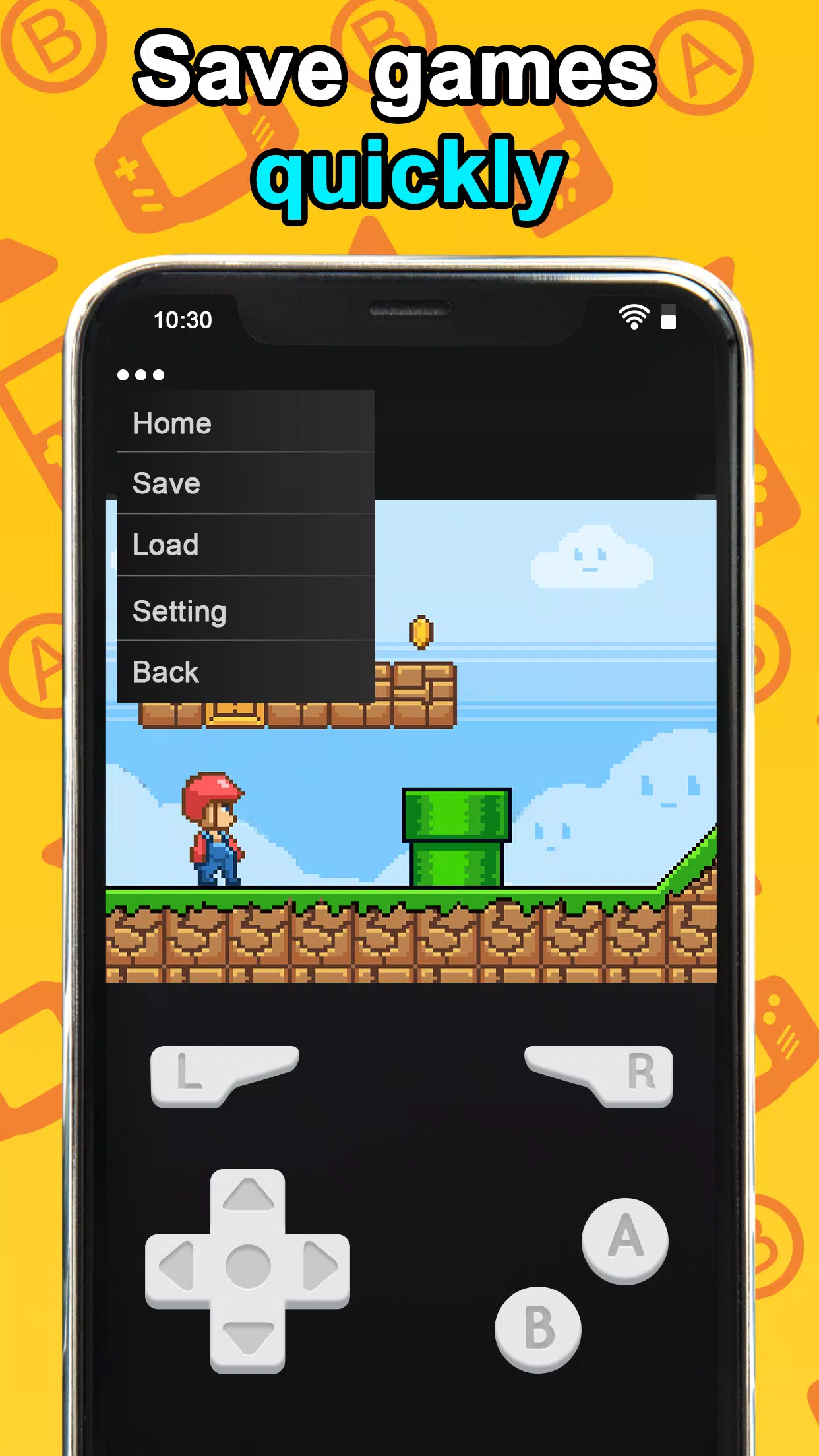
Save and load states: Save your position anywhere and return instantly; this makes grinding or experimentation less punishing than original cartridges.
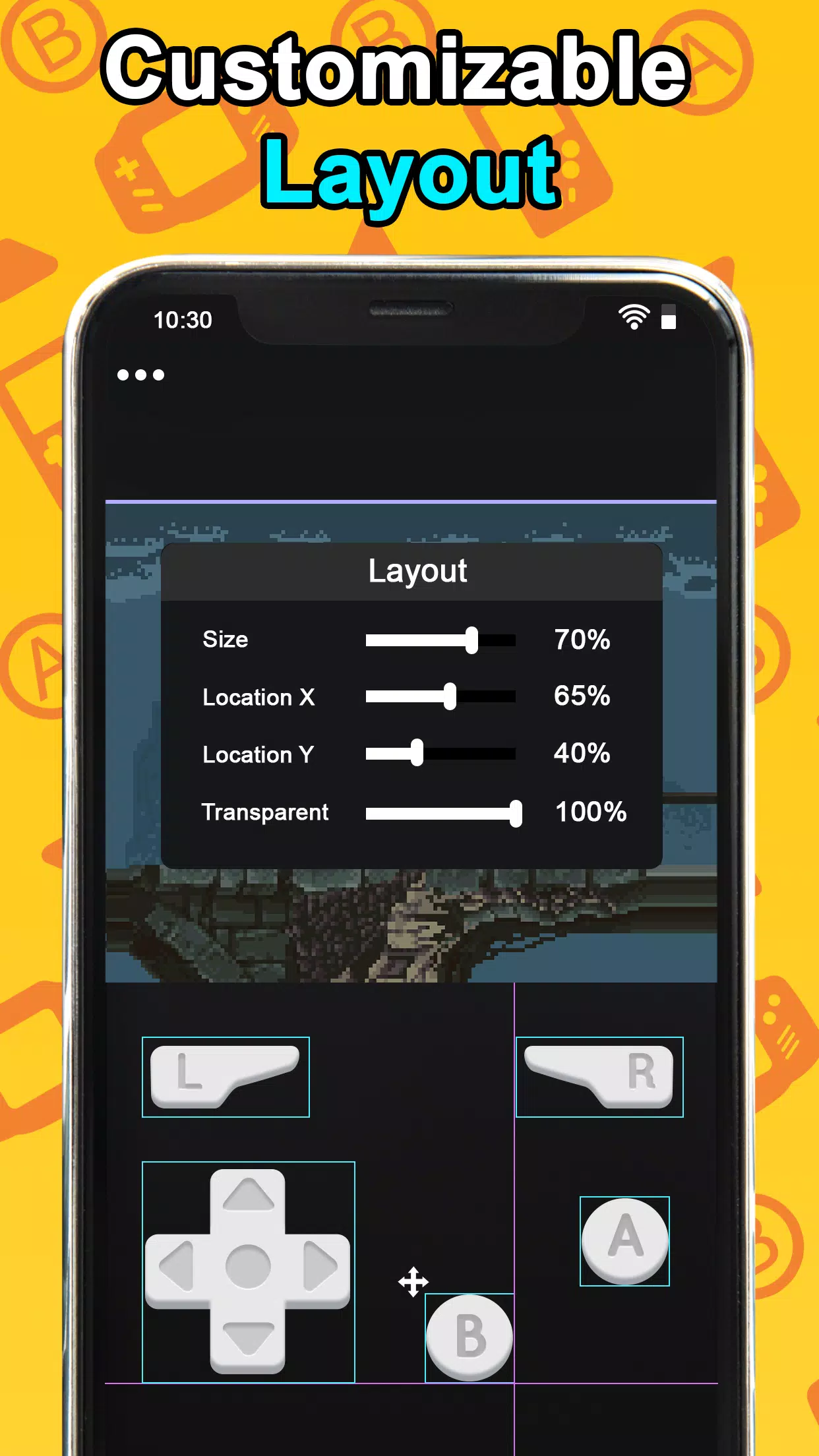
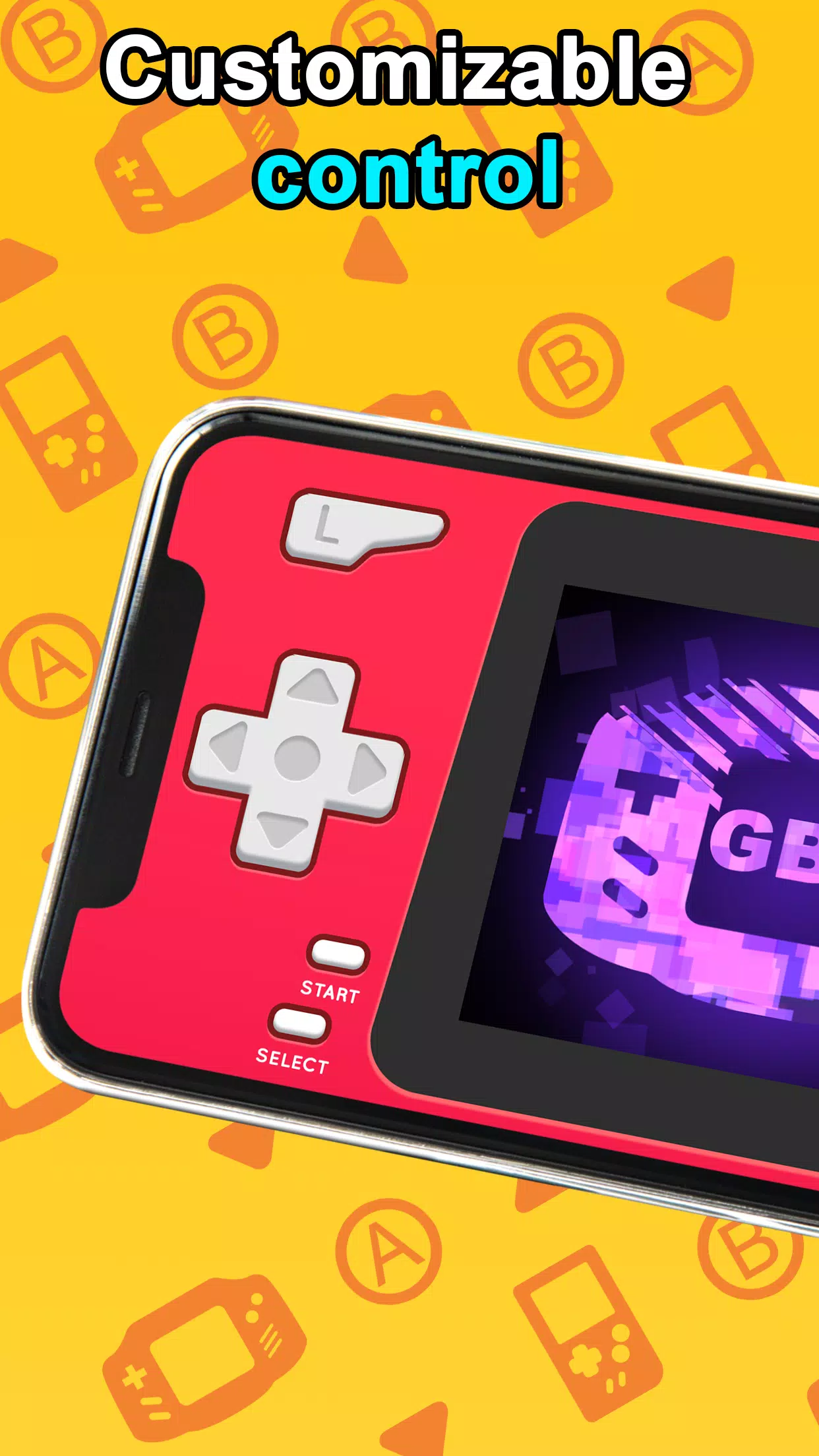
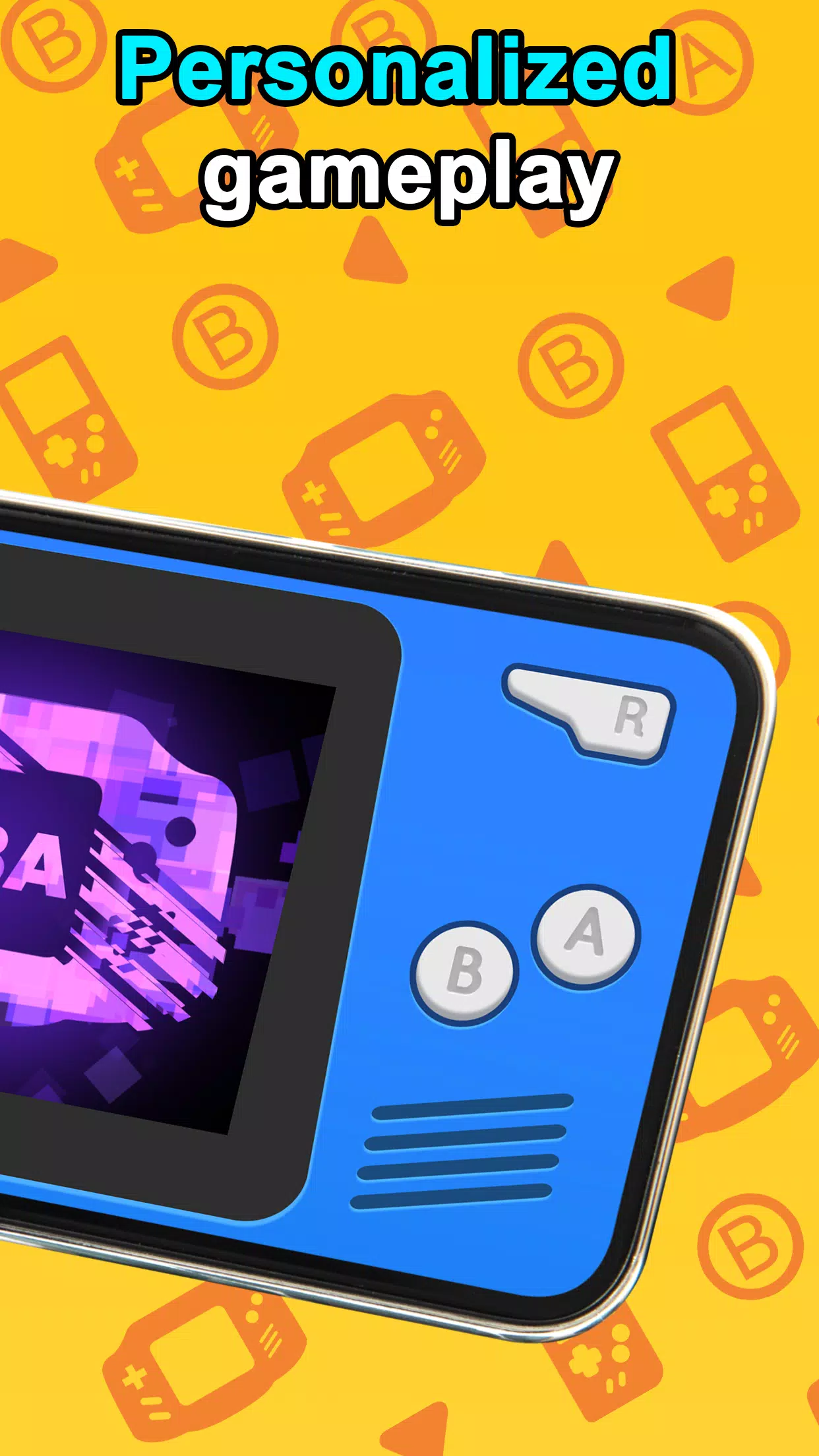
Custom controls: You can rearrange on-screen buttons, add transparency, or map hardware controllers; the layout adapts to how you prefer to play.
Visual options: Choose between pixel-perfect scaling and smoothing filters, adjust aspect ratio, or enable scanline effects for a nostalgic look.
Types of GBA Emulator
Classic mode: A straightforward setup that recreates the original handheld feel with minimal UI and default control placement.
Portable-optimized: Layouts and touch targets tuned for one-handed play and smaller screens so you can enjoy longer sessions comfortably.
Enhanced mode: Adds features such as fast-forward, configurable cheats, and widescreen stretching for a more modern presentation of vintage titles.
Local multiplayer emulation: Emulates link-style interactions where supported, letting you test trading or connection mechanics in compatible games.
Useful Tips of GBA Emulator
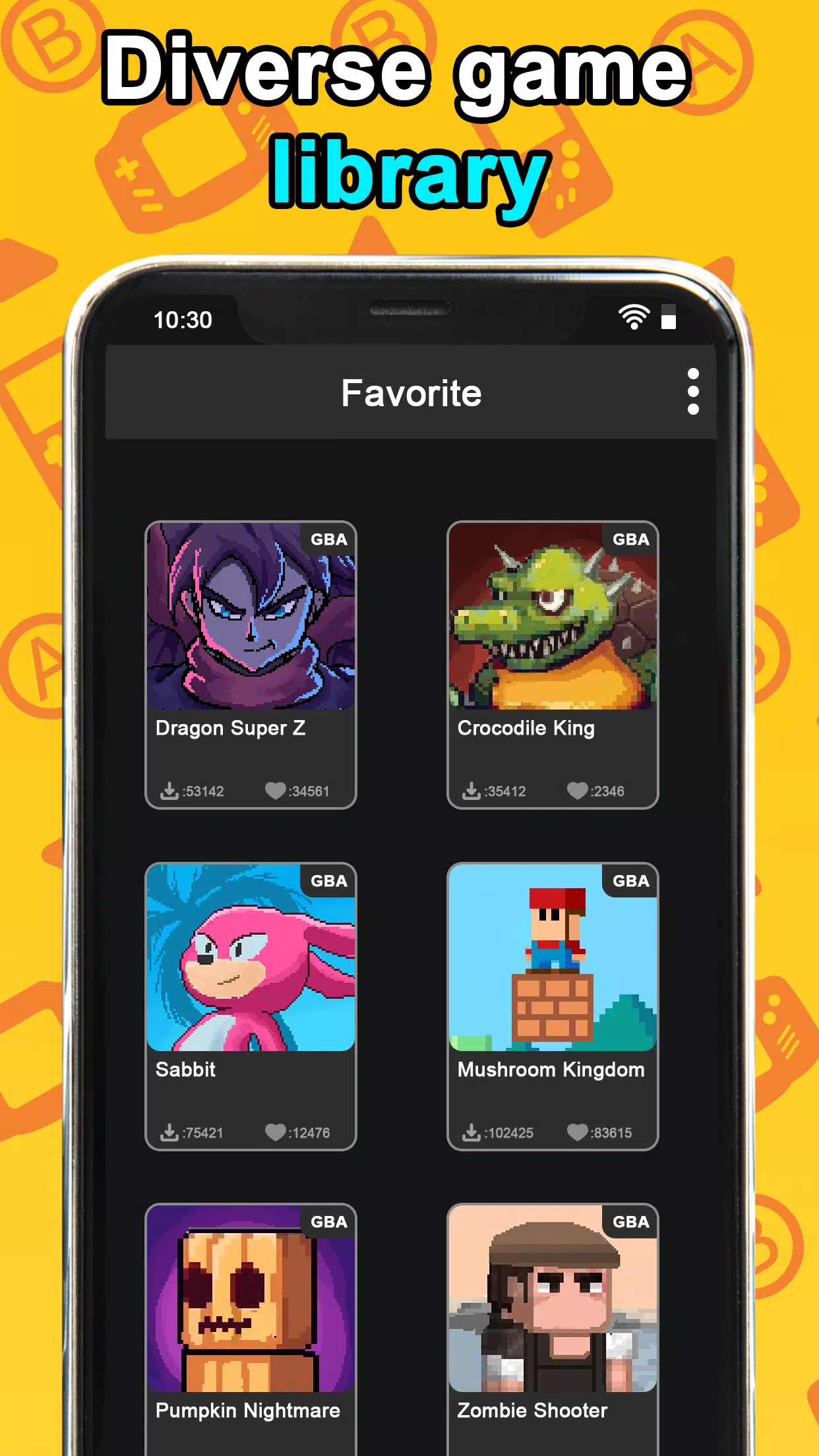
Organize your ROMs: Put game files into clear folders and use the built-in browser so titles open quickly and you waste less time searching.
Adjust control size for different scenarios: Shrink buttons for longer play at home, then enlarge them if you plan to play standing on public transit or while holding your device steady.
Use save states strategically: Create multiple saves before tricky sections or boss fights. This helps when you want to try alternate approaches without replaying long segments.
FAQs of GBA Emulator
Can I transfer my old saves to this emulator?
It depends on the file format. Many emulators accept standard save files but you may need to convert or place them in a specific folder. Check the app's file structure for guidance.
Does the app need internet access to run?
No network connection is required for offline play. Online features, if present, are typically optional and limited to things like updates or cloud backups.
Will it run on older Android phones?
Yes, the emulator is designed to be lightweight, though very old or low-end devices may see reduced performance. Lowering rendering features can improve playability on such hardware.
Final Verdict
GBA Emulator is a practical way to relive handheld classics on modern phones, offering performance-minded playback, flexible controls, and visual tweaks to suit different tastes. If you value quick access to save states and a customizable interface, this app is a solid pick for fans of retro titles seeking an accessible mobile experience.
- No virus
- No advertising
- User protection
Information
- File size: 82.30 M
- Language: English
- Latest Version: 0.14
- Requirements: Android
- Votes: 241
- Package ID: com.hd.gba.psa.emulator
- Developer: HD game
Screenshots














Explore More
Relive classic gaming experiences with our extensive selection of emulators! Play all your favorite retro games on modern devices by mimicking proprietary hardware and operating systems. Our emulators are optimized for accuracy and performance, offering authentic gameplay of platforms like Super Nintendo, Game Boy, arcade cabinets and more. Easy to setup and configure, just download and add your game ROMs to be transported back in time.

TheoTown a MOD Unlimited Money
Dungeons & Desires

Roots of Desire

My Boy! - Emulador GBA

CoolROM
Gamuroid: All Game Emulator

Night Dimension Redux

Counter Mission Aim to Destroy