Introduction
Tetramino Metro UI transforms your Android home screen with a minimalist, grid-based theme inspired by block puzzle design. It brings crisp icons, bold color accents and smooth transitions to create a modern interface that balances form and function, improving readability and minimizing clutter across phones and tablets.
What Tetramino Metro UI Offers
Tetramino Metro UI rethinks standard launchers by merging a tiled aesthetic with practical shortcuts and responsive animations. The package includes a cohesive icon set, adaptive widgets, and a flexible grid system so you can organize apps by priority or color. Built-in presets make it simple to switch looks without rebuilding your entire layout.
Core Features
- Grid-native layout: A strict tile grid keeps alignment consistent and tidy, ideal for users who prefer an orderly home screen.
- Icon suite: Custom icons designed to match the Metro-inspired theme, available in multiple sizes for phones and tablets.
- Adaptive widgets: Compact widgets that conform to the grid and update smoothly for weather, calendar, and media controls.
- Gesture support: Swipe and tap gestures let you open apps, reveal search, or trigger system shortcuts without adding visual clutter.
- Performance-focused animations: Lightweight motion effects that feel fluid on mid-range and flagship devices alike.
Design and Interaction
The visual language of Tetramino Metro UI emphasizes flat surfaces, clear typography and high-contrast accents. Each tile acts as a functional element, not just a decorative icon, which simplifies navigation and highlights frequently used apps. Transition timing and feedback are tuned to reduce cognitive load while giving the interface a polished, responsive feel.
Customization and Personal Workflow
Tetramino Metro UI supports layered customization. You can start with a curated preset and then fine-tune colors, icon shapes and grid density. For users who depend on productivity flows, the app enables quick creation of grouped tiles for communication apps, productivity suites, and entertainment. Shortcuts may be assigned to long presses, and folders adapt to the tile grid for uniform appearance.
Performance and Compatibility
The underlying code prioritizes low memory use and fast rendering, so Tetramino Metro UI runs smoothly on a wide range of devices. It supports Android versions commonly in use, scales layouts to fit different screen sizes, and integrates with popular launcher frameworks. Background processes are minimized to keep battery impact low while preserving fluid navigation.
How to Install and Configure
Installation is straightforward: download, grant the necessary display permissions, and select Tetramino Metro UI as your active theme or launcher. Use the initial setup wizard to choose a grid size and a color palette. From there, import your app layout or let the theme auto-arrange icons based on your most-used applications.
Tips for Getting the Most Out of Tetramino Metro UI
To optimize usability, pick a grid density that matches your typical reach on the device screen and assign gestures to your most frequent actions. Keep widget sizes minimal to maintain the grid’s visual rhythm. Back up your configuration so you can quickly restore a favorite layout after updates or device changes.
User Experience and Support
Users commonly report that Tetramino Metro UI reduces visual noise and helps them find apps faster. The developer provides periodic theme updates and compatibility patches to address Android changes. A simple settings panel consolidates customization tools, while help documentation walks through advanced features like gesture mapping and widget resizing.
Who Should Try It
Tetramino Metro UI suits anyone who prefers a structured, minimal interface that remains powerful in daily use. It’s a practical choice for people who value consistency across screens and want a modern aesthetic without sacrificing performance or battery life.
- No virus
- No advertising
- User protection
Information
- File size: 9.60 M
- Language: English
- Latest Version: 1.0
- Requirements: Android
- Votes: 440
- Package ID: tetramino.metroui.clg
- Developer: CLG Publisher
Screenshots
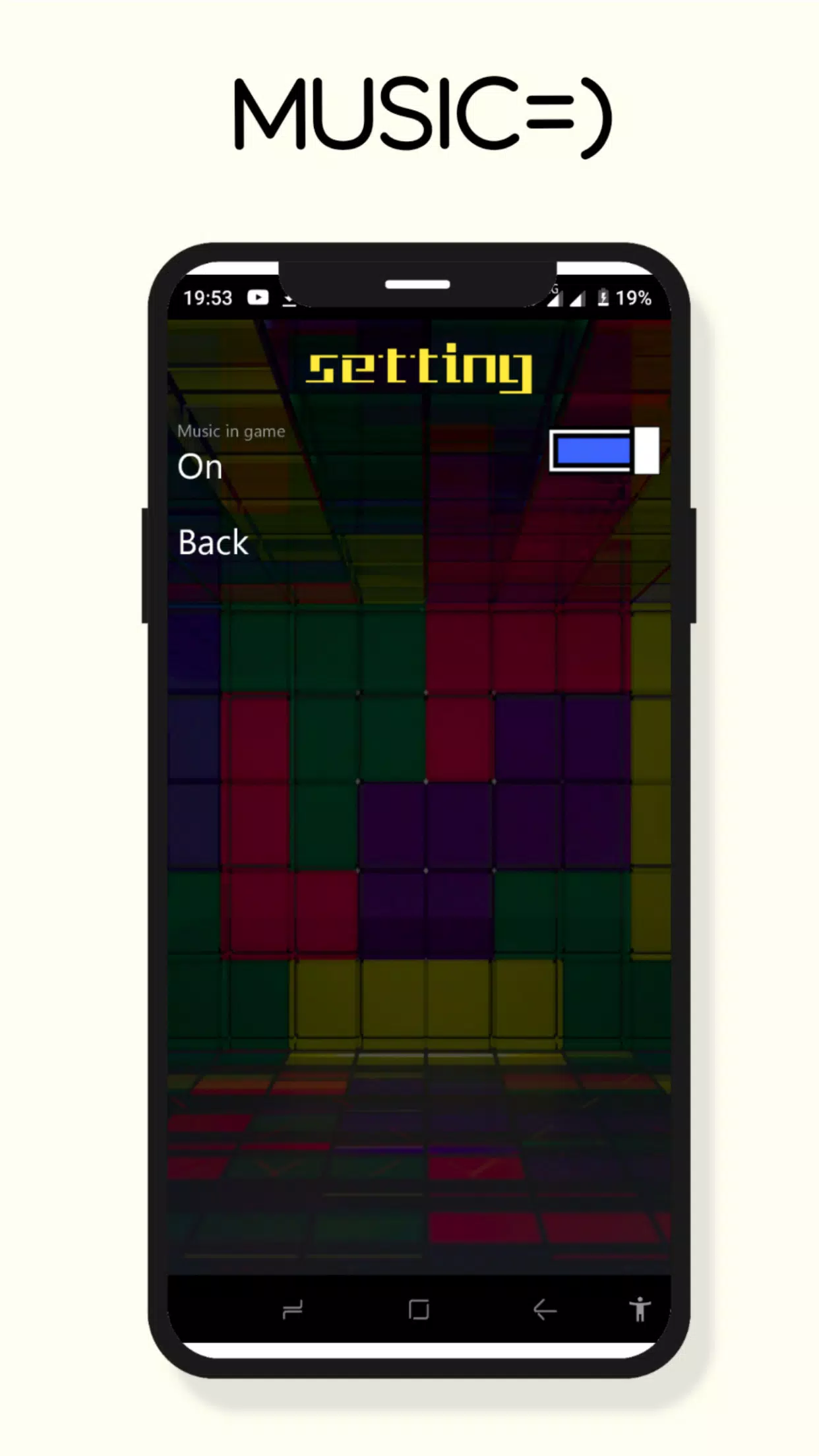
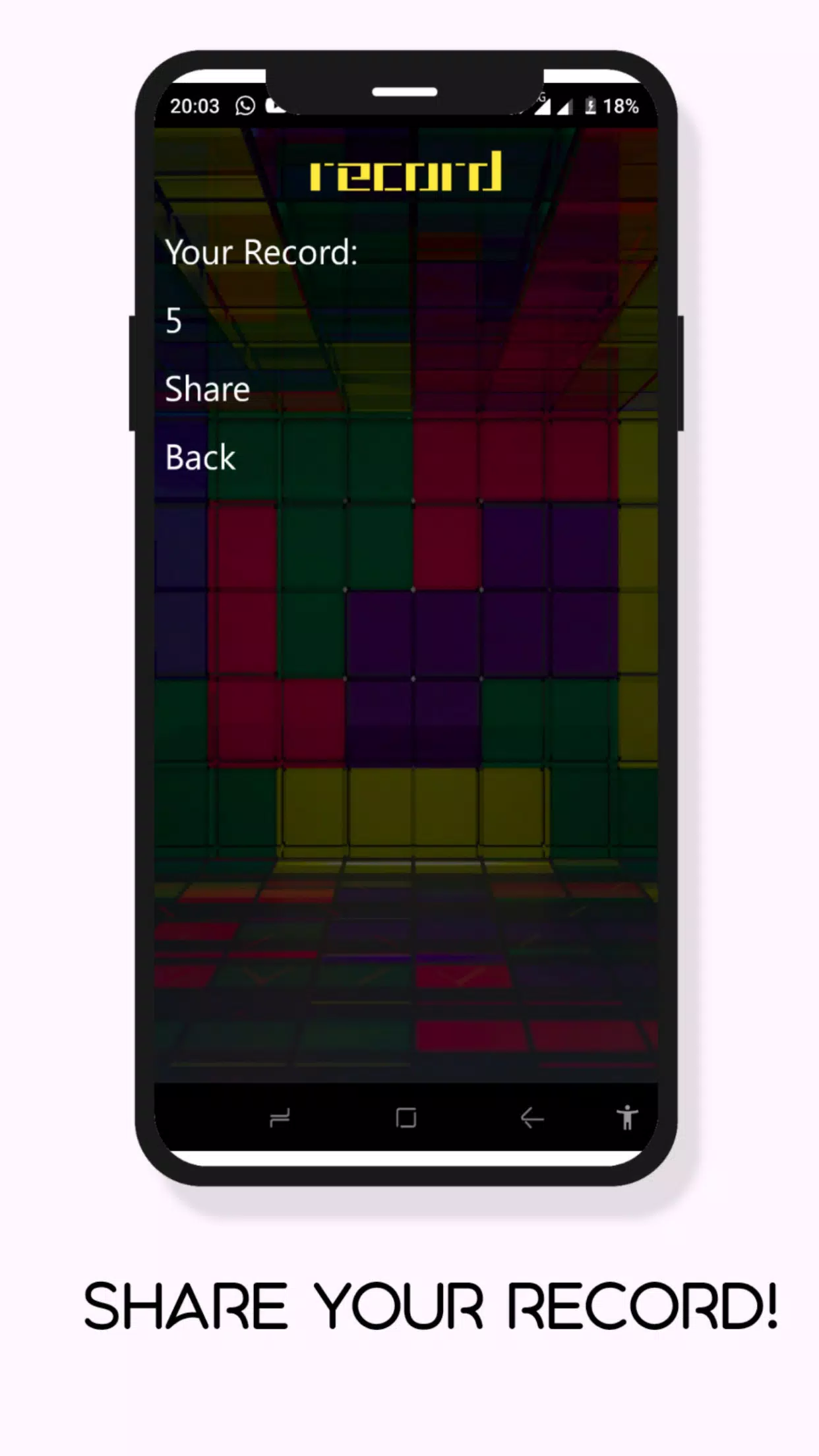
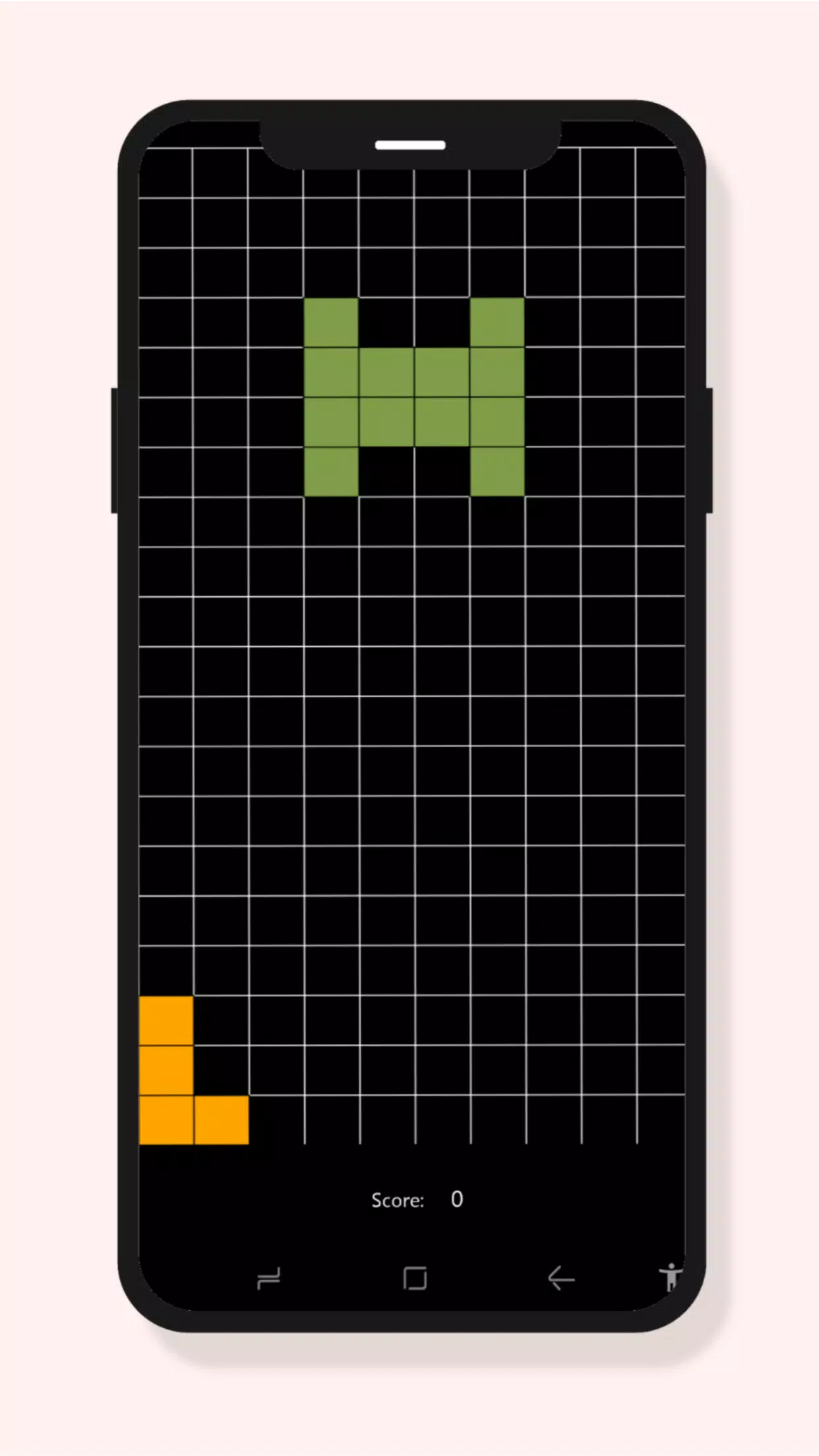
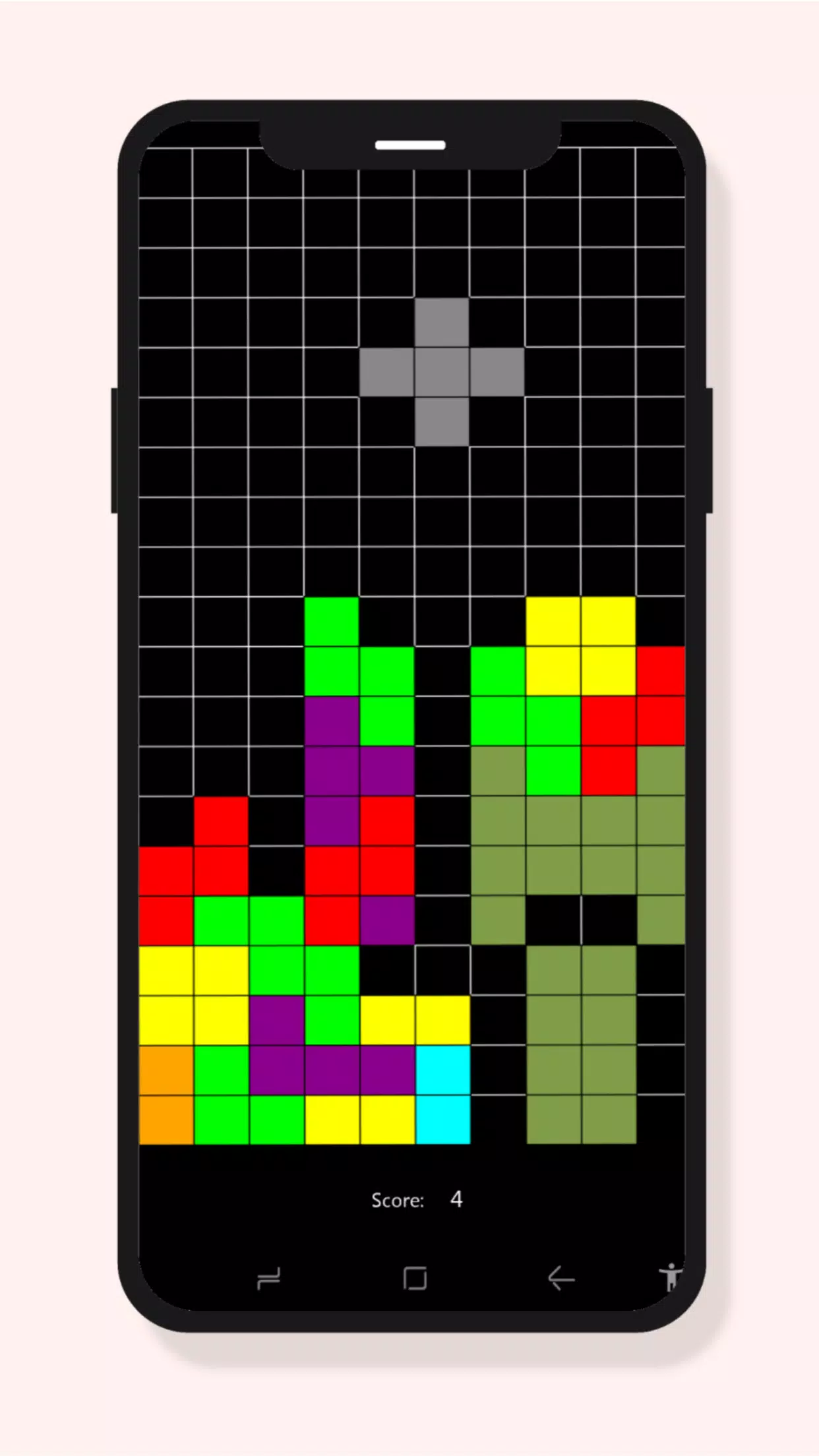
















Explore More
Are you searching for an enjoyable method to strengthen your intellect? Our hottest logical puzzle is tailor-made to offer a stress-free pastime experience. With beautiful graphics and chill background music, you can immerse yourself in an engaging world of logic and critical thinking. Solve increasingly tricky levels at your own pace, with no time pressure or lives system.

RealmCraft with Skins Export to Minecraft

Tank Sniper Mod

Dark Riddle 2

MA 2

Zombie Frontier 4

HP 777 v6.7.8

Devious Work : Demo

Ketua v9.8