Introduction
Paper Bin AR is a lightweight augmented reality utility that overlays a virtual recycling bin into your real environment, letting you sort, discard, and visualize waste with intuitive gestures. It blends AR tracking with simple tools to help users learn recycling habits and manage digital cleanups in a tactile, visual way.
What Paper Bin AR does
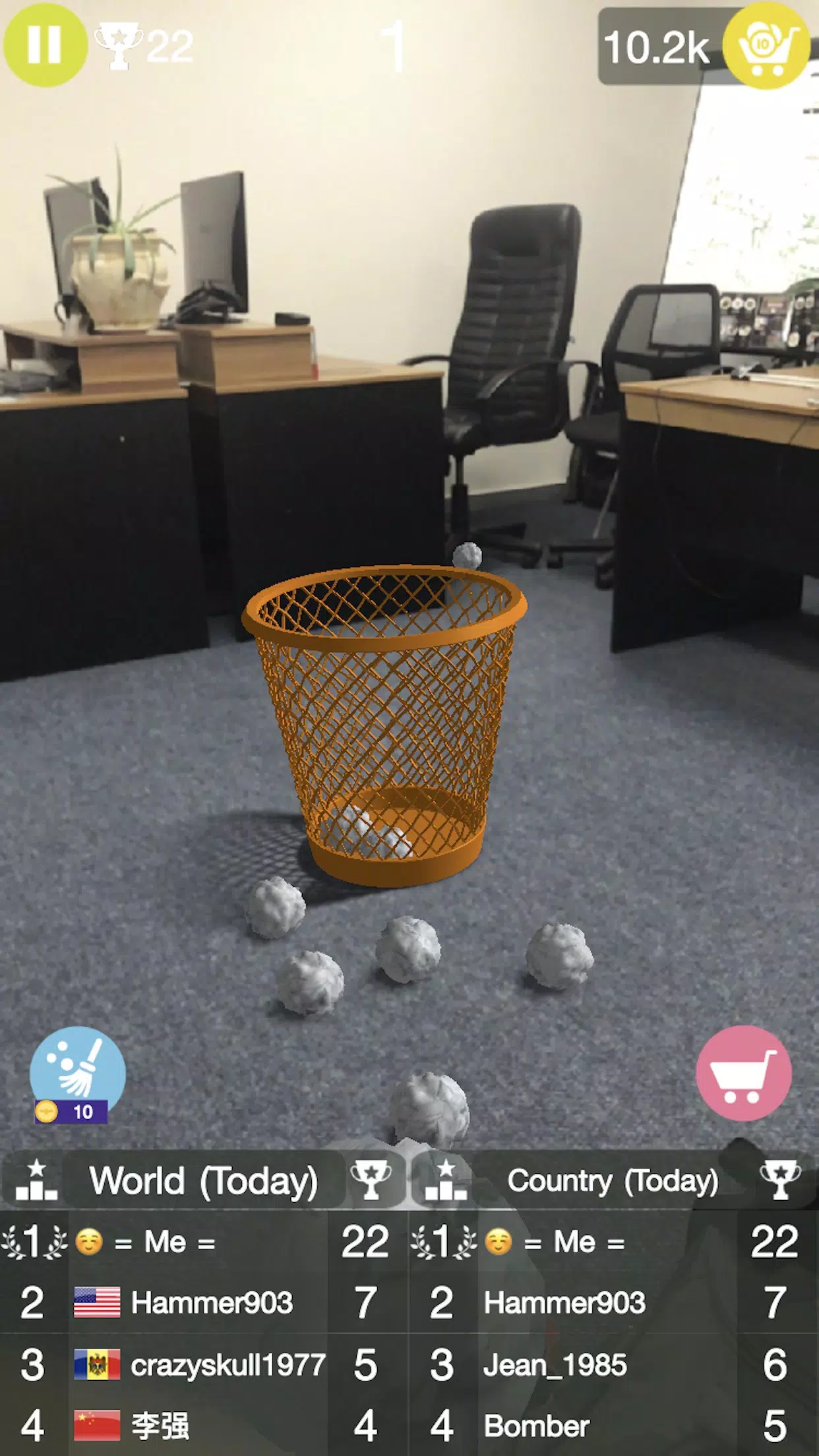
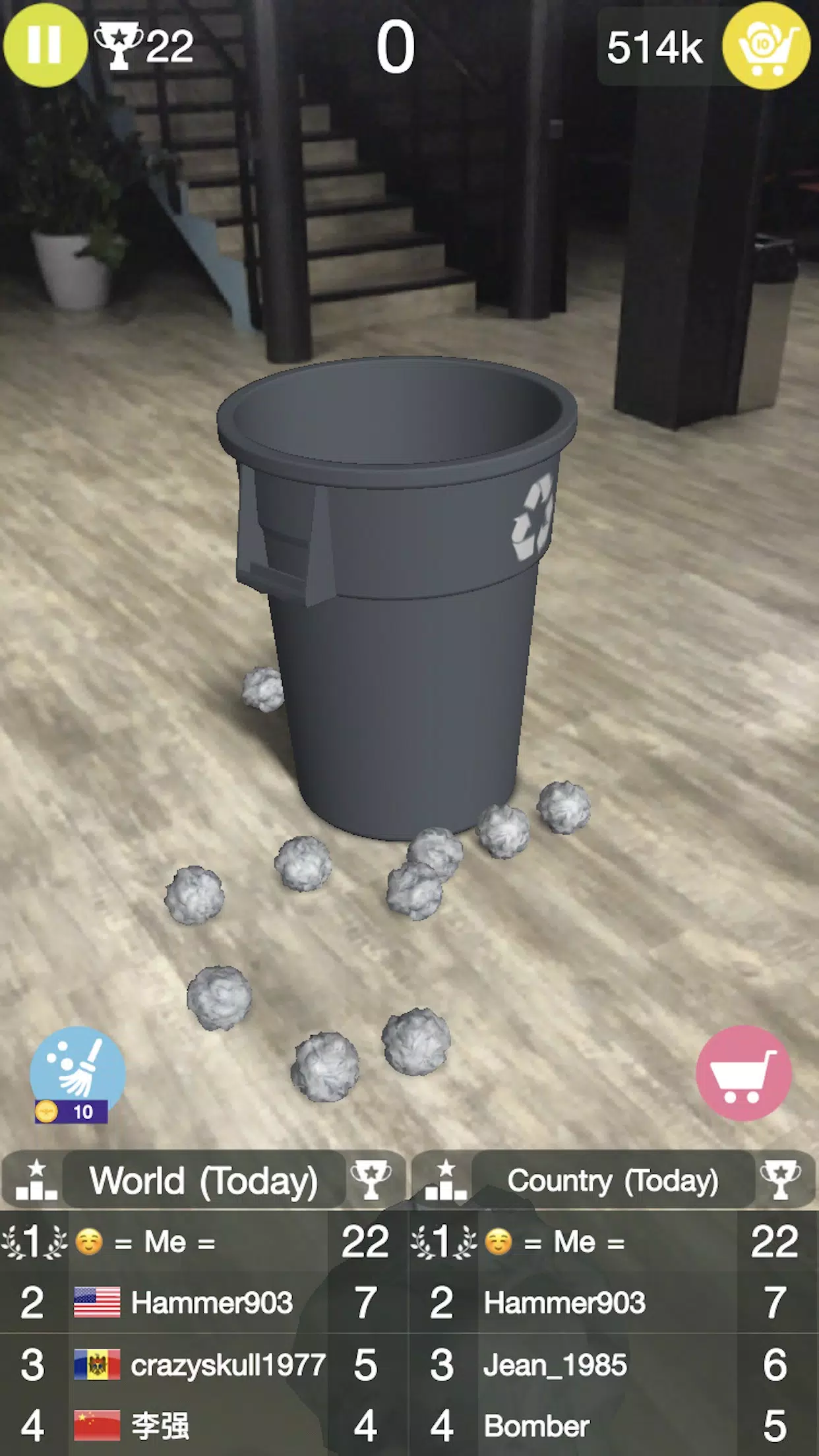
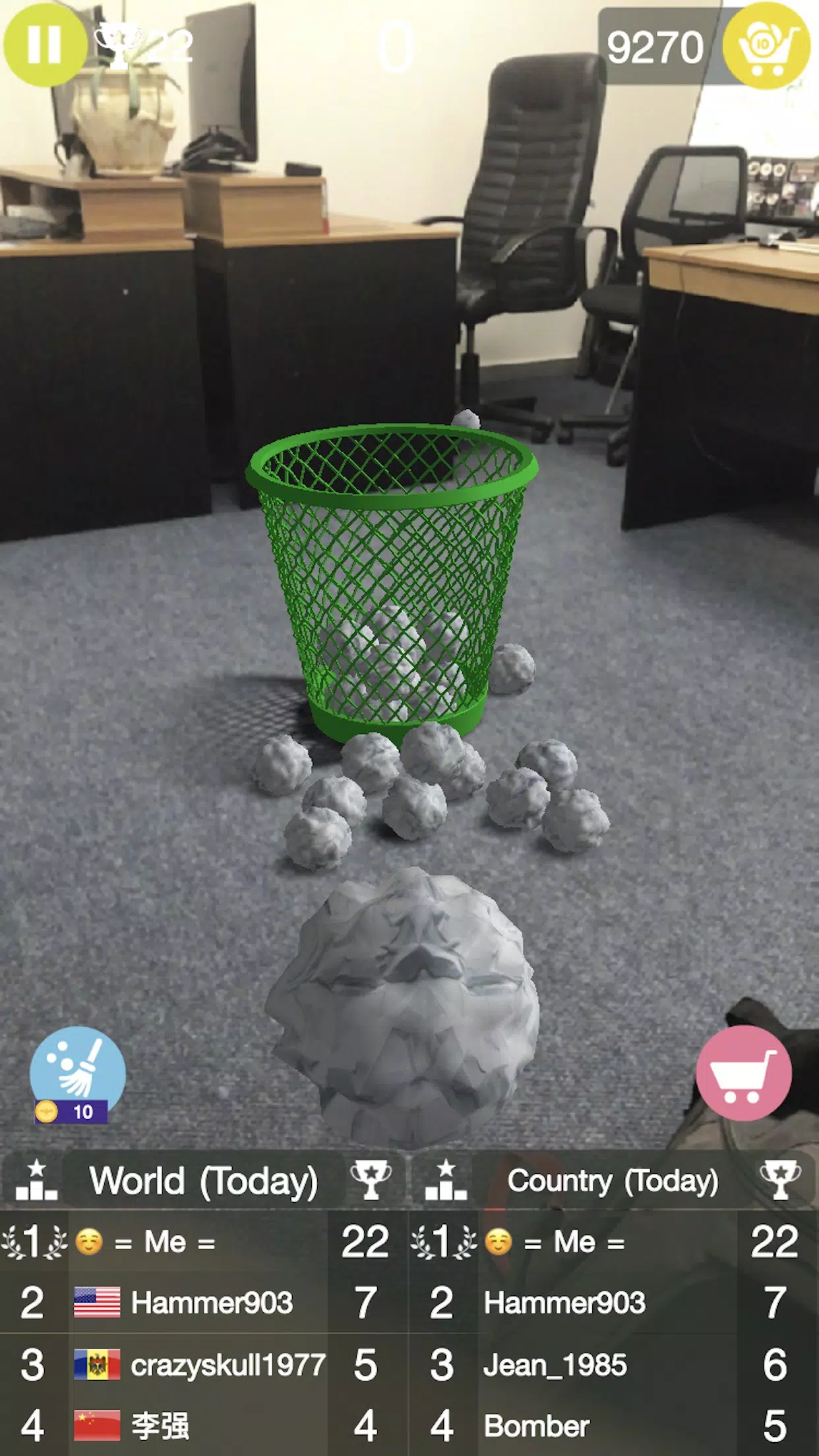
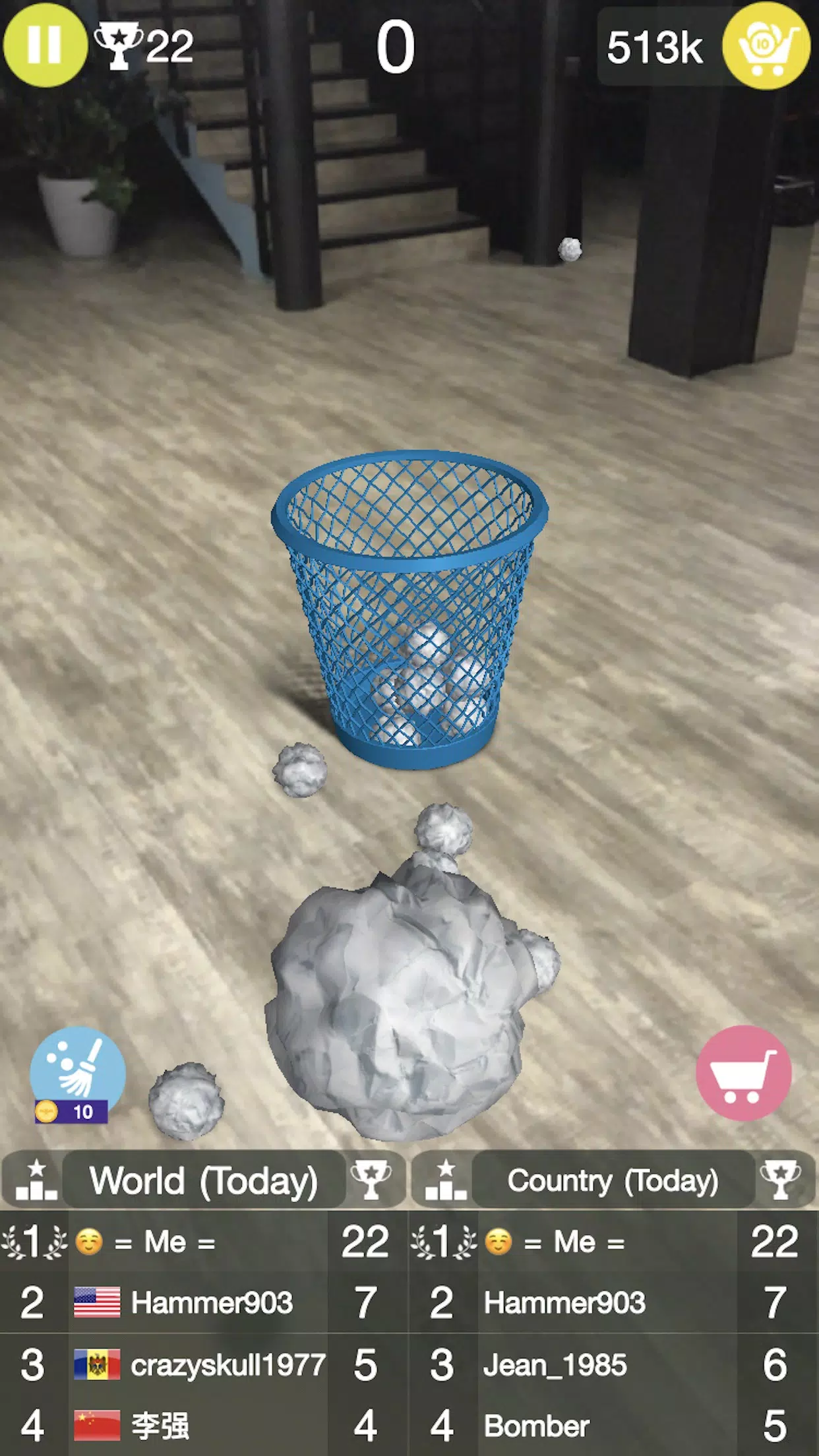
At its core, Paper Bin AR turns your camera view into an interactive workspace. Point the phone, place a virtual bin on a table or floor, and drag or flick virtual items into compartments. The app is designed for short sessions: quick sorting drills, educational demos, or playful decluttering exercises that make waste management feel immediate and engaging.
Key capabilities
- Augmented placement: stable plane detection anchors bins reliably on flat surfaces.
- Gesture controls: tap, drag, and flick mechanics respond with low latency.
- Category sorting: pre-defined waste types plus a configurable list for local recycling rules.
- Visual feedback: animations and particle effects confirm correct sorting.
- Progress tracking: lightweight stats show streaks, accuracy, and time spent.
How it works in everyday use
Using Paper Bin AR is straightforward. Launch the app, scan the scene to find a horizontal surface, and position the bin. The interface minimizes menus; the main view focuses on the camera feed and a minimal control strip. Items appear either from a sample tray or can be spawned manually, and the app nudges you toward correct choices via color cues and short tips.
Design and interface highlights
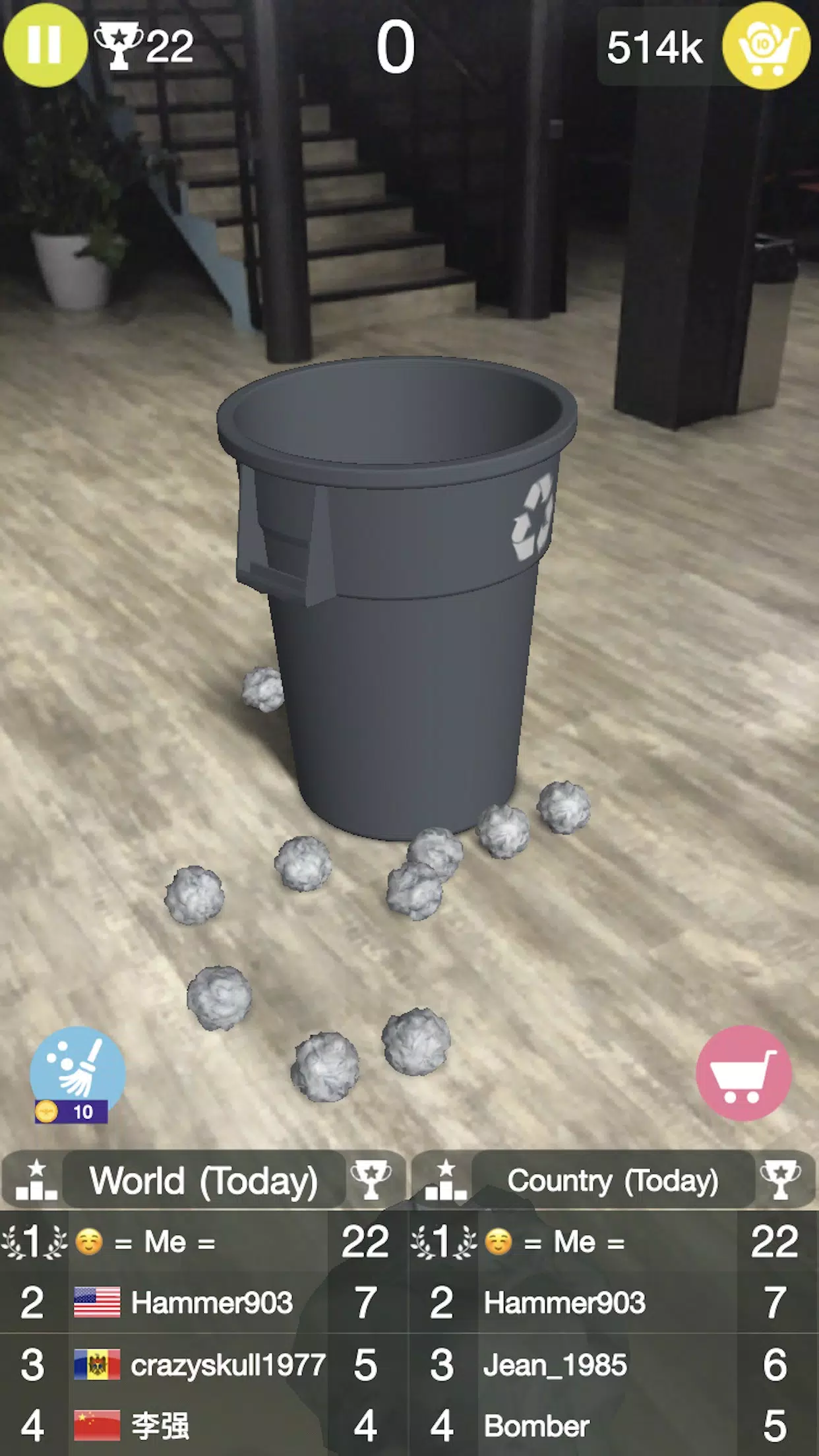
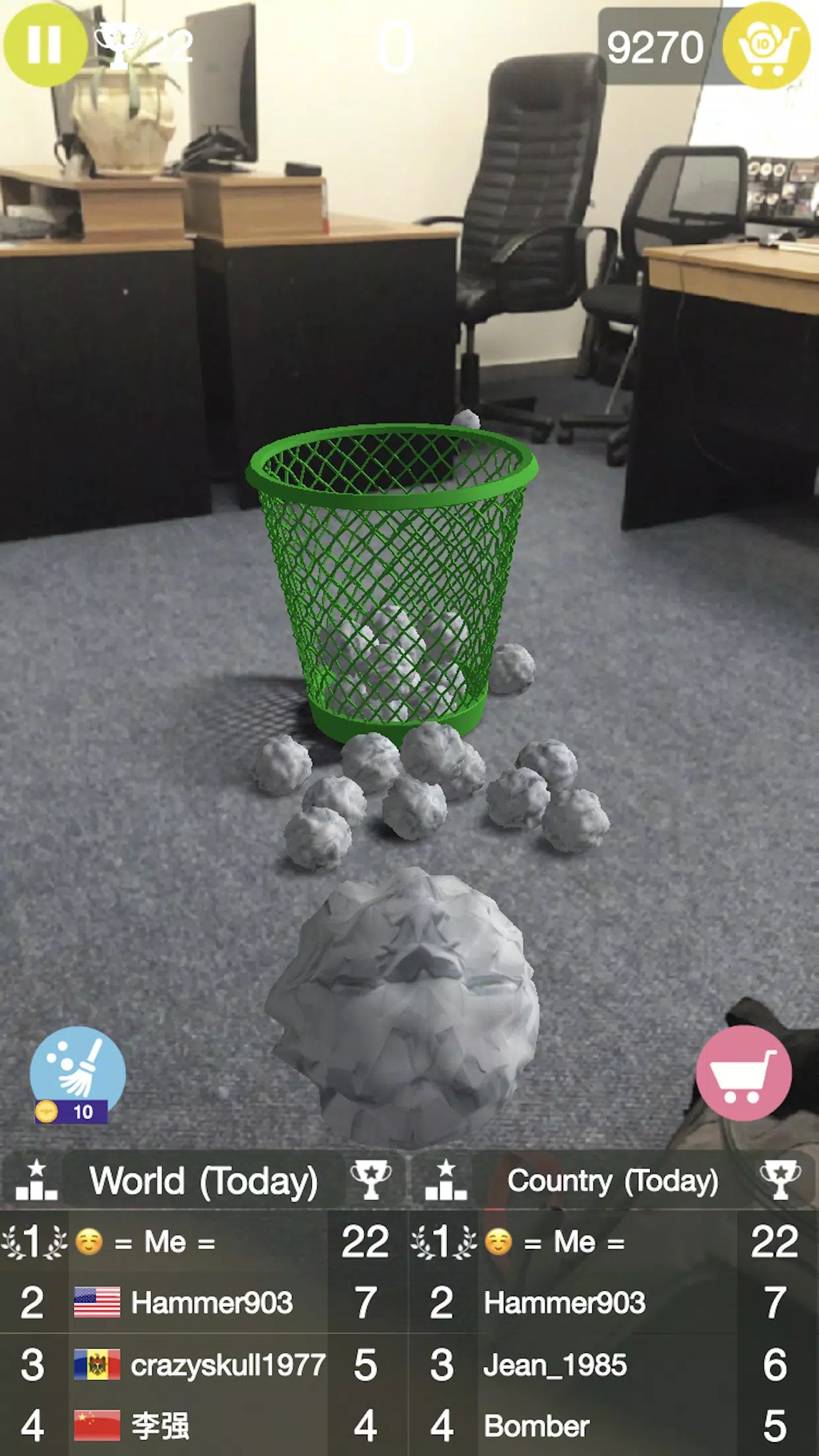
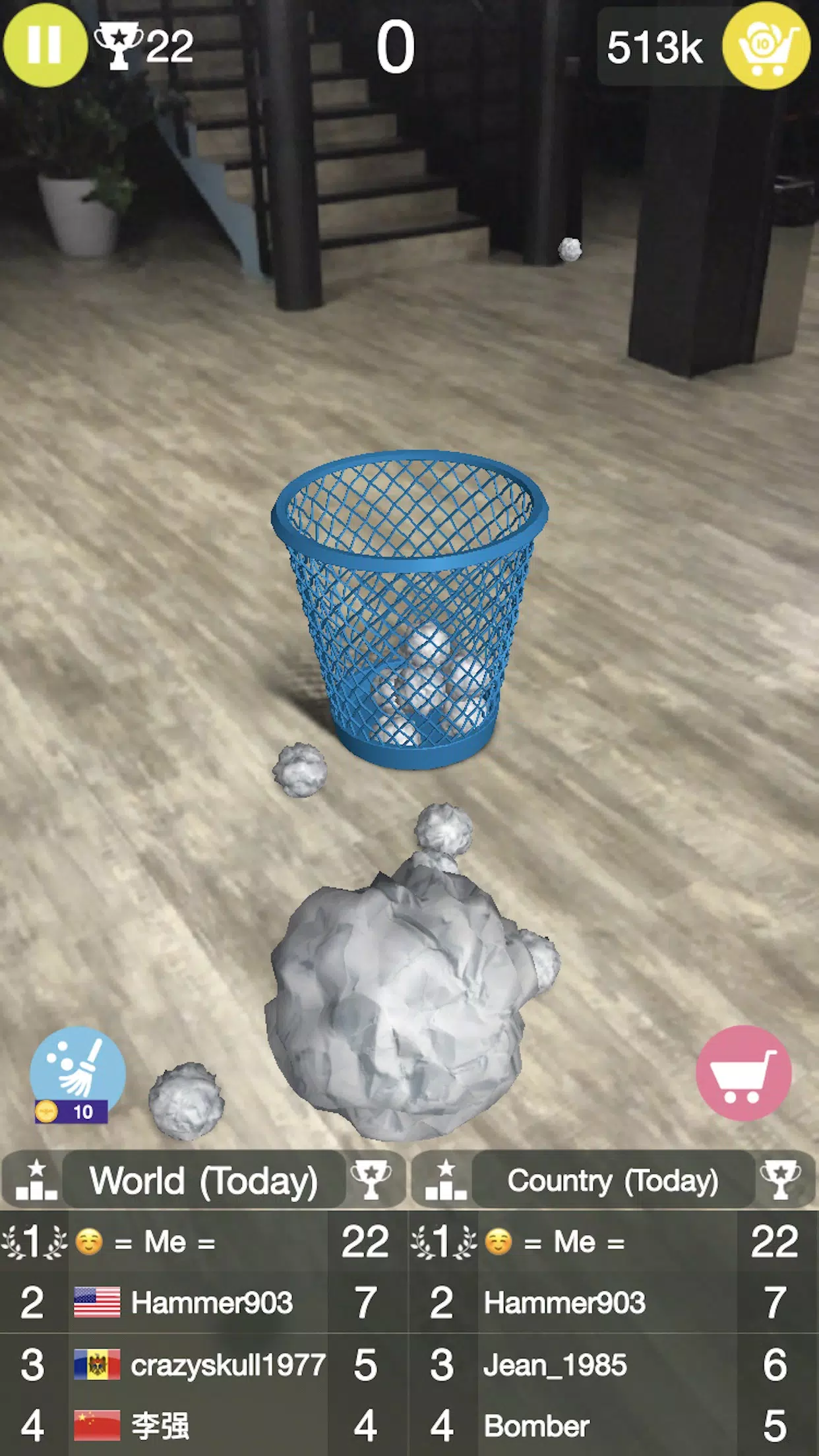
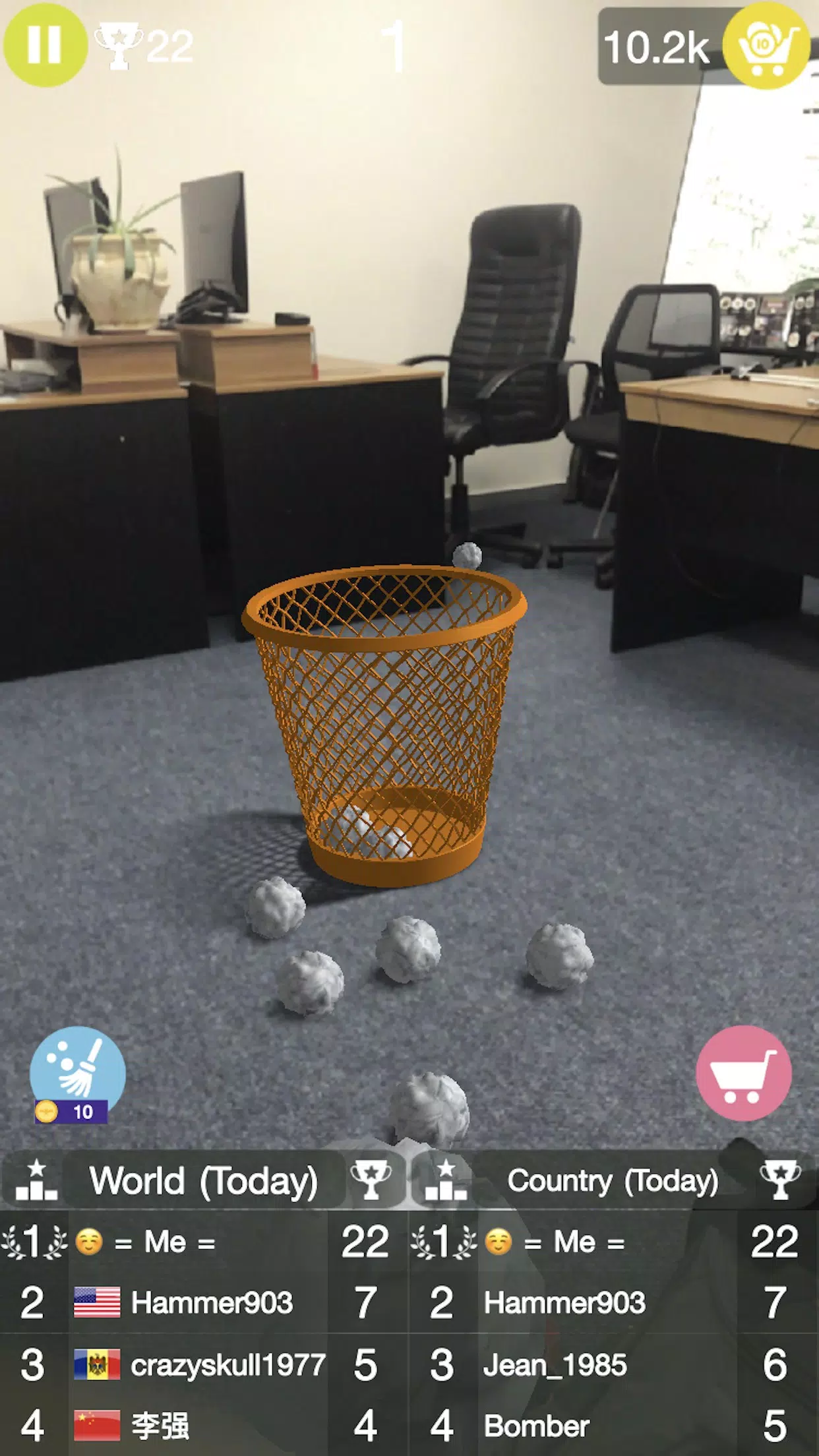
The interface emphasizes clarity. Buttons are large enough for one-handed use and contrast well against varied backgrounds. The AR overlay uses subtle shadows and depth cues so virtual objects feel grounded. Animations are purposeful rather than flashy, keeping CPU and battery impact modest while maintaining visual polish.
Performance and device compatibility
Paper Bin AR targets a broad range of mid-to-high-end Android devices. On recent phones it runs smoothly at 30–60fps, with responsive touch handling and consistent tracking. The app includes options to reduce graphical effects and lower texture detail for older devices, which preserves usability without compromising core functionality.
Customization and settings
Users can adjust the app to match local recycling standards or personal learning goals. Create custom categories, swap bin styles, or toggle audio cues. Teachers and parents can enable a simplified mode that locks certain features to keep sessions focused for younger audiences.
Tips for new users
Start with well-lit environments to improve plane detection. Keep the camera steady while placing the bin, then move naturally—Paper Bin AR recalibrates dynamically. Use the practice mode to familiarize yourself with gestures before trying timed challenges, and explore the settings to match category names to your region’s rules.
Why people integrate it into routines
People choose Paper Bin AR not just for novelty but because it converts abstract recycling guidance into hands-on practice. The short-session design fits into daily habits: a quick three-minute sorting drill during a coffee break reinforces correct disposal choices and builds muscle memory around recycling categories.
Getting started and installation
Installation is typical for Android apps: download, grant camera permissions, and follow the guided first-run calibration. The onboarding sequence highlights basic gestures and lets users try a sample round before diving into custom content. Regular updates add small refinements, keeping the app aligned with evolving AR platform improvements.
For anyone looking to mix education and practical action in a compact mobile tool, Paper Bin AR offers a polished, approachable AR experience. Its blend of clear visuals, customizable rules, and lightweight tracking makes it useful for classrooms, households, and anyone curious about making better disposal choices with direct, visual feedback.
- No virus
- No advertising
- User protection
Information
- File size: 84.20 M
- Language: English
- Latest Version: 4.5.5
- Requirements: Android
- Votes: 399
- Package ID: com.spookyhousestudios.paperbin
- Developer: Spooky House Studios UG (haftungsbeschraenkt)
Screenshots
















Explore More
Make learning fun with our new educational game, perfect for kids of all ages! With engaging activities across subjects like math, reading, science and more, children will build knowledge while having a blast. The reward-based system and vibrant graphics keep them motivated to progress through levels. Customizable avatars and whimsical worlds let their creativity shine. Parents can feel at ease knowing their kids are learning, not just playing.

Luxury88 v2.1.6

First Dates After 50

Hentai Python Tutor

Free fire quiz

Fósseis e Escadas

Shake's Education

Sumeru Academy
Hermit Watch: Beetle Quiz