
Introduction
Adrod 69 installer streamlines APK management on Android devices, combining package installation, backup, and version control in a compact toolset. It targets users who sideload apps frequently, offering a fast installer, batch operations, and clear diagnostics to reduce installation errors and manage APKs without rooting or complex workflows.
Quick Overview
Designed for users who want more control than the default package installer, Adrod 69 installer focuses on reliability and speed. The app supports single and batch APK installs, maintains simple version history, and provides quick access to metadata so you can confirm signatures, version codes, and permissions before proceeding.
Core Features at a Glance
- Batch Installation: Install multiple APKs in sequence without repeating confirmations.
- APK Backup: Create local backups of installed packages for safekeeping.
- Version Management: See available versions and roll back when needed.
- Diagnostics: Pre-install checks highlight missing libraries and permission conflicts.
- Lightweight Interface: Minimal UI that prioritizes functionality over visual flair.
How It Works
Adrod 69 installer scans a selected folder for APK files and lists them with key details. Tap a package to view its manifest summary, required permissions, and certificate fingerprint. Use the batch mode to queue several packages. The app will process each item, report progress, and log installation results so you can review any failures and try corrective steps.
Installation Flow
The typical workflow begins with granting installation permissions for unknown sources or using the built-in prompt on modern Android releases. After selecting APK files, the app performs a verification pass, checking file integrity and compatibility. Successful installs are marked, and errors include actionable suggestions such as whether a downgrade needs an uninstall or if a conflicting signature exists.
User Interface and Performance
The user interface favors clarity: lists are sortable by name, size, or date. Visual indicators show install status, and simple icons indicate whether an APK is older, newer, or matches the device architecture. Performance is generally smooth on mid-range devices; installs rely on Android’s package manager, so the app itself remains responsive while the system handles the heavy lifting.
Resource Use
Adrod 69 installer is lightweight in memory and battery usage. Background tasks are limited to file scanning and logging. For large batches, the app queues background installs sensibly to avoid overloading the device or hitting system throttles.
Practical Tools Included
Beyond installation, the app offers useful utilities for power users and developers alike. A simple APK inspector reveals the package name, versionCode, versionName, and target SDK. The backup manager creates timestamped APK copies. There’s also an exportable log for troubleshooting or sharing installation outcomes with others.
Customization & Settings
Settings let you choose default behaviors: auto-accept updates for matching signatures, pause on errors, or continue after failures. Notification preferences are customizable, and you can set a default directory for scanning to speed up routine tasks.
Tips for New Users
- Always verify digital signatures if you plan to replace an existing app to avoid signature conflicts.
- Keep backups of critical APKs before attempting downgrades.
- Use the diagnostics panel when an install fails — it typically pinpoints the reason quickly.
- When installing large batches, do it while connected to power to avoid interruptions.
Why Choose Adrod 69 installer?
If you regularly sideload applications or manage multiple APK versions for testing, Adrod 69 installer reduces friction. Its combination of batch processing, clear diagnostics, and lightweight design makes it a practical choice for enthusiasts, developers, and anyone who needs a dependable alternative to built-in installers.
Getting Started
To get started, grant the necessary installation permissions, point the app to your APK folder, and try installing a single package first to familiarize yourself with the logs and messages. Keep the app updated and periodically check the backup folder to ensure you have restorable copies of important apps.
Adrod 69 installer aims for a no-nonsense experience: fewer taps, clearer feedback, and safer sideloading. Whether you’re testing builds or managing a personal collection of apps, it provides the essential tools to make APK handling faster and more predictable.
- No virus
- No advertising
- User protection
Information
- File size: 13.50 M
- Language: English
- Latest Version: 69
- Requirements: Android
- Votes: 108
- Package ID: appinventor.ai_davebabytoy22.adrod69
- Developer: DaveTheBaby
Screenshots

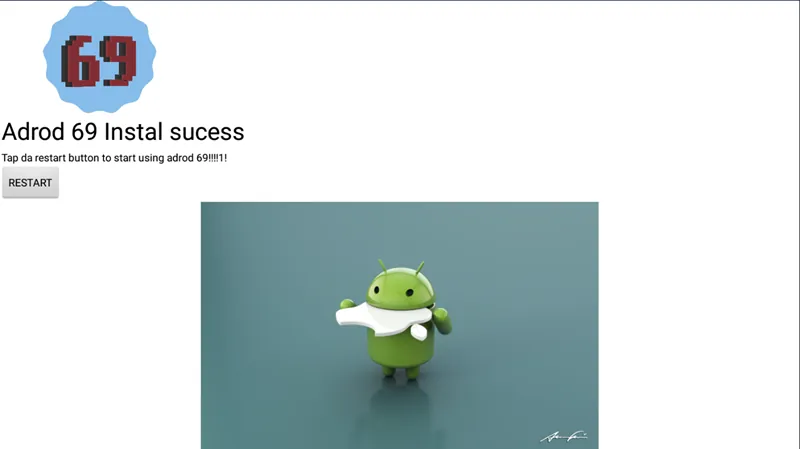
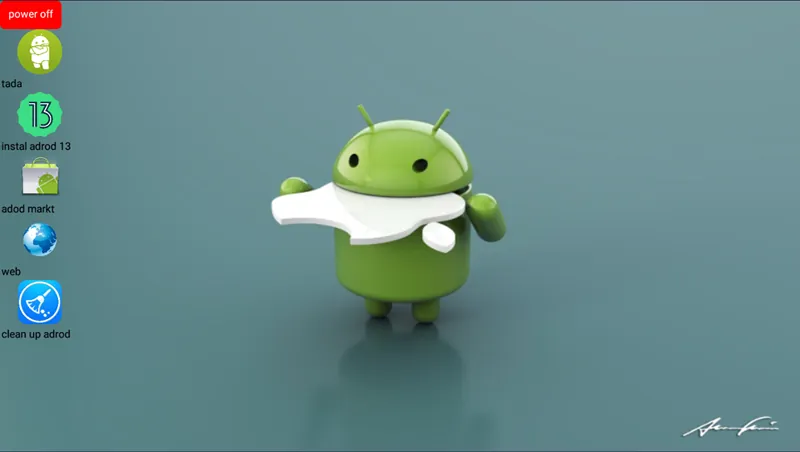
















Explore More
Experience nonstop thrills with our newest edge-of-your-seat action game! With console-quality graphics and intuitive touchscreen controls, you'll be drawn into high-octane combat and stunt-driven gameplay. Choose from an arsenal of upgradable weapons and vehicles to blaze through enemy bases, post-apocalyptic cities, and more. Physics-based action packed with explosions and destructible environments make every level more intense than the last.

Super Adventure Beta

The Family Uncut Demo

Cabry64 (+18)

Summer In Springtime

The Shadow over Blackmore 0.5.2r

Ninja Dash Run

F&R D.Va

Cursed Forest Quest