Introduction
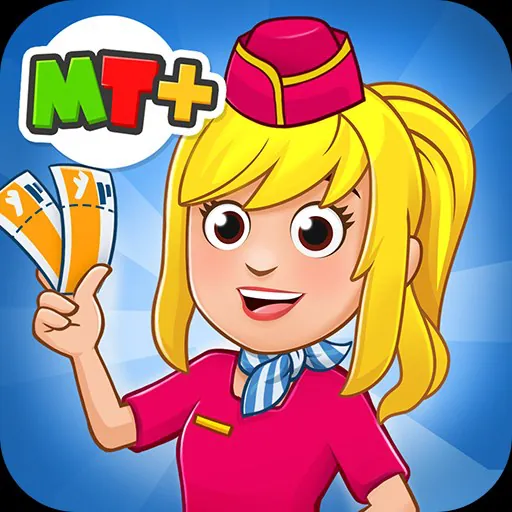
My City : Airport is a family-friendly sandbox game that places children in the center of a lively airport environment, combining imaginative role-play with aviation-themed activities. My City : Airport encourages open-ended storytelling as players explore terminals, manage behind-the-scenes areas and invent scenes that reflect real-world airport routines in a playful, age-appropriate way.
Core gameplay and objectives
The game emphasizes exploration and creative play rather than fixed objectives. Players are free to create their own goals—checking in passengers, loading luggage, arranging boarding procedures or staging a surprise celebration in a delayed gate area. Rather than pressuring children with scores or timers, the experience is driven by curiosity: discovering new rooms, interacting with characters and using props to start multi-scene narratives across the airport.
Play modes, progression and challenge systems
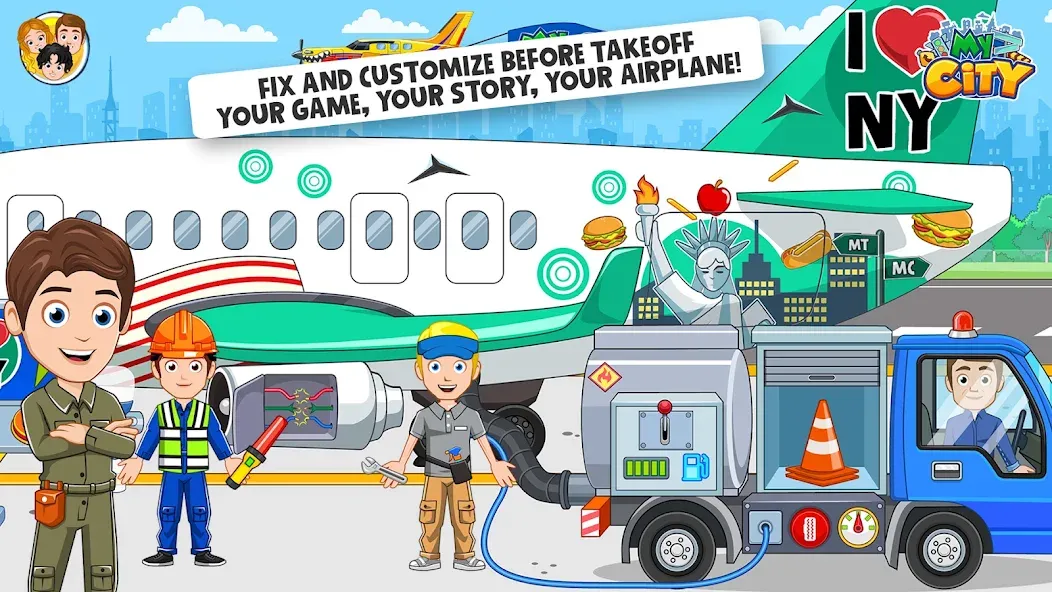
Progression in My City : Airport is achieved by unlocking additional rooms, characters and props that expand play possibilities. Early sessions introduce core spaces such as ticket counters and security checkpoints, and continued play reveals control towers, maintenance hangars and VIP lounges. Small, gentle challenge elements—finding hidden props, completing short task chains like preparing an airplane for departure, or solving a simple lost-and-found mystery—offer optional structure without turning the game into a competitive experience. These light challenges increase replay value by encouraging repeated visits to previously explored areas.
Environments, level structure and characters
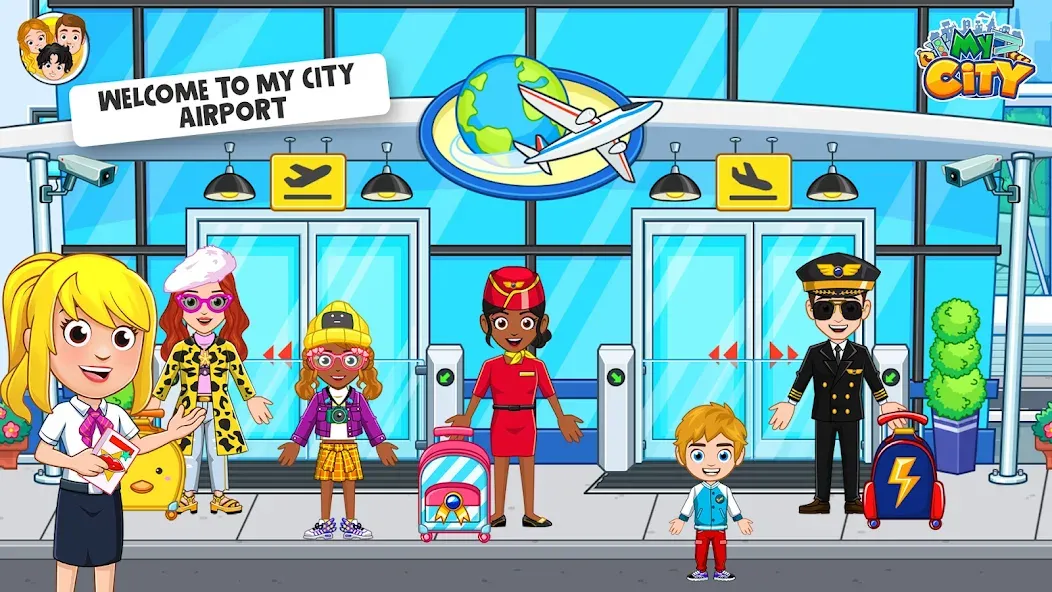
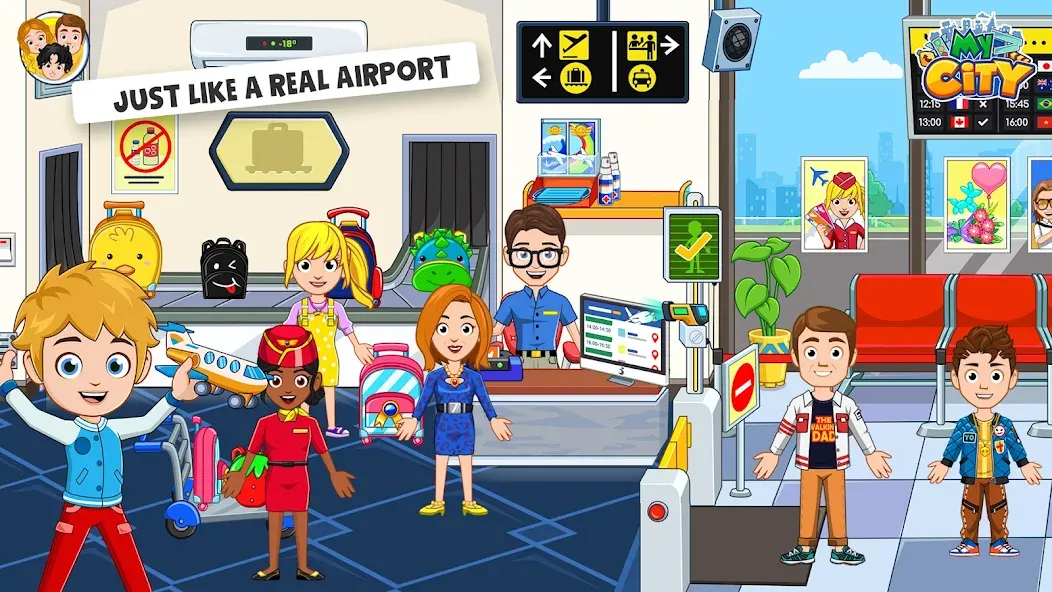
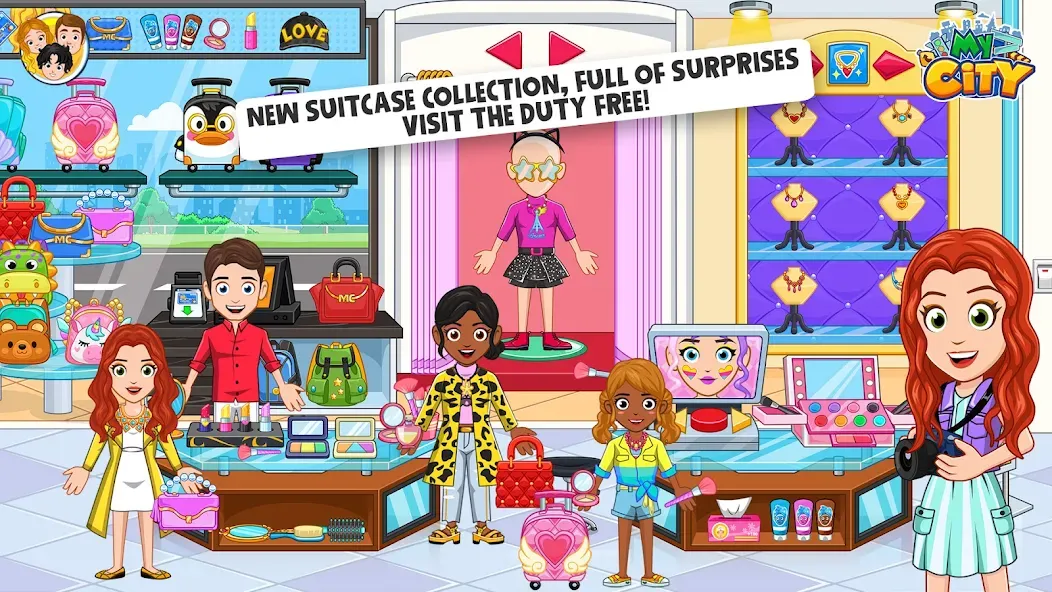
The airport is presented as an interconnected set of rooms and outdoor spaces that can be explored in any order, creating a modular level structure that supports branching stories. Terminals include check-in counters, security lines and retail zones, while back-of-house spaces offer repair docks and service corridors. The cast of characters ranges from travelers and pilots to ground crew and cleaning staff, each animated with role-appropriate behaviors and simple interactions that help convey airport functions through play.
Interaction, controls and accessibility
Controls are optimized for touch devices with drag-and-drop mechanics, simple taps to trigger dialogue or animations and easy ways to place or move props. Menus are intentionally minimal and use large, readable icons so young children can navigate independently. Accessibility options are considered in design: adjustable sound levels, clear visual contrast, optional simplified controls and short tutorial prompts make the game approachable for a wide range of ages and abilities.
Customization and creative tools
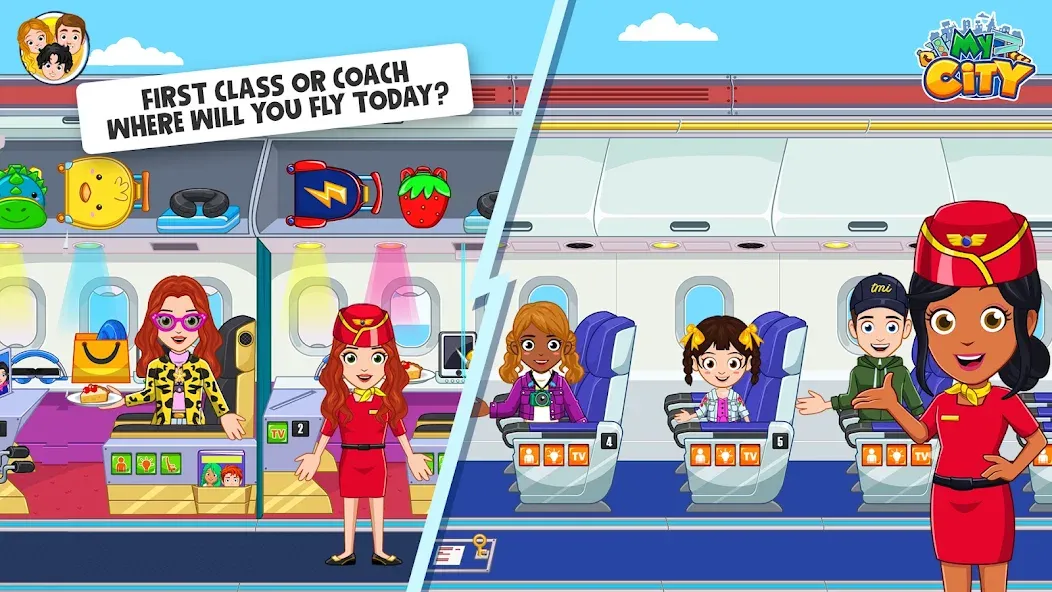
Customization is a central feature that encourages storytelling. Players can change character outfits, rearrange furniture in passenger lounges, decorate airplanes and combine props to invent new scenarios. These creative tools let children experiment—transforming a delayed flight into a mini performance, turning a lost suitcase into the centerpiece of a detective scene or staging a maintenance rescue that teaches sequencing and planning. Customization supports cooperative play when multiple children share a device by allowing them to assign roles and set up multi-character stories.
Graphics, sound design and performance
The visual style is colorful and approachable with clear iconography and smooth, kid-friendly animations that communicate actions and consequences. Sound design focuses on atmosphere—gentle announcements, ambient terminal noise and character cues that add context without overwhelming the player. The game is built to perform well on a range of devices and remains suitable for offline play, so families can enjoy the experience while traveling or in locations without a stable internet connection.
Safety, parental controls and user experience
My City : Airport is designed with child safety in mind. It limits in-app purchases and avoids online social features that would require interaction with strangers. Parental settings allow caregivers to restrict access to additional content and purchases and to adjust audio and control preferences. The user interface is intentionally straightforward and calming, supporting extended creative sessions without aggressive prompts or competitive mechanics.
Getting started and tips for play
To begin, install the game and open the main airport hub to explore rooms and meet characters. Tap objects and people to reveal short scenes, use the wardrobe and prop menus to personalize appearances and settings, and revisit areas to discover hidden items and unlockable playsets. Encouraging children to play in multiple short sessions helps them uncover new locations and build richer stories as they become familiar with the airport’s features.
- No virus
- No advertising
- User protection
Information
- File size: 170.11 M
- Language: English
- Latest Version: 7.03.13
- Requirements: Android
- Votes: 347
- Package ID: mycity.airport
Screenshots
















Explore More
Gather around for game night anytime, anywhere with our new mobile board game. Play digital versions of classics like chess, checkers, backgammon and more against friends or AI opponents. With smooth online multiplayer, you can challenge players worldwide or create private games. Customizable boards, pieces, and house rules allow you to tailor the experience. Compete in daily tournaments or just play for fun.

Hidden Among Girls

Dirty Fame

Vera Vascorra

Metal boy

Kinky Harvest

My Parents Case

Bimborama

In the dark night