Introduction
Flash Game Emulator is a lightweight Android utility that brings classic browser-based Flash titles back to life on modern devices, offering easy playback, touch controls, and file management for SWF and multimedia archives. It supports local files and online links while preserving original animations and soundtracks across many older games and interactive experiences.
What this app does
This review examines how Flash Game Emulator transforms archived Flash content into playable experiences on phones and tablets. Designed as a dedicated player rather than a full desktop replacement, the app targets users who want a quick, reliable way to launch SWF files and packaged Flash collections without needing a browser plugin.
Core capabilities
- SWF playback: Smooth rendering for most ActionScript 2 and common ActionScript 3 content, with frame-accurate timing where possible.
- Local and cloud access: Load files from device storage, SD cards, or cloud folders with simple import options.
- Touch and controller input: Customizable on-screen controls plus gamepad mapping for compatible Bluetooth controllers.
- Audio handling: Preserves original music and effects while offering volume and mute controls per file.
- Save and resume: Snapshot saves let you resume games exactly where you left off.
How it works in practice
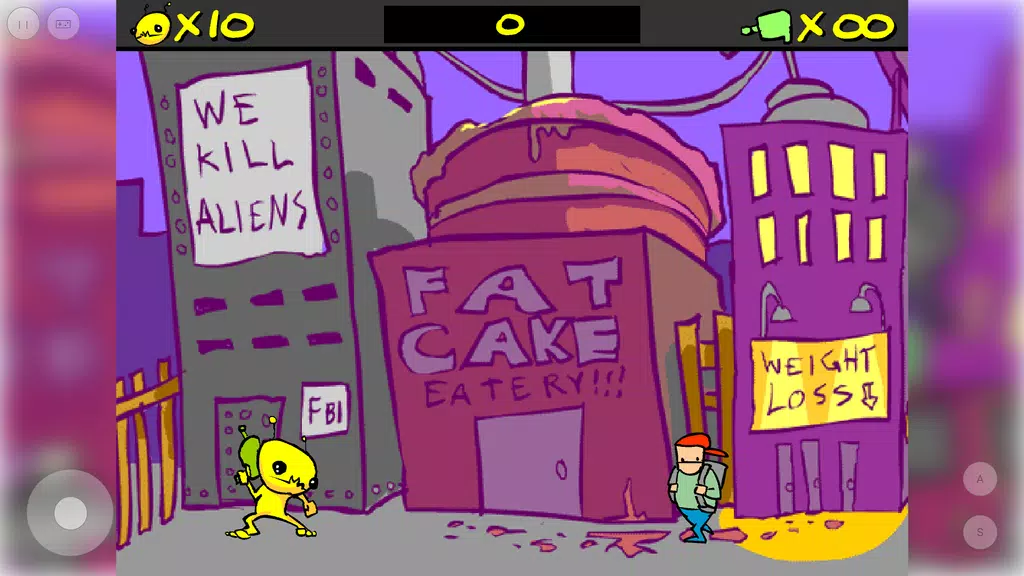
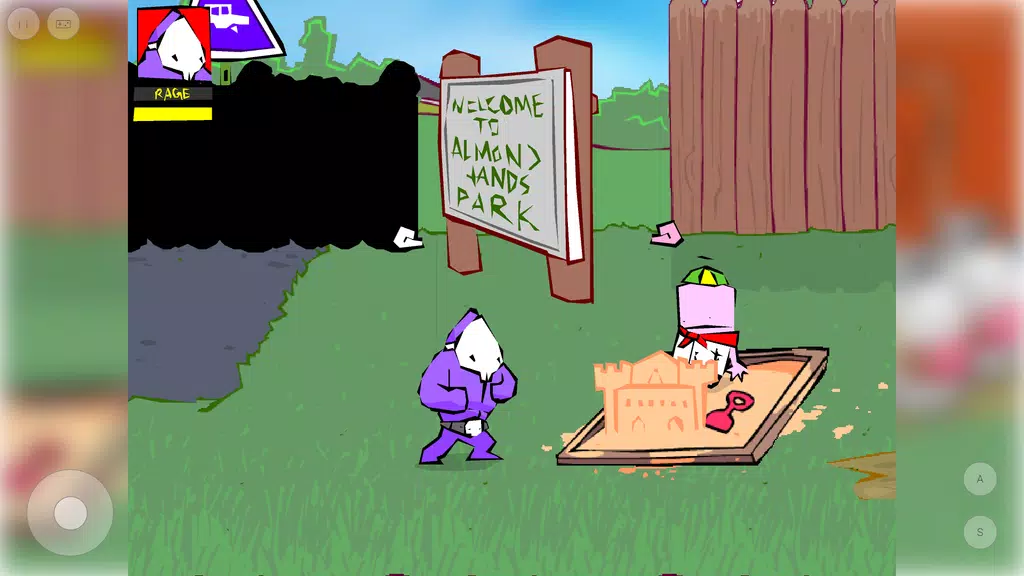
Flash Game Emulator runs a compact Flash runtime inside a secure sandbox on Android. You pick a file or URL, the engine decodes the SWF elements, and the renderer translates vector and bitmap content to the device screen. For interactive projects, the emulator maps keyboard and mouse events to touch or controller inputs so menus, drag-and-drop puzzles, and platformers remain playable.
Performance and compatibility
Expect solid performance on mid-range and newer devices. The emulator prioritizes low CPU overhead and linear frame timing to reduce stutter. While most simple and medium-complexity titles run flawlessly, very heavy projects using advanced ActionScript 3 features or extensive native extensions may not behave identically to legacy desktop players.
Interface and usability
The interface balances simplicity with control. A minimalist file browser and a recent-played list reduce friction for casual users, while an options panel provides advanced toggles: hardware acceleration, frame skip, and input mapping. Flash Game Emulator’s layout keeps menus accessible during play without obscuring content.
Configuration options
- Rendering mode: Switch between software and hardware renderers when addressing visual glitches.
- Input profiles: Create and switch profiles for touch-only play or controller-assisted sessions.
- Audio sync: Adjust soundtrack latency compensation for smoother audio-video alignment.
Getting started
Begin by placing SWF files into a folder the app can access or paste direct links to hosted files. The first launch walks through permissions and offers a quick demo file to validate playback. No account is required; all core features are available offline once files are loaded.
Tips for newcomers
- Enable hardware acceleration if you see graphical tearing, but switch back if crashes occur.
- Use snapshot saves before attempting challenging levels—this avoids progress loss with unsupported scripts.
- If a file stalls, try toggling frame skip or changing the rendering mode to recover playback.
Why users recommend it
Players praise Flash Game Emulator for restoring access to nostalgic games and creative animations that otherwise sit unused. Its lightweight footprint and focus on practical playback make it a practical tool for educators, retro gamers, and archivists who need portable access to Flash-era content.
Limitations to be aware of
Compatibility is broad but not universal. Complex ActionScript 3 features, third-party browser APIs, and files that relied on legacy networking or plugin hooks may show reduced functionality. The developer updates the emulator periodically to expand support, so checking changelogs helps when troubleshooting specific titles.
Final notes on installation
Installation is straightforward: download the APK or use the store distribution, grant storage permissions, and point the player to your collection. Flash Game Emulator keeps a small cache for faster reloads and respects user privacy by storing saves locally unless cloud sync is explicitly enabled.
For anyone looking to revisit archived Flash pieces, test interactive web art, or give retro games a second life on modern hardware, Flash Game Emulator offers a focused and convenient solution that balances compatibility, performance, and ease of use.
- No virus
- No advertising
- User protection
Information
- File size: 0.50 M
- Language: English
- Latest Version: 15.0
- Requirements: Android
- Votes: 420
- Package ID: io.dondido.flashgameemulator
- Developer: Dian Dimitrov
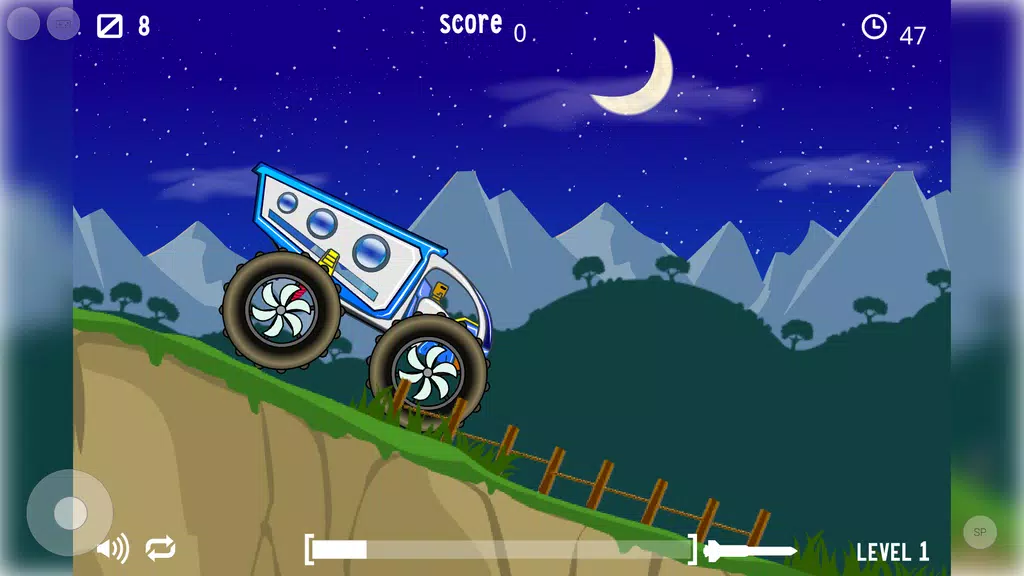
Screenshots
















Explore More
Are you searching for an enjoyable method to strengthen your intellect? Our hottest logical puzzle is tailor-made to offer a stress-free pastime experience. With beautiful graphics and chill background music, you can immerse yourself in an engaging world of logic and critical thinking. Solve increasingly tricky levels at your own pace, with no time pressure or lives system.
Back Wars

Ice Scream 3: Scary Horror

Merge Mystery : Resort

Rush Hour 3D MOD

AnimA ARPG

My Secret Summer Vacation 2 New

Merge Manor : Sunny House

Hillside Drive