

Introduction
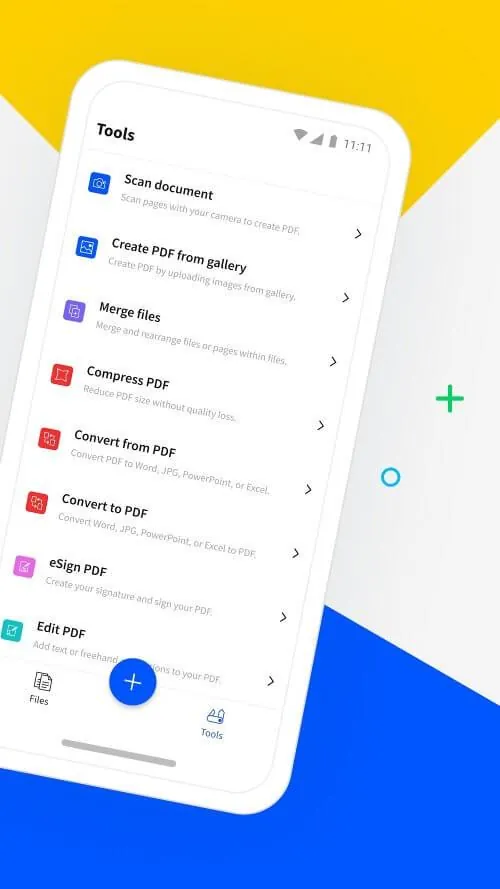
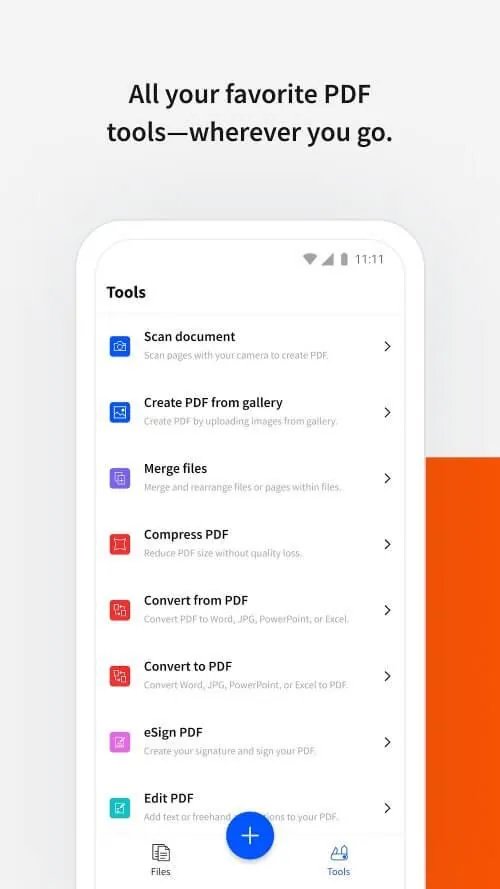
Whether you need to edit, compress, convert, or scan PDF files, Smallpdf has got you covered. The user-friendly interface allows you to easily copy, cut, and paste data as needed. You can rotate, delete, and save document pages with just a few clicks. Need to convert a PDF to Word or compress a file for email? No problem! The application also supports scanning documents and adding signatures for a seamless experience. With its secure data protection and versatile features, this app is your go-to for all your PDF needs. Say goodbye to bulky files and hello to efficiency with this innovative tool.
Features of Smallpdf:
Easy PDF Editing: Users can freely edit, copy, cut, rename, insert, rotate, and save PDF files quickly and efficiently.
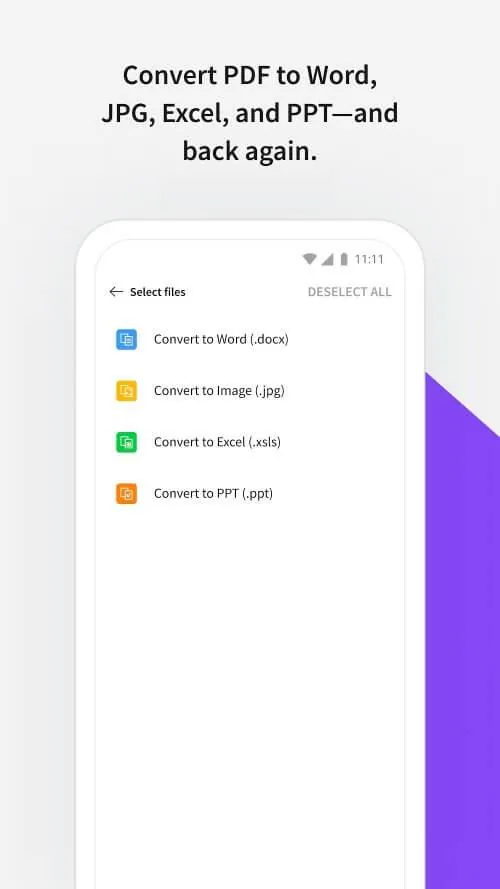
Conversion Tools: The application allows for easy switching between files and quick conversion from PDF to Word or PPT to PDF.
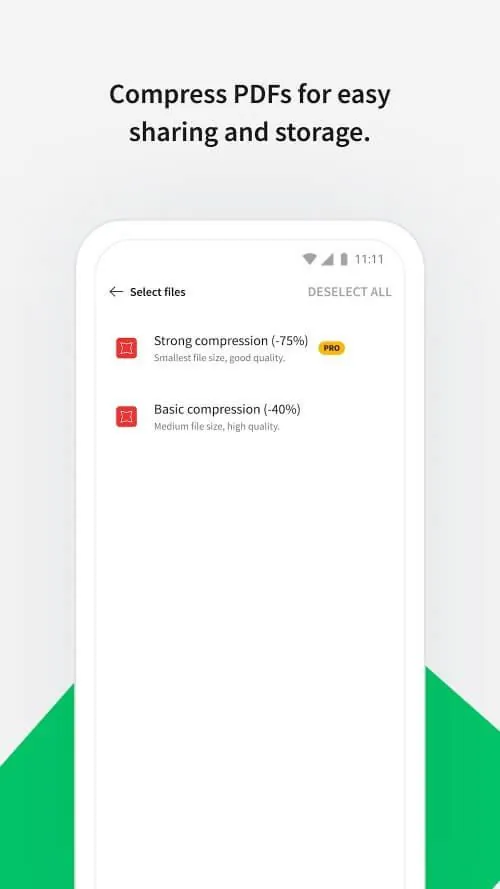
Compression Options: Users can compress files to save space on their device with basic or strong compression options.
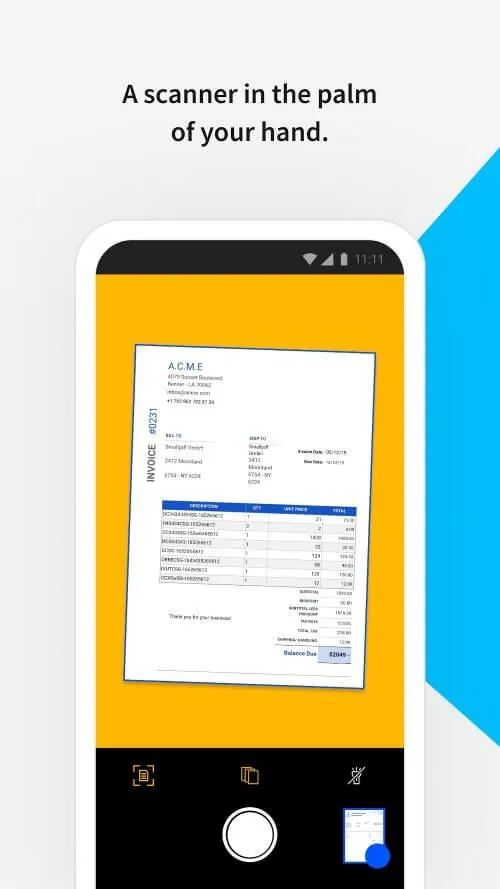
Scanning Support: Users can add signatures, scan documents, change colors and names, and utilize the reading mode for easier viewing.
FAQs of Smallpdf:
Can I convert PDF files to Word or PowerPoint easily?
- Yes, the application provides conversion tools for quick and easy file conversions.
Is there a way to compress files to save space on my device?
- Yes, the application offers compression options to reduce file sizes for easier sharing.
Are there scanning capabilities in the application?
- Yes, users can scan documents, add signatures, and change colors and names of files easily.
Conclusion:
With a user-friendly interface, easy editing tools, efficient conversion options, and helpful scanning support, this application is a must-have for anyone looking to manage and manipulate PDF files. The convenience and security provided by the system make it a valuable tool for both personal and professional use. Users can trust that their data is safe and easily accessible, making Smallpdf a top choice for file editing and conversion needs. Download the application today to experience the full range of features and benefits it has to offer.
- No virus
- No advertising
- User protection
Information
- File size: 305.81 M
- Language: English
- Latest Version: 1.80.1
- Requirements: Android
- Votes: 296
- Package ID: com.smallpdf.app.android
Screenshots
















Explore More
Equip yourself with our all-in-one toolbox app for everyday tasks and projects. Instantly convert between units, calculate tips, scan documents, manage files, and more with handy productivity tools. Includes a level, compass, QR code reader, ruler, speedometer, decibel meter, and flashlight. Save frequently used tools to your customizable dashboard for one-tap access. Track billable hours, wages, budgets, and invoices. Annotate screenshots, magnify labels, and sign PDFs on the go.

MEXC Global: BTC, ETH, Gamefi

Text Art - Write Text On Photo

MERA PROXY PRO

Domino's Pizza Sri Lanka

Halloween Photo Editor -Makeup

Connecting - Friends Near Me

Cartola

HFonts - font & emoji manager





