


Introduction
ZePitch helps professionals craft a clear, compelling 42-second introduction that distills who you are, what you do and what you want—ideal for elevator pitches, networking or quick introductions. The app guides you to focus on three core questions so your message stays concise and memorable, and it provides simple tools to write, refine and rehearse a pitch that fits strict time limits. ZePitch also makes sharing straightforward: export your pitch as a link or send it to contacts so you can add it to a resume, portfolio or message. It’s a practical tool for anyone who wants sharper, more confident professional introductions.
Key Features
⭐ 42-second format that forces concise, focused introductions.
⭐ Guided template covering "Who are you?", "What do you do?" and "What are you looking for?".
⭐ Built-in rehearsal tools to refine wording and delivery.
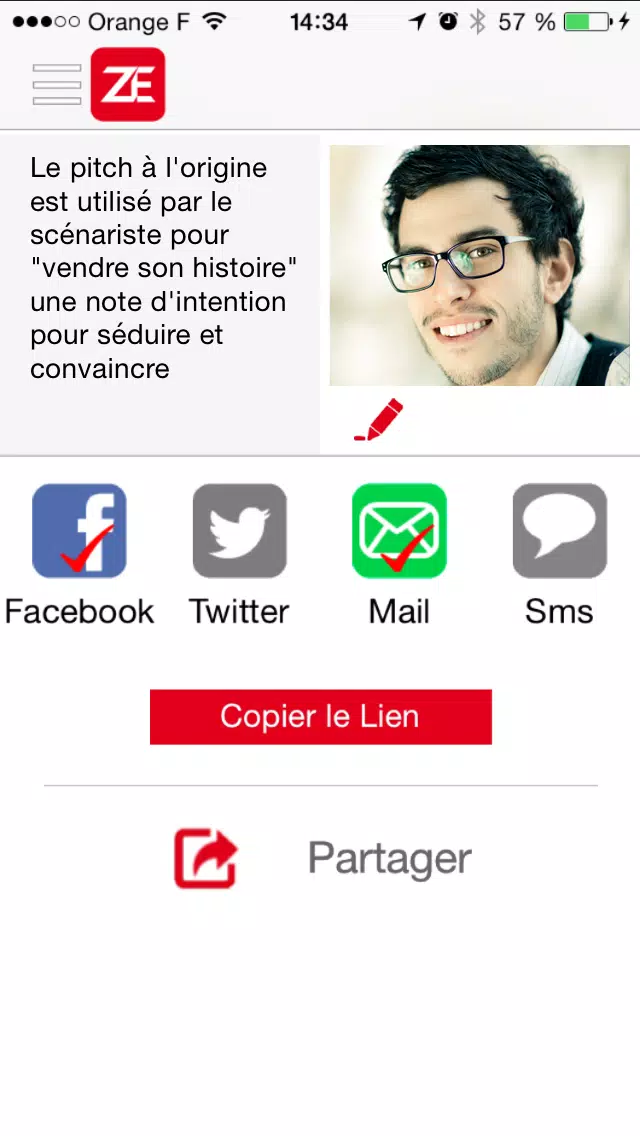
⭐ Easy sharing options: create a link or send your pitch to contacts and include it in resumes or portfolios.
⭐ Export and distribution tools to help your ZePitch reach colleagues and potential clients.
Advantages
✅ Helps you communicate core value quickly, ideal for short encounters and networking situations.
✅ Encourages clarity by forcing users to prioritize the most important information.
✅ Flexible sharing methods make it simple to attach a pitch to a resume or include it in messages.
✅ ZePitch builds confidence through repetition and a structured, practice-oriented approach.
Disadvantages
❎ The strict 42-second limit can feel restrictive for complex products or services that need more explanation.
❎ Short format may oversimplify nuanced offers and leave out important context.
❎ Effectiveness depends on user preparation—ZePitch polishes delivery but is not a substitute for longer presentations.
- No virus
- No advertising
- User protection
Information
- File size: 10.80 M
- Language: English
- Latest Version: 1.9
- Requirements: Android
- Votes: 496
- Package ID: com.zepitch.mobile
- Developer: Rivalis Mobile
Screenshots

















Explore More
Equip yourself with our all-in-one toolbox app for everyday tasks and projects. Instantly convert between units, calculate tips, scan documents, manage files, and more with handy productivity tools. Includes a level, compass, QR code reader, ruler, speedometer, decibel meter, and flashlight. Save frequently used tools to your customizable dashboard for one-tap access. Track billable hours, wages, budgets, and invoices. Annotate screenshots, magnify labels, and sign PDFs on the go.

Board Game Stats

MEXC Global: BTC, ETH, Gamefi

Text Art - Write Text On Photo

MERA PROXY PRO

Domino's Pizza Sri Lanka

Hatekhori Shongkha

Halloween Photo Editor -Makeup

Connecting - Friends Near Me





