Introduction
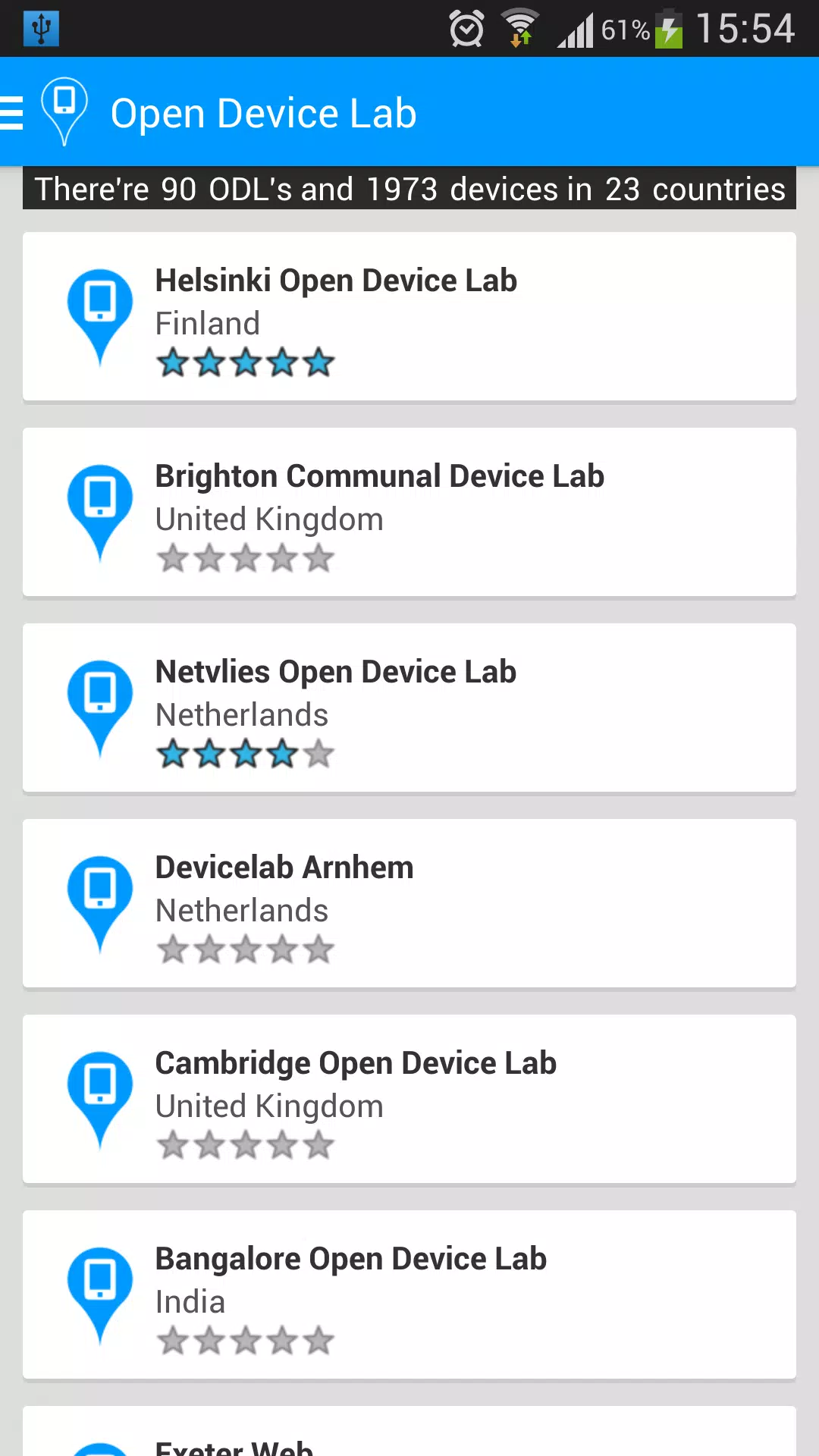
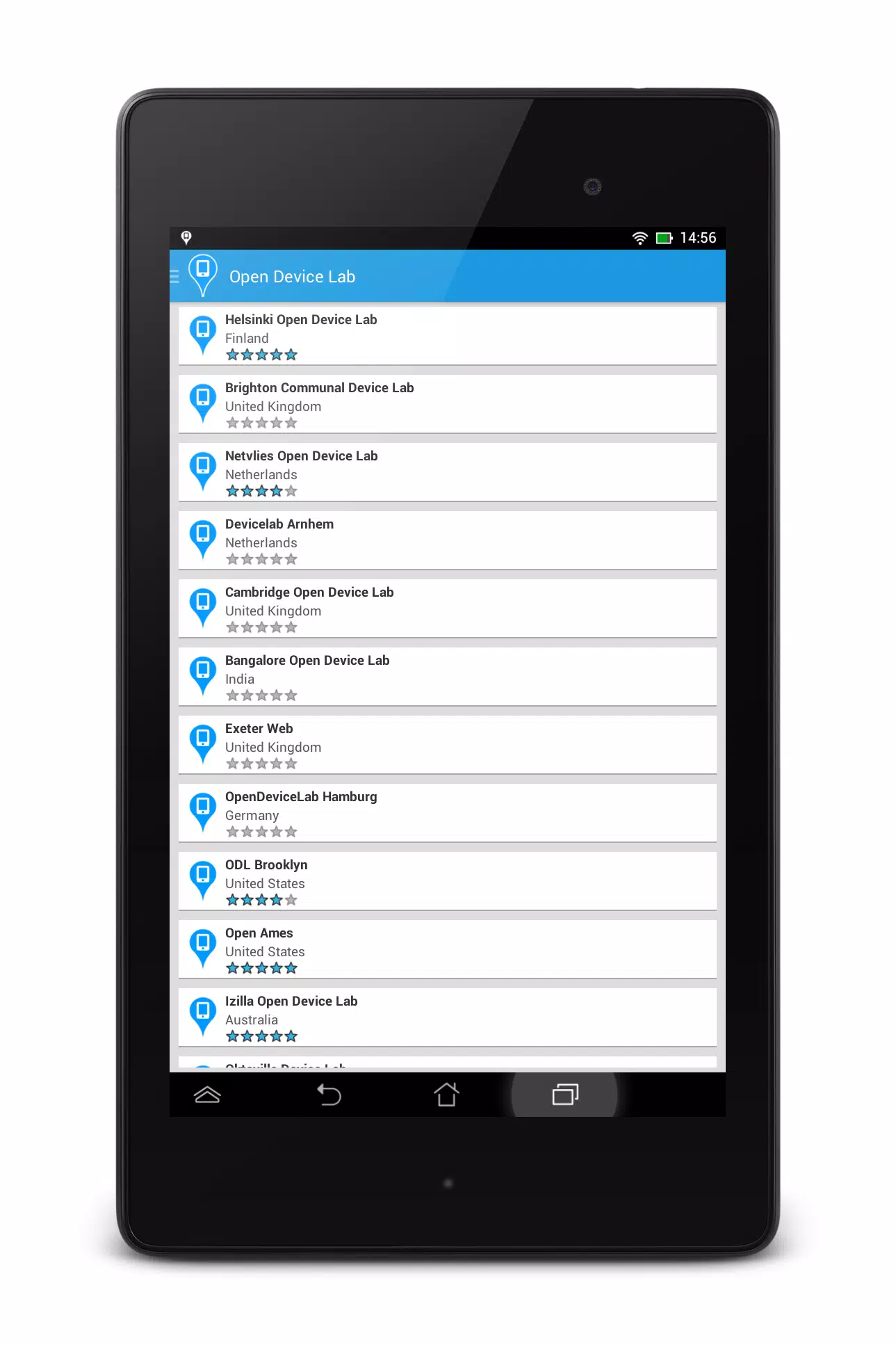
Open Device Lab is an Android app that helps users discover and interact with open device labs worldwide. It aggregates lab listings so developers and tech enthusiasts can find hands-on access to real devices, review lab details, and plan visits. The app surfaces key information — address, device count, lab type and user ratings — and offers filters to narrow results by country, brand, device type or other criteria. A built-in map view shows lab locations for quick routing, while favorites and rating tools let you save and review labs, making Open Device Lab a practical utility for anyone testing or exploring hardware.
Key Features
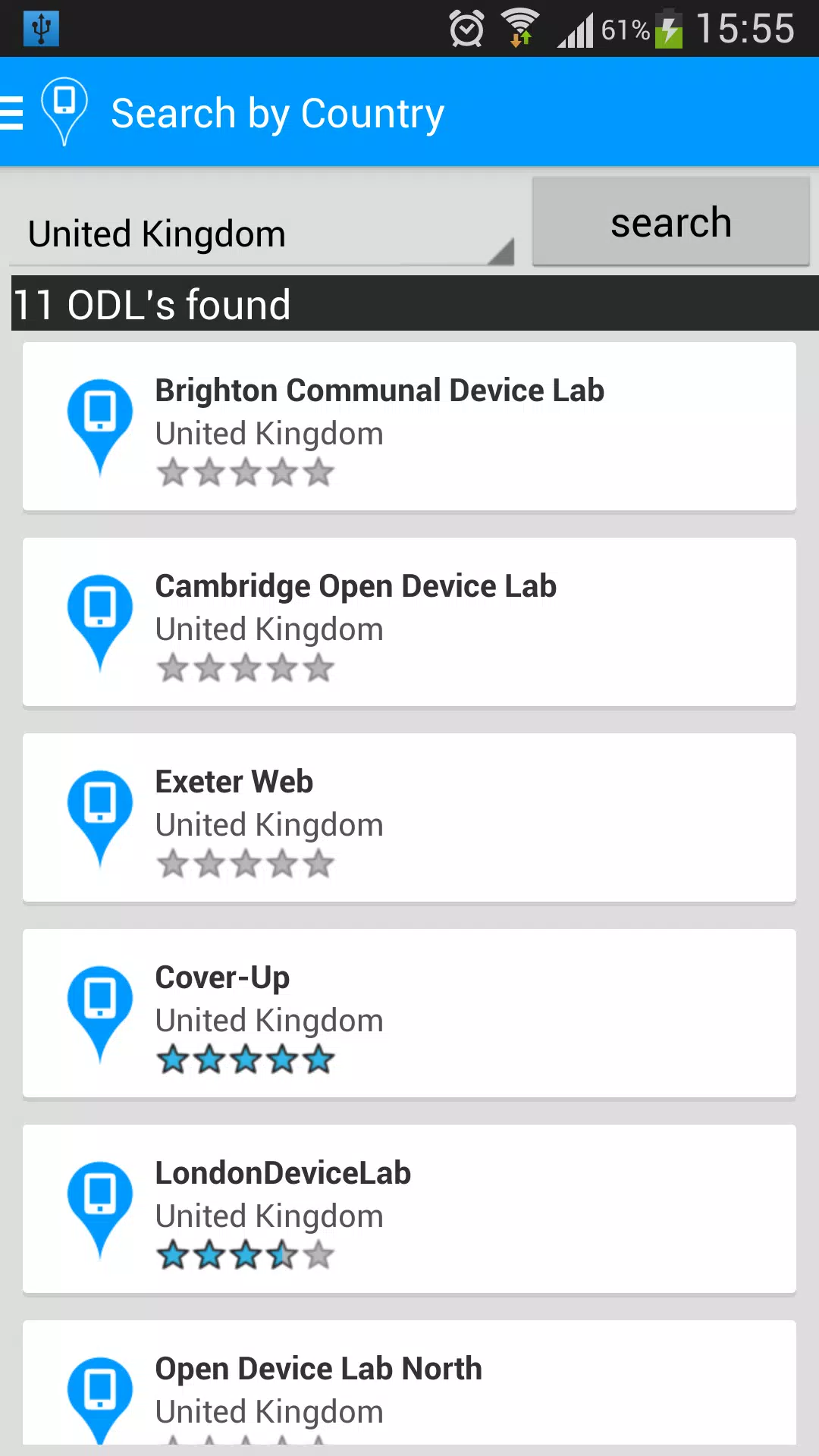
⭐ Open Device Lab provides a searchable global directory of registered device labs.
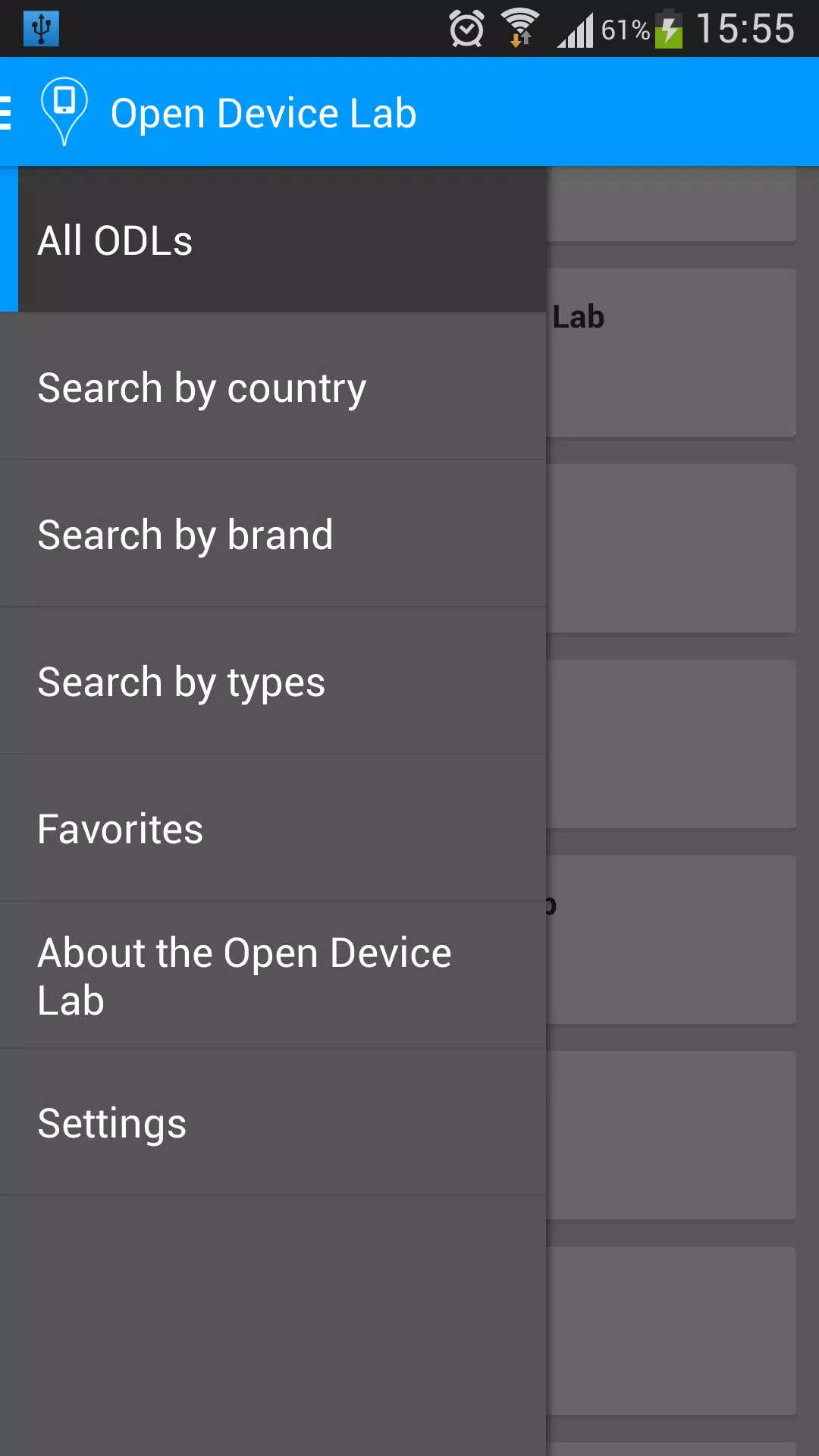
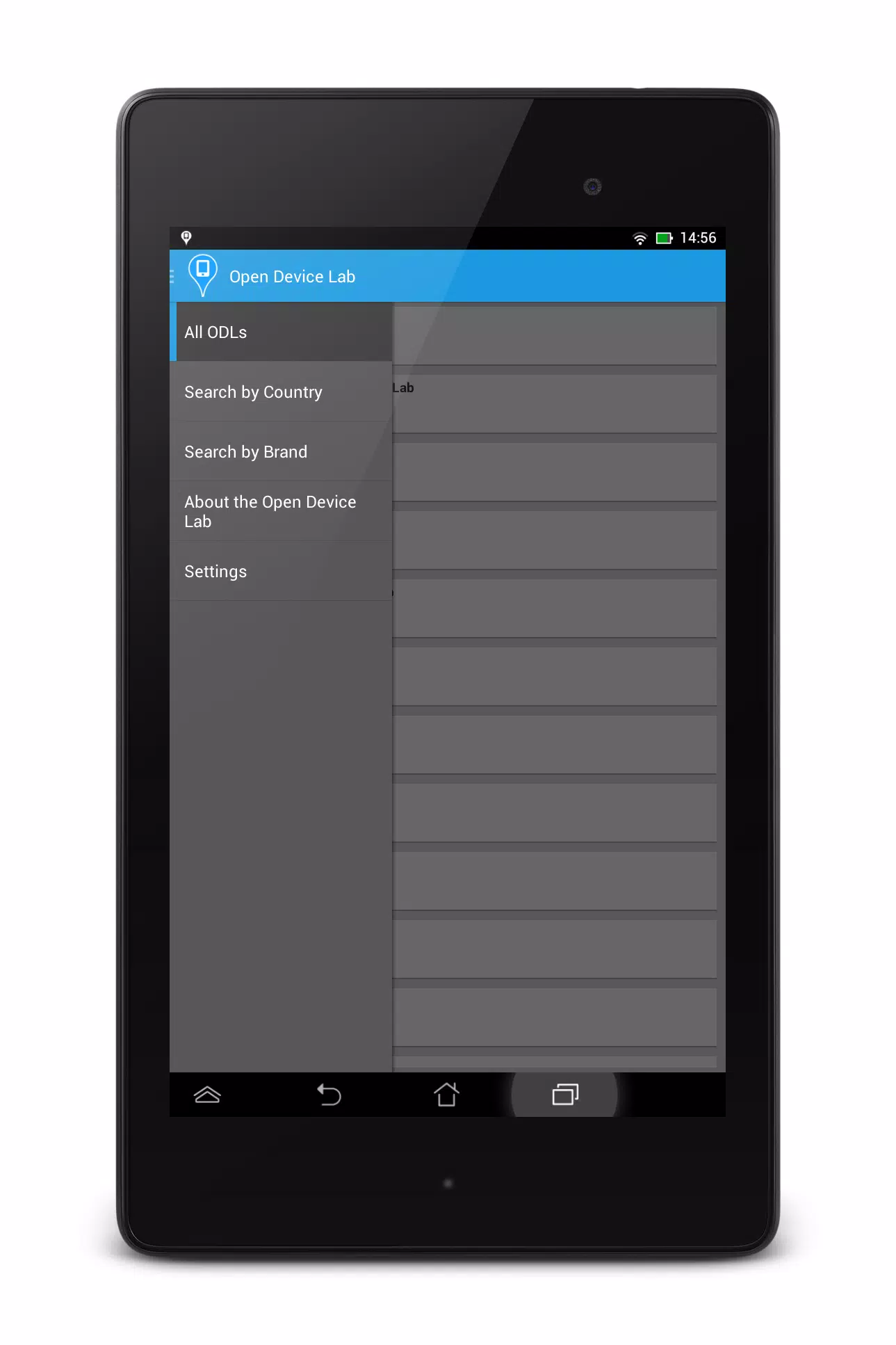
⭐ Filter results by country, brand, device type or lab type to narrow your options.
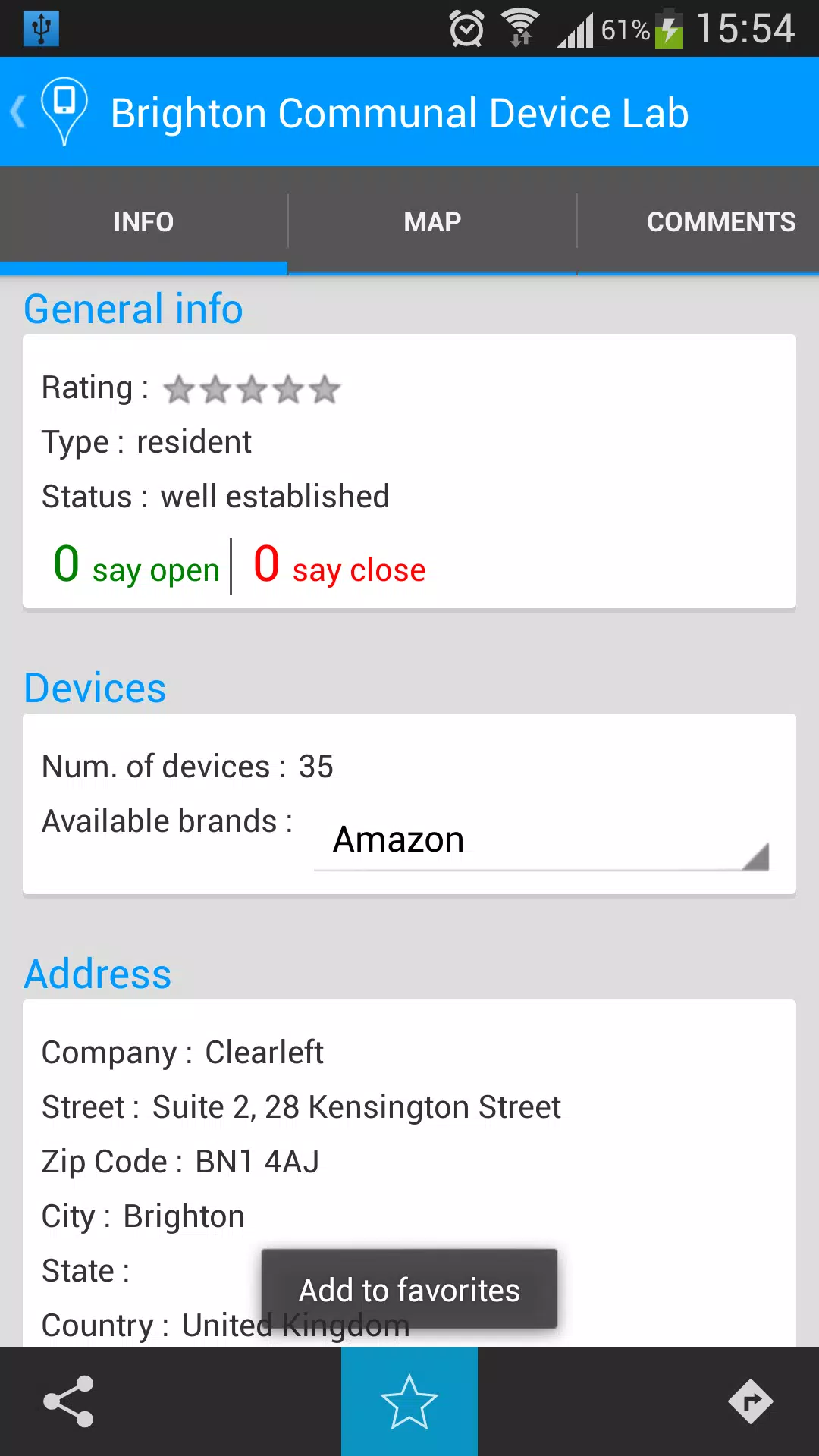
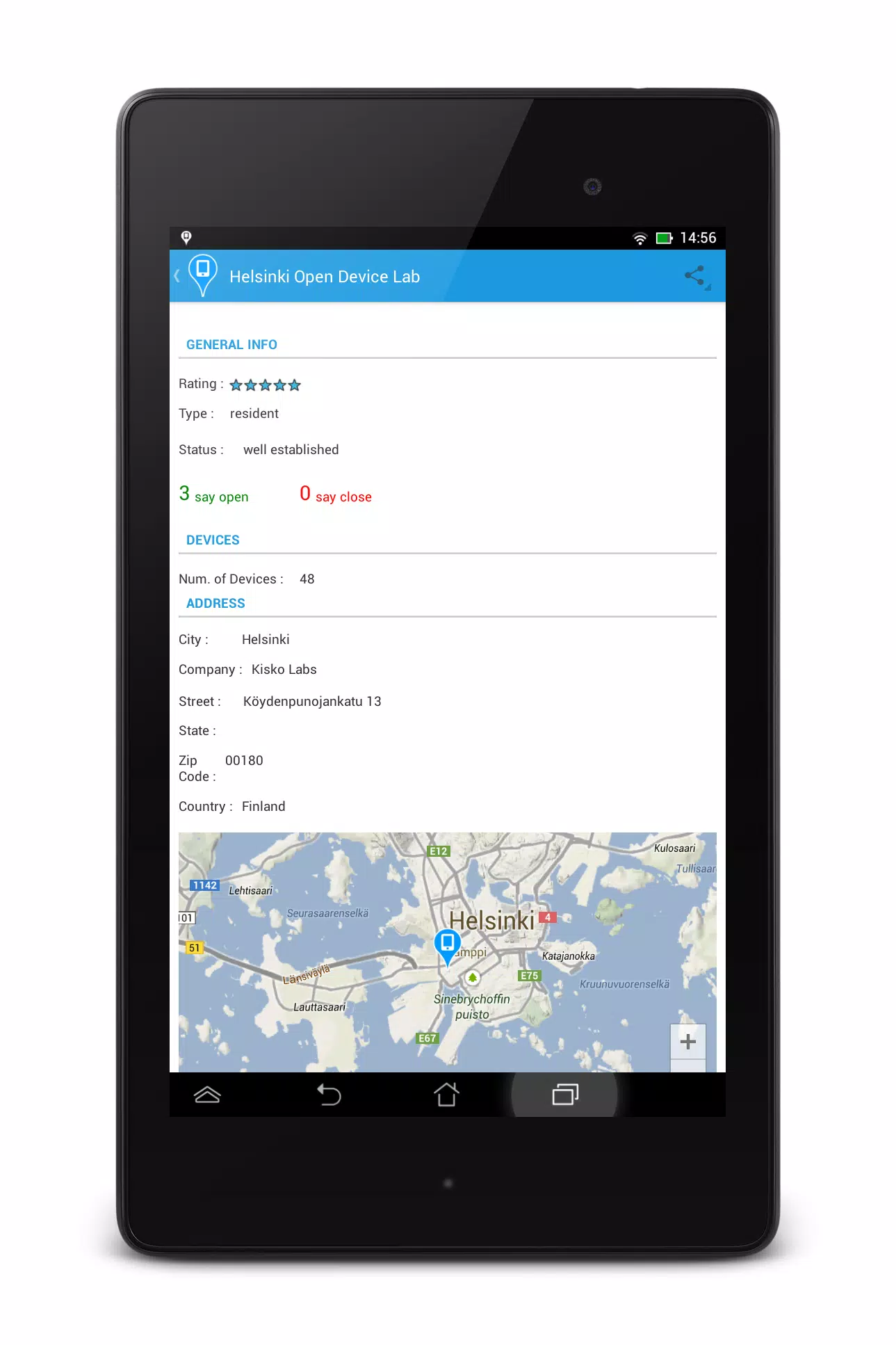
⭐ Each lab profile shows address, device count, lab type and user ratings for quick assessment.
⭐ Integrated map view displays lab locations to help plan visits and routes.
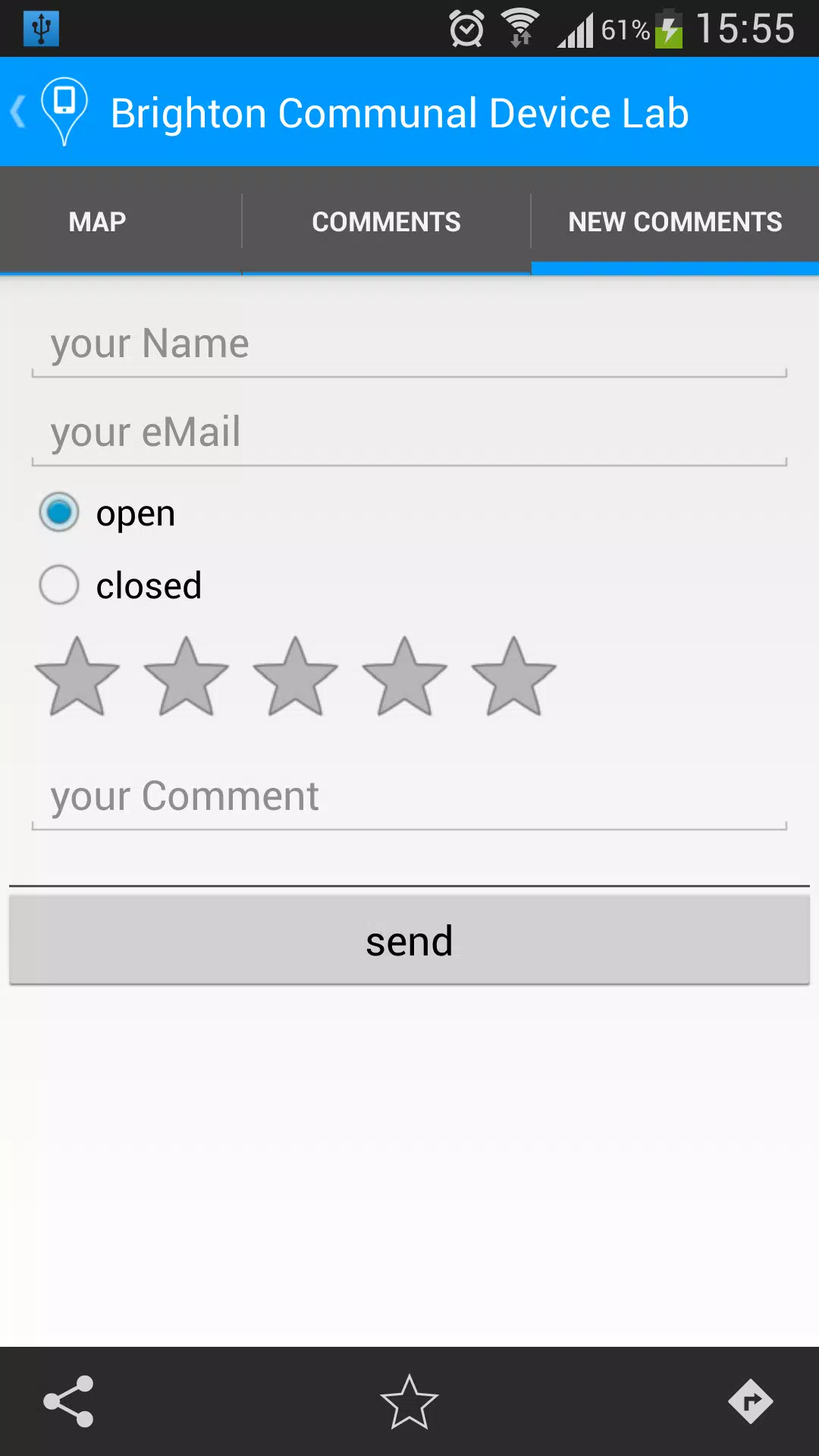
⭐ Save favorite labs and contribute ratings to support community feedback.
⭐ Device and type filters let you locate specific hardware or test environments.
Advantages
✅ Makes hands-on device testing accessible to developers and tech enthusiasts.
✅ Fast filtering and clear lab profiles reduce time spent searching.
✅ Map view simplifies planning visits and comparing nearby labs.
✅ Favorites and ratings let you build a personal list and share practical feedback.
Disadvantages
❎ Lab listings depend on submissions and may not include every local option.
❎ Device availability and counts can change, so verify details with the lab before visiting.
- No virus
- No advertising
- User protection
Information
- File size: 1.50 M
- Language: English
- Latest Version: 0x7f0b003c
- Requirements: Android
- Votes: 359
- Package ID: com.pixelart.odl
- Developer: Denisiert
Screenshots
















Explore More
Equip yourself with our all-in-one toolbox app for everyday tasks and projects. Instantly convert between units, calculate tips, scan documents, manage files, and more with handy productivity tools. Includes a level, compass, QR code reader, ruler, speedometer, decibel meter, and flashlight. Save frequently used tools to your customizable dashboard for one-tap access. Track billable hours, wages, budgets, and invoices. Annotate screenshots, magnify labels, and sign PDFs on the go.

MEXC Global: BTC, ETH, Gamefi

Text Art - Write Text On Photo

MERA PROXY PRO

Domino's Pizza Sri Lanka

Hatekhori Shongkha

Halloween Photo Editor -Makeup

Connecting - Friends Near Me

Cartola