


Introduction
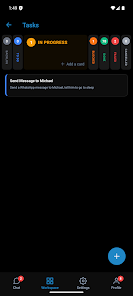
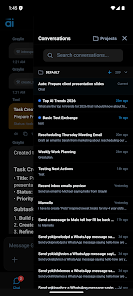
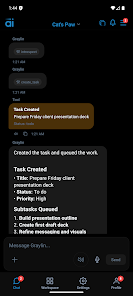
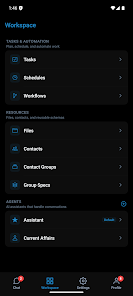
Graylin is a compact Android launcher designed for simplicity and privacy. Graylin gives you a clean home screen with a customizable icon grid and minimal background services to reduce battery use.
Key capabilities
The app focuses on performance and user control while avoiding unnecessary permissions.
- Custom grid layout, folders and basic gesture support
- Lightweight performance with low memory and battery impact
- Privacy-focused design with no cloud sync and local data storage only
- Support for icon packs and adaptive icons
- Graylin supports configurable shortcuts and simple app organization
Setup and privacy
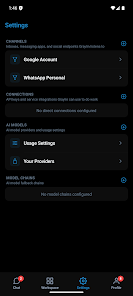
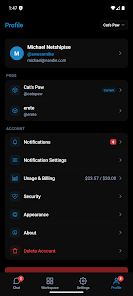
Set Graylin as your default launcher from system settings. Permissions are limited to essentials; check settings to manage app access. For troubleshooting, use the built-in settings panel to reset layout or adjust gestures.
- No virus
- No advertising
- User protection
Information
- File size: 40.00 M
- Language: English
- Latest Version: 1.0.6
- Requirements: Android
- Votes: 115
- Package ID: ai.graylin.app
- Developer: Leptin
Screenshots
















Explore More
Make your house a home with our suite of helpful home apps. Discover clever tools to organize closets, streamline chores, and simplify cooking. Take the stress out of cleaning and maintenance with handy checklists and schedules. Enhance security and control appliances and lighting with our smart home integrations. Design, visualize, and renovate like a pro using our 3D planning software.

Metro Micro

All Recovery - Photos & Videos

Tax Calculator India 2024-2025

ClassPass: Fitness, Spa, Salon

OnDjoss

Park4Me

Scary sound effects

Home Workouts - Lose Weight













