


Introduction
All Recovery - Photos & Videos is a mobile utility that helps you locate and restore deleted images and video files quickly and safely. Designed for Android devices, the app scans internal storage and SD cards, previewing recoverable items so you can select what to restore without overwriting current data.
What the app does
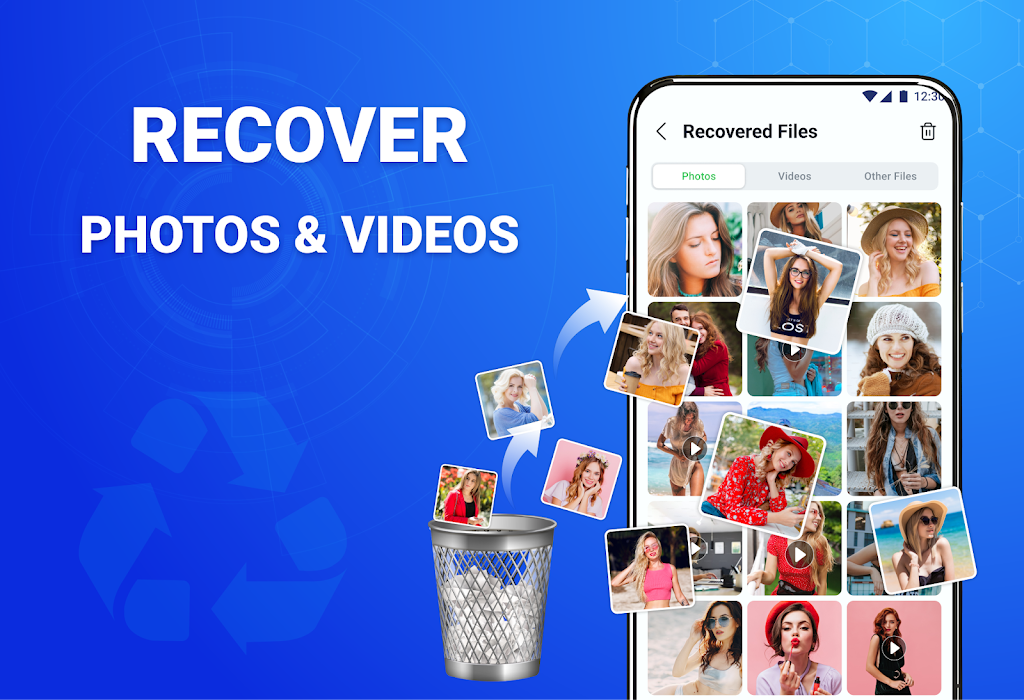
All Recovery - Photos & Videos focuses on retrieving multimedia files removed by accident, formatting, or app crashes. It targets common image and video formats and presents results in an organized gallery. The goal is to minimize time spent searching by offering a clear preview and an efficient one-tap restore flow.
Key features at a glance
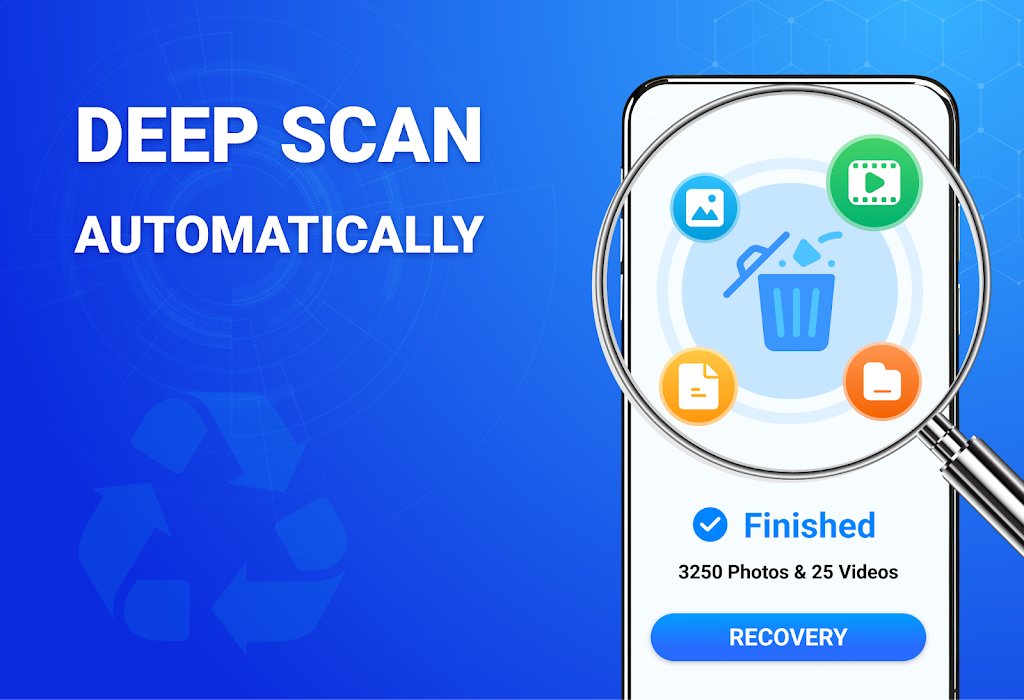
- Deep media scan — searches both internal memory and external SD storage for traces of deleted photos and videos.
- Preview before recovery — view thumbnails and file details so you recover only what you need.
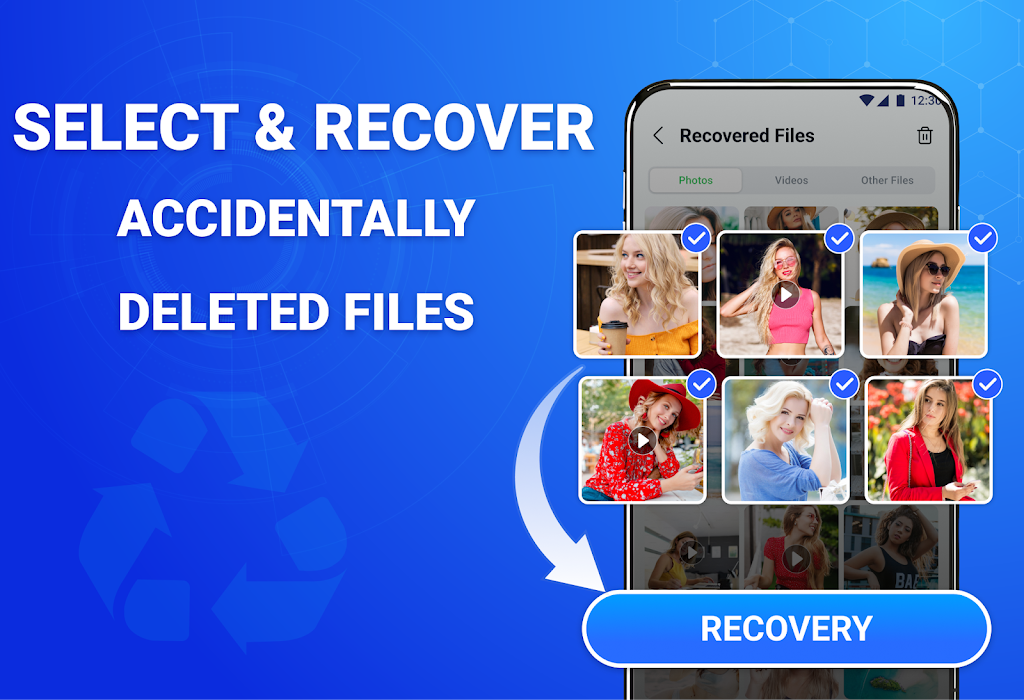
- Selective restore — restore single files or entire batches to a folder you choose.
- Fast scanning modes — quick scan for recent deletions and deep scan for older or fragmented data.
- Lightweight and battery-aware — optimized to reduce CPU and battery usage during long scans.
How recovery works
The app runs an indexing pass then reconstructs file headers and metadata where possible. A quick scan reads recently deleted directory entries and performs a lightweight recovery attempt for immediate results. If initial attempts come up empty, a deep scan reads raw storage blocks and attempts to rebuild multimedia files from fragments. Results are presented with file size, path hints, and a preview thumbnail when reconstruction succeeds.
Interface and workflow
All Recovery - Photos & Videos uses a simple guided interface. From the home screen you choose scan type, target storage, and file categories. Progress indicators show estimated time and number of items found. After scanning, a grid display allows browsing by date or type. Tapping a thumbnail opens a larger preview and recovery options. The design favors straightforward actions over complex settings.
Practical tips for better results
- Avoid writing new large files to the device after deleting media; overwriting reduces recovery chances.
- Use the quick scan first for recent deletions, then run a deep scan if needed.
- If the file you need is not previewed correctly, try exporting the recovered file to a computer for further repair.
- Enable notifications so you can leave a scan running in the background without repeatedly checking the app.
Performance and compatibility
The app is tailored for Android phones and tablets, supporting a wide range of file formats like JPG, PNG, MP4, and MOV. Scanning speed depends on storage size and fragmentation; modern devices complete quick scans in minutes while deep scans may take longer. Memory and CPU use are balanced to keep the device responsive during scanning sessions.
Privacy and safety considerations
All Recovery - Photos & Videos requests access to storage to locate and recover files; it does not require unnecessary permissions beyond what is needed for its core function. Recovered files are written only to user-selected folders. The app emphasizes local processing whenever possible and does not upload personal media to external servers unless explicitly chosen by the user.
Best practices and troubleshooting
If a scan returns many low-quality fragments, try using the app’s filtering tools to sort by file size or date. For devices with encrypted storage, make sure encryption is unlocked during scanning. If you experience crashes, clear the app cache and run a short scan to test stability before initiating a deep scan.
Getting started
To begin, install All Recovery - Photos & Videos from a trusted store, grant storage permission, and select the desired scan type. Review found items in the preview gallery and use the selective restore to save recovered media to a safe folder. Regular backups are recommended to reduce reliance on recovery tools.
All Recovery - Photos & Videos offers a focused set of tools for retrieving lost photos and videos with a clear interface and practical recovery options, making it a useful utility for Android users who need a straightforward, media-focused recovery solution.
- No virus
- No advertising
- User protection
Information
- File size: 38.50 M
- Language: English
- Latest Version: 1.3.5
- Requirements: Android
- Votes: 279
- Package ID: recoverdeletedphotosvideos.photorecovery.azurafile
- Developer: Tmobi
Screenshots
















Explore More
Enjoy your favorite media anywhere with our sleek new all-in-one multimedia app! Stream video, music, and podcasts online or offline, downloaded directly to your device. Customize playlists and get smart recommendations based on your tastes. Adjust audio settings and enable bass boost for the ultimate listening experience. Easily cast and share to other devices. With a gorgeous, intuitive interface, media controls at your fingertips, and no distracting ads, this is the ultimate personal media hub.

MX Player Codec (ARMv6)

Les Rencontres d’Arles

ASD Player

TriviaMaker

Billund Kommune Ældreområdet+

Estados do Brasil

Hitler Ki Wapsi Urdu Novel By Aleem Ul Haq Haqqi

Villa Club 29





























