


Introduction
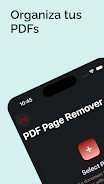
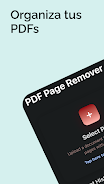
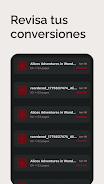
PDF Page Remover helps you delete unwanted pages from PDF files quickly and safely. The app provides a clear thumbnail view for selecting one or many pages to remove, and it saves an edited PDF without altering the remaining pages or layout.
Features
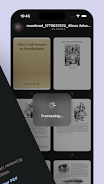
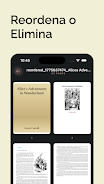
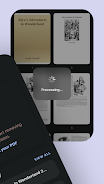
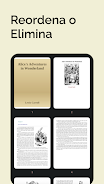
With PDF Page Remover you can select specific pages using thumbnails or by entering page numbers and remove them in a single action. A built-in preview lets you check the document before saving to ensure the correct pages are removed. PDF Page Remover saves the result as a new PDF while preserving the original formatting and quality, and it includes an undo option to restore the last change during the current edit session.
How it works
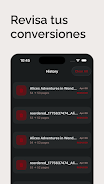
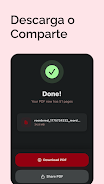
Open a PDF, choose pages to remove from the thumbnail view or by entering page ranges, confirm the removal, and save the updated PDF. The interface is designed for straightforward edits and quick verification before saving, and the app works with standard PDF files including large documents for convenient editing on your device.
- No virus
- No advertising
- User protection
Information
- File size: 12.99 M
- Language: English
- Latest Version: 1.0
- Requirements: Android
- Votes: 470
- Package ID: enzodev.eliminar.hojas.pdf
- Developer: Enzo22
Screenshots

















Explore More
Elevate your digital designs with our powerful creative apps. Access thousands of fonts, templates, and assets to enhance any project. Create mockups, prototypes, and proofs in seconds. Collaborate in real-time on logos, graphics, websites and more. Learn principles and techniques through interactive tutorials led by industry experts. Take your career to the next level by building a stunning portfolio.

Classic Solitaire-Leisure Card

RBX Counter Get Rbux Calc

1xBet Games 2025

Sex.Meet - Adult Hookups Only

Coushatta Casino Resort

GoldPari Casino

1xSlots Casino

TavlaZar





