Introduction
Casual Man Suit Photo Maker helps you preview casual suit looks by placing realistic suit templates onto your own photos; Casual Man Suit Photo Maker is designed for anyone who wants to experiment with jacket styles, collars and color combinations before buying or for creating a polished profile image. The app targets men and image-conscious users who prefer a simple, visual approach: import a picture, try different casual suits and save or share the result in just a few taps. The workflow is intentionally approachable so new users can get a convincing preview quickly while more deliberate edits remain available for careful composition.
Key Features
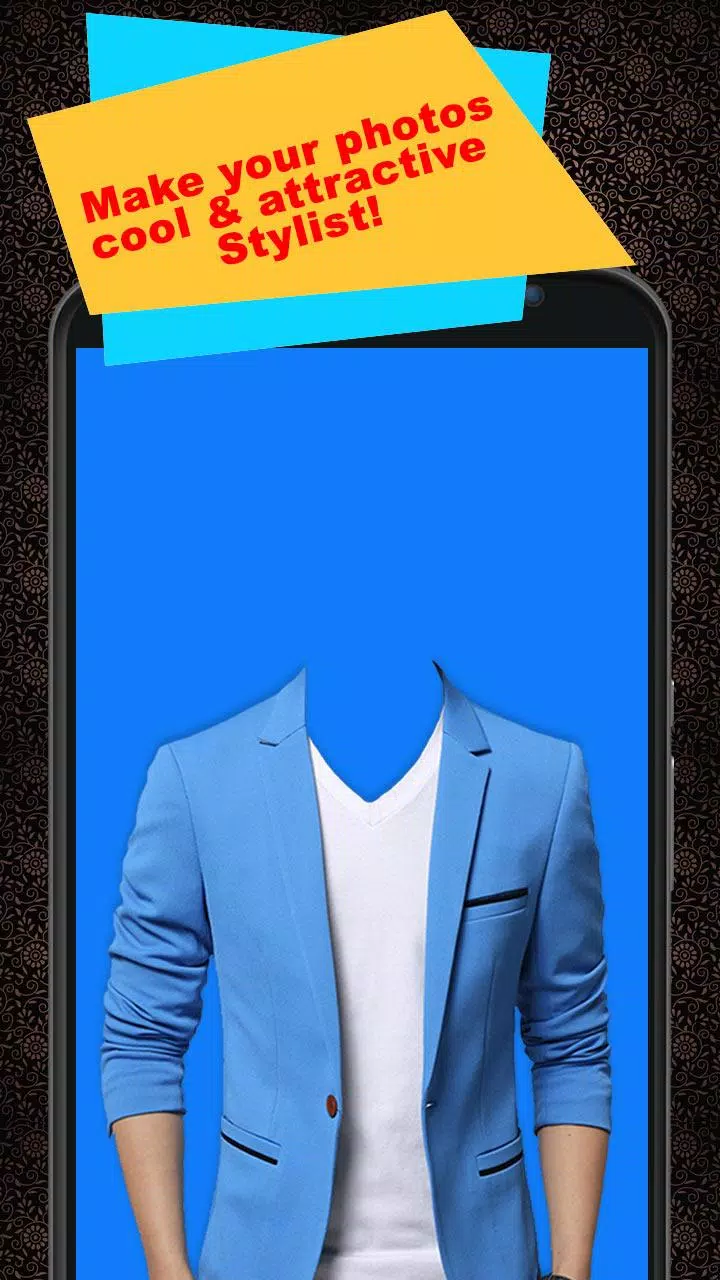
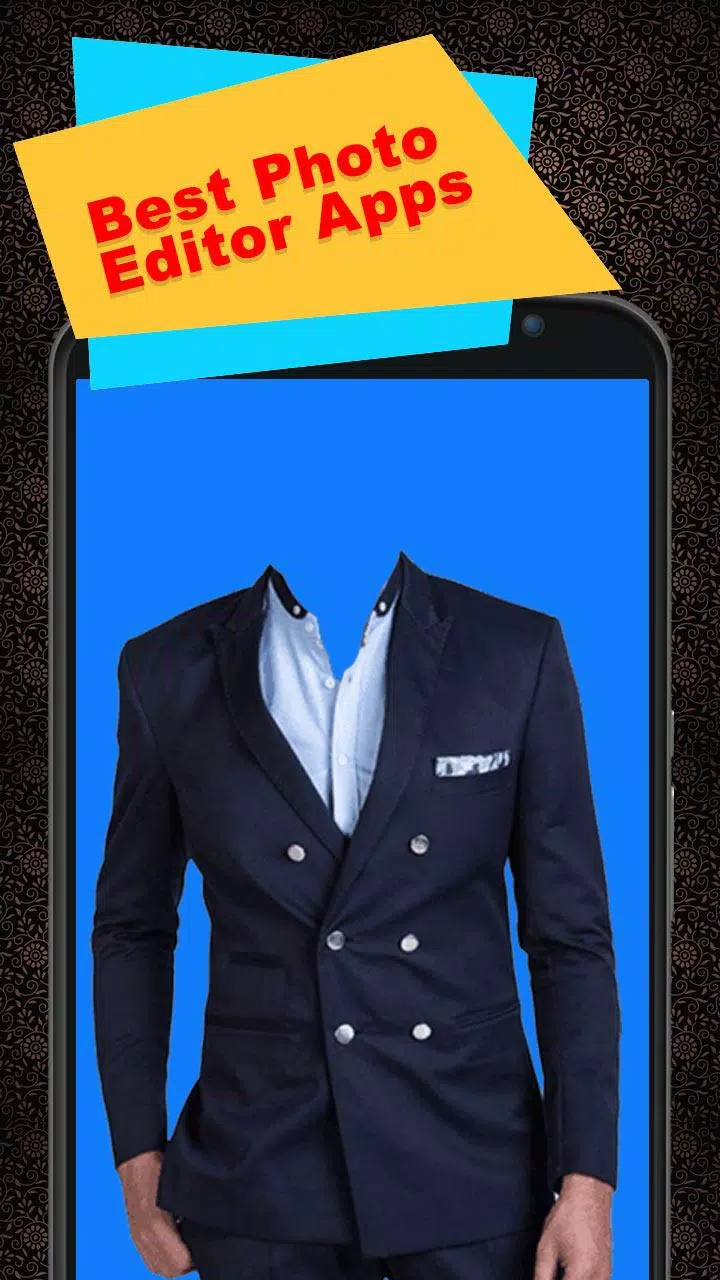
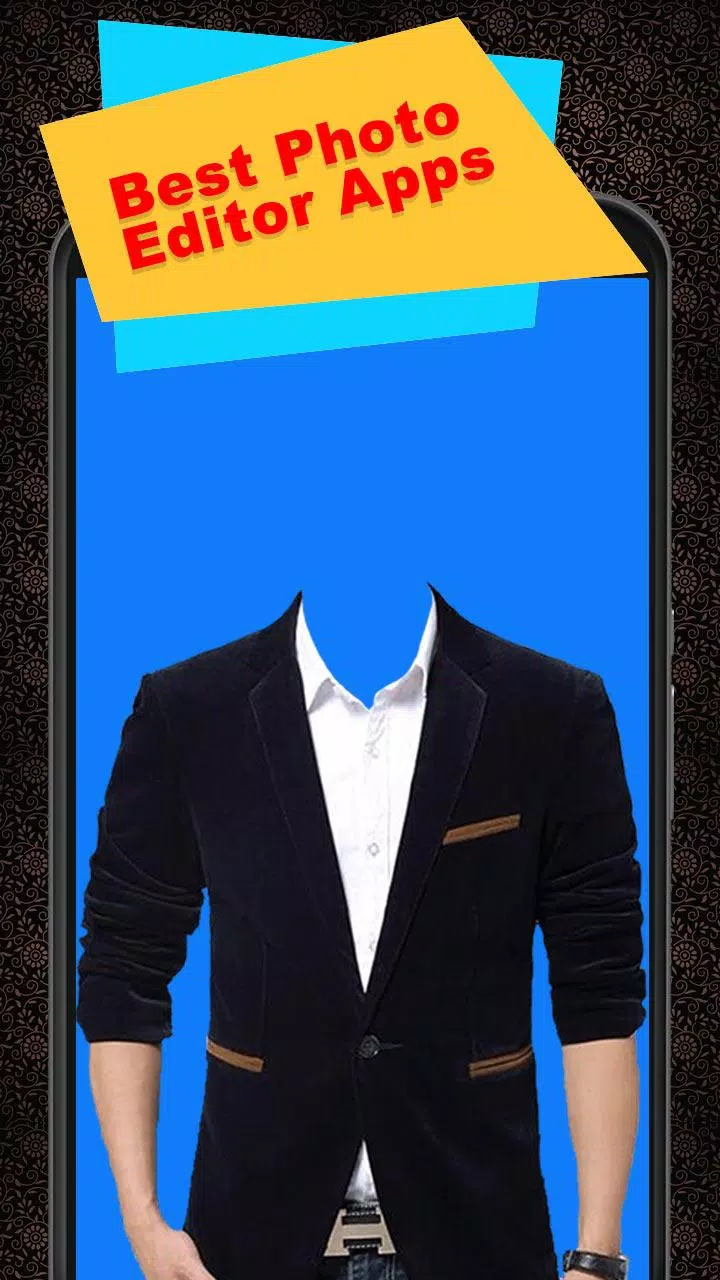
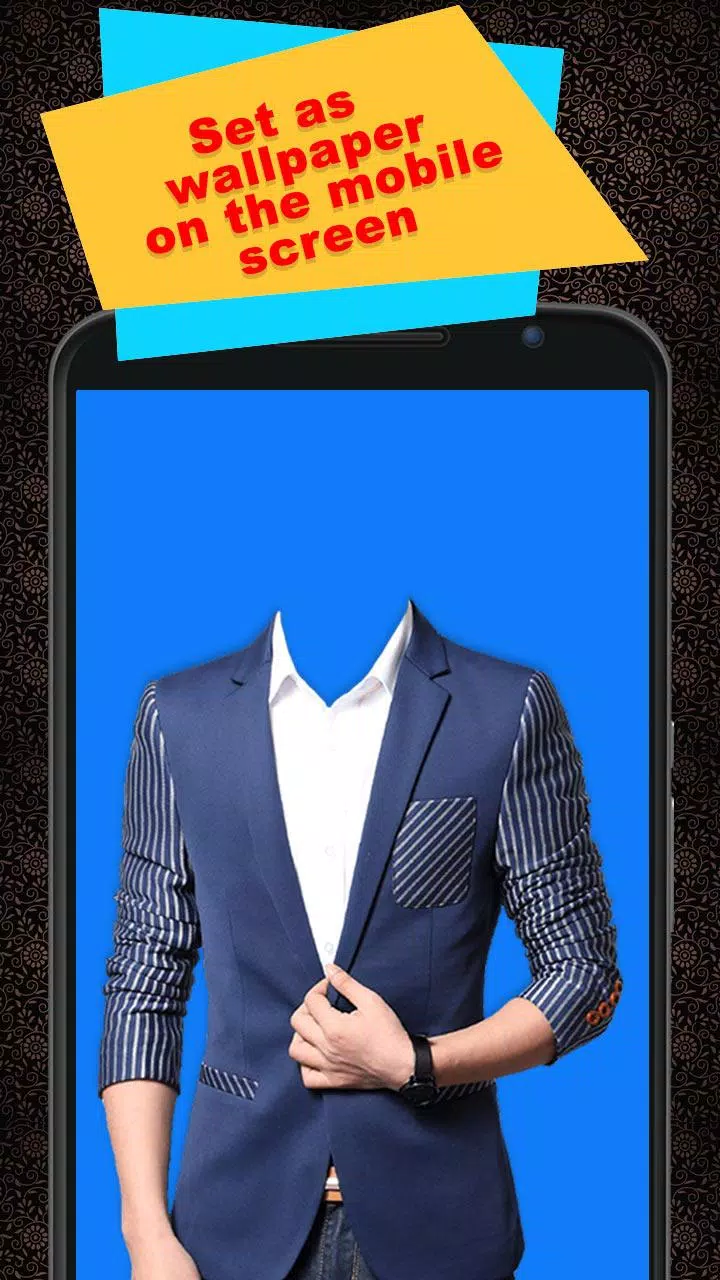
The core of Casual Man Suit Photo Maker is a template engine that maps casual suit designs to a selected photo, offering a range of jackets, open-collar looks and relaxed cuts in contemporary color palettes. The editor includes straightforward controls to resize, rotate and position suit layers so they align with shoulders and necklines, and a set of caption and sticker tools lets you add personality or branding to finished images. Templates come in multiple color variations and styles so you can compare looks side-by-side, then export high-resolution images to your device gallery or share them directly to social networks and messaging apps without losing detail.
How It Works
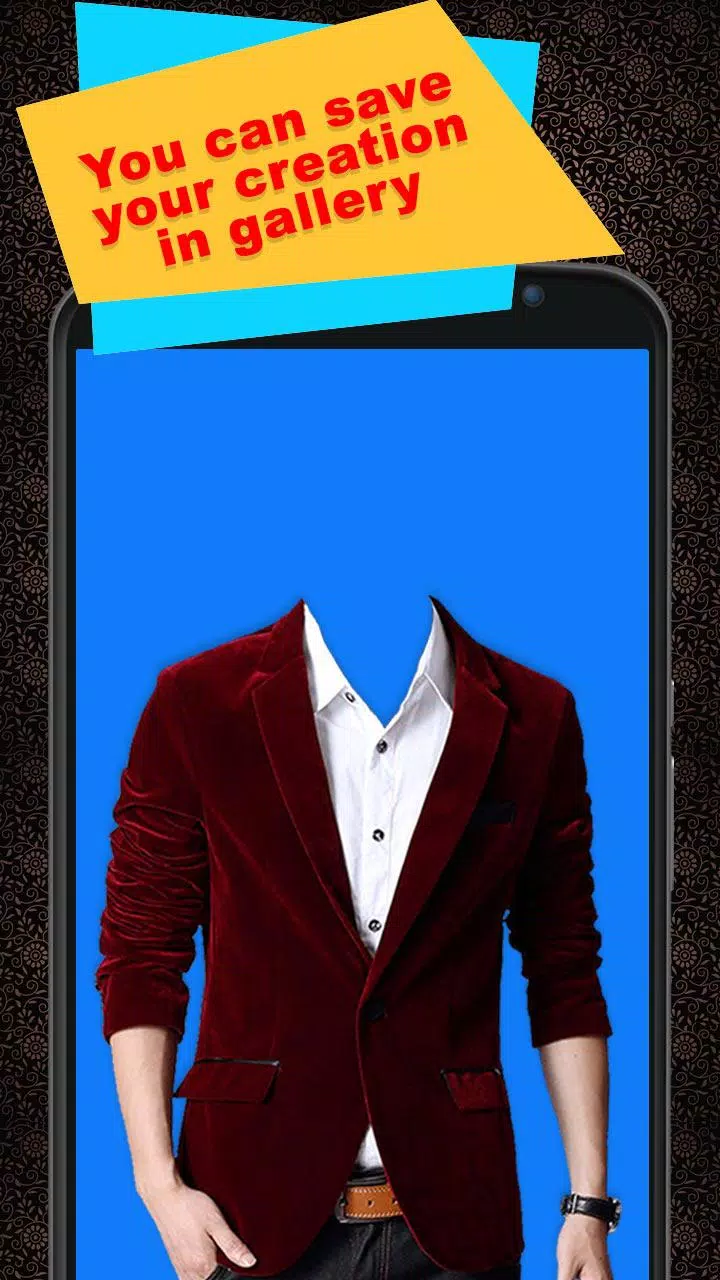
Editing follows a clear, step-by-step process: choose or capture a photo, select a casual suit template, and then align the overlay to the subject. Placement is handled through natural touch gestures: drag to move elements, pinch to scale and two-finger rotate for angular adjustments. The editor offers real-time previews as you make changes so you can judge how lapels, collars and jacket length interact with the original image. When you are satisfied, use the save or share options to export a finished portrait in standard or high-resolution formats suitable for display or printing.
Customization and Visual Style
Templates emphasize everyday aesthetics rather than formal tailoring, focusing on softer shoulders, relaxed silhouettes and combinations like sport jackets with open collars. Color choices are tuned to common wardrobe palettes—neutrals, denim-inspired blues and seasonal accents—so you can test looks that feel natural in casual contexts. You can layer stickers and text with different fonts and sizes to create a social-ready composition, adjust how prominent the suit appears in the frame, and switch templates quickly to evaluate alternatives across lighting and pose variations.
Controls, Accessibility and Offline Use
Controls are purposefully simple to suit users of varied experience: familiar gestures operate consistently across tools and the interface scales to different device sizes so you can edit on a phone or tablet. Readable default fonts and adjustable zoom during editing help users position elements accurately, and touch targets are sized to reduce mis-taps. Core editing functions work offline, enabling you to try on suits and save images without a constant internet connection; network access is only needed when sharing to online services.
Progression, Replay Value and User Experience
Rather than levels or in-app progression, the app supports a creative progression: as you try more templates you gain practical experience in framing, pose selection and color matching. New users can generate attractive results with minimal steps, while repeat use rewards experimentation—subtle changes in tilt, scale or typography can produce very different moods from the same photograph. Building a local gallery of saved exports lets you compare past edits, refine favorites over time and assemble a visual catalog of looks for different occasions.
Practical Limitations
Casual Man Suit Photo Maker focuses on lightweight preview and composition instead of advanced retouching or bespoke tailoring simulation. Results depend on the original photo’s pose, framing and lighting to obtain the best alignment; the app does not perform detailed body reshaping or professional fit adjustments. Users seeking advanced color grading, specialist photo retouching or custom pattern creation may still need dedicated desktop tools or professional services. The app is intended as a fast, low-effort way to visualize casual outfits and create shareable images rather than a replacement for in-person fitting.
- No virus
- No advertising
- User protection
Information
- File size: 7.40 M
- Language: English
- Latest Version: 4.5
- Requirements: Android
- Votes: 429
- Package ID: casual.man.suit.photomaker.latest
- Developer: Gath Uajik
Screenshots
















Explore More
Equip yourself with our all-in-one toolbox app for everyday tasks and projects. Instantly convert between units, calculate tips, scan documents, manage files, and more with handy productivity tools. Includes a level, compass, QR code reader, ruler, speedometer, decibel meter, and flashlight. Save frequently used tools to your customizable dashboard for one-tap access. Track billable hours, wages, budgets, and invoices. Annotate screenshots, magnify labels, and sign PDFs on the go.

MEXC Global: BTC, ETH, Gamefi

Text Art - Write Text On Photo

MERA PROXY PRO

Domino's Pizza Sri Lanka

Hatekhori Shongkha

Halloween Photo Editor -Makeup

Connecting - Friends Near Me

Cartola